

Best 1440p Monitors for Gaming in 2025: HDR, High Refresh, and Budget Picks
Guide to selecting the ideal 1440p monitor considering price, performance, refresh rate, HDR capabilities, and motion clarity.
Hardware by RereRara on Nov 23, 2025
Throughout 2025, the 1440p monitor market has undergone significant changes. New models have come out, and prices are changing all the time. At the end of the year, a few panels stand out for their performance, features, and cost.
No matter what kind of gamer you are or how much you care about motion clarity, HDR performance, or total versatility, there is a monitor out there for you.
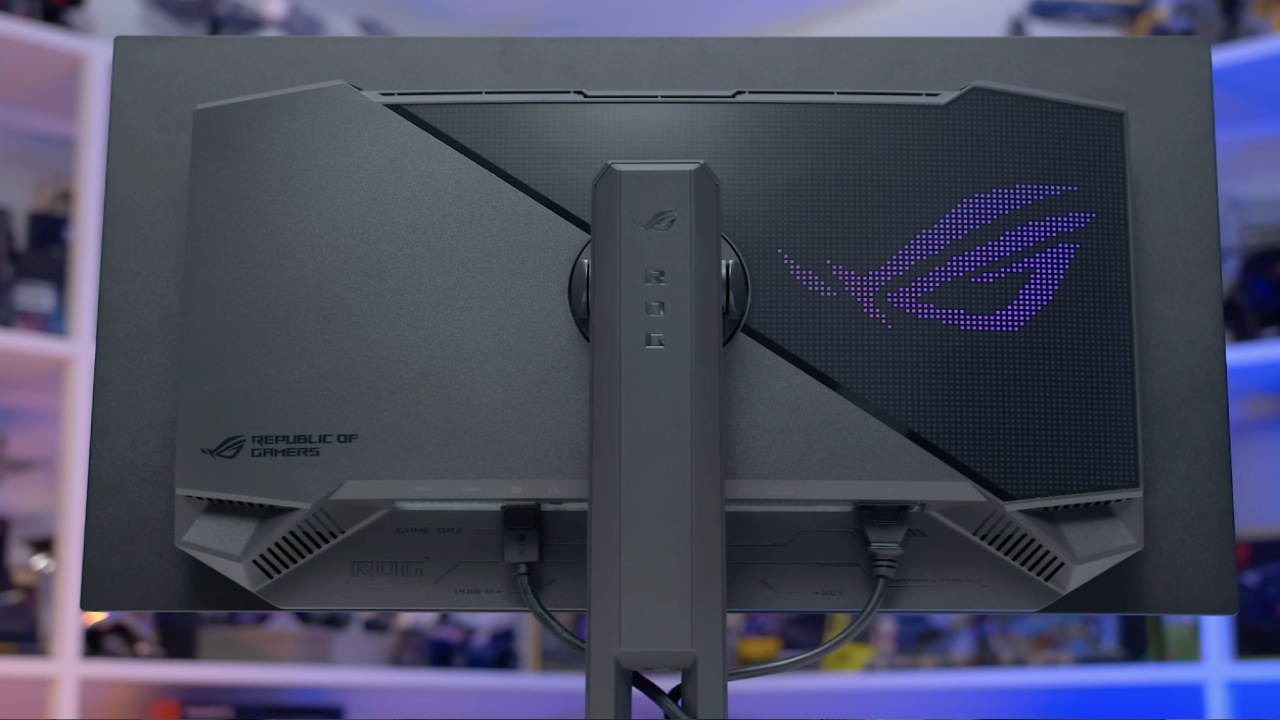
Best 1440p Mid-Refresh Gaming Monitor
1440p miniLED monitors are still the best value for money for mid-refresh-rate gaming. We think the AOC Q27G40XMN is the best in this class.
The Q27G40XMN is an excellent choice if you're looking for a monitor that strikes a good balance between price, resolution, and refresh rate, and delivers excellent image quality for both SDR and HDR gaming.
The screen is a 27-inch 1440p 180Hz VA LCD with an excellent 1,152-zone miniLED local dimming backlight. This works with real HDR, unlike HDR400 monitors that cost about the same, and you can get it for about $250 right now.
Because there are so many dimming zones, HDR scenes have better contrast control, meaning blacks and shadows are deeper, and peak brightness exceeds 1,000 nits.
A VA LCD doesn't have quite the same motion performance as the fastest IPS screens, but it still does a good job with slight dark smearing. An excellent single-player HDR gaming experience is available with the Q27G40XMN.
There are some problems with the computer, though. The set-height stand can't be adjusted, and the viewing angles aren't perfect, but that's normal for VA panels.
Early units were said to have had problems with software tuning, but this problem has been mostly fixed in newer stock. If you can find the monitor where you live, it's a great deal at $250.
While the older Q27G3XMN isn't as good at motion performance and only has 336 backlight zones, it offers better color accuracy and a height-adjustable stand, so it could be used instead if the latter model isn't available.
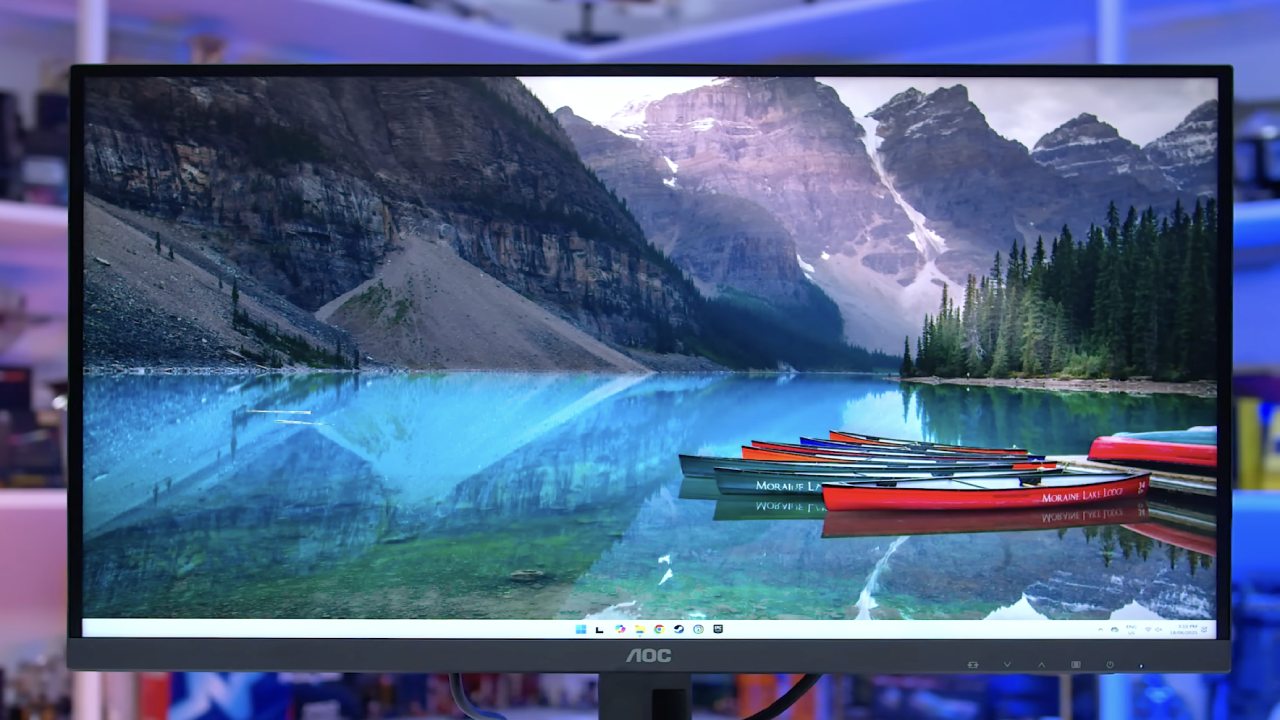
Best 1440p Budget Monitor
More and more 1440p TVs that cost less than $200 are becoming available. Even though these panels don't usually support HDR, they're fine for SDR gaming, especially if you mostly play multiplayer games where HDR isn't as important.
In general, you should try to get an OLED that is about 60% cheaper than entry-level ones. This will ensure you get a good deal.
The MSI MAG275QF and the ASRock PG27QFT2A are both great choices in this group. Both are 27-inch 180Hz IPS LCD panels that work well and don't cost a lot. The 275QF has faster response times and more accurate colors, but it's not as well-made, and the stand can't be adjusted very easily.
The PG27QFT2A has a height-adjustable stand, a wide color gamut, and higher contrast and brightness, but response times are a little slower. For $150 to $180, both panels are pretty good deals.
If you're willing to pay a little more, monitors like the ASUS ROG Strix XG27ACS have a 1440p 180Hz IPS LCD panel and better color quality and motion speed.
The MSI G274QPF-QD is a good choice for around $200–$230 because it has a 1440p 170Hz IPS LCD screen, a super-wide quantum-dot-enhanced color gamut, and a height-adjustable stand.
Newer models, like the Gigabyte M27Q2QD, also feature high-end features, including a 27-inch 1440p 210Hz IPS LCD, a quantum-dot panel, variable blur, a KVM switch, and a height-adjustable stand. These higher-end budget choices cost around $250 but offer a better mix of features and performance.
Best high-refresh 1440p monitor
Due to falling prices and better performance, OLED monitors are becoming increasingly competitive for high-refresh 1440p gaming. OLED has incredibly fast pixel change times that deliver the best motion clarity and give you complete control over each pixel, enabling perfect blacks and great per-pixel HDR.
Our first choice for 1440p gaming is now a fourth-generation primary RGB tandem W OLED screen. W OLED panels are brighter in both SDR and HDR than QD OLED panels.
They can hit 330 nits in SDR and 1,400 nits at their brightest in HDR, and they don't suffer from dimming issues like QD-OLED panels. Also, W OLED handles ambient light better, so it can maintain deep blacks and great contrast even in bright rooms.
The Asus ROG Strix XG27AQWMG is our top pick. It has a 27-inch 1440p 280Hz screen with a true-black glossy finish and excellent factory calibration.
It offers high motion speed at 280Hz, full HDR support, and adjustable settings in both SDR and HDR modes. It costs about $600, which is fair for all the features it has.
The Gigabyte MO27Q28G has the same screen for $550, but it features a matte coating that reduces reflections. You can choose between these models based on your preferred finish: glossy or matte. Both models work well and have similar features.
People who want to save money can still use QD OLED panels. The Dell Alienware AW2725D is a 27-inch 1440p 280Hz QD OLED that costs about $500. It's 20% cheaper than a fourth-generation W OLED and works just as well.
Higher-refresh 360Hz QD OLED monitors, like the Dell AW2725DF, Gigabyte FO27Q3, and MSI MPG271QRX, offer slightly better motion clarity and lower input lag for competitive games. However, the difference isn't as big as with 280Hz.
Best 1440p Budget High-Refresh Monitor
If you don't want an OLED monitor but still want a high-refresh 1440p monitor, there are good LCD options available if you shop around.
To make up for the fact that the screen won't show true HDR and motion is less clear, a good rule of thumb is to look for a 30–40% discount compared to an OLED model with the same refresh rate.
The Gigabyte M27Q3 is the best one we can think of. This 27-inch IPS LCD with 1440p and 320Hz has a variable overdrive, quick transition times, and a design that makes it good for both competitive and casual games. It also has a KVM switch and a USB-C port, which makes it very useful.
The MSRP at launch was $270, but local deals have lowered the price to around $220, making it a great deal. Older high-refresh monitors like the LG 27G83Q, Asus XG27AQMR, and MSI G274QPX are still useful, but they cost more than $350 these days, so the M27Q3 is a better deal.
Ultimate 1440p Monitor
The Asus ROG Swift PG27AQWP-W is the best 1440p game monitor for people who don't have to worry about money.
This 27-inch screen has a 540Hz refresh rate and a fourth-generation W OLED display, which makes it the best for both single-player HDR quality and competitive game performance. It also has a 720Hz 720p dual mode for specific uses, but 540Hz is enough for most people.
The main problem is that it costs $1,100, which is 83% more than 280Hz W OLED TVs. The 280Hz version is good enough for most games.
But serious players who want the fastest response time and clearest motion may find the money well spent. Instead, a 500Hz QD OLED monitor, like the $750 MSI MAG272QPX50, offers almost the same motion performance at a much lower price, making it a very good choice.
Final Thoughts
Each 1440p category offers a range of good choices for people with a variety of budgets and game tastes.
Any type of monitor will work for you, from a miniLED with a mid-refresh rate to an IPS LCD that won't break the bank to a 540Hz W OLED that will blow your mind. Deals change all the time, so we suggest checking the most recent prices before you buy.
Taking advantage of sales can save you a lot of money. You can find a monitor that works well with your gaming setup and gives you great image quality by carefully choosing one based on speed, features, and price.
Also, check our other Monitor articles:
- ASUS ROG Strix XG27AQWMG Review: 280Hz 1440p OLED Gaming Performance
- Samsung Odyssey OLED G81SF Review 2025: Ultimate 32-Inch QD-OLED Gaming Monitor
- Adaptive Sync Explained: FreeSync vs. G-Sync for Modern Gaming Monitors
- Gigabyte MO27Q2 QD OLED Review: Performance, HDR, and Gaming Experience
- ASUS ROG Swift PG27UCDM Review: Blazing Fast 240hz 4K OLED Performance
Contributor, NoobFeed
Latest Articles
No Data.