
Causal Loop Guide | How To Solve Every Puzzle In Chapter 15
Complete Chapter 15 by using Launch Pads, Anti-Gravity Tunnels, Branches, Cube Slots, and synchronized buttons across the final puzzle chain.
Game Guide by Jubair Baky on Jun 15, 2026
Chapter 15 begins with a long movement section. Go forward, take the first Launch Pad, and continue across the next platforms. When you are launched into the air, avoid moving too much, or you may take damage before landing.
Follow the route through the next Launch Pads, turn around when needed, and take the teleporter. Continue forward until you reach the first major Anti-Gravity Tunnel section.
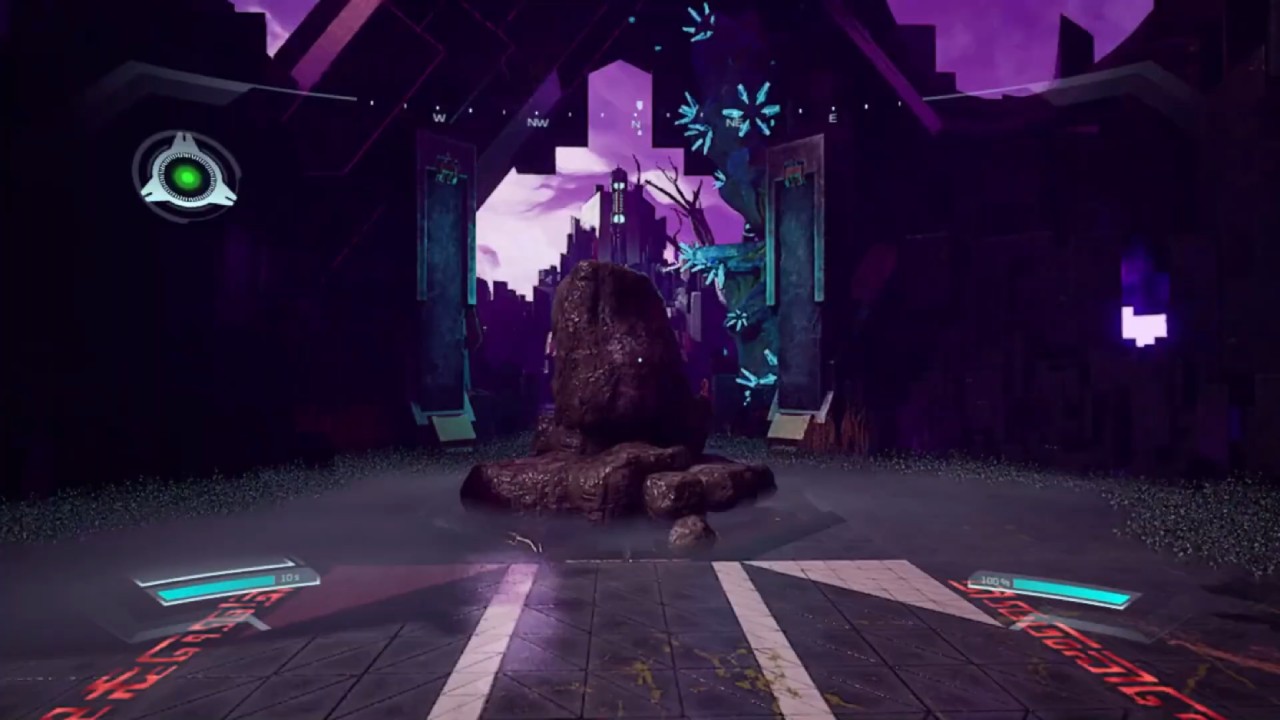
First Anti-Gravity Branch Puzzle
Create a Branch inside the Bubble, then move through the Anti-Gravity Tunnel. Leap over the stairs and press the button. Return across the tunnel and press the next button at the last possible moment. This timing gives the following Branches enough time to sync correctly.
Use the next Anti-Gravity Tunnel, press the button to extend it, and ride it across. Take the Launch Pad to the right and press the button. This shortens the previous tunnel but activates another one.
Create another Branch in the next Bubble. Enter the Anti-Gravity Tube, jump off, and wait until the timing matches the blue marker before pressing the button. Repeat the timing process with the next Bubble and Launch Pad section until all button presses are synchronized.
Orange Cube Charger Puzzle
After the meter passes the three markers, press the button to launch the Orange Cube. Take the Launch Pad back, pick up the Orange Cube, and look down to find the Orange Cube Charger. Throw the cube toward it, take the teleport, and place the Orange Cube into the charger.
While it charges, flip the direction of the Anti-Gravity Tunnel. Retrieve the Orange Cube, ride back to the main area, and place it into the Orange Cube Slot. This activates the center Anti-Gravity Tube and opens the route to the next area.
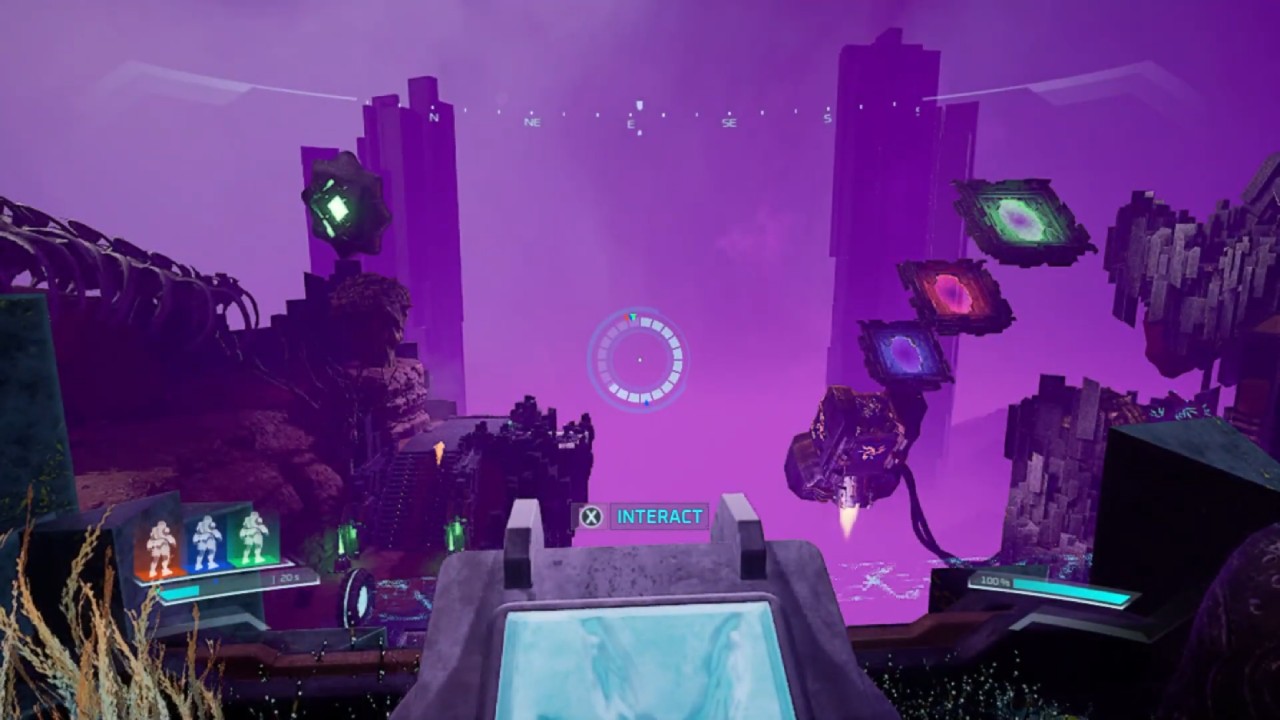
Multi-Teleport Branch Section
In the next area, go through the White Teleport and prepare for more Branch timing. Create a Branch near the Bubble, then press the button when the meter is around three-quarters full. Take the Yellow Teleport, use the Launch Pad, and press the next button as many times as possible before time runs out.
Continue through the Blue Teleport, Pink Teleport, and Launch Pad route. At the next Bubble, create another Branch. Wait for the barrier to drop, then press the two buttons from left to right. Go through the doorway, press the button, return through the teleport route, and use another Branch to sync the next button sequence.
Blue Cube And Seven Power Pips Puzzle
Once the bridge activates, cross it and press the switch to keep it permanently active. Grab the Blue Cube, charge it, throw it across, then use the teleport route to charge it again. Place it into the required slot to raise the main Anti-Gravity Tunnel.
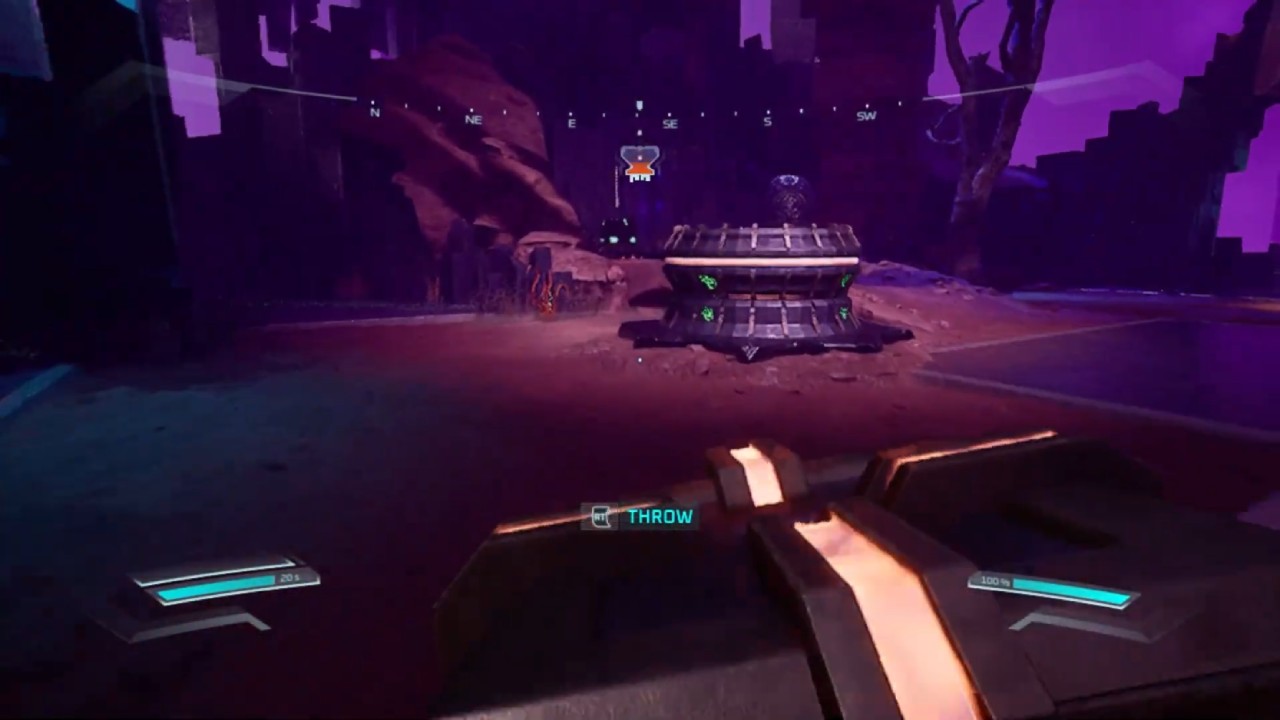
In the next area, the southern bridge needs Seven Power Pips. Use the buttons to move cube types into position. Place the Yellow Cube for two Power Pips, then replace the Blue Cube setup with the Pink Cube, which provides five Power Pips. Together, they activate the bridge.
Final Green Cube And Ending Choice
Take the Orange Cube near the main Anti-Gravity Tunnel and place it into the Orange Cube Slot. Ride the new tunnel down, then complete the final Branch timing sections across Launch Pads, rooftops, barriers, and buttons.
After the last bridge activates, cross it, lock it on, and take the Green Cube. Charge it, place it into the main slot, and ride the Anti-Gravity Tunnel to the final area. Create synchronized Branches for the three-button teleport puzzle, then repeat the process for the two-button and one-button sections. Take the final teleport, follow the dialogue, and choose whether to go forward or backward.
Also, check our other guides below:
- Causal Loop Guide | How to Solve Every Puzzle in Chapter 1
- Causal Loop Guide | How to Solve Every Puzzle in Chapter 2
- Causal Loop Guide | How to Solve Every Puzzle in Chapter 3
- Causal Loop Guide | How to Solve Every Puzzle in Chapter 4
- Causal Loop Guide | How to Solve Every Puzzle in Chapter 5
- Causal Loop Guide | How to Solve Every Puzzle in Chapter 6
- Causal Loop Guide | How to Solve Every Puzzle in Chapter 7
- Causal Loop Guide | How to Solve Every Puzzle in Chapter 8
- Causal Loop Guide | How to Solve Every Puzzle in Chapter 9
- Causal Loop Guide | How to Solve Every Puzzle in Chapter 10
- Causal Loop Guide | How to Solve Every Puzzle in Chapter 11
- Causal Loop Guide | How to Solve Every Puzzle in Chapter 12
- Causal Loop Guide | How to Solve Every Puzzle in Chapter 13
- Causal Loop Guide | How to Solve Every Puzzle in Chapter 14
Editor, NoobFeed
Latest Articles
No Data.