
Inazuma Eleven: Victory Road Guide | How to Set Keyman Lockdown
A guide on how to set Keyman Lockdown in Inazuma Eleven: Victory Road.
Game Guide by Rubaiyat Shihab on Nov 16, 2025
During Chapter 3 of Inazuma Eleven: Victory Road, you must get ready for the match against the Baseball Club. A part of that preparation involves setting the Keyman Lockdown tactic through the Team Dock system.
The process is not immediately clear, and the steps differ depending on whether you use a controller or a keyboard and mouse. This guide explains how to obtain the tactic, how to assign it, and how to activate it during the match.
Buying the Keyman Lockdown Tactic
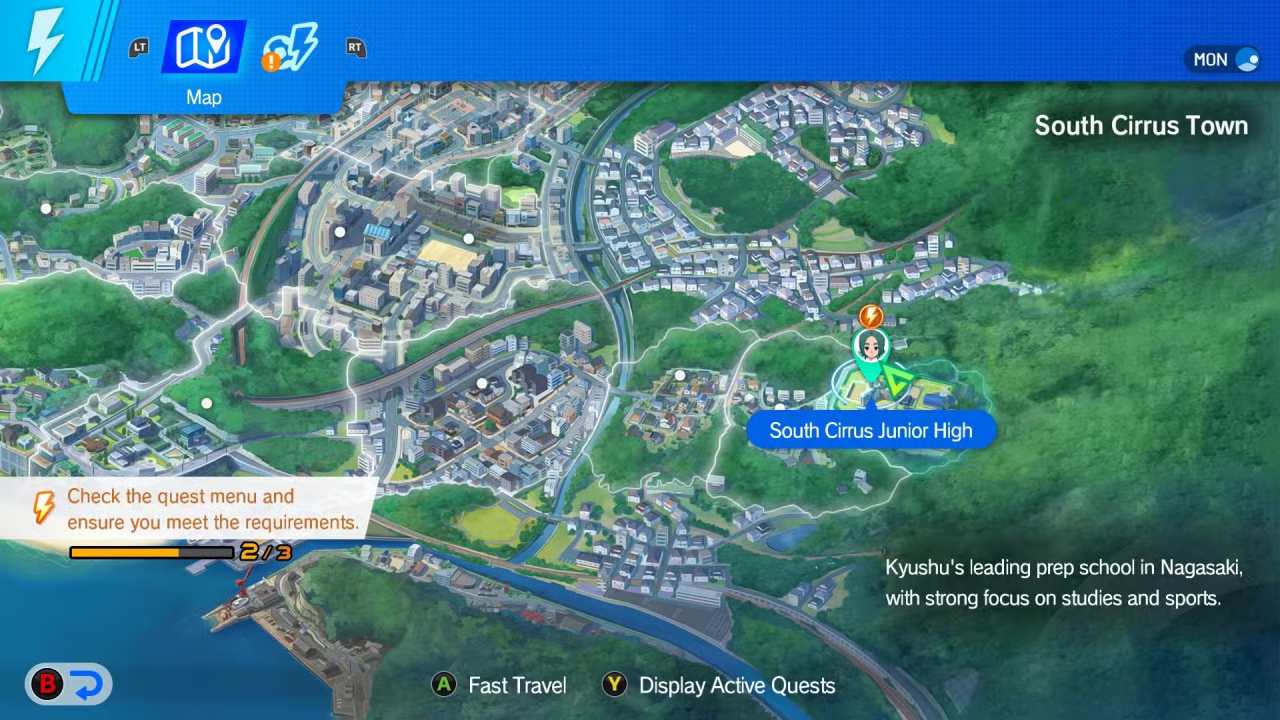
To begin, you must purchase Keyman Lockdown. You can buy it from the Friendly Match – By the Football Club Room marker, located on the west side of South Cirrus Junior High.
When you reach the marker, proceed with the following steps:
You interact with the marker and enter the Special Training Booth.
You move to the Tactics tab.
You buy Keyman Lockdown for three Zeal Tokens.
Once the tactic is purchased, you are ready to assign it to your team.
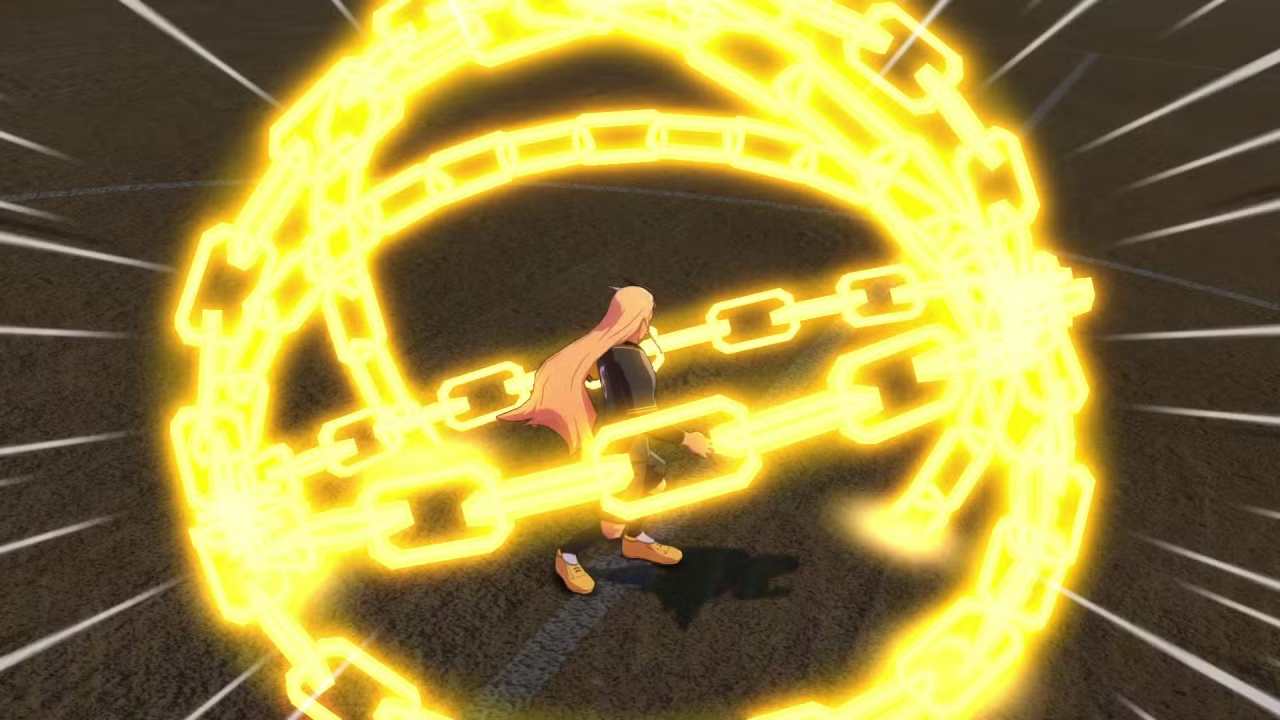
Setting Keyman Lockdown in the Team Dock
After obtaining the tactic, open your menu and go to the Team Dock tab displayed at the top. In the lower-left area of the screen, you will see the label Team Dock RPG. To the right of that label is the input prompt that lets you open the Team Dock SO section.
Inside this menu, select any empty tactic slot located below your manager’s portrait. Choose Keyman Lockdown from the list to assign it to your team.
Using Keyman Lockdown in a Match
You are instructed to activate Keyman Lockdown after you take your first shot during the match against the Baseball Club. Although the game presents a small tutorial at that moment, the following breakdown clarifies the sequence for both controller users and keyboard-and-mouse users.
Using Keyman Lockdown with a Controller
When using a controller, you activate the tactic by following these steps:
You hold L1/LB to display the tactics in the bottom-right corner.
You press the button linked to Keyman Lockdown, which is Triangle/Y.
You push your joystick toward the intended target (in this case, Thierry). This moves an orange indicator across the field.
When the target is inside the ring, you confirm the action to trigger the tactic.
Using Keyman Lockdown with Keyboard and Mouse
On keyboard and mouse, the initial steps seem identical.
You hold Tab to open the tactic inputs and press the key tied to Keyman Lockdown.
However, once activated, the target selection becomes difficult because you cannot move the orange ring using the keyboard or the mouse. This limitation currently affects your ability to freely aim the tactic.
Until this issue is corrected in a future update, you can work around it in the following ways:
You trigger Keyman Lockdown when your character is already positioned directly on top of the target, which allows you to confirm without moving the ring.
You set up a virtual controller to imitate controller inputs so you can use the standard selection method.
Also, check our Inazuma Eleven: Victory Road Review and other guides below:
Editor, NoobFeed
Latest Articles
No Data.