
KLETKA Guide | How to Call Teammates Back to the Elevator in Multiplayer
Here’s a simple guide on how to call your Teammates Back to the elevator.
Game Guide by Subaiyta Jahan on Mar 17, 2026
When playing Kletka in multiplayer, there may be moments when the team needs to regroup quickly. Situations such as a Samosbor Event, low fuel, or a sudden threat may require everyone to return to the Kletka Elevator immediately. Because players often spread out while exploring a floor, calling them back quickly becomes important.
One simple way to alert everyone is by interacting directly with the Kletka Elevator. If you are not holding a weapon, you can walk up to the elevator and punch it with your bare hands. Repeating this action several times will trigger a response from the Kletka Elevator.
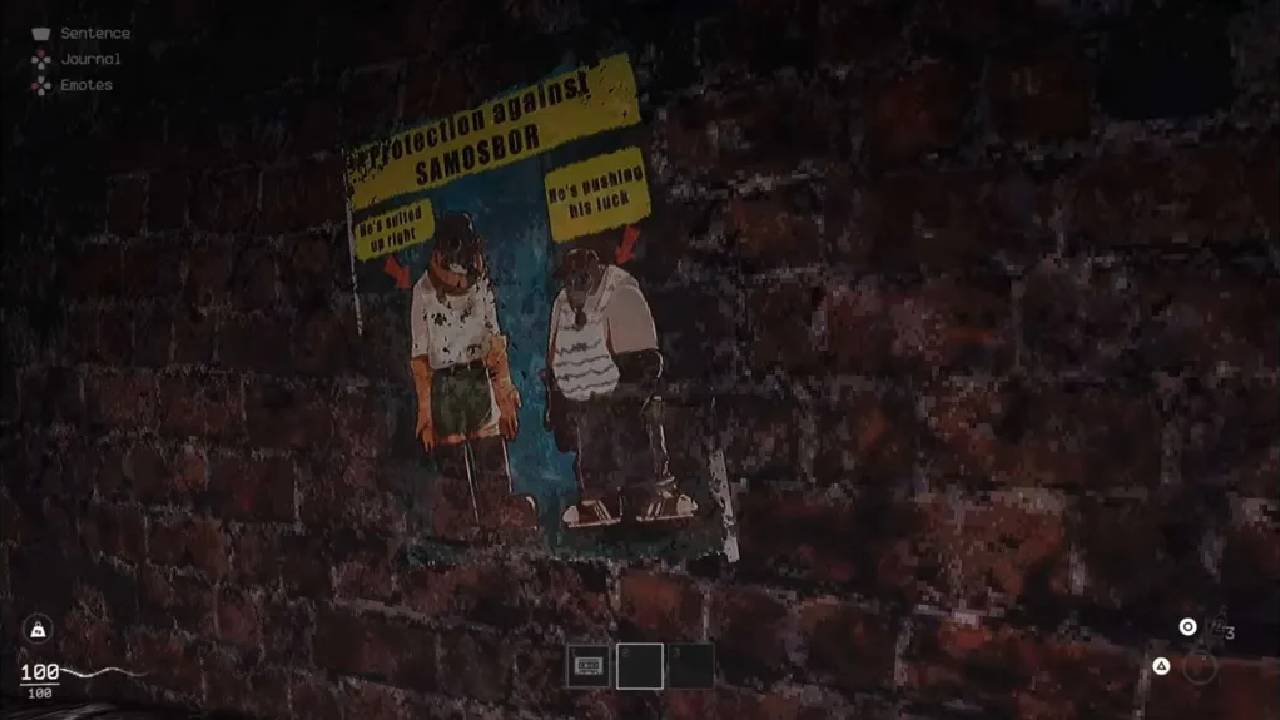
After enough hits, a message will appear indicating that Kletka is calling out. At that moment, the elevator releases a loud roar that can be heard across the floor. This sound serves as a signal to all players to return.
The roar also produces a strong audio cue within the game world. Because the sound originates from the Kletka Elevator, players can follow it to locate the elevator’s position even if they are far away.
How the Elevator Call Signal Works
When the Kletka Elevator sends the call signal, several effects occur simultaneously. First, the loud roar becomes audible across the entire floor. Any player exploring the level will hear the sound clearly.
In addition to the audio cue, the player screens will also react. The display may shake slightly, which helps players recognize that the elevator is sending a signal. This combination of sound and visual feedback helps ensure that the message reaches every player on the floor.
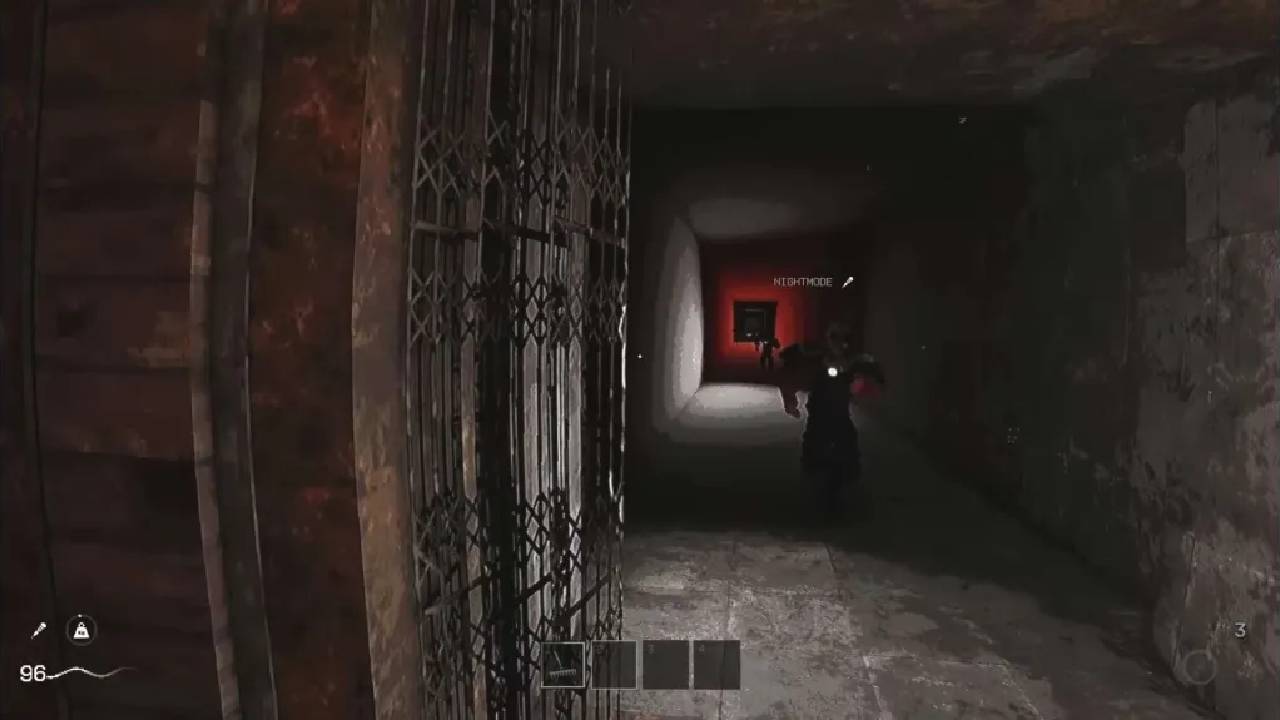
Because the sound is tied to the Kletka Elevator's location, it also serves as a navigation guide. Players who are lost or far away can move toward the roar to find their way back.
Using this system is helpful when the team must leave quickly. If there is a danger on the floor or if the team is ready to descend to the next level, triggering the elevator call allows everyone to regroup without needing voice communication.
How to Search for Loot While Avoiding Traps
Once you enter a floor in Kletka, your main goal is to search for useful items while avoiding hazards. Loot can appear in many different forms throughout the environment.
Many objects in the game world are destructible. These objects can be broken by hitting them with your hands or with a weapon. When destroyed, they often drop random items that can help during the run.
Using bare hands is often a simple way to break these objects without wasting weapon durability. By punching them, you can collect whatever items drop from inside.
However, while searching for loot, players must stay alert for traps. Many traps in Kletka activate when you get close. This means they trigger when a player moves too close to them.
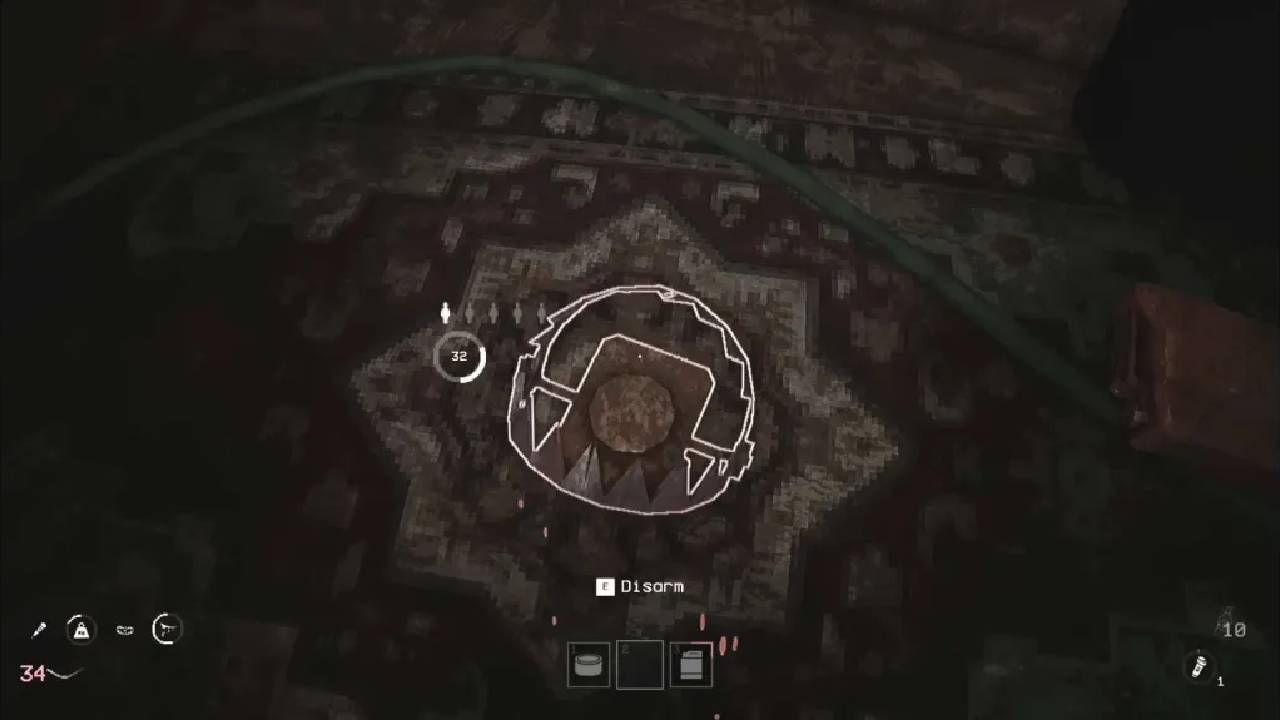
Because of this, it is important to watch the ground and move carefully through hallways and rooms. Avoiding traps helps you preserve health and resources while exploring the floor.
How to Monitor Debuffs, Stats, and Character Perks
During a run, your character may gain various status effects. Some of these effects appear as Debuffs, which can change the way the game behaves while you are on a floor.
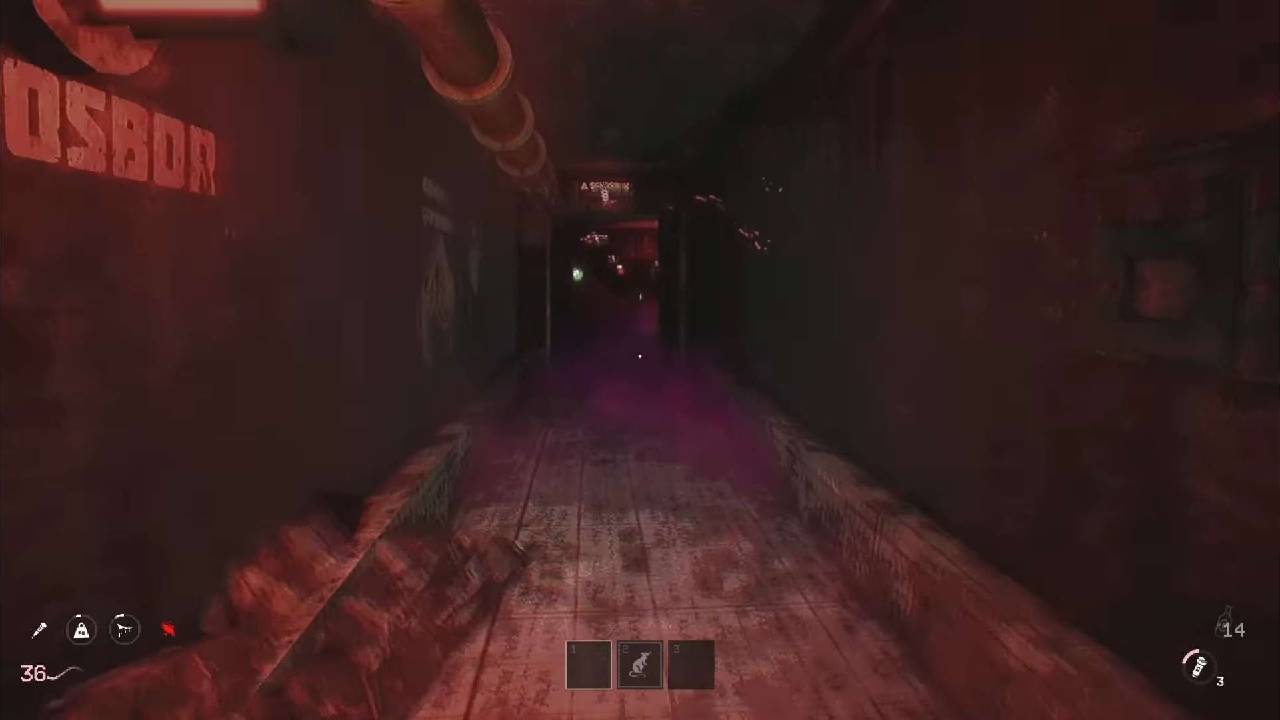
For example, a debuff may cause strange visual effects, such as fog appearing when you move. Others may change the environment by adding ice surfaces, fire hazards, or additional traps.
Some debuffs can also increase the number of enemies that appear on the floor or change how they behave. Because of this, understanding your current debuffs helps explain unusual events during the run.
You can check these effects by opening your inventory menu. Pressing the inventory key allows you to view active debuffs and understand how they are affecting the game.
The same menu also displays your character’s starting Stats and Perks. These attributes depend on the character you created at the beginning of the run. Checking them can help you understand your strengths and limitations as you explore the Giga Structure.
How to Open Special Fallout Doors
While exploring the floors of the Giga Structure, you will encounter different types of doors. Some of these are known as Fallout Doors.
Many Fallout Doors can be opened by simply holding the interaction button. Once the action is complete, the door opens, allowing you to enter the room behind it.
However, some doors have special requirements before they can be opened. For example, a door covered in ice cannot be opened until the ice is removed.
To open these frozen doors, you must apply heat or fire damage. Items such as a Flamethrower or a Flare Gun can melt the ice and unlock the door. In some cases, weapons with a Fire Elemental Effect may also work.
Once the door is opened, the room behind it often contains useful materials. These rooms frequently hold large amounts of Meat, which can later be used as fuel for the Kletka Elevator.
How to Use Bottle Shops
While exploring different floors, you may encounter small shops where items can be purchased. These locations allow players to spend the Bottles they collected earlier in the run.
Inside these Bottle Shops, you will find various items and upgrades. Some of them provide immediate benefits, while others improve your character permanently.
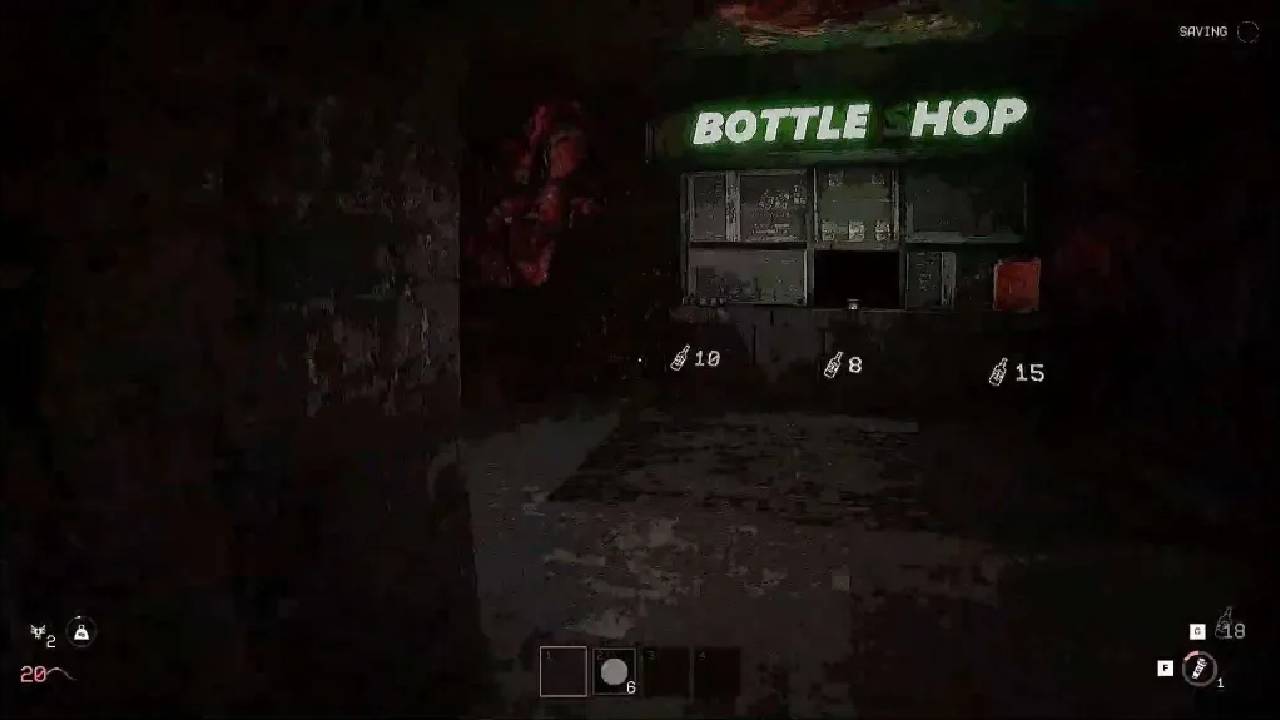
For example, one upgrade may increase your maximum health by ten percent. If your character normally has 100 health points, this upgrade raises it to 110. Over time, collecting multiple upgrades can continue increasing your total health.
However, some items in the game also consume maximum health in exchange for certain benefits. This means your health value can become another resource that you manage carefully.
Because of this, it is useful to check every Bottle Shop you encounter. Some items may provide strong advantages that help the team survive deeper floors.
There are also certain floors where players can sell items to a special wall system. In these locations, you can exchange unwanted items for Bottles, which can then be used later in shops.
How to Handle Locked Doors and Containers
Throughout the Giga Structure, you will encounter many types of doors and containers. Some can be opened easily, while others require additional effort.
Normal doors usually appear plain and can be opened by interacting with them. These doors often lead to rooms containing loot or other useful items.
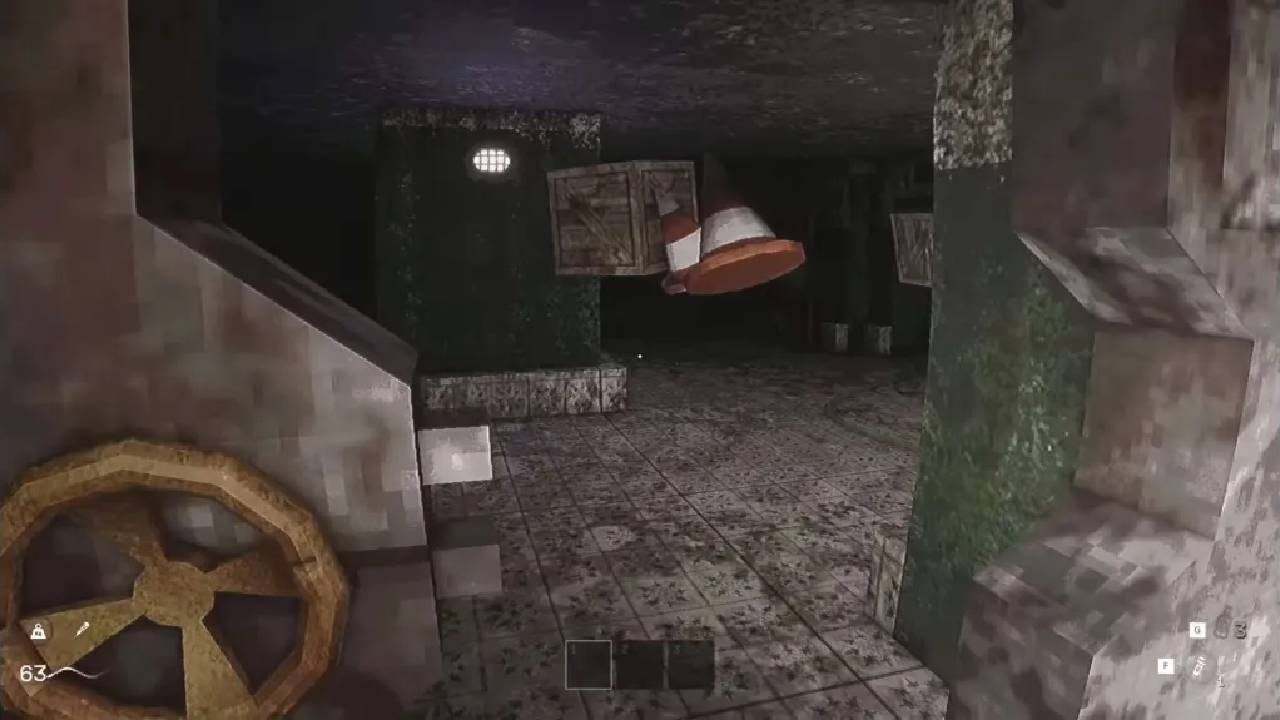
However, some doors bear a special marking. This marking indicates that the door is locked and cannot be opened normally.
When you encounter a locked door, you have a few options. One method is to use a Lockpick, which lets you open the door without damaging it.
Another option is to break the door down by force. You can smash it with weapons or sometimes use explosives to destroy it.
Breaking the door does not always guarantee that valuable loot will be inside, but it still gives you access to areas that might contain useful items.
Learning to recognize which doors are locked and how to open them helps you explore more of each floor and collect additional resources during your run in Kletka.
Also, check out our other guides below:
- Kletka Beginner’s Guide | Gameplay Tips and Tricks
- Kletka Guide | How to Craft Items
- Kletka Guide | How to Descent Early
- Kletka Guide | How to Operate the Elevator Fuel System
- Kletka Guide | How to Survive the Samosbor Event
- Kletka Guide | How Biomes and Boss Floors Work
- Kletka Guide | How to Revive your Teammates
- Kletka Guide | How to Use Live Beer for Solo Play in Kletka
Contributor, NoobFeed
Latest Articles
No Data.