
Returnal Guide | How to Use Atropian Key
Here's a guide to using Atropian Key in Returnal.
Game Guide by Ragib Rawnak on Dec 01, 2025
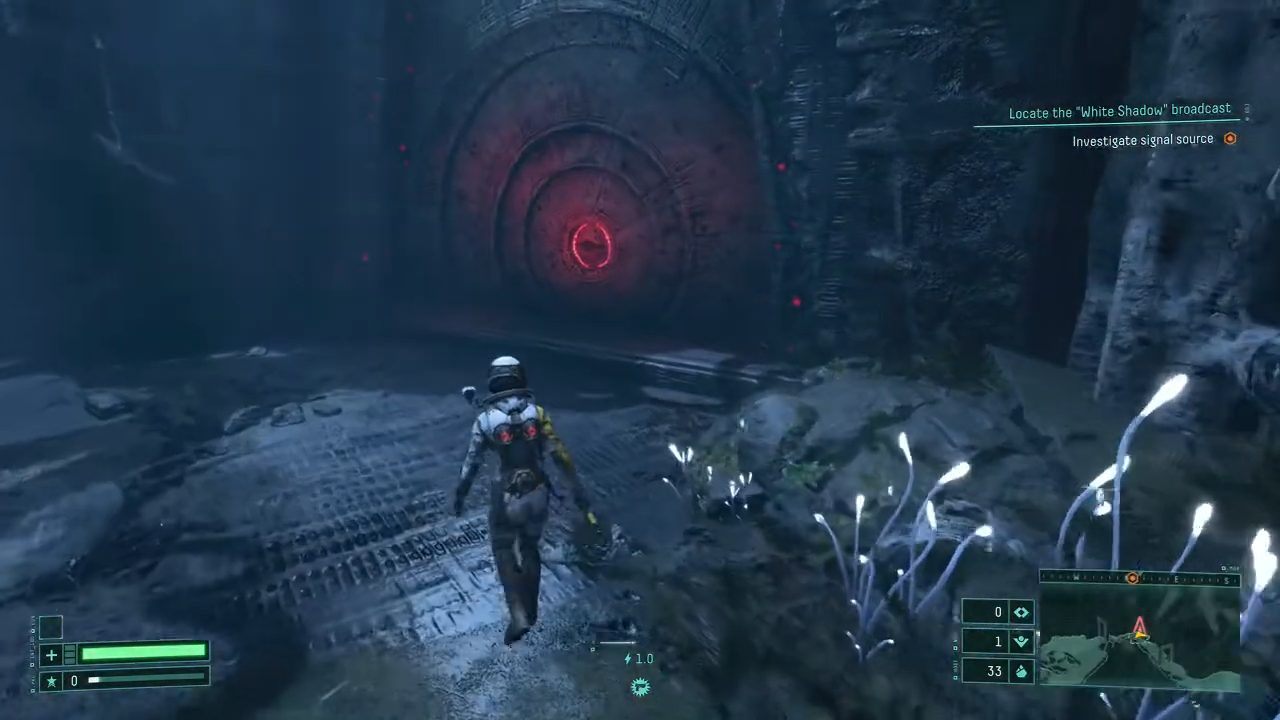
During your run in Returnal, you interact with many mechanics that may not be clear at first. Among these are the red circular locked gates that halt your progress.
Their description states that they are Xeno-Tech Gates secured by a lock mechanism, and without an Atropian Key, the function of these gates is unclear. Understanding how these keys work is necessary to move past blocked paths.
Identifying Locked Gates
When you inspect a locked gate, you see a triangular symbol in the corner of the description. This symbol represents an Atropian Key. If you have one, you can approach the red gate and activate the prompt to unlock it. Without a key, the gate cannot be opened in Returnal.
Locating Atropian Keys in Biomes
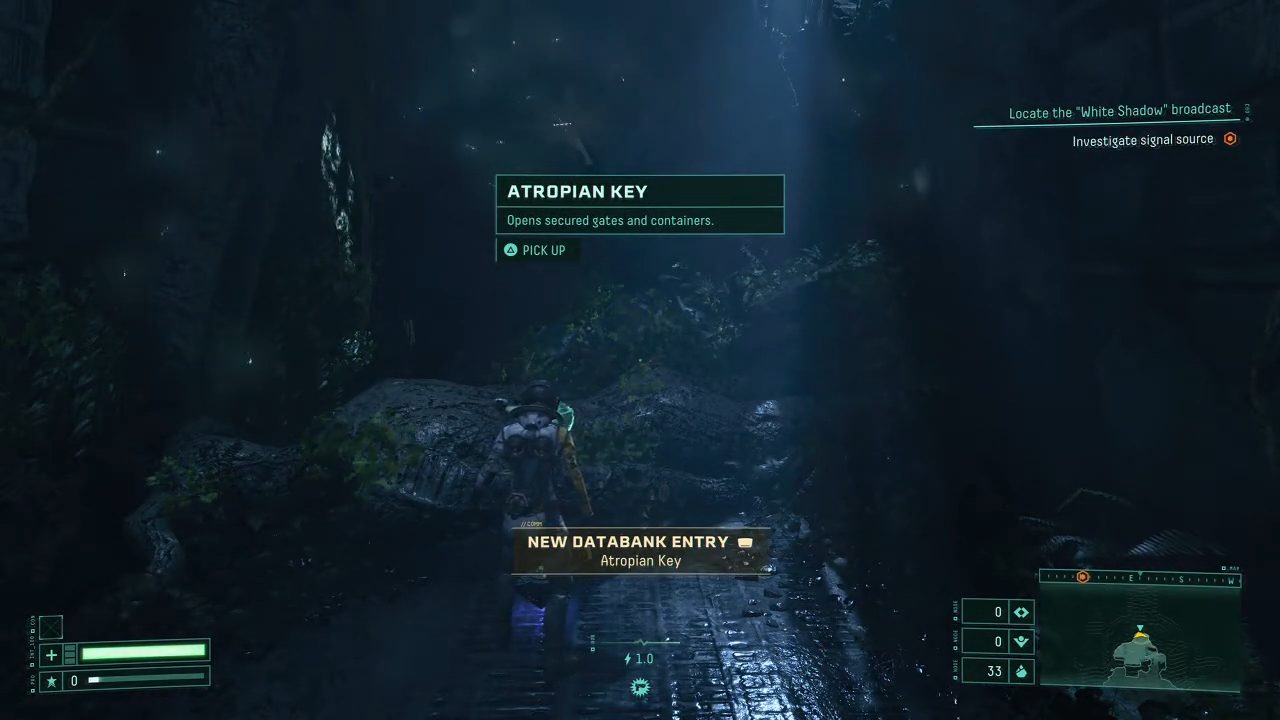
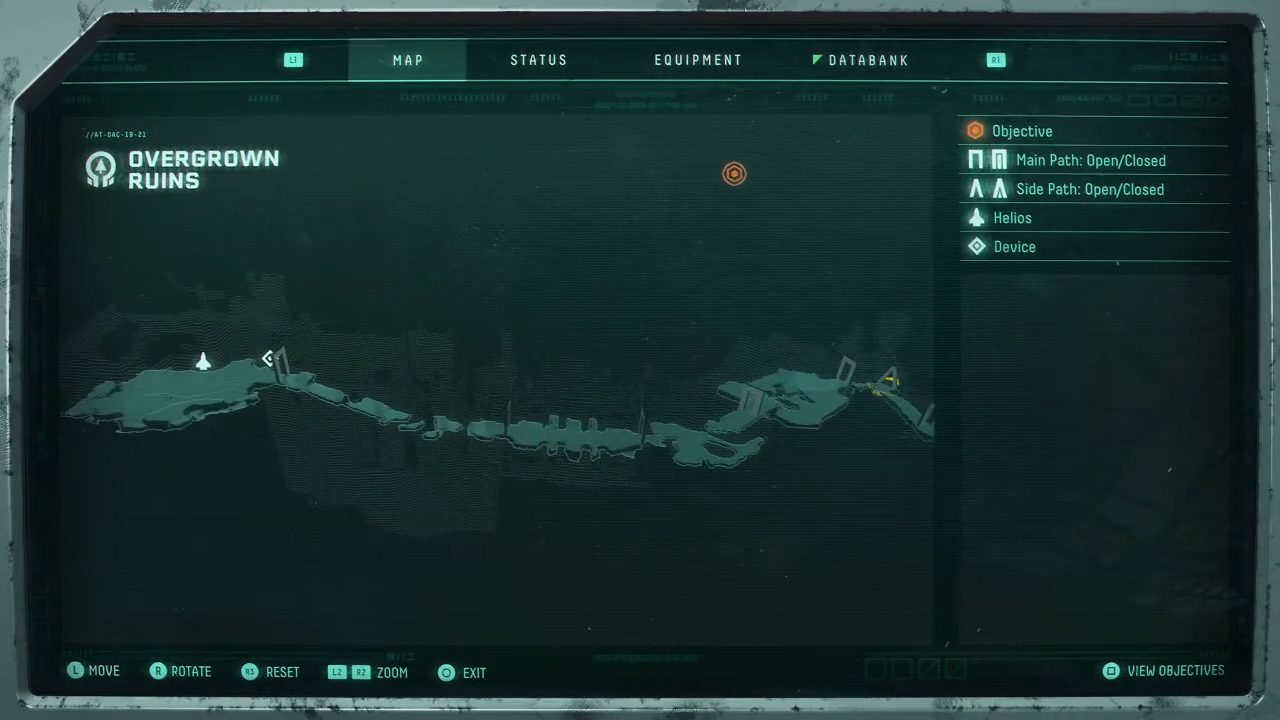
To find an Atropian Key, move through the biome and search for a purple-blue item on the ground. These keys appear in various locations, and their spots shift from run to run. When a key is present in a room, your minimap displays the pickup symbol.
Follow the icon, look for the purple glow and the rising purple beam, and approach the item. You also see a hologram of the key floating above it, confirming that it is an Atropian Key.
Opening Locked Gates
After collecting the key, return to a locked gate and use the Atropian Key to open it. The gate grants access to items or resources waiting on the other side in Returnal.
You can hold more than one Atropian Key at a time. Keeping extra keys allows you to unlock future gates you have not reached yet.
Also, check our Returnal Review and other guides below:
- Returnal Beginner’s Guide | Gameplay Tips & Tricks
- Returnal Guide | How to Destroy Energy Barriers
- Returnal Guide | How to Destroy Vine Walls
- Returnal Guide | How to Open Stone Doors
- Returnal Guide | How to Get Grappling Hook
- Returnal Guide | How to Repair Fast
- Returnal Guide | How to Get Reclaimer
- Returnal Guide | How to Get Crimson Key
- Returnal Guide | How to Use Anathema Key
- Returnal Guide | How to Defeat Ophion Boss
- Returnal Guide | How to Defeat Hyperion Boss
- Returnal Guide | How to Defeat Nemesis Boss
- Returnal Guide | How to Defeat Ixion Boss
- Returnal Guide | How to Defeat Phrike Boss
- Returnal Guide | How to Use Datacube Processor
- Returnal Guide | How to Find Shortcuts
- Returnal Guide | How to Get All Endings
- Returnal Guide | How to Get Astronaut Figurine
- Returnal Guide | How to Use Adrenaline
- Returnal Guide | How to Fast Travel
- Returnal Guide | How to Use Reconstructors
Senior Editor, NoobFeed
Latest Articles
No Data.