
ROG Xbox Ally X Update Brings Major Performance Boosts and New Game Optimizations
ROG Xbox Ally X now features advanced core management and game-specific optimization for improved performance and efficient power usage.
Hardware by Tanvir Kabbo on Nov 28, 2025
The ROG Xbox Ally X and the other Ally models work considerably better now that they have been updated. ASUS has released a major update for Armoury Crate SE, and Xbox has added better performance profiles for games that support them.
These changes are meant to make many games run more smoothly, use less battery power, and manage power more intelligently.
.jpg)
Armoury Crate SE Update and Core Control Enhancements
ASUS has released version 2.1.15.0 of Armoury Crate SE for all Ally models. The ROG Xbox Ally X has a special feature: the Z2 Extreme CPU may now turn off performance cores (PCores) and efficiency cores (ECores). With three PCores and five ECores available, you can choose exactly how many of each are enabled.
This allows shifting extra power to the iGPU, enabling higher iGPU frequencies in demanding games. For instance, turning off one PCore and one ECore makes the chip a 6-core/12-thread CPU rather than the standard 8-core/16-thread setup. After the change, the system needs to be restarted, and the disabled cores are completely taken out of service instead of being parked.
We saw iGPU clock speeds rise by as much as 400MHz when we tested it against the full 8-core system, especially at 18W TDP and 1080p high settings. This boost helps maintain high performance in games where GPU speed is more important than CPU speed.
Other Armoury Crate SE improvements include integrated Radeon Chill behavior in the FPS limiter, FPS limiter adjustment from 45fps down to 40fps for better alignment with VRR displays up to 120Hz, custom key bindings for full-screen toggling, a redesigned bottom bar, Windows power mode options for manual operation, and update notifications within the command center.
New Xbox Default Game Profiles
Xbox has introduced default game profiles in preview for around 40 supported games. These profiles dynamically adjust TDP based on your current framerate target. If the game struggles to maintain the target fps, the system boosts power. If the game exceeds the target fps, it automatically limits power usage to save battery.
These default profiles aim to deliver smooth gameplay without requiring manual adjustment each time a game launches. At present, the profiles are only available for games downloaded through the Xbox application. Steam versions of supported games, such as Doom Eternal, do not yet activate these optimizations.
The profiles also include FPS limiting based on each title's optimal framerate. For example, Tony Hawk Pro Skater 3+4 is limited to 60 frames per second (fps) rather than aiming for an impossible 120 fps. This ensures performance stays the same while using less power, which can drop to 13W–16W during games.
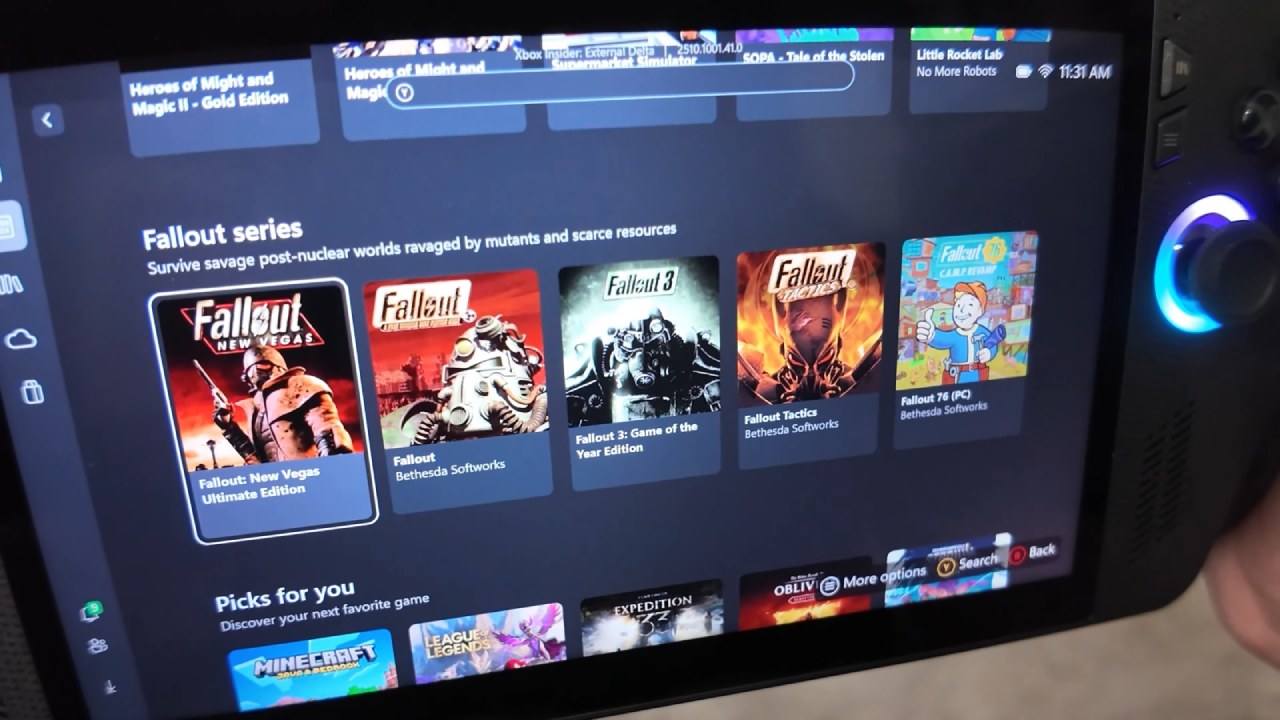
The Xbox app shows a "handheld optimized" mark for supported games, which makes it easy to find games that work with these profiles.
Practical Impact on Gameplay and Performance
After the updates, the ROG Xbox Ally X shows clear improvements in GPU-bound games when CPU cores are cut down. When you run with 6 cores, the iGPU,frequency increases, and performance is smoother at the same power level. This is especially useful for AAA games where the GPU does most of the work.
Turning off the entire core can make the battery last much longer while playing lightweight independent games. You can turn off all the PCores and use only the ECores when you don't need much performance.
The ideal power settings are already configured for supported games on the Xbox, so you don't have to modify them yourself. These dynamic changes keep the framerate stable and prevent sudden drops.
Compatibility and Future Support
Xbox wants to add more games to the optimized game collection, which now includes 40. Once a game is supported, the Armoury Crate quick menu will provide an optimized profile toggle. Detection currently only works with games downloaded from the Xbox Store. Still, it could support more games in the future if metadata scanning is added.
ASUS is still working to improve Armoury Crate SE across all its Ally models. At the same time, Xbox seems focused on improving handhelds. These modifications are meant to make handheld gaming more seamless and polished.
Also, check our other articles below :
- ASUS ROG Ally X Handheld Review: Double the Battery, Double the Comfort
- Nintendo Switch 2 Vs. Original Switch 1: A Full Comparison
- How To Connect A Camera And Join Voice Chat With Nintendo Switch 2
- Nintendo Switch 2 Review: Handheld Performance, Features & Value Breakdown
- ROG Xbox Ally X Vs. ROG Ally X: Display, Battery & Controls
- ASUS ROG Ally X vs. Steam Deck OLED: Display, Battery & Gaming Benchmarks
- MSI Claw 8 AI+ Review: Display, Controls & Gaming
- Nintendo Switch 2 vs. Steam Deck OLED: Gaming, Performance, Battery, Display and Value
- PlayStation Portal Review: Remote Play, Cloud Streaming & Travel Gaming
- PlayStation Portal vs. Lenovo Legion Go: Best Portable Gameplay
- Cyberpunk 2077 Patch 2.3 FPS Test on MSI Claw 8 AI+
Senior Editor, NoobFeed
Latest Articles
No Data.