
Should Ryzen 7 9850X3D Be the Next Gaming CPU Upgrade
Benchmark comparisons show Ryzen 7 9850X3D leads gaming performance but price to performance advantages depend on GPU pairing and resolution.
Hardware by Shinji Okazaki on Mar 11, 2026
There is no doubt that the Ryzen 7 9850X3D will be one of the best gaming CPUs. Now that reviews are out and some time has passed, the question is still whether AMD's newest chip is the best CPU for a certain setup.
This tutorial looks at who the processor is for and who it isn't for, when it makes sense to upgrade, and what it implies for PC gaming.
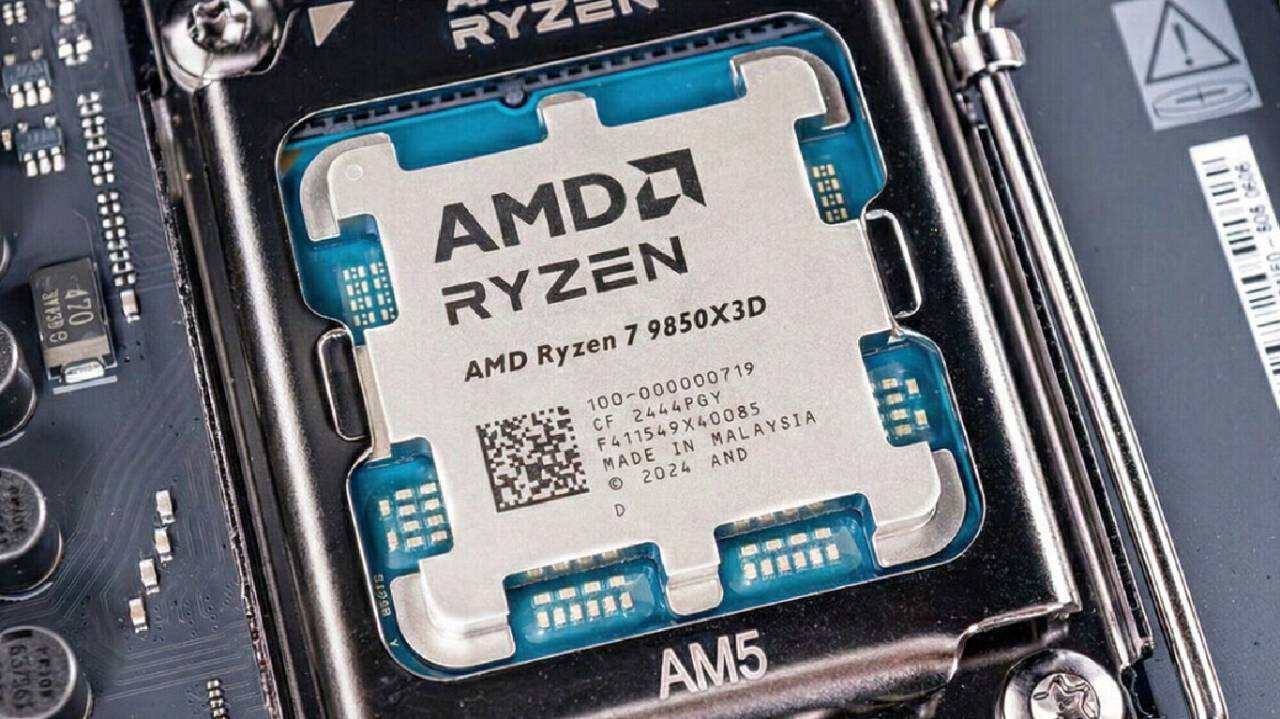
A Look at the Ryzen 7 9850X3D
You already know a lot about the CPU. Many reviews cover a lot of ground, but the main question is still simple: should you buy the processor?
There are many things to consider before answering. 9850X3D is basically a 9800X3D with a top clock speed 400 MHz higher and costs about $20 more. The CPU is an improved version of AMD's process for making the 9800X3D. It gets faster on the same architecture while keeping the same 120W TDP. There are advances, but just because a CPU works well doesn't mean it's the best pick for every system.
Moving up from 9800X3D or 7800X3D
A lot of people want to know if it makes sense to upgrade to a 9850X3D if their system already has a 9800X3D or a 7800X3D.
There is a noticeable improvement when going from the 7800X3D or 9800X3D to the 9850X3D in eight tested games at 1080p. The importance of the enhancement varies by title. When playing games like Assassin's Creed: Shadows and Black Myth Wukong, the CPUs don't make much of a difference. On average, they make only about 3 fps. 7800X3D had an edge in Black Myth Wukong.
9850X3D's increased clock speed is more noticeable in competitive games like Marvel Rivals and Modern Warfare 3. In general, testing suggests that the 9800X3D is about 3–4% better and the 7800X3D is about 10–11% better at 1080p.
As the resolution increases to 1440p and the graphics settings are adjusted, which is what most gamers do, the disparities get smaller. The margin gets much smaller, save for a select few games like Marvel Rivals and Shadow of the Tomb Raider. The GPU has a much greater effect on performance at 4K than the CPU does.
It is hard to justify investing $500 on a 1.5–6.5% average improvement if a system already has a 9800X3D. The upgrade from 9800X3D to 9850X3D is only worth it if the system is used for competitive esports, where every frame counts at 1080p.
Different Prices for the X3D Line
The prices of the X3D models are a major factor in deciding whether to upgrade.
9850X3D costs $499 at launch, which is $20 more than the 9800X3D's debut price. People have seen the 7800X3D retail for as little as $384. This means that the 7800X3D and the 9850X3D can cost up to $115 more than each other.
9850X3D's release has also lowered the prices of the 9800X3D and 7800X3D, giving gamers more choices when building their systems. But it's not clear how long this price rise will last.
Deciding whether to Upgrade the CPU or GPU
When comparing CPU upgrades to GPU upgrades, a big question arises. Instead of spending more on a CPU, you can close the difference between GPU tiers with the same amount of money.
This is a crucial consideration if you want to play games in 1440p or 4K. The GPU's price also plays a role in the decision, so the value comparison depends on market conditions.
For example, if you choose a Ryzen 7 9700X over an X3D processor, you might have enough money left over to upgrade from an RTX 5070 to an RX 9070XT. Changing the GPU could improve performance by about 20%.
If you choose the Ryzen 5 9600X instead of the 9850X3D, you can buy an RTX 5070 Ti for a little less. There would be variations in CPU performance, but the GPU upgrade would make up for them at 1440p or 4K.
There are still disparities in how well CPUs work. AMD's 3D V-Cache technology helps some games, and the 9850X3D does help in some cases. But the enhancements only work in certain situations, and they become less noticeable as resolution increases.
Tests reveal that using the 9850X3D with GPUs that are less powerful than the RTX 5080 doesn't usually give you enough of an edge at 1440p to make it worth putting the CPU ahead of a stronger GPU.
How well it works in Creator Apps
Some people think of the processor as something to use for work rather than play.
9850X3D works well with creation programs. In Photoshop, it works around 3% better than the 9800X3D. In Premiere Pro, it works about as well as the 9950X3D, and in DaVinci Resolve Studio, it works about as well as the 9800X3D.
The 400 MHz increase helps some programs that need faster CPU speeds, but not by much. But a processor with more cores, like the Ryzen 9 9950X, which costs about the same, may perform better on tasks that require multi-threaded performance.
When productivity tasks are crucial, the question is whether a minor gaming advantage is worth the time savings that processors with many cores might offer.
Situations Where the 9850X3D Works
It can be hard to figure out exactly what the processor is for.
9850X3D is one of the best gaming CPUs on the market right now. But the benefit depends heavily on the system's settings and resolution.
Even with high-end GPUs like the RTX 5080 or RTX 5090, the gap between the 9850X3D and non-X3D processors can be minor for gamers playing at 1440p or 4K with high settings.
System builders have to choose between spending money on a CPU that might only enhance FPS by a few fps or a GPU upgrade that could improve FPS by a lot.
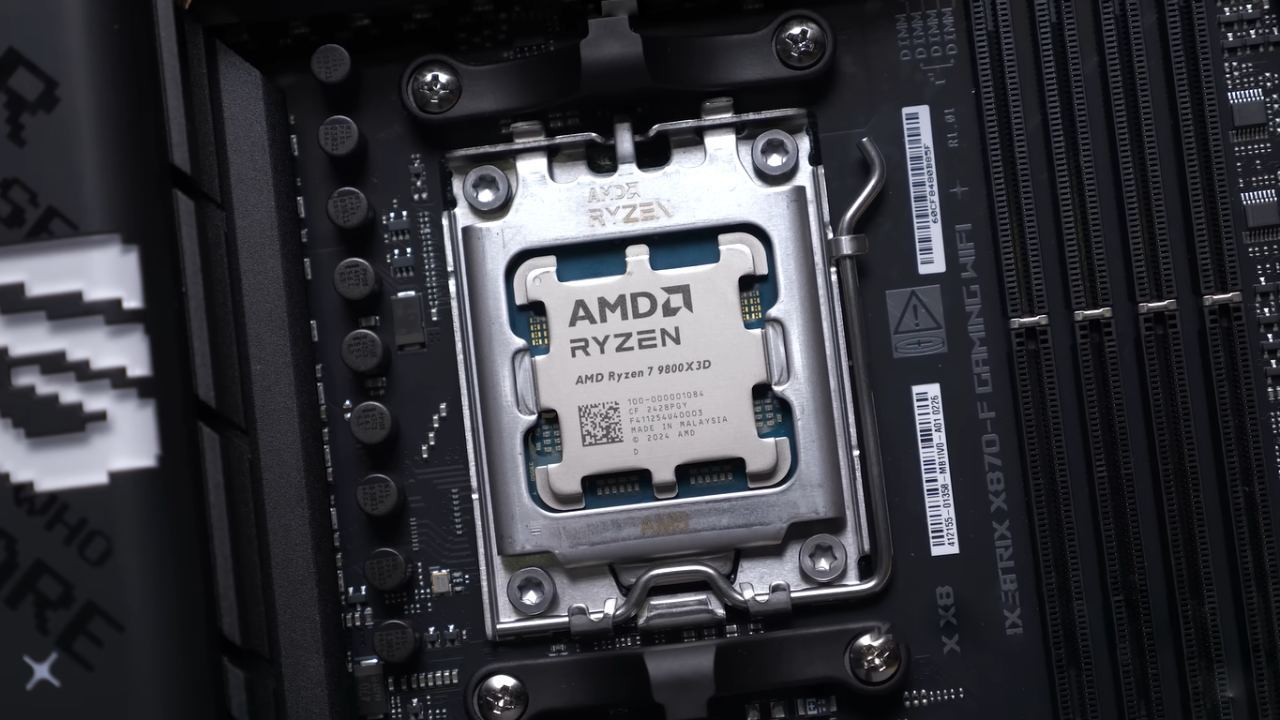
Examples of Upgrade Situations
Think of a computer with a Ryzen 5 7600X and an RTX 5060. If you upgrade to a 9850X3D, you can see a 9–10% boost in gaming performance.
But you could buy a 16GB RX 9060 XT or something similar for the same $500 as a 16GB RTX 5060 Ti. In this case, upgrading the GPU could boost FPS by up to 20%, depending on the game.
When money is tight, the GPU update usually makes a bigger difference.
On the other end of the spectrum, systems already using GPUs such as an RTX 5080, RTX 5090, RTX 4080 Super, or RTX 4090 could benefit from the additional performance headroom of the 9850X3D. Even then, the improvements will depend on the games and resolutions you utilize.
Final Thoughts
Ryzen 7 9850X3D is a better gaming CPU than the 9800X3D, with small enhancements. The higher clock speed and refined manufacturing process provide measurable gains, but the overall impact varies depending on system configuration.
If a system has a GPU that is less powerful than an RTX 5060 Ti or a 16GB RX 9060 XT and a processor that is less powerful than a Ryzen 5 7600X, spending the $500 budget on a GPU upgrade usually makes the system run faster.
If your system already has a high-end GPU like an RTX 5080 or RTX 5090 and you want to get more performance, the 9850X3D can pull more frames from the hardware you already have.
The final choice depends on the games being played, the resolution being used, and how much more important small CPU performance gains are than larger GPU performance gains.
Also, check our other hardware articles:
- AMD Ryzen 9 9950X3D Review: Setting The Standard For 2025 Gaming CPU
- Amazon Luna 2025 Review: Is Prime Gaming's Cloud Service Your Go-To For Casual Fun?
- AMD RX 9070 XT Review: AMD's RDNA 4 Champion for 1440p Gaming
- GeForce Now Ultimate: Ditching Your Gaming PC For Cloud RTX 4080 Power?
- NVIDIA GeForce RTX 5080 Review (2025): Still A 4K Gaming Powerhouse?
- Intel Core Ultra 9 285K Review And Performance Breakdown (2025)
- AMD Ryzen 7 9800X3D Review: 3D V-Cache Goes God Mode with Stunning Gaming Performance
- Intel Core Ultra 9 285K vs AMD Ryzen 7 9800X3D: In-Depth Gaming Performance and Benchmark Comparison
- NVIDIA GeForce RTX 5080 Super Performance In Cyberpunk 2077: Path Tracing & DLSS 4.0 Tested
- AMD Radeon RX 9070 XT In Cyberpunk 2077: Ray Tracing & FSR 4.0 Tested
- Intel Arc B580 Review: The $250 GPU Revolutionizing 1440p Gaming
- Intel Arc B570 Vs. B580: Value, Specs, And Real-World Gaming Performance
- RTX 5090 Laptop Vs. M4 Max MacBook Pro: Ultimate Raw Performance Vs. Battery Endurance
- Intel Arc b580 Vs. RTX 4060: Game Performance And Value Analysis
- RTX5090 Hell Is Us Demo 4K Ultra Benchmark: DLSS Vs. Native Performance Guide
- NVIDIA RTX 5070 Review: Mid-Range Muscle or Marketing Hype?
- Nintendo Switch 2 Review: Handheld Performance, Features & Value Breakdown
- RTX 5070 Ti Review: Performance, Thermals & Power Efficiency Tested
- Samsung Odyssey OLED G81SF Review 2025: Ultimate 32-Inch QD-OLED Gaming Monitor
- AMD RX 9070 Performance Review: Thermals, Clocks, and Real-World FPS
- AMD Ryzen 5 7600 Review: Best Budget Gaming CPU of 2025?
- AMD Radeon RX 7800 XT Review: RDNA 3 Power For Midrange Gaming
- Asus ROG RTX 5090 Astral OC Vs. Founders Edition: The 4K Gaming Benchmark
Editor, NoobFeed
Latest Articles
No Data.