

Switching Back to Intel Core Ultra for Daily Use Stability and Productivity Testing
Comparing long-term system stability and workflow efficiency after moving away from an AMD-based setup.
Hardware by Godrics01 on Dec 20, 2025
There have been a lot of jokes and ideas about brand loyalty and sponsorships since they switched back to Intel. The truth is much simpler. This decision is based on curiosity and personal experience, not on anything else.
Intel is not involved in any way, including sponsorship or cooperation. It's been a long time since anyone from Intel has spoken directly with anyone, since the ARC GPU releases.
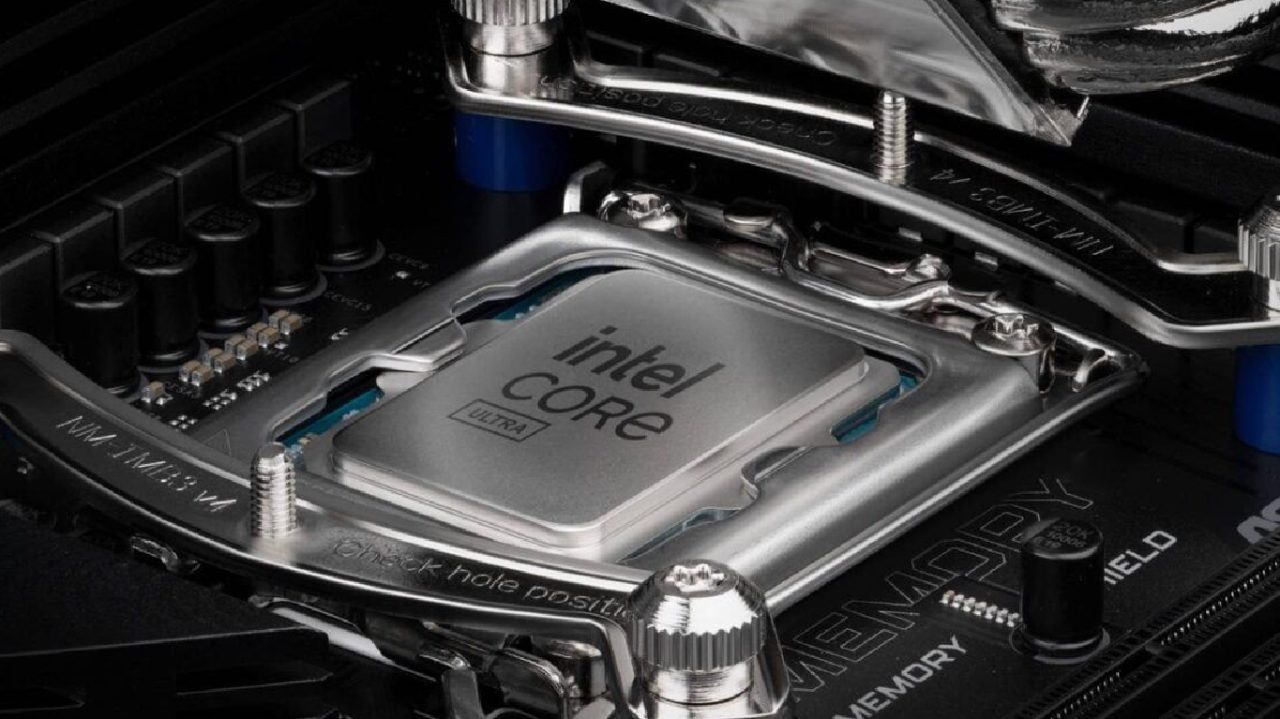
Core Ultra has never been seen as the best gaming option. Gaming isn't its best field. However, productivity remains one of its strong points, even after Intel removed hyperthreading from Core Ultra. People often talk only about gaming when discussing CPUs; however, they are used for much more than just frame rates.
AMD Experience and the Reality of Trade-Offs
Most people agree that the 9800X3D is the greatest CPU for gaming. A 9950X3D at home strikes a good balance between work and play. 9850X3D has a few percent better gaming performance, but Infinity Fabric latency limits it, which can't be helped. In exchange, the CPU gives you great productivity performance that a chip made just for gaming can't match.
That trade-off is important. Picking the greatest gaming CPU that is near the bottom of productivity charts is a trade-off that doesn't work for every type of work. AMD is presently the best for gaming, but Intel is still the best for getting things done. It's not just about benchmarks; it's also about whether Intel is really as bad to use in real life as people say it is online.
Going Back to Platform Experiments
People have been switching platforms for a long time. Similar 30-day tests were conducted in the past to assess how well Ryzen performed in its early stages. At that time, Ryzen was getting better quickly and showing that it would be useful for a long time. People often say that Intel is getting worse, not better, these days.
This changes the way the current test works. The point isn't to find out if Intel will get better; it's to determine if its reputation reflects what people have experienced in real life. Benchmarks already show that Core Ultra CPUs are behind X3D CPUs in gaming by double-digit percentages, up to 20%. BIOS updates have made slight improvements, while AMD advances have kept the gap mostly the same.
Every Day Problems with the Current System
Personal experience is a big part of this. The current 9950X system has been mostly stable, but one problem keeps coming up and can't be ignored. Boot times are about 5 minutes, and the problem isn't with memory training. BIOS updates haven't fixed it.
The system often tries to boot from devices that can't be booted, as shown by a blinking cursor that can persist for a long time. The behavior can't be entirely explained by USB devices, even when they're not connected. The problem still occurs even when network boot is disabled. Sometimes, the system won't move forward at all, and you have to force it to shut down and turn back on.
There have been other strange things that have happened before, including printer software causing wake-on-LAN behavior even when it was turned off. BIOS updates ultimately fixed these problems, but the boot problem keeps happening. At some point, the trouble surpasses devotion to the platform.
Choosing to Work Full-Time for Intel
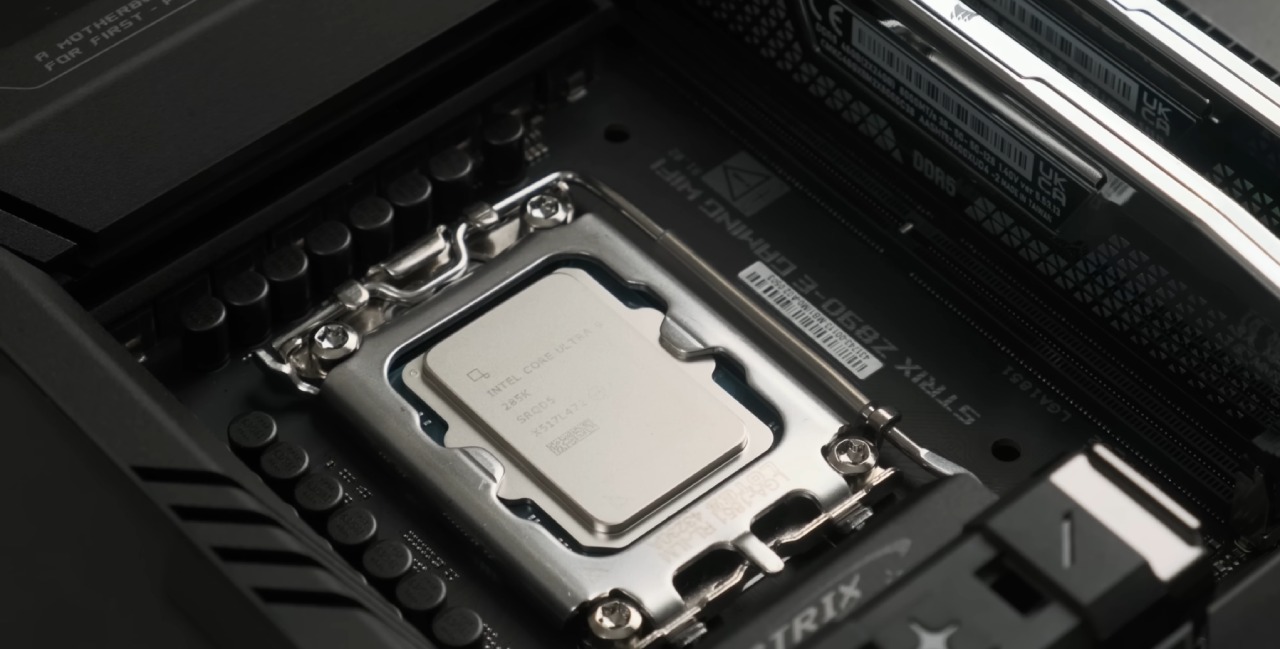
Instead of guessing further, the decision was made to treat Intel as a full-time work system and judge it only on how easy it is to use every day. If gameplay is seamless and productivity stays the same, there's little reason to write it off completely. Putting the 9950X in a water-cooling test station also serves a practical purpose: it lets you test newer CPUs in a more controlled way.
The method used here doesn't employ most of the parts that are already there. Only the GPU and storage are kept. We use what's already there to rebuild everything else, without looking for rare things.
Choosing Hardware and Building Philosophy
The build is based on a Z890 Maximus Hero motherboard, which was chosen because it is available and in good condition. Core Ultra 285K handles the CPU work, and 48GB of DDR5 memory is split across two 24GB modules. The system is in a Haven BF360 case, which is better than a dual-chamber design because it doesn't collect dust when it's on the floor.
Cooling was originally planned around a 420mm radiator, but had to be switched to a 360mm solution due to compatibility issues. Even builders who have done it before might get the fit wrong, underscoring the importance of thoroughly checking the specifications. Not many cases can hold 420mm radiators, especially at the top.
The final design favors a simple, clean layout. People don't pay much attention to RGB, and the only lighting comes from the GPU and motherboard. Managing cables is easy, which makes it easier to service a system that is focused on work.
Design for Building Observations and Cooling
One thing that makes Be Quiet's mounting system stand out is that it uses the same hardware for all of its parts. The same mounting system works for both AIOs and air coolers, reducing the need for extra parts and making installation easier. This uniformity makes it easy to switch out components without changing the brackets or standoffs.
Even though I've been constructing for decades, I still make mistakes because I assume things. Because of the radiator's size, we had to alter the cooler at the last minute. This shows that even regular builds should be checked for compatibility.
Networking and Connectivity
Networking has an unplanned constraint. The motherboard has 2.5G and 5G Ethernet ports, but not a 10G port. This option seems strange for a high-end board. Wi-Fi6E is only a temporary fix. A 10G NIC will be added later to handle large file transfers of 30GB or 40GB quickly and easily.
For now, WiFi is good enough, especially since there aren't many devices on the 6GHz band.
Problems With the first Boot and Firmware
The first boot showed that the firmware was different. The system needed BIOS and Intel Management Engine updates before Windows would boot properly. The OS wouldn't load right, even in safe mode, without the ME update.
Symptoms included CPU frequencies stuck at base clocks around 3.6 GHz, input that didn't respond, and installers that closed immediately with confusing error messages. After manually updating the ME firmware, stability returned, and normal operation resumed.
This problem happened because you moved a Windows installation across multiple platforms. It's not perfect, but it shows how firmware and OS expectations can become out of sync after hardware modifications.
Cleaning Up and Moving On
Cleanup tools are being used to remove all AMD-related drivers and registry entries to ensure a fair evaluation. We will carefully monitor any unusual behavior in the future to see if it is specific to the platform or a leftover from an old OS installation.
A clean install would eliminate many variables, but even so, the system functions nicely as is. Gaming works well, productivity workloads operate as they should, and boot times are far faster than they were with the old arrangement.
Final Thoughts
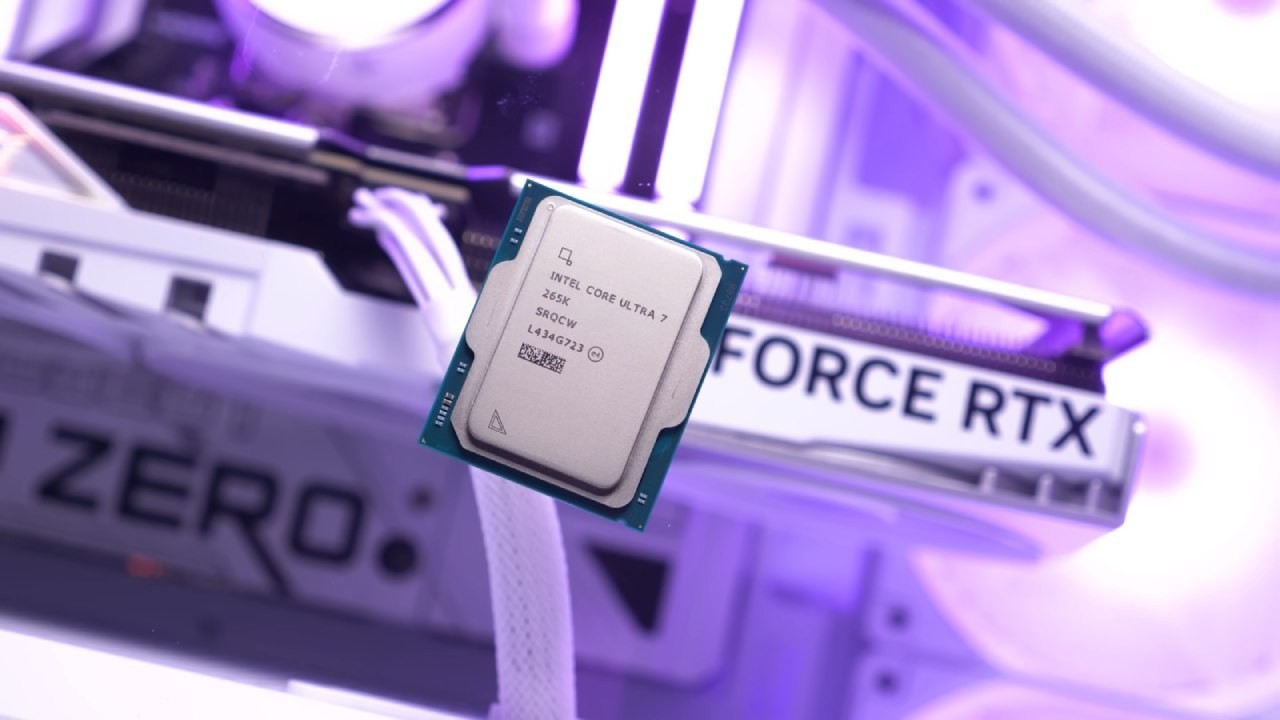
Not raw benchmark numbers anymore. There is already a lot of information about how gaming performance varies. The actual test is how stable, responsive, powerful, and reliable it is when it sleeps and wakes up, as well as how easy it is to use over time.
If Intel can provide a smooth daily experience without constant problems, that alone goes against a lot of what people say. This experiment will continue to focus on real-world use rather than charts.
Also, check our other Intel articles below:
- Intel Core Ultra 9 285K Review And Performance Breakdown (2025)
- Intel Core Ultra 9 285K vs AMD Ryzen 7 9800X3D: In-Depth Gaming Performance and Benchmark Comparison
- Intel Core i5-13400F Gaming Performance: Still Worth It in 2025?
- Intel Core i9‑14900K vs. AMD Ryzen 7 7800X3D: Power Profiles & Gaming Benchmarks
- Intel Core i9 14900K: Specs, Benchmarks, and Competitor Comparison
- Intel Core Ultra 5 245K Review: Gaming, Productivity & Power Efficiency Tested
- Intel Core Ultra 9 285 K's iGPU Gaming: In-Depth Benchmarks & Analysis
- Intel vs. AMD Gaming Laptop: Performance, Thermals & Battery Life Compared
- AMD Ryzen 7 9800X3D vs.7800X3D vs. Intel Core Ultra 7 265K: Gaming, Thermals & Price Analysis
Editor, NoobFeed
Latest Articles
No Data.