
Valve Expands Steam Deck Frame Rate Tracking
Steam Deck deep pause could bring quick resume functionality alongside website improvements and better game performance tracking tools.
Handheld by Shinji Okazaki on Oct 11, 2026
Software developers are paying attention to the Steam Deck and could improve how games run and how players switch between them. Deep Pause is in development to bring a Quick Resume-style feature to the Steam Deck; Steam Deck HQ has been redesigned, and Valve continues to provide developers with performance data to help them optimize their games.
One feature of the Xbox Series X and Series S is being developed for the Steam Deck. It is called Quick Resume on Xbox, while the Steam Deck version is called Deep Pause. The two features work in the same way. Essentially, when playing a single-player game, you can quit, open another one, and return to the original hours later.
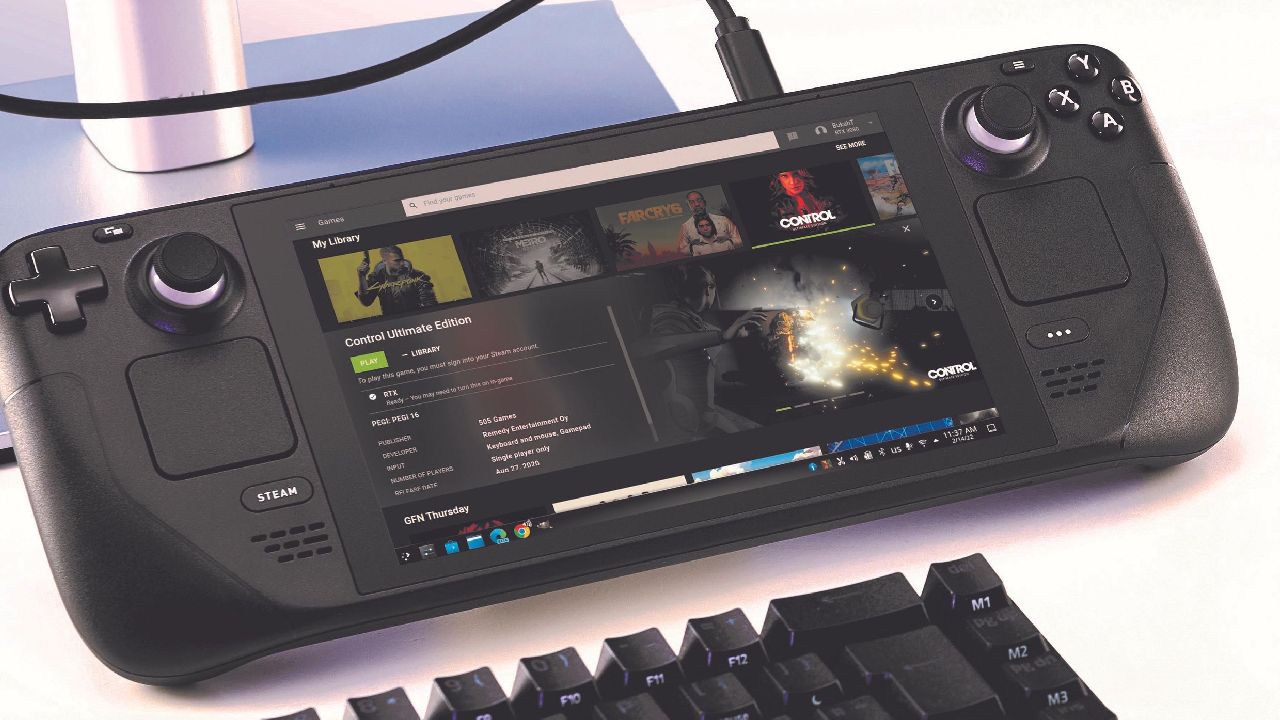
Steam Deck Deep Pause
Instead of showing the splash screen and forcing you to start from the menu, it puts you exactly where you left off, even if you quit and started another game. It does this by saving the necessary data in memory. Quick Resume works with most Xbox Series X games.
When the Xbox Series X was revealed, Microsoft showcased several features ahead of release, including playing Minecraft with ray tracing in 4K and an automatic tone-mapping feature that converted SDR games to HDR. However, Quick Resume was the feature that made the console feel next-generation.
Having multiple games stored in the console's memory, without degrading performance when switching between them, is useful. The games remain available even if you unplug the console, plug it back in, put it in rest mode, or open four or five games. Microsoft could market this feature more or find a way to bring it to Windows 11 PCs.
Quick Resume does have some issues, particularly with multiplayer games or games that need to check in with the cloud, even when they are single-player titles. If you quit one of these games, open another, and then return to the original, it will often put you back where you left off, then show a message that you have been returned to the menu.
Players Can Switch Between Games
A modder is now working on Deep Pause for the Steam Deck. It isn't available yet, but the developer has it working well enough to discuss how it works. The feature works much like Quick Resume. For example, when playing Silver Pines on the Steam Deck, Deep Pause wakes the files or scripts it needs and stores some of that information in a small amount of memory.
If Deep Pause works as intended, Valve could hire the developer or introduce similar functionality through an official SteamOS update. Valve has previously seen community-developed features gain traction before introducing similar functionality into SteamOS. Microsoft may have a patent covering Quick Resume, but SteamOS could implement similar functionality in other ways.
The main benefit is that if this feature becomes part of SteamOS, similar functionality could potentially reach Linux more broadly. It also fits the Steam Deck because players often use the handheld for emulated games, indie titles, and games designed for shorter sessions. You can play one game for a while, switch to another, and then move to a third without starting each game from the beginning.

Steam Deck HQ now lets users log in through Patreon or their Steam account.
Users who log in through Patreon can link their Steam accounts and access badges earned through website or Steam activities. For example, owning a Steam Deck or Steam Machine can unlock the corresponding badge. Users can also browse the available badges on the website.
Once a Steam account is linked, Steam Deck HQ makes the entire Steam library accessible. Users can filter the library by play time to find their most-played games and open their corresponding Steam Deck HQ pages. For example, selecting Elden Ring opens its Steam Deck HQ page, where users can find recommended settings.
The same functionality is available for other games the website has reviewed. The redesign also makes Steam Deck HQ a useful resource for comparing recommended settings with personal configurations. Another resource is Deck Filter, which provides additional information about Steam Deck game settings.
Editor, NoobFeed
Latest Articles
No Data.