
SteamOS Comes to Android With a New Linux Gaming App
SteamOS runs on Android through an APK without requiring bootloader changes or system replacement.
Hardware by Shinji Okazaki on Oct 08, 2026
A new Android app is offering another way to run SteamOS on Android devices. Instead of flashing a Linux client to an SD card or changing the device's boot process, the app installs a Linux runtime with its own version of SteamOS. The setup lets you install and play Steam games while Android continues running underneath.
The developer previously worked on Game Native and Lossless Scaling, including the Lossless Scaling frame-generation app used with other clients. The developer recently released the new project, which had already gained around 500 GitHub stars shortly after being discovered.
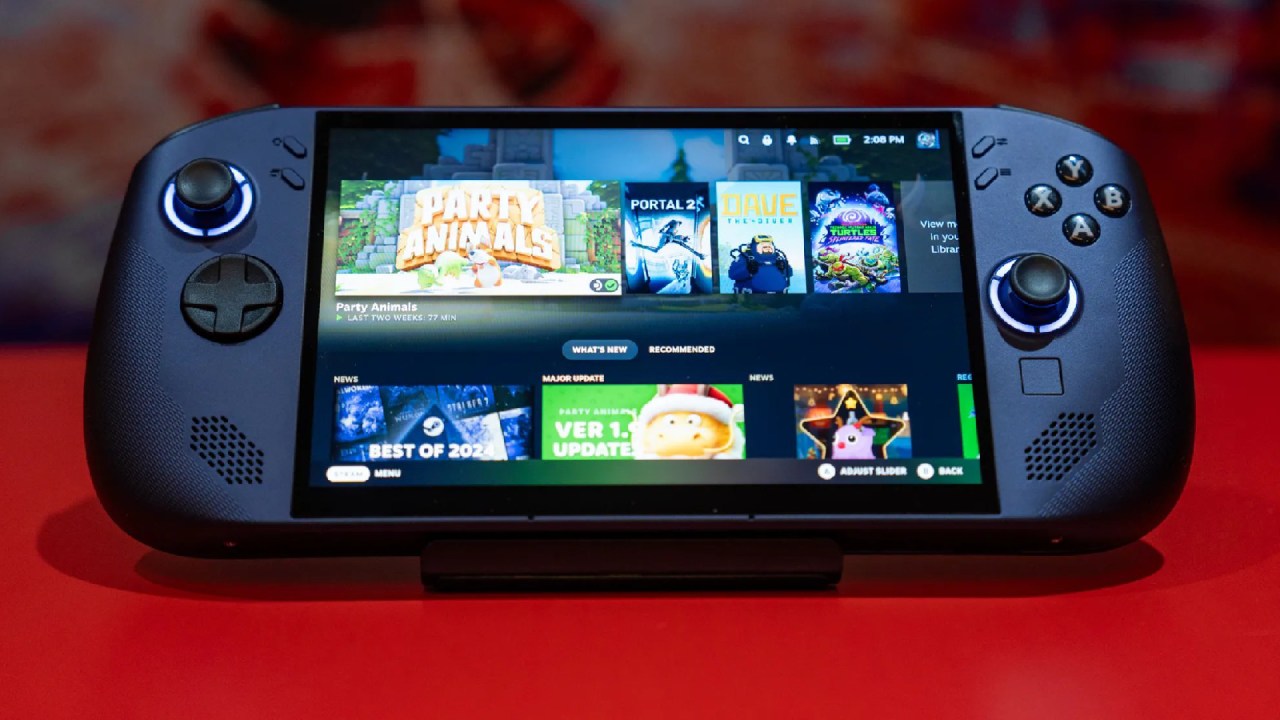
SteamOS Runs on Top of Android
The app is an APK you can install on a phone or handheld. Once installed, it downloads Steam and the required components, bringing the total installation size to around 4GB. After that, we can enter SteamOS directly and start installing games. You can install games on internal storage, and an SD card can also be detected as an external drive.
The main difference is that Android continues running underneath SteamOS. We can still swipe down to adjust brightness and use other Android functions because SteamOS runs on top of the existing Android system. Several ways already let you play Steam games on Android, but this approach lets you tap an app and enter SteamOS without replacing the operating system.
It provides a Linux environment with SteamOS inside it while keeping Android available underneath. Other Linux clients can be flashed onto an SD card or installed internally. Those options boot directly into Linux, so they can feel better because they have fewer layers. The new app is currently more of a proof of concept, but the developers expect to optimize it.
How It Differs From Game Native
The app also differs from Game Native. Game Native launches its own container when a game starts, so it launches the game and the environment it needs to run together. The new SteamOS app instead keeps the Linux environment running and uses Proton when launching Windows games.
The Linux client contains the required components, including Proton, so the Windows compatibility layer runs within the SteamOS environment installed through the Android app. The app also includes a desktop mode. You can enter desktop mode, use a browser, and interact with the Linux desktop instead of relying only on the Steam gaming interface.
That means you can access Firefox inside the SteamOS environment even though Android already has its own browser. Some games may require workarounds. For example, Geometry Wars initially failed to launch and crashed. After contacting the developer, they said to launch the game in desktop mode, switch to full screen, return to Game Scope, and then launch it again.
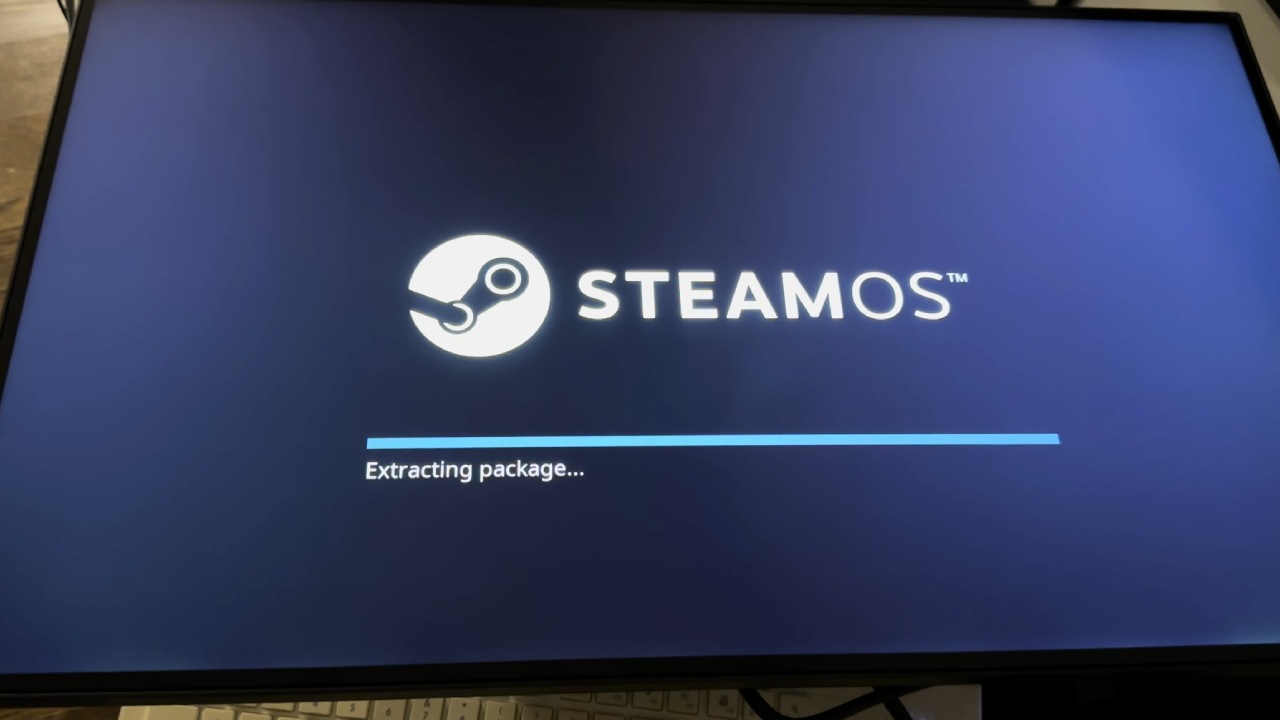
Instead of providing its own separate in-game interface, it opens the SteamOS quick access menu.
We can open the quick access menu and adjust metrics and other settings similarly to how you would on a Steam Deck. MangoHud is also included, though some of its information isn't accurate yet. For example, the battery estimate can report around 10 hours of remaining battery life when that does not match the actual battery level.
The developers are still working on these parts of the experience. Even with those issues, the app provides another way to access SteamOS without the installation process required by other Linux clients. The biggest difference is the installation process. Some users may want to try other Linux options but do not want to buy an SD card.
With this app, the process is reduced to installing an APK, signing into Steam, and starting to use the SteamOS environment. This avoids changing the device's normal boot process, making the approach more accessible. The developer tested 10 games, although several didn't work.
Editor, NoobFeed
Gaming Hardware Updates
No Data.