
X870 vs. B850: How to Choose the Right AMD Motherboard for Your Ryzen PC
Overview of AM5 compatibility that highlights differences between newer 800 series and older 600 series chipsets.
Hardware by Tanvir Kabbo on Jan 03, 2026
Finding the right AMD motherboard for a Ryzen PC can feel overwhelming, especially when faced with so many names, numbers, and confusing chipset labels. The goal here is to simplify everything down to two clear choices so you can confidently pick the right motherboard for a Ryzen PC build in 2025 and beyond.
Realistically, there are only two types of AMD motherboards that matter to most builders: those based on the X870 and B850 chipsets.
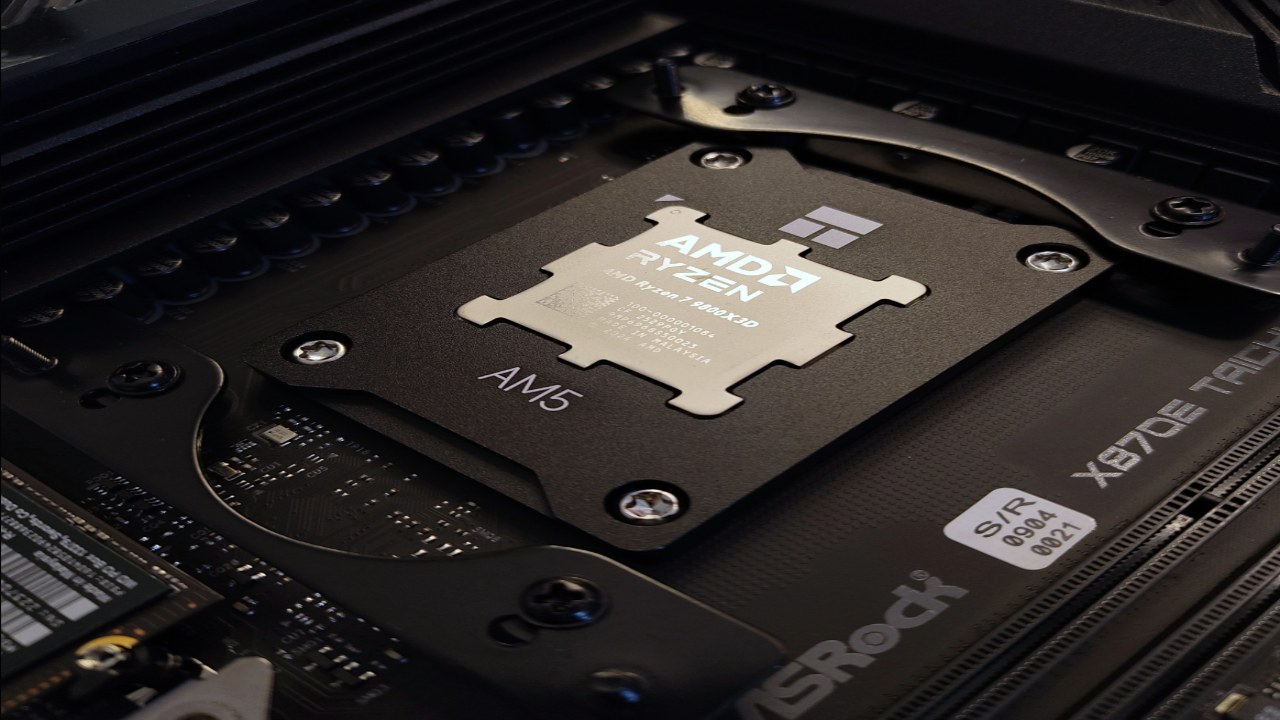
AM5 Compatibility and Motherboard Generations
If you're building a PC today, you're most likely using the AM5 socket with Ryzen 7000 or Ryzen 9000 CPUs such as the 7600X, 7800X3D, 9600X, or 9800X3D. AMD has released multiple generations of AM5 motherboards, each identified by its series number. You might see newer 800-series boards like X870 or B850, as well as older 600-series boards like X670 or B650.
Functionally, these aren't drastically different from each other except for CPU compatibility out of the box. When AMD releases a new CPU generation, they prefer pairing it with newer motherboards so users can build without needing a BIOS update. That's how the 600 series originally matched Ryzen 7000, and the newer 800 series matches Ryzen 9000.
While you can use a 600 series motherboard with a newer CPU, it will require a BIOS update. If you're unsure how to do that or want to avoid the extra hassle, choosing an 800-series board is the more straightforward option.
Understanding the X870 Motherboard
We use the ASRock X870 Nova Wi-Fi as an example of what higher-end motherboards offer. X870 boards include more connectivity, better power delivery, more PCIe lanes, improved PCIe 5.0 support, stronger build quality, and convenience features such as improved PCIe latches for removing large graphics cards. Many models also include substantial rear heat shields to help with cooling.
Who Should Choose X870?
1. Content Creators and Professionals
X870 is a better choice if you have a big office that requires a lot of high-speed USB ports. These boards have the most USB ports, including USB-A and USB-C, and they even have separate connectors for rapid charging. They work great with setups that have more than one capture device, a mixer, a camera, an external disk, and other gear.
2. Hardware Enthusiasts and Overclockers
Most X870 motherboards feature better power supply systems. A lot of them feature 18, 20, or even 24 phases, which is more than mid-range variants. For example, the X870 Nova features an 18+2+1-phase design that makes it more stable when overclocked.
The X870 is the ideal choice for overclocking a board with a 12-core or 16-core CPU because big CPUs need a lot more power.
.jpg)
3. Users Seeking Maximum Performance with PCIe5.0
A lot of X870 platforms won't let the GPU and many PCIe5.0 M.2 SSDs share PCIe lanes if you use a PCIe5.0 GPU or PCIe5.0 M.2 SSD. Cheaper boards often take up the middle of these lines, which could slow down some programs that need fast SSDs or GPUs.
For gaming, this isn't a big deal, but it is for professional or specific reasons.
4. Value-Focused High-End Buyers
Some X870 boards, like the ASRock X870 Nova, are surprisingly well-priced even though they are higher-end and often go on sale. They deliver premium features without the exorbitant pricing of other high-end models.
Who the B850 Motherboard Is For
In short, B850 is for everyone else. A board like the ASRock B850 Pro RS is excellent for gamers and general PC users. The gaming performance difference between a B850 board and an X870 board is effectively nonexistent, especially in popular titles like Fortnite. Most workloads outside professional content creation won't take advantage of the extra bandwidth or features of X870.
Why B850 Is a Great Choice
- It's significantly more affordable.
- It still offers plenty of USB connectivity for typical gaming and streaming setups.
- It supports the most commonly used gaming CPUs extremely well.
CPUs like the Ryzen 5 9600X, Ryzen 5 7500F, and even 7800X3D or 9800X3D pair perfectly with B850, especially since the 8-core CPUs are efficient and deliver outstanding gaming performance. You only need to step up to X870 when using heavier 12-core or 16-core processors for specialized work.
Since gaming rarely requires more than 8 cores, B850 fits the needs of about 95% of gaming builds, whether budget or mid-range.
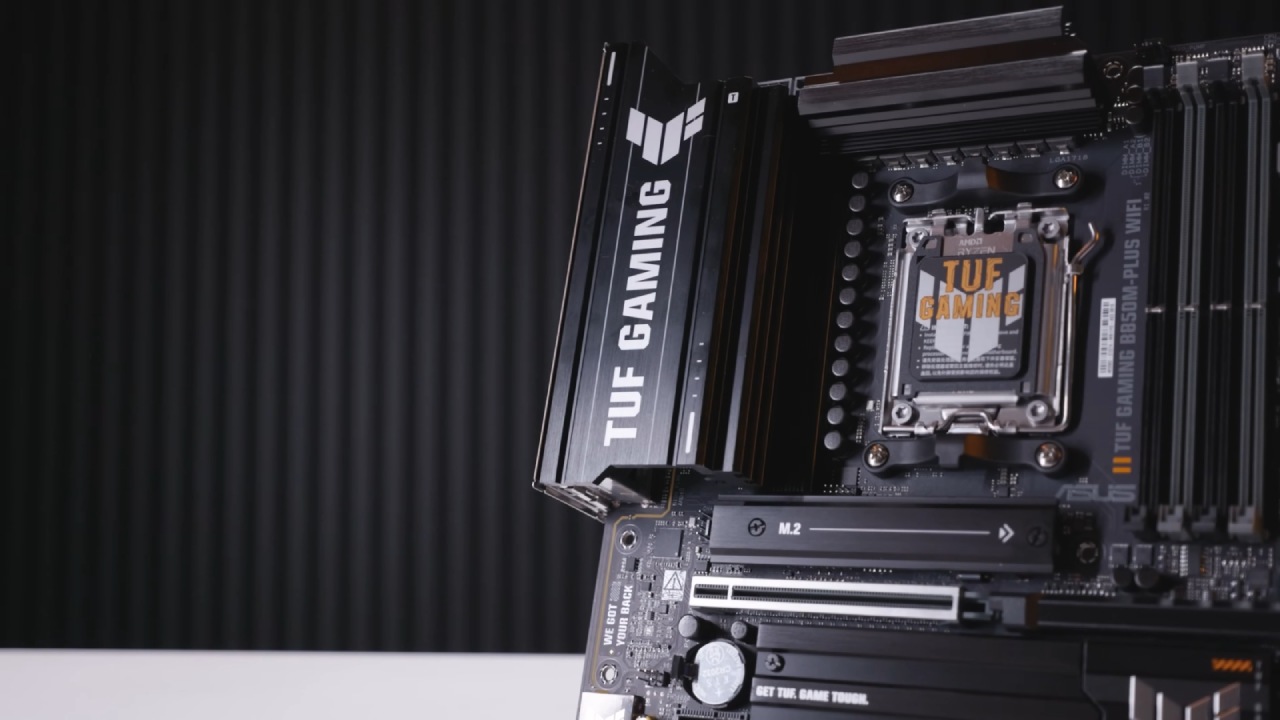
About X870E and Lower-Tier Chipsets
There is a chipset above X870 called X870E, which is essentially X870 pushed even further with enhanced power phases, more connectivity, and expanded bandwidth. It's intended for the top 10% of enthusiasts who know exactly what they're doing, and is overkill for nearly everyone else.
Below B850, there are chipsets like A620 and B840. These are mostly used in low-cost prebuilt systems and come with severe limitations, particularly regarding CPU support and features. Even if you find one, they're not recommended.
Final Thoughts
An X870 motherboard is the best choice if you need top performance, workstation-level connectivity, support for high-end overclocking, or PCIe 5.0 bandwidth without lane sharing. Most gamers, broadcasters, and everyday users will get more than enough power from a well-made B850 board at a lesser price.
Both chipsets do their jobs well, but B850 is better for most real-world uses of a Ryzen PC in 2025 and beyond.
Also, check our other AMD articles below:
- AMD Ryzen 9 9950X3D Review: Setting The Standard For 2025 Gaming CPU
- AMD Ryzen 7 9800X3D Review: 3D V-Cache Goes God Mode with Stunning Gaming Performance
- AMD RX 9070 Performance Review: Thermals, Clocks, and Real-World FPS
- AMD Ryzen 5 7600 Review: Best Budget Gaming CPU of 2025?
- AMD Radeon RX 7800 XT Review: RDNA 3 Power For Midrange Gaming
- Sapphire NITRO+ AMD Radeon RX 9070 XT Review: The Ultimate 4K Gaming GPU
- AMD Ryzen 7 7800X3D: Delivers Gaming Performance Far Beyond Expectations
- AMD Ryzen 9 7900X Review: Powering the AM5 Era with DDR5 & PCIe 5.0
- Intel Core i9‑14900K vs. AMD Ryzen 7 7800X3D: Power Profiles & Gaming Benchmarks
Senior Editor, NoobFeed
Gaming Hardware Updates
No Data.