
New XBOX App Update is 60% Faster With Redesigned UI
Microsoft's redesigned Xbox app improves navigation, speeds up loading times, and brings a console-like experience to Windows handheld gaming devices.
XBOX by Shinji Okazaki on Nov 14, 2026
Microsoft released an update to the XBOX PC app, bringing changes to its interface, navigation, search functionality, and overall performance. The update is designed for Windows-based gaming handhelds, including the Xbox Ally, ROG Ally, and other Windows PC handhelds. It introduces five key features that improve the game library, social features, search results, interface design, and loading speeds.
The first major change is an easier-to-use game library with improved filters and new ways to organize games. The navigation has also been simplified to provide a more console-like experience, which was missing from the previous XBOX PC app. These features are now part of the main navigation, making it easier to see what our friends are playing. We can also start chats and join parties without going through multiple menus.
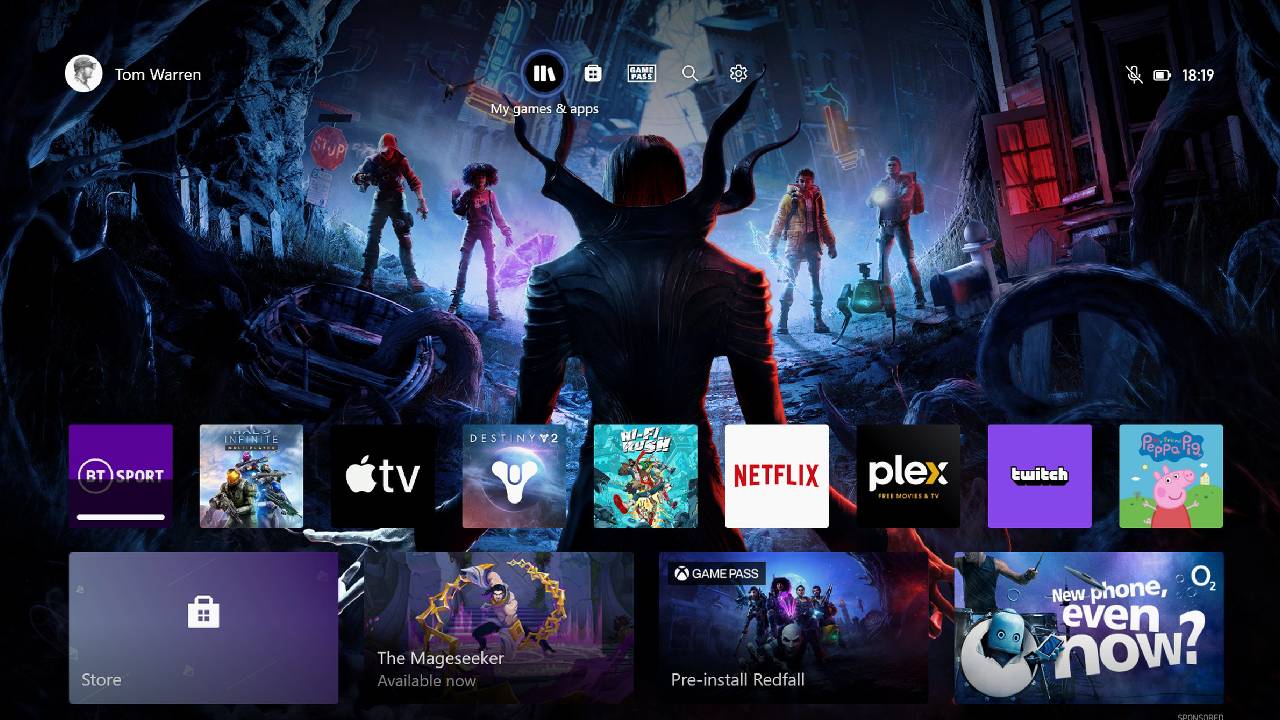
XBOX PC App Receives Five Key Features
The third change brings optimized search results across more areas of XBOX. We can now search for installed games, add-ons, and people from one place, making it easier to find what we need. The fourth feature updates the overall interface, including refreshed home pages, settings, game cards, and animations.
The previous XBOX app felt clunky and lacked the console-like navigation expected from a gaming handheld interface. These changes address some of those issues. The fifth feature is one of the most important improvements. Microsoft says the XBOX PC app can now launch up to 60% faster, while pages such as the Microsoft Store and Game Pass can load up to 50% faster. This should make navigating the app and accessing games much quicker.
The update is available for the Xbox Ally, ROG Ally, and other Windows-based PC gaming handhelds. The installation process requires two steps. First, install the latest updates for the XBOX and Game Bar apps. You might initially think that the update is available through the Armory Crate update center or its preview updates section, but that is not where we need to look.
Instead, open the Windows desktop and launch the Microsoft Store. From there, click the Downloads button in the bottom-left corner and select the blue Check for updates button. Then install the updated XBOX and Game Bar apps. For the second step, open the Microsoft Store and search for XBOX Insider.
After enabling the new app experience, the interface loads noticeably faster.
The initial experience is already different from the previous layout, although some issues still need attention. One of the first problems is that the thumbsticks and D-pad do not work immediately when navigating the interface. We have to touch the touchscreen first before the controls start working. This is a basic navigation issue, and hopefully the XBOX team can address it during the preview phase.
Another issue is how the recently played games are displayed. The most recently played game doesn't always appear in the main large tile. Instead, it can appear in the smaller recently played section, while an older game takes the main position. For example, a game played over a week ago appeared in the main tile instead of the latest game.
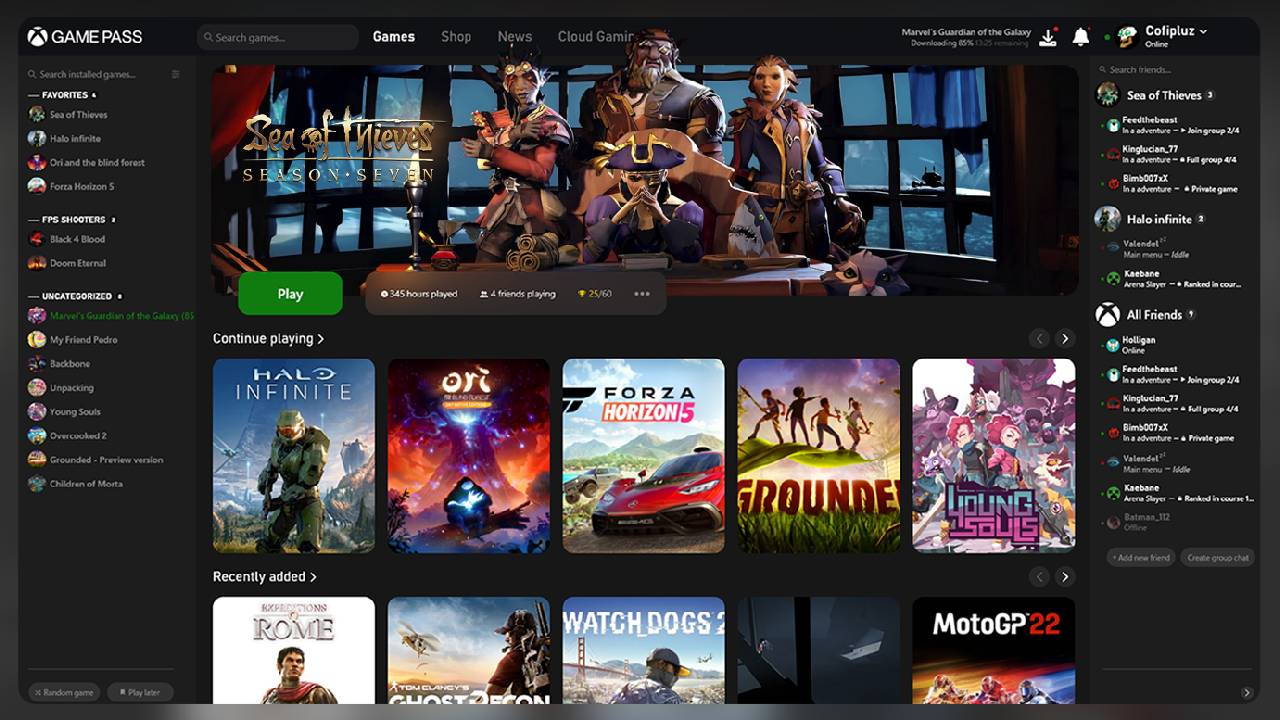
However, the new interface brings several changes that improve the overall experience. The green color at the top gives the app a different appearance, while the larger game tiles replace the smaller tiles from the previous layout. The new design also makes the interface easier to navigate and gives games more screen space.
FAQ
Q. How much faster is the redesigned Xbox app?
A. Microsoft claims that the redesigned Xbox app is 60% faster than the previous experience, with improved responsiveness and faster navigation.
Q. Is the redesigned Xbox app available to everyone?
A. The redesigned experience is available through the Xbox Insider program, which allows users to access features before their public release.
Q. Does the new Xbox app support Steam games?
A. Yes. The redesigned Xbox app supports Steam game integration and displays installed Steam games in the Library section.
Q. Does SteamGridDB artwork customization still work with the new Xbox app?
A. Yes. SteamGridDB artwork customization still works, though users may need to reapply their custom artwork after updating the Xbox app.
Editor, NoobFeed
Latest Articles
No Data.