
Legion Go 2 Receives Major Performance and Security Updates
Latest Legion Go 2 system enhancements introduce crucial security fixes and foundational support for upcoming Xbox integration features.
Hardware by Tanvir Kabbo on Dec 28, 2025
There has been a consistent stream of updates for Legion Go 2 over the past few days, even on Christmas Eve and Christmas Day. These upgrades include a new widget for the Xbox Game Bar, a fix for a serious security flaw, improvements to Legion Space, and updated firmware for the controllers.
Collectively, these additions appear to be preparing the device for the upcoming Xbox full-screen experience, which is expected to arrive officially soon.
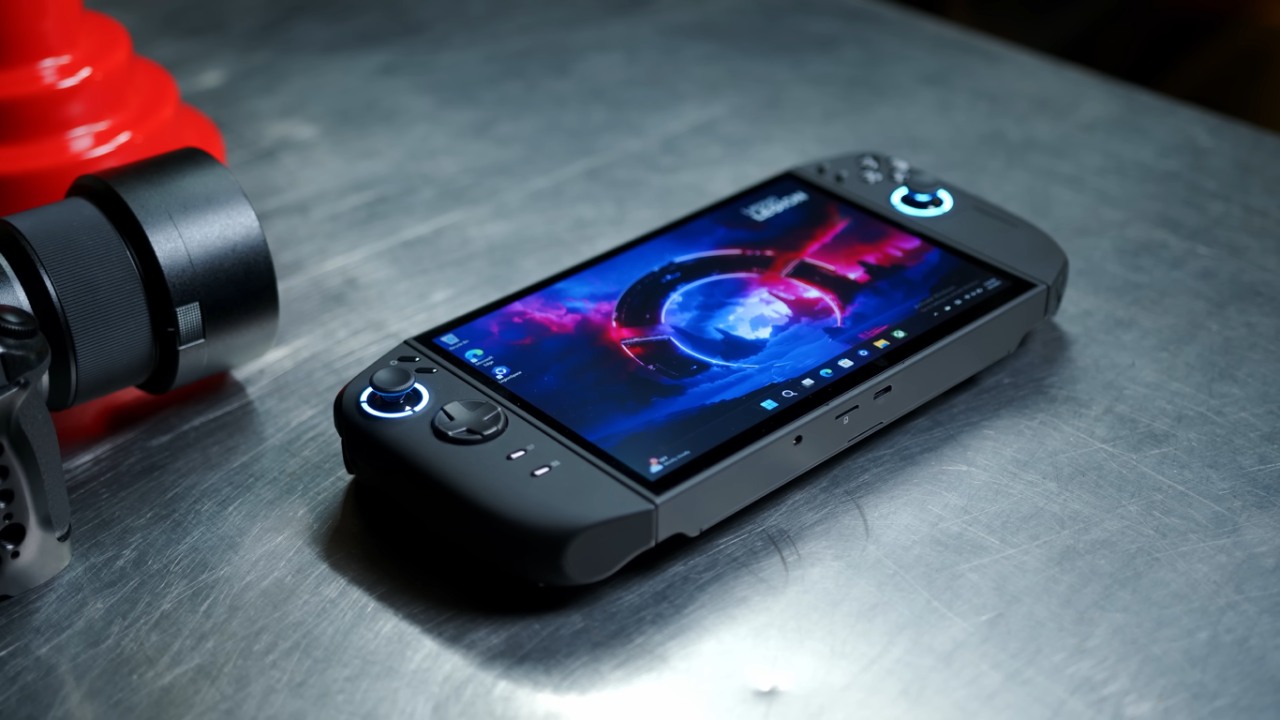
Critical Security Update
We can find the newest critical update by visiting Legion Go 2 support site and heading to the software utilities section. Unlike recent updates that appear through Windows Update, this file must be downloaded manually. Grock says the patch fixes a security hole in the original Windows image used to build the computer. It removes the problematic package and resolves the issue.
Once we get the update, it's easy to install. We just double-click the installer in the downloads folder, agree to the terms, choose Install, and wait a few seconds. After installation, a quick restart completes the process.
Legion Space Update and Controller Firmware Upgrade
Recently, many Lenovo updates have been arriving through Windows Update, which has been interesting to see. These updates have noticeably improved the device, especially in performance-intensive games like Cyberpunk, where we're now seeing better GPU clock balance and smoother overall performance.
When we open Legion Space, an update should queue automatically. The process takes only a couple of minutes. Immediately after the app updates, the controller firmware is updated as well. This process restarts the controllers several times, so we recommend keeping them plugged in when battery levels are low.
Once both updates are complete, we can confirm that Legion Space and the controller firmware are now fully up to date.
New Controller Function Shortcuts
Inside the updated Legion Space, we head to the Controllers section. By scrolling down to Function Shortcut, we notice several of the new options added for the right-menu shortcut. These include:
- Xbox Game Bar
- Task View for switching between apps
- Xbox Button access through a shortcut
These features clearly tie into upcoming support for the Xbox full-screen experience. Other handheld devices received this feature earlier, but it hasn't yet arrived on the Legion Go lineup.
.jpg)
Legion Space Widget in the Xbox Game Bar
By opening the Game Bar, we can see a new widget related to Legion Space. It works, but it's still tightly linked to the main Legion Space app. Unlike similar features on devices like the RG Ally, Legion Space must remain open for the widget to apply changes properly.
If we reopen Legion Space, we'll notice settings adjust automatically based on what the widget was trying to configure. From there, we can also use shortcuts like Customize Settings and View/Edit to jump quickly to specific sections of Legion Space.
The widget seems small and dependent on the app for now, but at least it's a start. We should expect a smoother, more independent widget experience if development continues to move swiftly. This is especially true with the Xbox full-screen option coming soon.
Installing the Critical Update
We finish by installing the important update by hand after looking at the new features and firmware updates. We navigate to our downloads folder, run the installer, accept the terms, and choose Install. The installation completes in seconds. Restarting the device afterward ensures everything is applied correctly.
At this point, everything available through Windows Update, Lenovo's support page, and Legion Space is fully installed on Legion Go. With all of these updates, it's clear we're getting closer to an official release of Xbox full-screen mode, something we're eager to test properly. While we can activate it unofficially, there is a noticeable performance difference when using official optimization—as seen on devices like MSI Claw AI Plus.
Also, check our other Handheld articles :
- ASUS ROG Ally X Handheld Review: Double the Battery, Double the Comfort
- Nintendo Switch 2 Vs. Original Switch 1: A Full Comparison
- How To Connect A Camera And Join Voice Chat With Nintendo Switch 2
- Nintendo Switch 2 Review: Handheld Performance, Features & Value Breakdown
- ROG Xbox Ally X Vs. ROG Ally X: Display, Battery & Controls
- ASUS ROG Ally X vs. Steam Deck OLED: Display, Battery & Gaming Benchmarks
- MSI Claw 8 AI+ Review: Display, Controls & Gaming
- Nintendo Switch 2 vs. Steam Deck OLED: Gaming, Performance, Battery, Display and Value
- PlayStation Portal Review: Remote Play, Cloud Streaming & Travel Gaming
- PlayStation Portal vs. Lenovo Legion Go: Best Portable Gameplay
- Cyberpunk 2077 Patch 2.3 FPS Test on MSI Claw 8 AI+
Senior Editor, NoobFeed
Gaming Hardware Updates
No Data.