
PlayStation Portal Cloud Streaming Review: Performance, Lag, and Practicality
PlayStation Portal cloud streaming offers acceptable image quality but exhibits noticeable latency in fast-paced or input-sensitive games.
Hardware by Tanvir Kabbo on Nov 25, 2025
The PlayStation Portal is no longer in beta, and it now officially supports cloud streaming of PlayStation 5 games. Headlines rapidly said that anyone could now play PS5 games without having a system, but the truth is more complicated.
While cloud streaming is active, pairing the Portal to a PS5 is still required before accessing the functionality, creating a “yes, but no” scenario for fully console-free play.
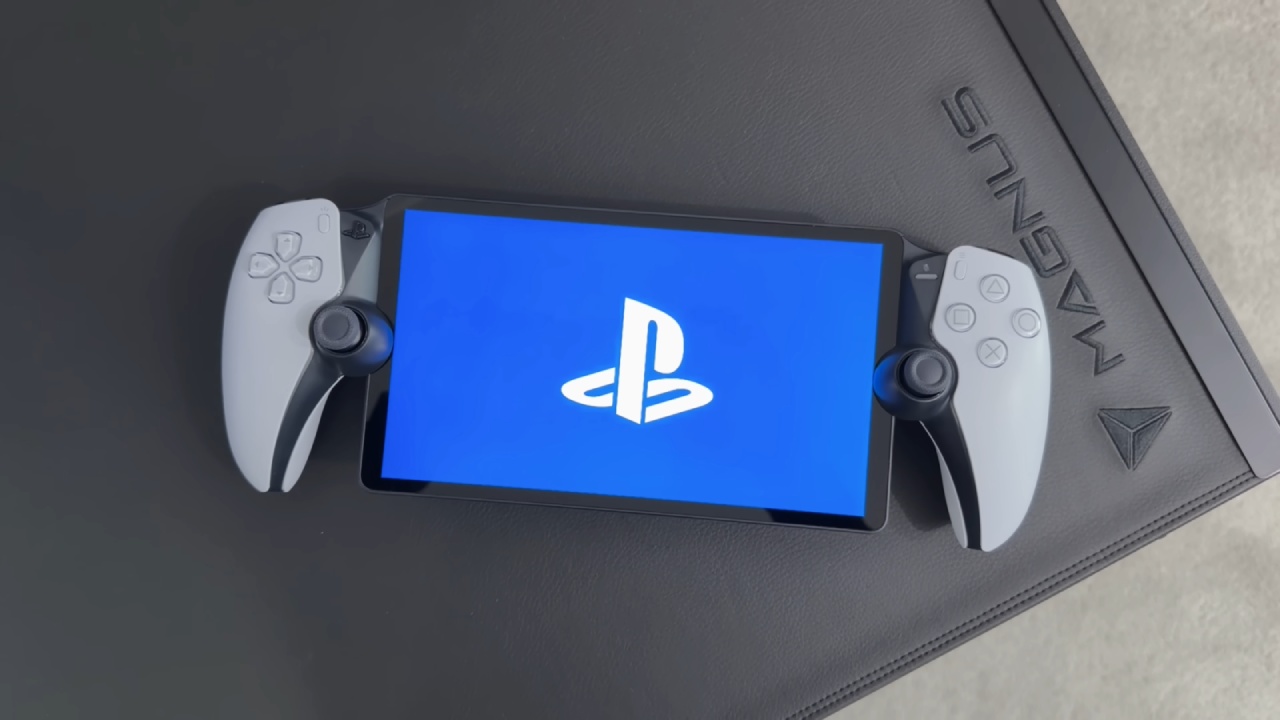
Cloud Streaming Performance on PlayStation Portal
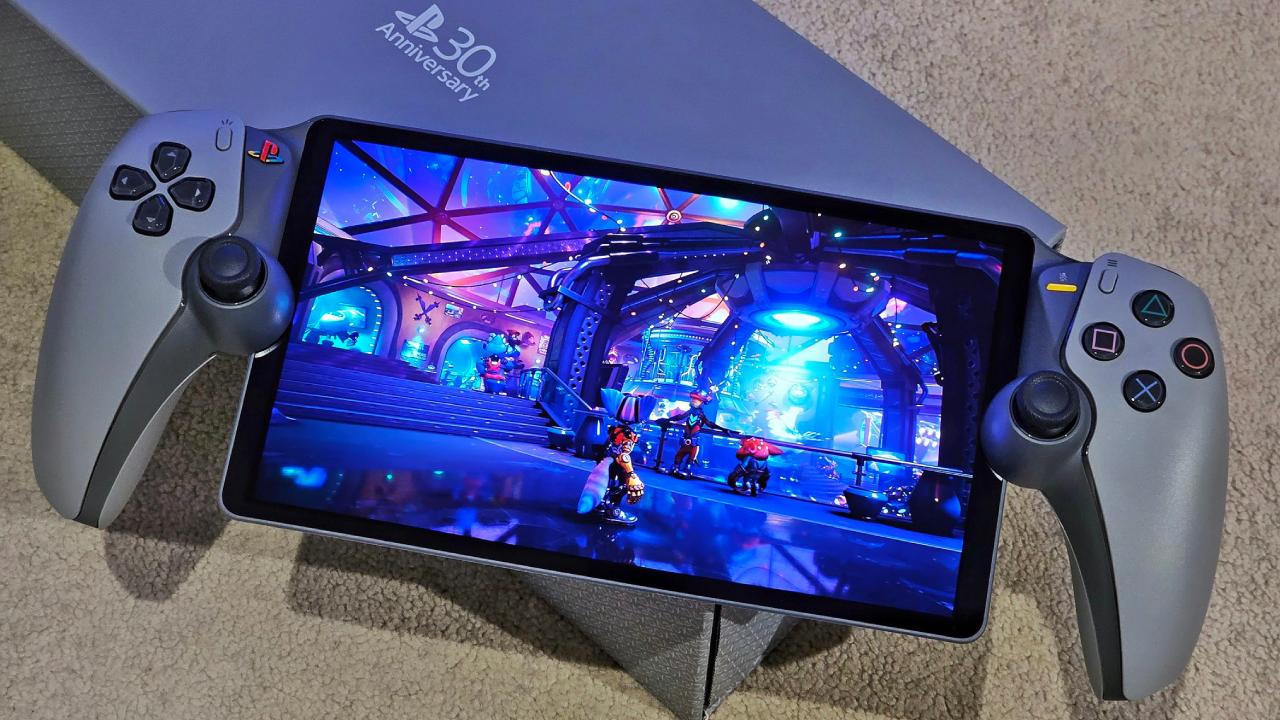
We’ve spent time testing cloud streaming since its early beta days, and now that it’s official, the experience remains mixed. Image quality is acceptable for a handheld device despite falling short of what cloud streaming on an actual PS5 can deliver, particularly since the Portal lacks a 4K display. At normal handheld viewing distances the visuals are serviceable, though far from exceptional.
However, latency is where the major issues lie. We immediately tried a 60fps title—Doom: The Dark Ages—expecting responsive controls, but input lag made the game nearly unplayable. The delay between moving the right stick and seeing the camera react was easily visible.
Previously, less latency-sensitive games like A Plague Tale: Requiem fared better, but fast shooters highlight the weaknesses of Sony’s cloud pipeline. People have different levels of tolerance for latency, but for us, the Portal isn't good for fast games yet.
Game Genre Sensitivity and Streaming Limitations
Genres that require a lot of input lag, such shooters, fighters, and fast action games, are the worst off. Even videos from tests done by other people show a clear lag: players move a stick, recenter it, and then the game responds a few seconds later. Fighting games such as Mortal Kombat1 become nearly impossible to play under these conditions.
Streaming always requires balancing input response and image quality. Some platforms sacrifice clarity to gain responsiveness, while others prioritize visuals at the expense of latency. The Portal leans toward the latter. Although the frame pacing seems reasonably smooth and macro-blocking isn't overly intrusive, responsiveness remains a substantial obstacle.
Better Streaming Experience Elsewhere
If streaming is your priority, we strongly recommend considering alternatives. A handheld device using GeForce Now offers a dramatically better experience. On a smaller screen, GeForce Now can appear almost indistinguishable from native gameplay. With fast home Wi-Fi, it delivers excellent visuals, low latency, and—on a Steam Deck OLED—support for 90hz following a recent app update. For cloud-focused players, that combination is appealing and often superior to the Portal’s offerings.
Future Possibility of Expanded PlayStation Ecosystems
New discoveries concerning PlayStation system symbols have led to rumors about a possible cross-buy mechanism like Xbox Play Anywhere. This might let anyone who buy a PS5 version of a game get the PC version automatically. Valve's rules make it doubtful that the game would be available through Steam, but it does seem possible that it may be available through a Sony-controlled PC store.
Such an ecosystem could offer benefits including unified purchases, cross-save syncing between console and PC, and a smoother transition for players who move between gaming platforms. Many games already support cross-save—Ubisoft titles and Cyberpunk2077 among them—though DLC conflicts can complicate transitions. Nonetheless, the demand and infrastructure for cross-save compatibility are clearly present.
Controller Support and the DualSense Challenge
If Sony expands its PC presence, improved DualSense support on PC would be essential. At the moment, complete haptic and adaptive trigger capability usually needs a connected connection. Some of the constraints on usefulness come from how Bluetooth is set up on PC motherboards.
The PS5 has two Bluetooth channels that let you use advanced haptics and controller audio, whereas PCs usually only have one or two Bluetooth channels that work with basic capabilities. A better Sony Bluetooth driver or USB dongle could fix this, giving PC gamers continuous wireless DualSense support.
Using controllers and Practical preferences
Many gamers still use specific wireless dongles, like the Xbox adaptor, for reliable low-latency controller input on PC. This setup avoids common Bluetooth issues like connection delays, inconsistent pairing, and wake-from-sleep failures. Any Sony PC ecosystem would need to address these realities to ensure a seamless, competitive experience.
.jpg)
Is Upgrading PS+ for Cloud Streaming Worth It?
If you're thinking of canceling a membership somewhere else and upgrading to a higher PS+ tier just for cloud streaming on Portal, the decision relies on how you play games.
The Portal's cloud streaming can be fine for games that are slow-paced or have a lot of story. But for games that have a lot of action or need low latency, the experience isn't great. If your main reason for upgrading is cloud streaming, we don't think you should.
Final Thoughts
The PlayStation Portal cloud streaming feature works, albeit not always well. The picture quality is good, however the lag makes it hard to play many types of games.
GeForce Now and other options work better, and Sony's PC environment could get better in the future. For now, the Portal’s cloud functionality serves specific use cases rather than delivering a broadly competitive streaming solution.
Also, check our other Handheld articles :
- ASUS ROG Ally X Handheld Review: Double the Battery, Double the Comfort
- Nintendo Switch 2 Vs. Original Switch 1: A Full Comparison
- How To Connect A Camera And Join Voice Chat With Nintendo Switch 2
- Nintendo Switch 2 Review: Handheld Performance, Features & Value Breakdown
- ROG Xbox Ally X Vs. ROG Ally X: Display, Battery & Controls
- ASUS ROG Ally X vs. Steam Deck OLED: Display, Battery & Gaming Benchmarks
- MSI Claw 8 AI+ Review: Display, Controls & Gaming
- Nintendo Switch 2 vs. Steam Deck OLED: Gaming, Performance, Battery, Display and Value
- PlayStation Portal vs. Lenovo Legion Go: Best Portable Gameplay
- Cyberpunk 2077 Patch 2.3 FPS Test on MSI Claw 8 AI+
- Zotac Zone Handheld Review: Balancing Battery Life and High‑Performance Gaming
Senior Editor, NoobFeed
Gaming Hardware Updates
No Data.