
Powerful Windows Laptop vs Apple M5 Max: Which One Wins in 2026
Raw GPU power meets optimized silicon efficiency in a head to head battle of flagship Windows and Apple laptops.
Hardware by Masaru Hoshino on Apr 05, 2026
This over here is single-handedly the best Windows laptop ever tried. In true form, this is a desktop killer. On the other hand, this is single-handedly the best Apple laptop ever. In fact, it is the best Mac Apple has ever made, powered by the M5 Max. Choosing which one is better is not straightforward.
Hardware and Architecture Differences
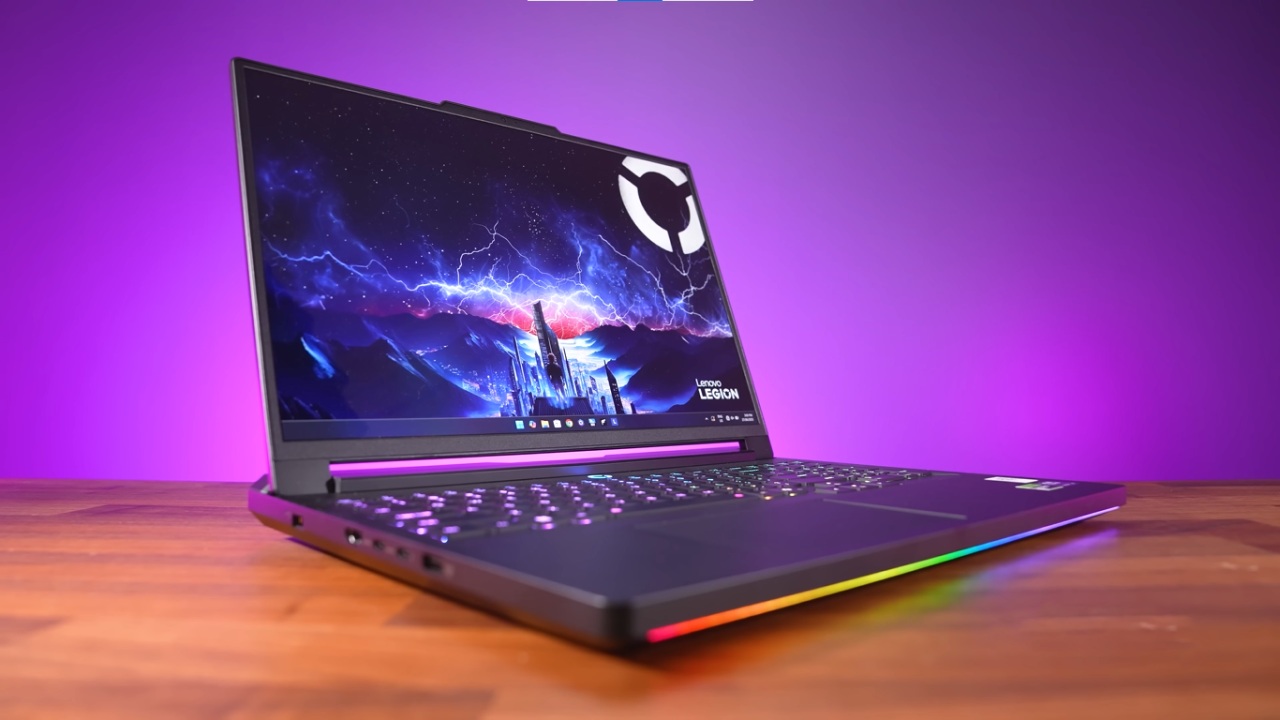
The two laptops take completely different approaches to performance. On the Windows side, there is an RTX 5090 mobile GPU with 24GB of GDDR7 memory paired with an AMD Ryzen 9 9955HX3D CPU featuring 16 cores and 32 threads, along with 64GB RAM running at 5600MT/s. On the Apple side, the M5 Max includes 18 CPU cores and 40 GPU cores, paired with 48GB unified memory and a fast Gen5 2TB SSD.
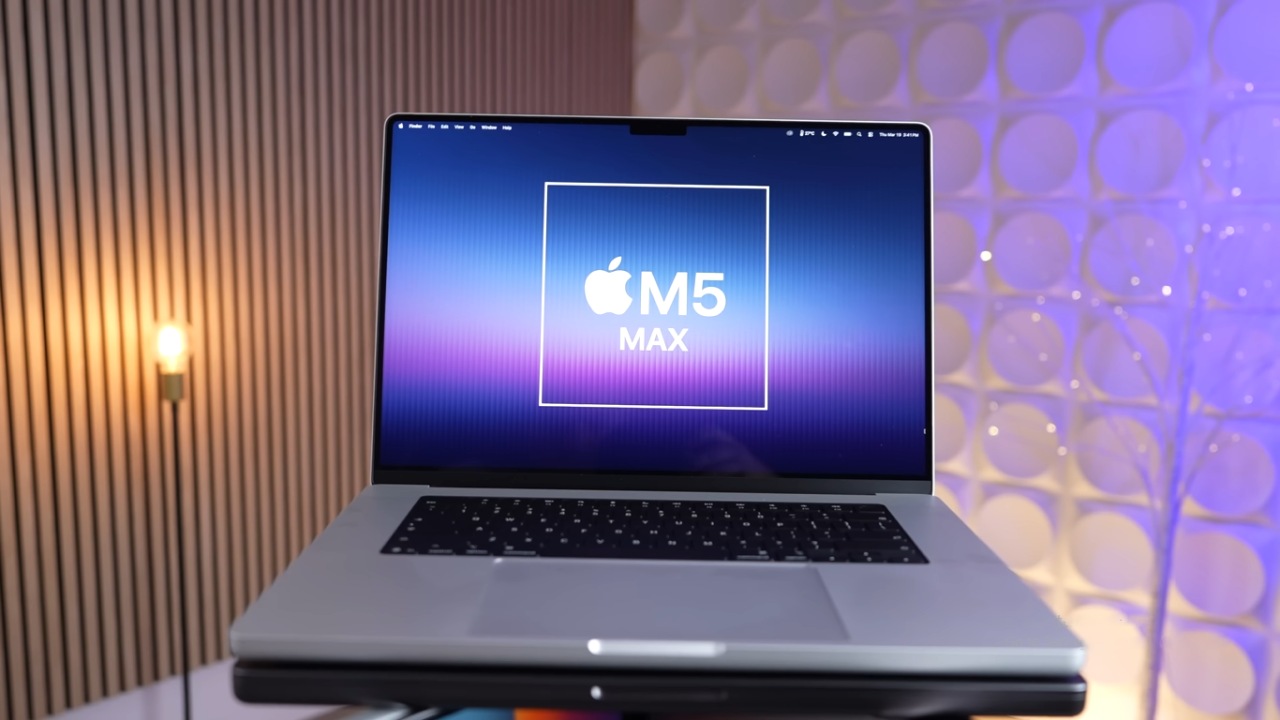
The architectural difference is significant. Apple emphasizes efficiency and integration, while Windows systems emphasize raw power and scalability.
Power Consumption and Long-Term Performance
Things get intriguing when power draw comes into play. The M5 Max can handle up to 80W; it only uses 45 to 52W while it's under stress. The GPU power stays steady at about 40W. This means that either the heat capacity or the battery delivery is limited.
On the Windows machine, the approach is completely different. CPU power reaches 144W and remains consistently at that level when plugged in. The GPU pulls 175W and also maintains that level. This explains the presence of a 400W power brick, more than three times the MacBook Pro's power.
When plugged in, the Windows system delivers unmatched performance. However, it requires a power connection to function at its full potential.
Battery Performance and Real-World Use
Once unplugged, the difference becomes dramatic. The MacBook maintains the same level of performance whether plugged in or not. In contrast, the Windows laptop drops from 144W CPU usage to around 35W, significantly reducing performance.
This creates two distinct use cases. The Windows machine is designed as a portable workstation intended for use when plugged in. In contrast, the MacBook is designed for consistent performance anywhere, even when powered by a power bank.
Battery life further highlights this contrast. The Windows system drains rapidly, losing around 13% battery in just 21 minutes of light usage. The MacBook, while slightly less efficient than its previous generation, still delivers far superior endurance.
Benchmark Performance Comparison
In Cinebench R26, the Windows laptop is about 5% slower in single-core and 3% slower in multi-core performance. However, in GPU tests, it is 16% faster.
The MacBook is clearly ahead in Geekbench6, with 26% better single-core performance and 31% better multi-core performance. The Windows machine is the best in OpenCL, while the results are mixed in other APIs when comparing GPUs.
Results vary for AI tasks. The Windows GPU has superior raw throughput, while Apple's neural engines are better at some jobs that have been optimized.
Creative Workflows Performance
Performance varies depending on the application. In Photoshop, the Windows laptop is about 10% slower, while in Lightroom Classic, it is 15% faster in standard tests and 3% faster in extended workloads.
In Premiere Pro, results depend heavily on the codecs used. ProRes performs better on the Mac, while RAW and long GOP formats benefit from Windows' power. The overall scores are still tight.
After Effects doesn't always work correctly, probably because of optimization issues. The Windows system does much better in some areas but not as well in others. This suggests that the M5 Max doesn't have full software support.
DaVinci Resolve gives a more even view. Overall, the MacBook is a little better. Still, the Windows computer is superior at tasks that use a lot of graphics processing power, such as noise reduction and effects.
3D and GPU Workloads
The Windows laptop has about 16% better GPU performance than the MacBook in 3D rendering workloads like Redshift and Blender. But this means that it uses a lot more power, usually 3 to 4 times more than the MacBook.
The MacBook is the best laptop when it's not plugged in, since Windows computers can't maintain their performance without an external power source.
Things to think about when it comes to price and value
Pricing adds a big twist. The Windows system costs about $6700, but some listings go above $9000. Even a fully loaded M5 Max with 128GB of unified memory and 8TB of storage costs only $7200, which is a lot less.
This makes the MacBook a better choice for price-to-performance, especially because it is portable and performs well.
Final Thoughts
The two machines are meant for quite different types of people. The Windows laptop is basically a desktop replacement that delivers a lot of power when plugged in. In the appropriate settings, it can even beat some desktop installations.
The MacBook, on the other hand, always works well without needing to be plugged in, making it the greatest choice for portability, battery life, and efficiency.
The Windows system stands out for people who need the most raw power and compatibility with certain apps. The MacBook is the best choice for people who value portability, battery life, and well-functioning creative workflows.
The decision ultimately depends on whether constant power access is acceptable or true portability is required.
Also, check our other hardware articles:
- AMD Ryzen 9 9950X3D Review: Setting The Standard For 2025 Gaming CPU
- Amazon Luna 2025 Review: Is Prime Gaming's Cloud Service Your Go-To For Casual Fun?
- AMD RX 9070 XT Review: AMD's RDNA 4 Champion for 1440p Gaming
- GeForce Now Ultimate: Ditching Your Gaming PC For Cloud RTX 4080 Power?
- NVIDIA GeForce RTX 5080 Review (2025): Still A 4K Gaming Powerhouse?
- Intel Core Ultra 9 285K Review And Performance Breakdown (2025)
- AMD Ryzen 7 9800X3D Review: 3D V-Cache Goes God Mode with Stunning Gaming Performance
- Intel Core Ultra 9 285K vs AMD Ryzen 7 9800X3D: In-Depth Gaming Performance and Benchmark Comparison
- NVIDIA GeForce RTX 5080 Super Performance In Cyberpunk 2077: Path Tracing & DLSS 4.0 Tested
- AMD Radeon RX 9070 XT In Cyberpunk 2077: Ray Tracing & FSR 4.0 Tested
- Intel Arc B580 Review: The $250 GPU Revolutionizing 1440p Gaming
- Intel Arc B570 Vs. B580: Value, Specs, And Real-World Gaming Performance
- RTX 5090 Laptop Vs. M4 Max MacBook Pro: Ultimate Raw Performance Vs. Battery Endurance
- Intel Arc b580 Vs. RTX 4060: Game Performance And Value Analysis
- RTX5090 Hell Is Us Demo 4K Ultra Benchmark: DLSS Vs. Native Performance Guide
- NVIDIA RTX 5070 Review: Mid-Range Muscle or Marketing Hype?
- Nintendo Switch 2 Review: Handheld Performance, Features & Value Breakdown
- RTX 5070 Ti Review: Performance, Thermals & Power Efficiency Tested
- Samsung Odyssey OLED G81SF Review 2025: Ultimate 32-Inch QD-OLED Gaming Monitor
- AMD RX 9070 Performance Review: Thermals, Clocks, and Real-World FPS
- AMD Ryzen 5 7600 Review: Best Budget Gaming CPU of 2025?
- AMD Radeon RX 7800 XT Review: RDNA 3 Power For Midrange Gaming
- Asus ROG RTX 5090 Astral OC Vs. Founders Edition: The 4K Gaming Benchmark
Editor, NoobFeed
Gaming Hardware Updates
No Data.