
Breathedge 2 Guide | How to Find the Seamoth Blueprint
Here’s a guide on how to find the Seamoth Blueprint in Breathedge 2.
Game Guide by Jubair Baky on Sep 17, 2026
The Seamoth Blueprint is one of the Chapter 1 collectibles in Breathedge 2. It is easy to overlook because it sits inside a lower-altitude red shipwreck near the Service Warmer route, and reaching the workbench is tied to restoring the nearby warmer.
Reach the Service Warmer Area
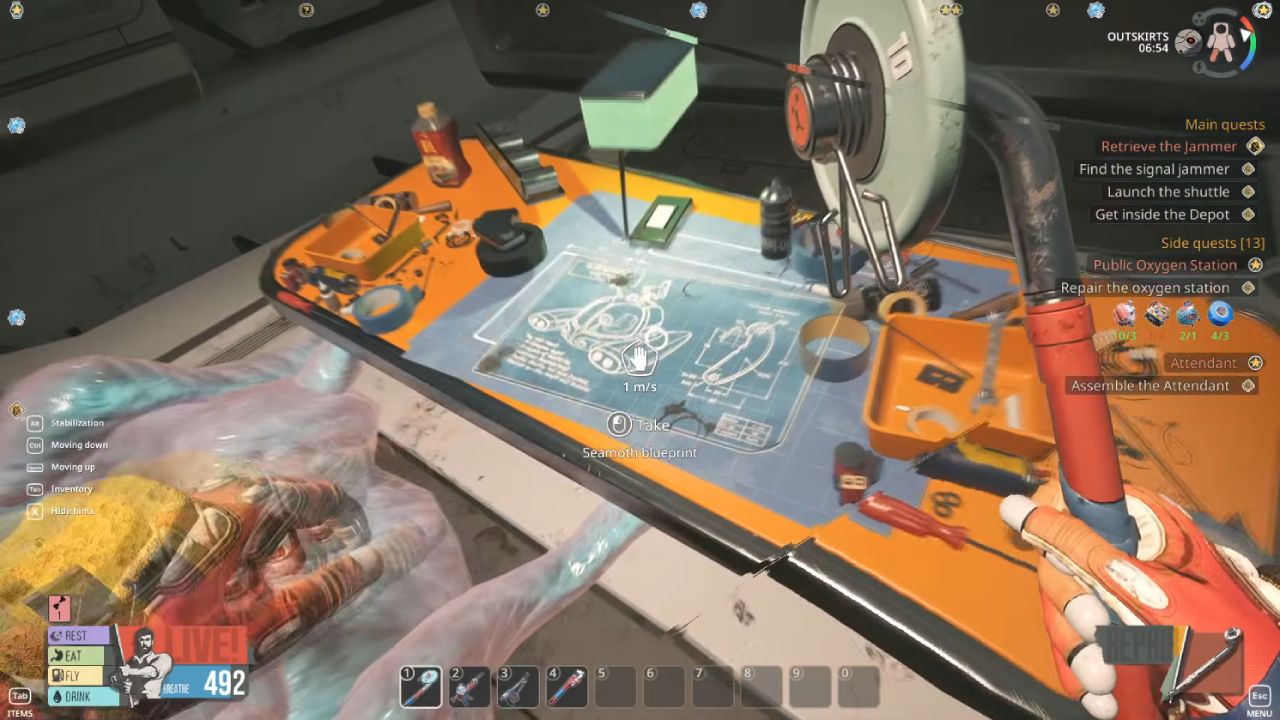
Follow the Chapter 1 progression into the Service Warmer section of the Outskirts. When you reach the cluster of wreckage around the warmer route, look below the main path for a red shipwreck at a lower altitude. The Seamoth Blueprint is inside that wreck rather than on the larger platforms above it.
Repair the Service Warmer
Approach the nearby Service Warmer and repair it before searching the wreck. Use the materials shown by the live repair prompt, because Early Access updates can change individual repair requirements. Once the warmer is active, the surrounding area becomes accessible enough to reach the collectible safely.
Find the Workbench
Enter the red shipwreck and move toward the workbench. The Seamoth Blueprint is placed directly on or beside the workbench, so check the tabletop instead of searching containers or wall panels.
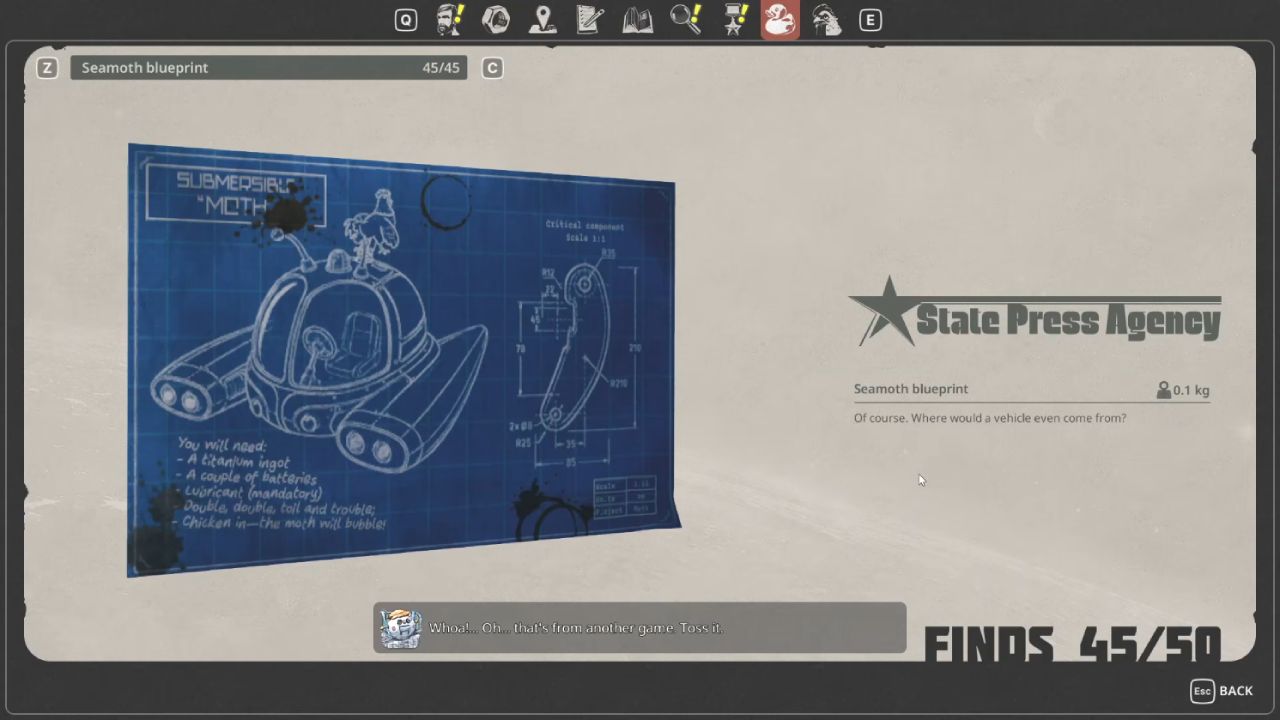
After repairing the nearby Service Warmer, enter the lower red shipwreck and collect the Seamoth Blueprint from the workbench.
FAQ
Q. Where is the Seamoth Blueprint in Breathedge 2?
A. You can find it on a workbench inside a red shipwreck at a lower altitude in the Service Warmer area.
Q. Do you need to repair the Service Warmer first?
A. Yes. Current collectible guides list the nearby Service Warmer repair as the progression requirement for reaching the blueprint area.
Editor, NoobFeed
Latest Articles
No Data.