
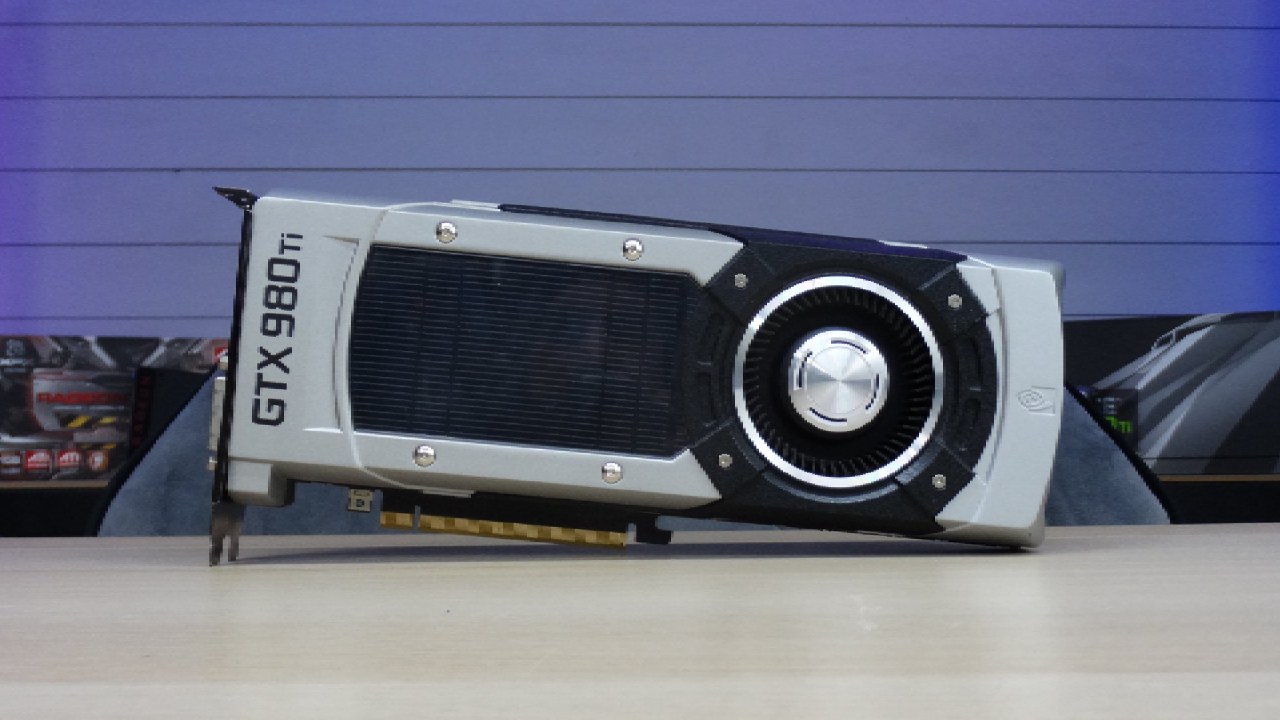
NVIDIA GeForce GTX 980Ti ARC Raiders Gameplay Performance
Arc Raiders' performance on a 980 Ti and an i7-14700K shows consistent frame rates across low, medium, and high settings.
Hardware by Naheyan Tahmin on Nov 17, 2025
Arc Raiders runs on a 980 Ti and an i7-14700K across several settings in the game. The setup has borderless full screen, AMD FSR 3 frame generation disabled, VSYNC disabled, and Nvidia Reflex Low Latency enabled with boost.
The resolution scaling mechanism is still off; there is no AA; the field of view is set to 80; and all graphics settings start on low.
Performance on Low Settings at First
We start to move across the environment while keeping an eye on performance. Before each test, the system resets the 1% and 0.1% lows. The game runs at 74 to 78 fps at low settings, depending on where you are.
The GPU is used about 93–95% of the time, the VRAM is used about 2000MB, and the system memory is used about 19–20GB out of 64GB. The CPU usage stays around 23%, indicating very low demand.
Testing More GPUs
The GTX 660 and 780 Ti were tested individually, and the GTX 660 didn't do very well. Those specifics are reserved for an alternative examination.
When you're inside a building, performance reaches about 81–82 fps. Movement and looting keep the frame rate steady. The 980 Ti still gives steady numbers for its age on drivers that support it.
Low Settings with AMD FSR 3 Turned On
When AMD FSR 3 frame generation is turned on at low settings, the game runs at 116–117 fps. Frame time stays close to 8ms without any big spikes. This option provides the GPU with the biggest performance boost.
Settings in the Middle Without Frame Generation
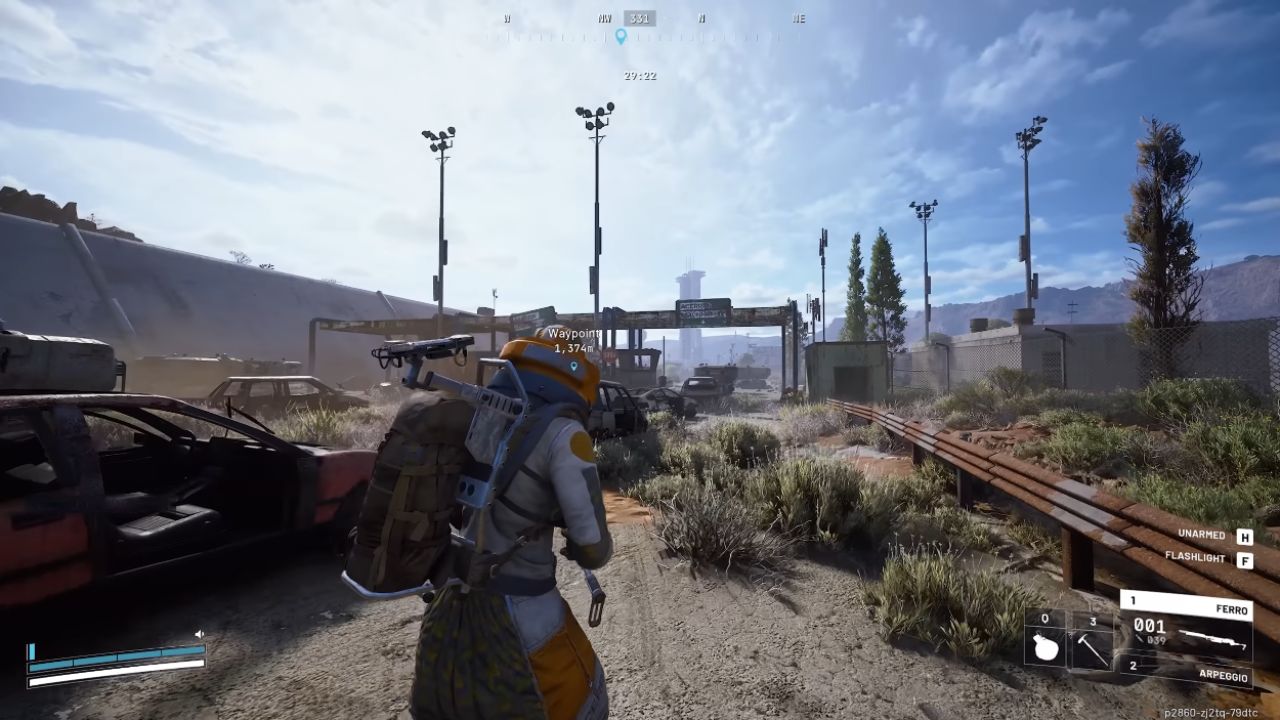
When you turn off AMD FSR 3 and switch to medium settings, the frame rate jumps to about 68 fps indoors. When you wander around outside, you get 63–64fps, but it can drop to 58–59fps depending on the terrain and what you're doing.
AMD FSR 3 on Medium Settings: When you turn on AMD FSR 3 at medium settings, your frame rate jumps to 87–89 fps, with 1% lows around 70 fps. Frame time changes from 8ms to 11ms, yet it remains constant, with no perceptible jitter. Outdoor traversal stays at around 82–84 fps.
High Settings Without Making Frames
Without AMD FSR 3, performance is about 46 fps at 1080p on high settings. The game is still playable, but it doesn't stay responsive enough for PvP.
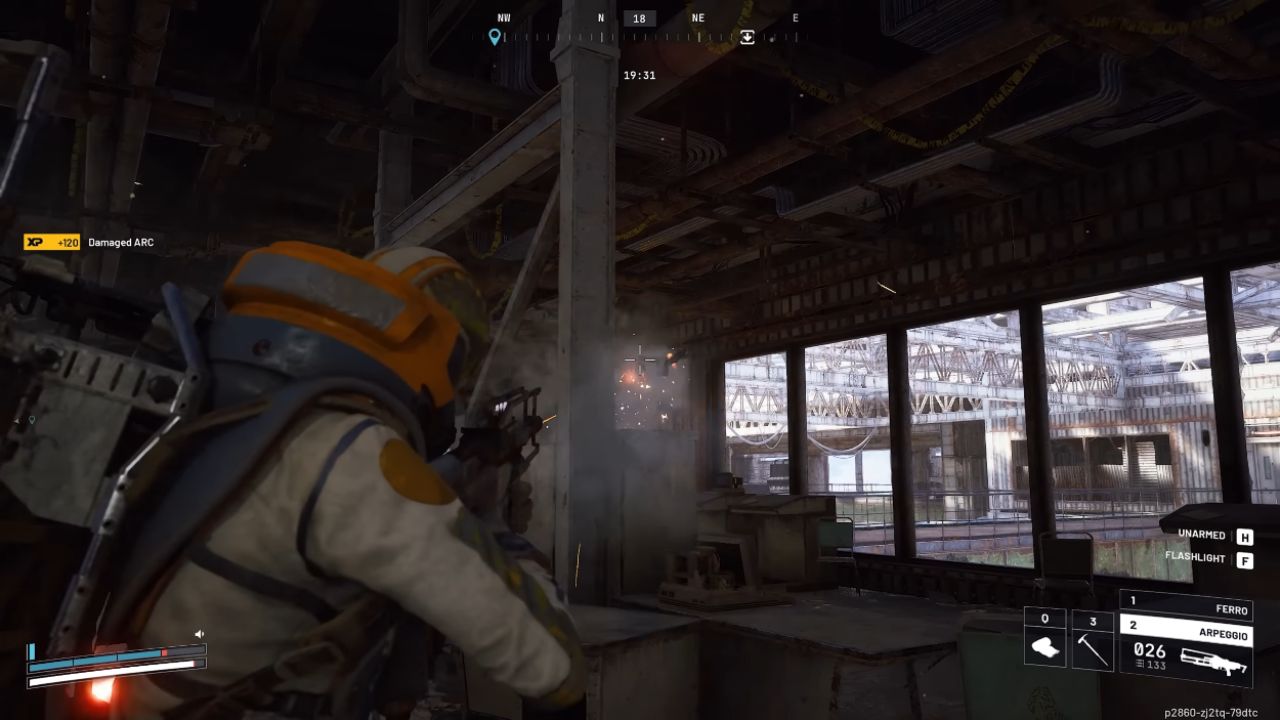
When you turn on AMD FSR 3 at high settings, the frame rate jumps to 70–74 fps, with 1% lows around 55 fps. The game is still fun to play even when the pace is steady. Under these settings, movement and fighting are still easy to handle.
Final Thoughts
You can still play on low, medium, and high settings even if you don't have AMD FSR 3. When AMD FSR 3 is on, high settings work best. The 980 Ti can run in Arc Raiders with a variety of settings, including medium and low, which work well in all conditions.
Also, check our other NVIDIA articles:
- NVIDIA GeForce RTX 5080 Review (2025): Still A 4K Gaming Powerhouse?
- RTX 5090 Performance Testing In GTA 5 – 1080p, 1440p, and 4K Max Settings Benchmark
- NVIDIA RTX 5070 Review: Mid-Range Muscle or Marketing Hype?
- RTX 5070 Ti Review: Performance, Thermals & Power Efficiency Tested
- ASUS ROG Astral RTX 5090 OC Edition Review: 32GB GDDR7 & 4K Gaming Benchmark
- ASUS GeForce RTX 5090 LC Liquid Cooled GPU Review: Unmatched Silence & Speed
- MSI GeForce RTX 5090 32GB SUPRIM SOC Review: Power Efficiency, Cooling, and Gaming Performance
- INNO3D RTX 5060 Ti 16 GB X2 Review: Gaming Benchmarks, Temps, and Power Efficiency
- HP Omen 45L Review: RTX 5090 Performance, Thermals, and Value Analysis
- ASUS TUF Gaming GeForce RTX 5060 Ti Review: DLSS 4, Power Efficiency, and Gaming
- ASUS Prime RTX 5060 Ti OC 16GB Review: DLSS 4, Ray Tracing, & Thermals Tested
- NVIDIA GeForce RTX 5060 Review: Specs, Gaming, and Cost per Frame
- MSI GeForce RTX 5090 GAMING TRIO OC Review: A Monster Power GPU
Editor, NoobFeed
Latest Articles
No Data.