

SteamOS on ROG Flow Z13: The Most Powerful Handheld PC Gaming Setup
Official SteamOS 3.9 delivers full Linux gaming functionality on the ROG Flow Z13 with impressive hardware compatibility and stability.
Hardware by Nakiro on Dec 15, 2025
Picture a scenario where Cyberpunk 2077 is running on a SteamOS-powered handheld gaming tablet that Valve will probably never build.
Powered by a Ryzen AI Max Plus chip, equipped with a 13-inch 180Hz display, and capable of playing modern AAA games at 1440p and even 1600p on its built-in screen, this setup represents what high-performance handheld PC gaming can look like today.
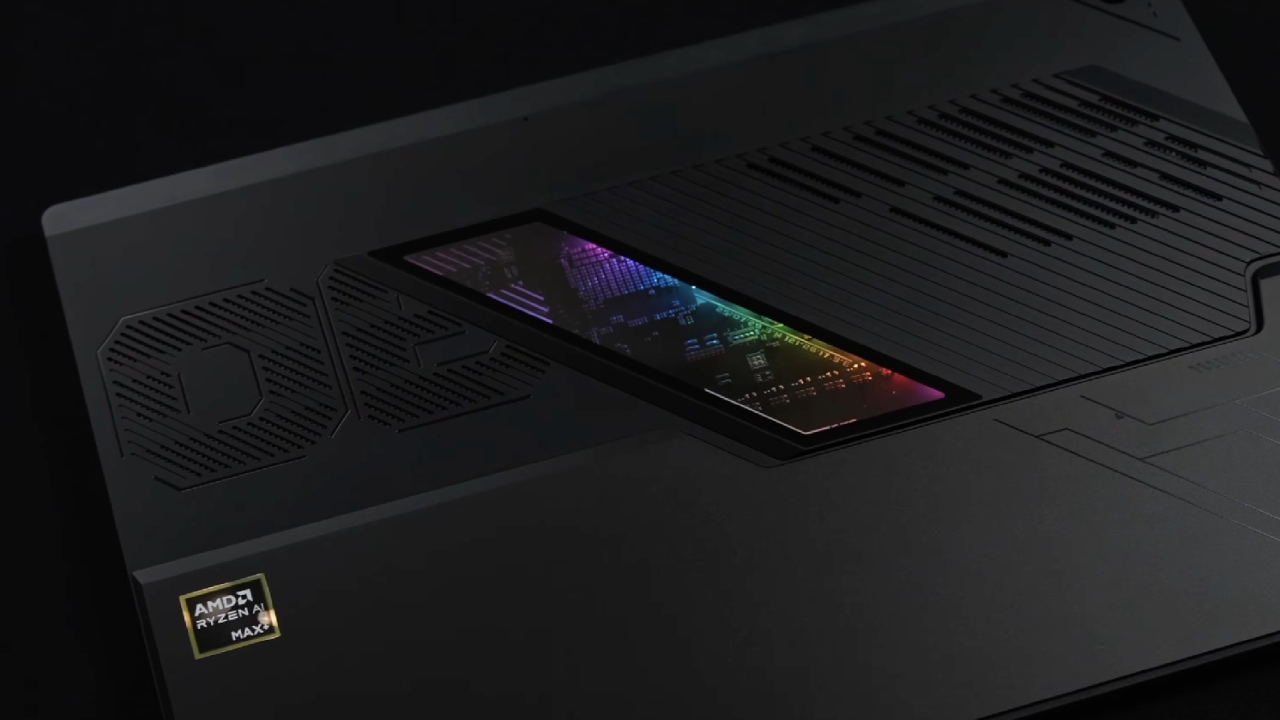
Hardware and Setup
ROG Flow Z13 is a tablet-style 2-in-1 with a detachable keyboard, and it is the system being considered. It performs very well, especially in this setup with 32GB of memory and the Ryzen AI Max Plus 395 CPU.
This is the fastest x86 tablet in the world right now. It has 16 cores and 32 threads, paired with the Radeon 8060S iGPU. Physically, it is much larger and heavier than the Steam Deck OLED. While the controller attachment may look impractical at first, it works surprisingly well.
A Galileo G8 controller is used with a modified 3D-printed kit, which integrates cleanly with the tablet form factor. The size difference compared to the Steam Deck OLED is substantial, but the added performance justifies the bulk.
Installing Official SteamOS
The mainline 3.9 build was used to install official SteamOS. In the past, there were other Linux-based options. Still, recent updates added support for Strix Halo chips, meaning this hardware can now run official SteamOS without many issues. The system's overall safety has been very good.
One limitation with official SteamOS on this chipset is the lack of native TDP control. To address this, we installed Decky along with the Simple Decky TDP plugin. This third-party solution enables full power management and is essential for unlocking the tablet's potential.
Power and Performance Controls
With Simple Decky TDP, we gain access to full TDP control, allowing power limits up to 120W. While the system supports that level, we keep it closer to 65W when plugged in and lower when running on battery. GPU mode options include balanced and preferGPU, and disabling CPU boost or adjusting SMT governors is also possible.
Manual GPU clock control is present but does not function as expected, as the clock does not reset properly on this chipset. Instead, leaving it disabled provides more consistent behavior. VRR, frame limiter controls, scaling modes, and half-rate shading are all available just like on a Steam Deck.
System Configuration Details
In the system settings, the device is running SteamOS Holo 3.9 on the stable branch. The hardware is correctly identified as an AMD Ryzen AI Max Plus 395 with a Radeon 8060S GPU. Although the system ships with 32GB of memory, 16GB has been allocated to the iGPU through the BIOS, leaving more than enough RAM for Linux and gaming workloads.
Desktop mode is fully accessible, providing a complete Linux desktop experience. However, the primary use case here is gaming, where SteamOS shines.
Gaming Performance: Demanding Titles
Borderlands 4 is one of the more challenging games to run under Linux. At 1440p with high settings and FSR frame generation enabled, performance is playable at around 68W. Running without frame generation remains difficult even under Windows on the same hardware, making this result reasonable.
Spider-Man 2 runs at 1440p on high settings with FSR set to balanced and no frame generation. The high settings still look great and give frame rates in the mid-70s, so ultra settings are not a good idea. If you want, you can lock the speed closer to 60 fps by switching to FSR quality.
Visual Showcase Games
The Witcher 3 looks and plays great at 1440p high settings without FSR. Nvidia HairWorks is turned off because it has a significant impact on performance on AMD hardware. With HairWorks fully enabled, frame rates drop to the low40fps range, making it impractical.
God of War Ragnarök is tested at 1440p ultra with FSR set to quality. On battery power, frame generation is required to maintain smooth performance due to power limits around 52W. When plugged in, the game runs in the 70fps range without frame generation.
Cyberpunk 2077 is tested at the Ultra preset at 1440p, with FSR 2.1 set to Quality. Average performance sits in the mid-70fps range, which is impressive for integrated graphics. Enabling FSR frame generation further improves performance, but the experience is already very playable without it.
Older and Indie Games
Left 4 Dead 2 is maxed out at 1440p with the frame limiter disabled. The game runs at about 300 fps with no noticeable slowdowns, showing how well this gear works with older games.
For battery testing and indie games, a light-weight title is run with the TDP set to 8W and the screen brightness at 50%. The entire system draws, including the monitor, speakers, and cooling system, is about 11W. With a 70Wh battery, this translates to over 6 hours of runtime, with the possibility of extending it further by lowering the TDP.
Final Thoughts
Official SteamOS runs extremely well on the Flow Z13. Bluetooth, Wi-Fi, speakers, and general system functionality all work as expected. The only missing feature is the programmable side button tied to the original control software, which cannot be configured under SteamOS. With an external controller, this is largely irrelevant.
While most people are unlikely to buy this device solely for SteamOS, the experience proves that it works remarkably well on high-end tablet hardware. Performance, flexibility, and battery efficiency all come together to create a surprisingly polished gaming setup.
Also, check our other AMD articles below:
- AMD Ryzen 9 9950X3D Review: Setting The Standard For 2025 Gaming CPU
- AMD Ryzen 7 9800X3D Review: 3D V-Cache Goes God Mode with Stunning Gaming Performance
- AMD RX 9070 Performance Review: Thermals, Clocks, and Real-World FPS
- AMD Ryzen 5 7600 Review: Best Budget Gaming CPU of 2025?
- AMD Radeon RX 7800 XT Review: RDNA 3 Power For Midrange Gaming
- Sapphire NITRO+ AMD Radeon RX 9070 XT Review: The Ultimate 4K Gaming GPU
- AMD Ryzen 7 7800X3D: Delivers Gaming Performance Far Beyond Expectations
- AMD Ryzen 9 7900X Review: Powering the AM5 Era with DDR5 & PCIe 5.0
- Intel Core i9‑14900K vs. AMD Ryzen 7 7800X3D: Power Profiles & Gaming Benchmarks
Editor, NoobFeed
Latest Articles
No Data.