
Tips for Creating Clutter-Free Streaming Spaces
Learn tips to create clutter-free streaming spaces for better focus and viewer experience.
Other by Arisu Taiaya on Jul 07, 2025
Streaming has evolved from a small-scale hobby to a significant component of online entertainment and communication. Early streamers usually worked in small spaces with simple setups, so clutter was a frequent issue. Nowadays, with better equipment and higher-quality productions, having a clean and organized streaming space is mandatory.
Keeping the space clear of clutter improves concentration, minimizes distractions, and gives it a professional appearance appreciated by the audience. Careful design and effective organizational practices can turn any streaming space into an efficient and welcoming environment. Understanding cable management, gear storage, and clean backgrounds facilitates an improved streaming experience for streamers and audiences alike.

Observation:
At first, many streamers worked in small, messy areas. Now, keeping the space clean and organized is key to looking professional and staying focused. Good habits make streaming easier and more enjoyable for everyone involved.
Choosing the Right Streaming Setup
Selecting the right streaming setup is crucial for creating a clutter-free and efficient space. Start by choosing compact, versatile equipment that fits within your available space without overcrowding.
All-in-one devices, such as webcams with built-in microphones or multifunctional audio interfaces, reduce the number of separate gadgets and cables. Consider wireless options where possible to minimize tangled cords. Position your equipment thoughtfully to maximize desk space and keep frequently used items within easy reach.
Prioritizing quality over quantity helps you focus on the essentials and avoid unnecessary clutter. A well-planned setup not only looks cleaner but also makes streaming more comfortable and productive. Taking the time to choose the right tools tailored to your space sets the foundation for a neat and professional streaming environment.
Cable Management Techniques
Managing cables effectively is key to maintaining a clutter-free streaming space. Proper cable management prevents tangling, reduces dust buildup, and creates a cleaner appearance.
Here are three simple cable management techniques to try:
- Use cable clips or ties to bundle cords neatly together.
- Route cables along the back of your desk or under surfaces to keep them out of sight.
- Label cables to easily identify which device they belong to during setup or troubleshooting.
Implementing these techniques makes your streaming area safer and more organized. It also simplifies equipment changes and reduces setup time. Good cable management enhances your space’s look and functionality, helping you focus on creating great content without distractions. Keeping cables tidy is a small step that makes a big difference in your streaming experience.
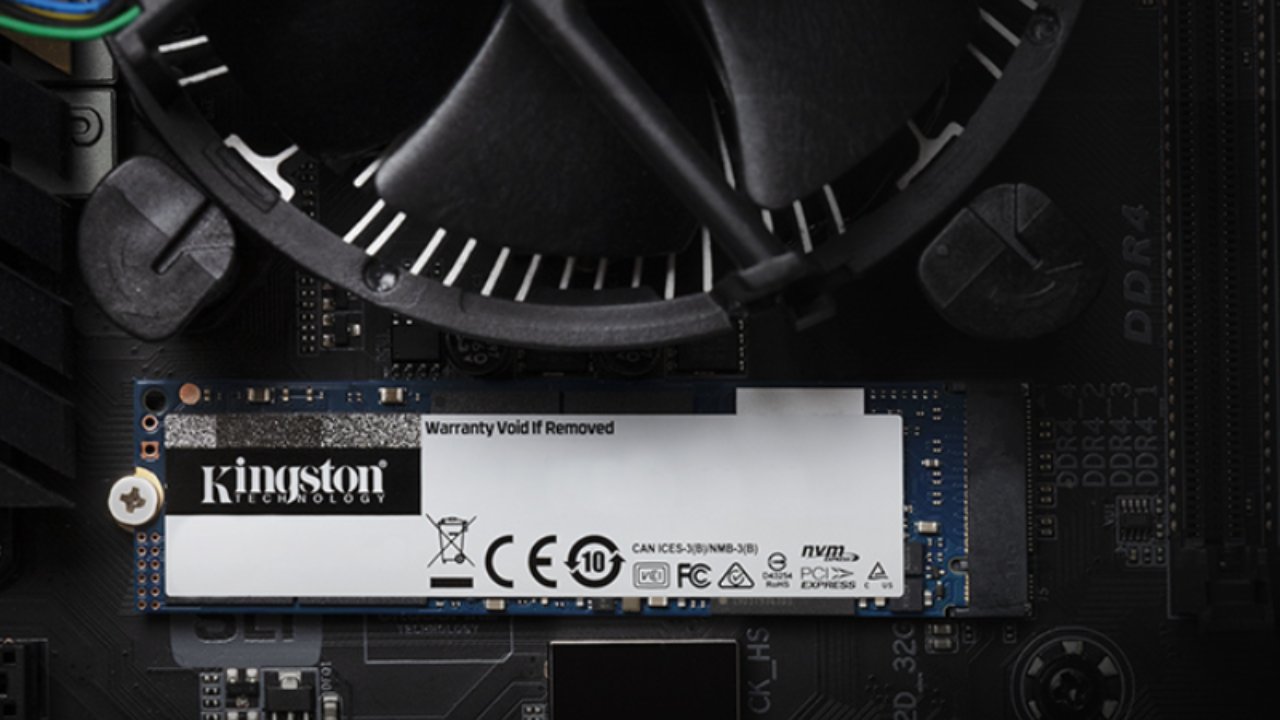
Storage Solutions for Equipment
Keeping your streaming equipment organized and easily accessible is essential for a clutter-free space. Choosing the right storage options helps protect your gear from damage and keeps your area tidy. Small shelves, drawers, and stackable bins are great for holding microphones, headphones, cables, and other accessories.
Proper storage prevents dust buildup and reduces the risk of losing small but important items. For larger or bulkier equipment that you don’t use daily, off-site storage is a smart option. Many streamers benefit from smart storage for everyday items, which provides secure, organized spaces tailored to their needs.
These storage solutions free up your immediate workspace, allowing you to focus on streaming without distractions. With effective storage, you maintain a clean setup and prolong the life of your equipment. Keeping everything in its place makes your streaming space more inviting and easier to manage.
Facts:
Organized storage reduces equipment loss by up to 30 percent. Proper storage extends device lifespan by preventing damage and dust. Decluttered spaces improve workflow and reduce setup time.
Organizing Your Streaming Desk
An organized streaming desk is the centerpiece of a distraction-free streaming environment. Having a clean and organized desk enhances your workflow and gives you a professional, presentable background for the audience.
Begin by organizing the most frequently used equipment near you to avoid unnecessary roaming during the stream. Use desk organizers like trays, sections, or small storage drawers to separate items such as spare batteries, pens, and paper.
Make cable management paramount by organizing cords neatly, using clips or covers to keep them from bunching. Having clean surfaces lowers distractions and improves concentration.
Cleaning and organizing the desk frequently facilitates an efficient workspace. A clean and organized desk improves productivity, reduces stress, and enhances the streaming process for you and your audience alike.
Research
Industry data indicates that streamers with organized workspaces experience a 25 percent increase in productivity and a 20 percent reduction in setup time. Studies also show that viewers perceive clutter-free backgrounds as more professional and engaging. Experts recommend consistent desk organization as a key factor in enhancing both streamer performance and audience satisfaction. This highlights the importance of keeping your streaming desk tidy and functional.

Maintaining a Clean Background
Creating and maintaining a clean background is important for a professional-looking streaming space. One common approach is using a dedicated backdrop or green screen, which allows for easy customization but requires additional setup and lighting to avoid shadows.
Another option is arranging a tidy, well-decorated room that reflects your personality and style, offering authenticity but requiring ongoing maintenance to keep clutter at bay.
Some streamers use virtual backgrounds, which provide versatility but can sometimes appear glitchy or distracting. Each method has its benefits and challenges, so choosing the best one depends on your streaming style and technical comfort.
Case Study
A popular streamer switched from a cluttered home office to a minimalist setup with a green screen and proper lighting. This change improved video quality and viewer engagement while reducing distractions. Their experience shows how investing in background management can elevate the streaming experience and help build a stronger connection with the audience.
Final Tips for Streamlined Spaces
Keeping your streaming space clutter-free requires ongoing effort and good habits. Regularly clean and organize your equipment, cables, and accessories to prevent buildup. Create a routine for tidying before and after streams to maintain order. Use storage solutions that fit your space and needs.
Remember, a clean and organized streaming environment boosts focus, reduces stress, and creates a professional look for your viewers. Staying consistent with these practices ensures your streaming setup remains efficient and enjoyable over time.
Moderator, NoobFeed
Latest Articles
No Data.