
AMD FSR 4.1 Preview Driver Brings Better Upscaling to ROG Ally X
AMD FSR 4.1 brings sharper visuals and improved lighting stability to handheld gaming, with potential performance trade-offs across compatible titles.
Hardware by Tanvir Kabbo on Oct 25, 2026
AMD has announced a preview driver for FSR 4.1 that adds enhanced upscaling to the ROG Ally X and X20 mobile gaming devices. The update promises crisper images, more stable lighting, and less shimmering in supported titles. However, these improvements may come at the cost of reduced frame rates. So, image quality and performance are key considerations when choosing the optimum settings.
Installing the AMD FSR 4.1 Preview Driver
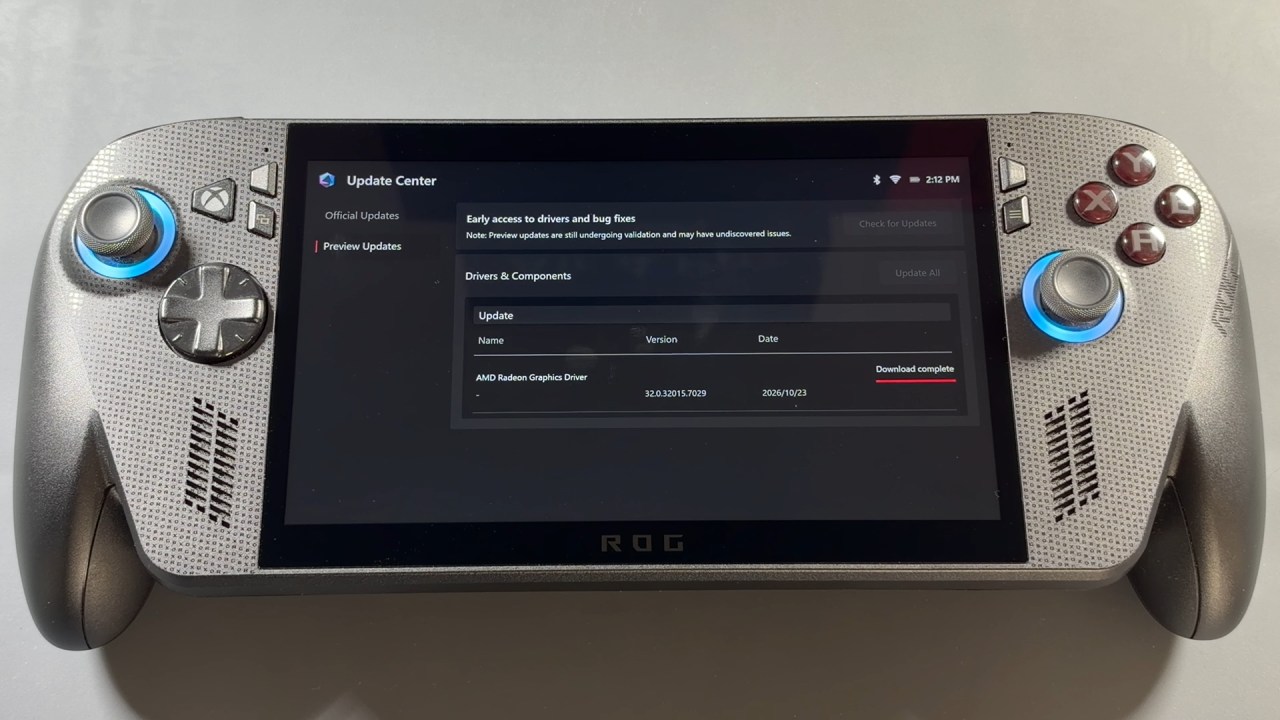
AMD has released a new FSR 4.1 preview driver via Armoury Crate SE. To install it, launch the application, go to the Update Center, and select the Preview Updates tab. You should see AMD Radeon Graphics Preview Driver in the list of available updates.
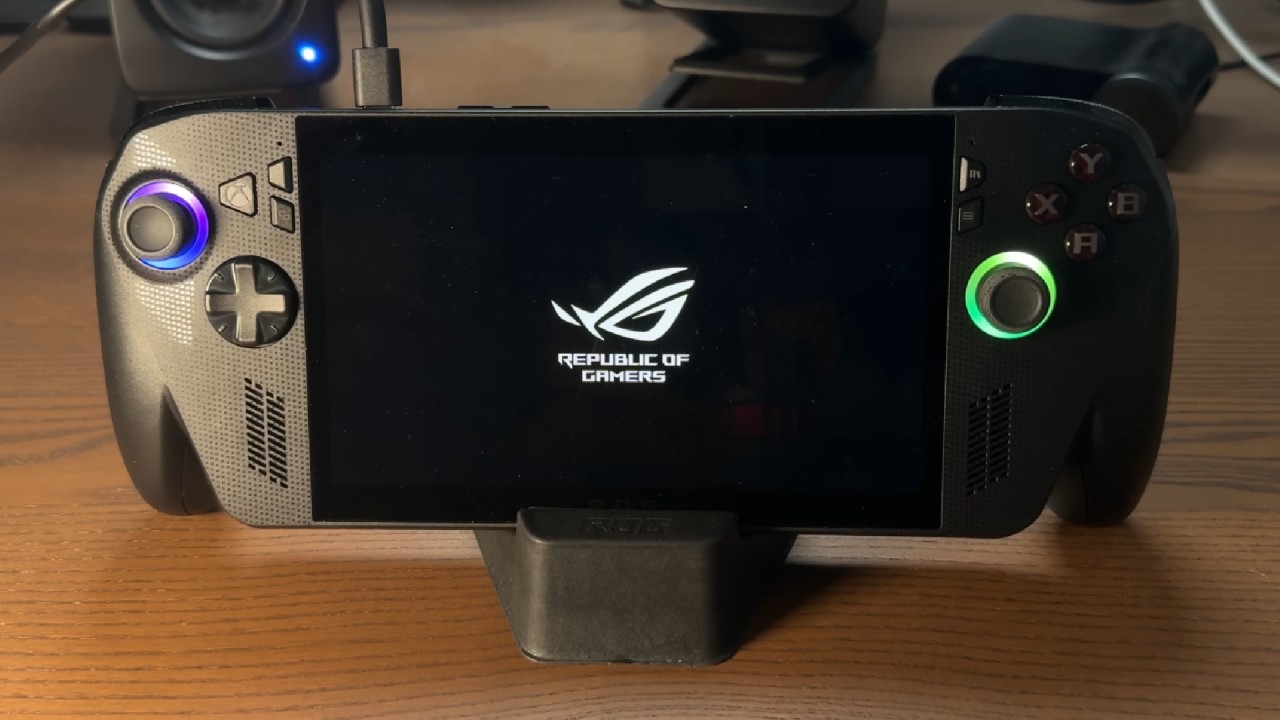
Connect the handheld to power before installing. Download and install the driver, then reboot the device when prompted. The screen may flash a few times during installation; this is usual for a graphics driver update. After the system restarts, return to the Preview Updates section to confirm the installation was successful. AMD Software: Adrenalin Edition should read version 26.10.1, dated October 18.
Enabling FSR 4.1 Through Command Center
After installing the driver, open AMD Software: Adrenalin Edition, go to Gaming, then Graphics. You should now see the FSR Upscaling toggle. Open Command Center via the game bar and press Y to adjust the controls so they're easier to reach while gaming. Scroll down, click Add, and find AMD FSR Upscaling. Press A to add the option to the menu.
The new control lets you quickly enable or disable FSR upscaling, with changes reflected in AMD Software. One major advantage is compatibility. FSR 4.1 can work with games using FSR 3.1 or newer, potentially covering more than 400 titles rather than being restricted to games with native FSR 4 support.
Gears of War: E-Day Reveals Visual Improvements
Gears of War: E-Day offers an early look at FSR 4.1 on the ROG Ally X. Testing uses 1080p resolution, Performance mode, and a mix of low and medium graphics settings. The game operates with no visible crashes or stability issues.
The biggest improvement is image clarity. Armor, clothing, hair, and beards are more defined. Less shimmering and flickering. Shadow details on character clothing are more consistent, so materials don't look flat. Another big difference is distant buildings. With the previous implementation, lights could flicker or shimmer as the camera moved. FSR 4.1 provides steadier illumination and retains details better.
But the better graphics are more demanding on the hardware. FSR 4 can cut frame rates by around 10-20% depending on the game and settings. Players will have to decide whether the cleaner image is worth the potential FPS drop.
Cyberpunk 2077 Benefits From the Updated Driver
Cyberpunk 2077 also demonstrates the benefits of the preview driver. Installing it restores access to FSR 4 and working frame generation, letting you test the updated upscaling technology. Performance mode gives a clearer image with less shimmering and better-maintained details. Normally, with the same settings, you'd get about 55-58fps without the added cost of FSR 4 processing.
Like Gears of War: E-Day, visual quality is enhanced, but frame rates can take a hit. The difference could be worth it for visual-clarity enthusiasts, but players who demand optimal efficiency may stick with previous upscaling solutions.
More Games Await Testing
AMD FSR 4.1 seems promising for handheld gaming enthusiasts who want clearer textures, steadier lighting, and fewer visual glitches. This means the technology may be tested in hundreds of games, as it is compatible with FSR 3.1 or newer. More testing on the ROG Ally X and X20 will show which games benefit most and whether the graphics upgrade is worth the performance hit.
Senior Editor, NoobFeed
Gaming Hardware Updates
No Data.