
ASUS ROG Zephyrus G14 2026 Review: Powerful Gaming Laptop With Better FPS, Thermals & Battery Life
New Zephyrus G14 2026 brings higher FPS, efficient power use, enhanced cooling, and upgraded display brightness for portable gaming excellence.
Hardware by Masaru Hoshino on May 28, 2026
ASUS ROG Zephyrus G14 has long been one of the best 14-in gaming laptops on offer, and the 2026 revamp doesn't disappoint with greater gaming performance, better battery life, a brighter OLED display, and improvements across design, thermals, and efficiency. However, even with these changes, the device still has significant restrictions that reflect its trade-offs in the premium gaming laptop market.
Design, Build Quality & Chassis
The G14 is available in platinum white and eclipse gray finishes, and the unit we examined is the gray version. Build quality is exceptional, with the CNC-machined chassis delivering solid structural strength with only a little bend under intense pressure. The hinges are smooth and solid, and there's a definite reduction in screen wobble compared to the prior version.
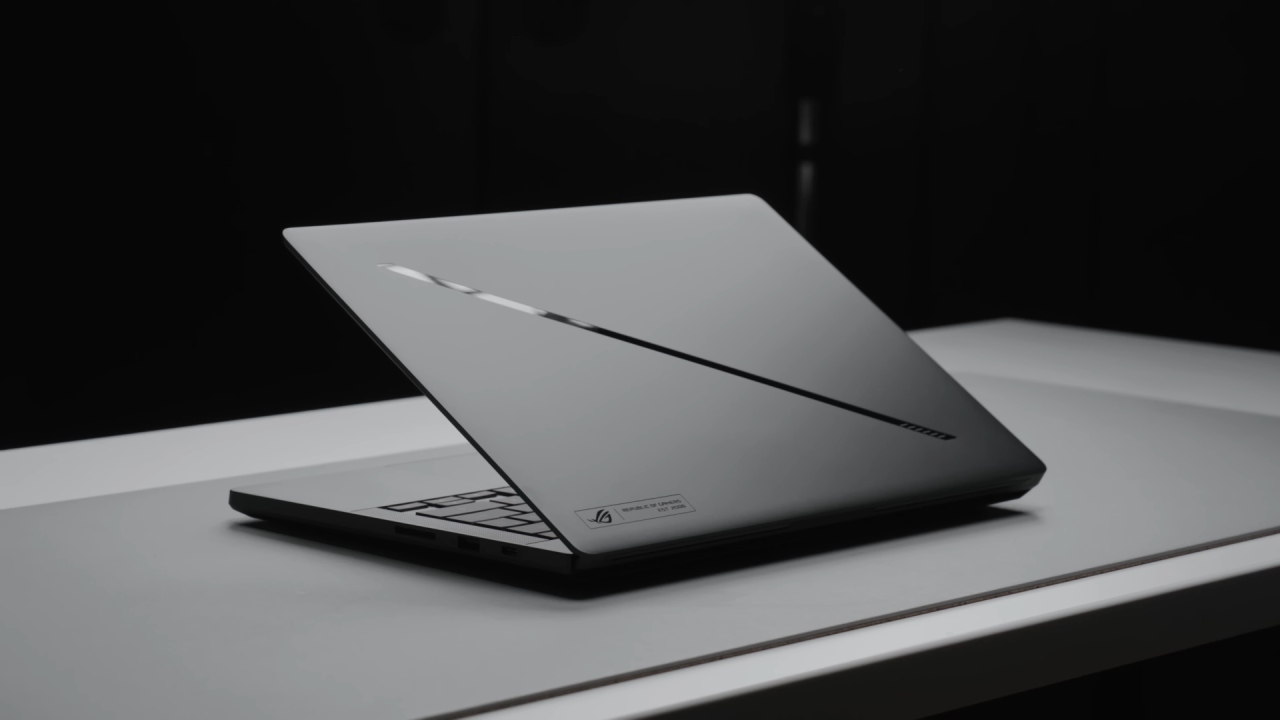
The laptop opens effortlessly without lifting the front, and fingerprints are not very noticeable, particularly on lighter finishes, but are readily cleaned with a microfiber cloth. The overall build is consistent with last year's model, preserving a recognizable design language and internal enhancements.
Portability & Weight
The G14 remains highly portable for a gaming laptop, weighing around 3.4 lb (1.6 kg). With the 250W charger included, the total package weighs around 5.1 lb (2.3 kg). This is slightly heavier than last year due to the upgraded power brick, which increases the system's total weight by about 7%.
Despite this, the device still ranks among the lightest 14-in gaming laptops, only narrowly beaten by Asus's lower-tier TUF A14 lineup. The chassis is the same thickness as last year, so it's a little thicker than some competitors, but the addition of higher-performance GPU options helps justify the size.
Keyboard, Touchpad & RGB
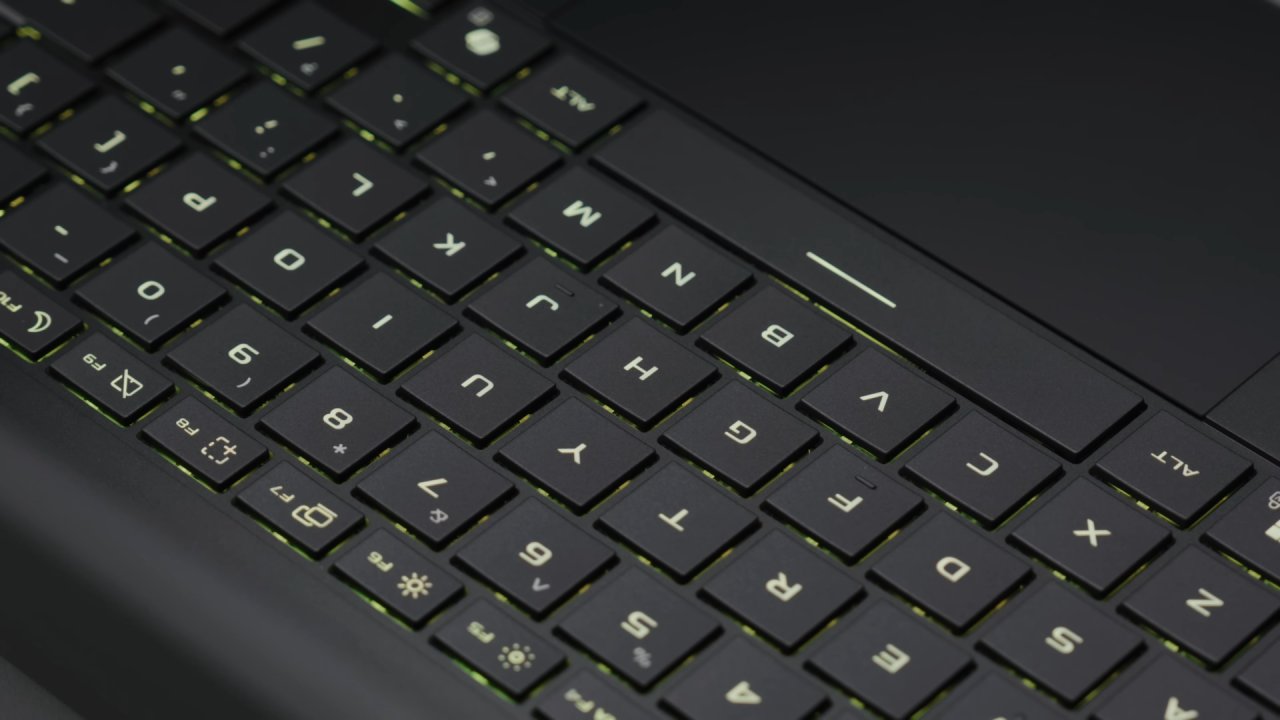
The keyboard includes a chiclet design with single-zone RGB lighting. All keys and secondary functions are backlit, though there is no per-key RGB customization. The function shortcuts can modify brightness to three levels or turn it off, and the lighting effects can be toggled between five preset styles.
The Aura lighting strip on the lid has received a major upgrade, with the number of zones increasing from 7 to 35 to enable better animations. The keyboard offers 1.7mm of key travel, so the typing experience is nice, albeit the arrow keys are still small. The touchpad is large and smooth, with solid responsiveness, though the press depth feels slightly uneven toward the top.
Ports & Connectivity
The port selection is strong for a 14-in device, with Type-A and Type-C ports on both sides, along with an upgraded full-sized SD card slot that replaces the previous microSD design. Display output support remains flexible, allowing routing to either integrated or discrete GPUs depending on workload needs.
When you're doing lighter chores, you can use the integrated GPU for better energy efficiency and lower fan noise. When you want stronger gaming performance and VR capability, you can use a separate GPU.
Internal layout and upgrade limitations
Inside, you have a front-mounted battery, a single M.2 port on the right, and the Wi-Fi card on the left. The RAM is soldered into the motherboard, so once you buy it, you can't upgrade it. This will severely constrain long-term flexibility.
The single storage slot supports dual-sided NAND SSDs, although storage upgrades involve reinstalling or cloning the operating system. The SD card slot is fine with V90-rated cards; however, the card protrudes and doesn't snap in firmly.
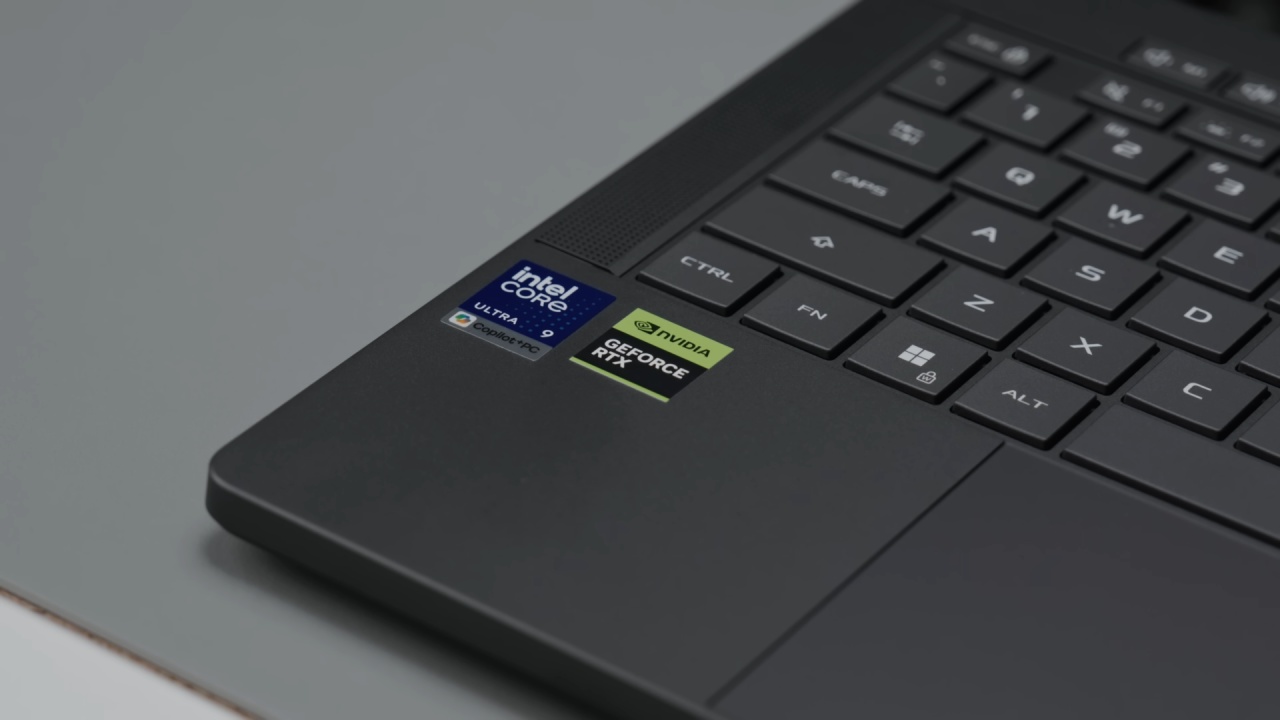
Storage & Wireless Performance
The 1TB PCIe Gen4 SSD that comes with it offers good performance with quick read and write speeds. The wireless connection has been upgraded to Wi-Fi 7 with an Intel-based module that is more efficient and stable than MediaTek solutions from the previous generation.
Speakers & Audio Quality
Another great feature of the G14 remains its front-facing speaker system. The speakers are on either side of the keyboard and fire downward near the front corners.
They sound clear with good bass and little distortion, even at higher settings. Vibrations on the palm rest are minimal, making it one of the best Windows laptop audio systems in its class.
Battery Life & Power Management
The G14 uses a 73Wh four-cell battery, similar to previous generations. By default, the panel's power-saving mode reduces the refresh rate to 60Hz when unplugged and reverts to 120Hz when plugged in.
Battery care mode allows you to limit the charge to 80% to improve long-term battery health. Eco mode disables the Nvidia GPU when not required, further improving efficiency.
Battery performance is a major highlight, delivering over 15 hours of video playback, representing a significant improvement over the last generation. Sleep power behavior varies by configuration, but hibernation mode is used by default to prevent excessive power drain.
Cooling System & Thermal Design
The cooling system uses shared heat pipes between the CPU and GPU, with air intake through the keyboard and bottom-panel vents. Exhaust airflow is directed entirely through the rear, improving comfort for mouse users.
Performance modes include silent, performance, turbo, and manual. Turbo and manual modes apply GPU overclocking. Manual mode gives you full control over CPU, GPU, power limitations, and fan curves. New fan control settings offer a new level of personalization by enabling greater control over fan ramp behavior.
Thermals are load-controlled, and cooling efficiency has been enhanced over the last generation. But setting a limit on fan RPM results in thermal throttling, which is why we need balanced profiles.
Gaming Performance & Power Scaling
The RTX 5070 Ti setup gives reasonable gaming performance for a 14-in device. The GPU can go up to 130W in manual mode, and the CPU is roughly 20W in a combined load.
In gaming benchmarks, the 2026 model delivers up to 15% higher performance at 1080p than the last generation, and about 9% higher performance at 1440p. The performance improvements are especially apparent in CPU-heavy workloads, due to better single-core performance and higher power restrictions.
Even vs bigger 16-in form factors, the G14 is still quite competitive and often only marginally trails thicker systems while delivering far greater portability.
CPU Performance & Efficiency Gains
Multi-core performance is on par with last-gen AMD-based setups, but single-core performance is up about 8%. This results in better gameplay responsiveness and more consistent frame pacing in CPU-intensive titles.
Performance when running on battery power remains strong and, in many cases, competitive with plugged-in operation.
Thermals, Keyboard Heat & Noise
The keyboard temperature is comfortable when idle and under modest workloads, with the warmer zones mostly showing in the center of the keyboard under persistent stress. Turbo mode is for performance balancing, which boosts the fan speed; performance mode turns the heat up a notch.
Manual mode causes thermal throttling at lower fan settings and greatly lowers temperatures at maximum fan speeds, but at a high noise level. The new G14 has greater GPU power restrictions but runs cooler overall than the old G14.
The fan noise in turbo mode is slightly louder than it was the previous year, but still comfortably within the range for its performance level. The manual setting also greatly increases perceived loudness due to the logarithmic scaling of sound.
Display Quality & OLED Improvements
The 14-inch OLED screen has a 120Hz refresh rate, great color accuracy, and a rapid response time of roughly 0.5ms. The key upgrade this year is brightness, reaching over 500 nits sustained and up to 1100 nits peak in HDR mode.
This makes it one of the brightest OLED panels in any gaming laptop, with noticeably improved outdoor visibility compared to the previous generation. OLED burn-in protection features are also included.
Latency, Optimus & Visual Performance
Total system latency has improved slightly, making the G14 one of the fastest 14-in gaming laptops tested in this category. While improvements are measurable, real-world differences remain minimal during gameplay.
Advanced Optimus instantly switches between integrated and discrete GPUs without a reboot, which improves FPS and efficiency depending on the workload. Support for adaptive sync removes screen tearing within refresh limits.
Camera & Additional Features
It also sports a 1080p webcam with Windows Hello facial unlock. Some motion blur affects when moving, but it is still usable for daily use.
Gaming Benchmarks Summary
In titles like Cyberpunk 2077, the 2026 G14 provides up to 15% more FPS at 1080p and about 9% at 1440p compared to the previous generation. DLSS upscaling also improves ray tracing performance, giving a considerable boost to frame rates depending on settings.
The G14 is quite close to larger RTX 5070 Ti laptops in general gaming performance, but with a smaller footprint.
Creator & Productivity Performance
Content creation workloads see smaller gains against gaming, with certain prior-gen AMD systems matching or slightly beating some workloads.
Software, BIOS & Linux Support
Armory Crate is still the main control hub for performance modes, lighting and fan control. BIOS customization is still limited compared to that on enthusiast PCs.
Linux support is generally good; however, you might have to set some keyboard shortcuts yourself in some distributions.
Pricing & Market Position
The tested configuration is priced around $ 3,600 in initial listings, with lower-tier models available with reduced specifications. A 16GB RAM variant exists at a lower price point, though 32GB is strongly preferred due to soldered memory limitations.
Previous-generation models remain significantly cheaper, often offering similar performance at a much lower cost, depending on sales.
Editor, NoobFeed
Gaming Hardware Updates
No Data.