
NVIDIA GeForce RTX 5080 Cyberpunk 2077 4K Benchmark Performance Review
Detailed 4K Cyberpunk performance breakdown showcasing RTX 5080 capabilities across native rendering, DLSS enhancements and full ray tracing modes
Hardware by Shinji Okazaki on Dec 04, 2025
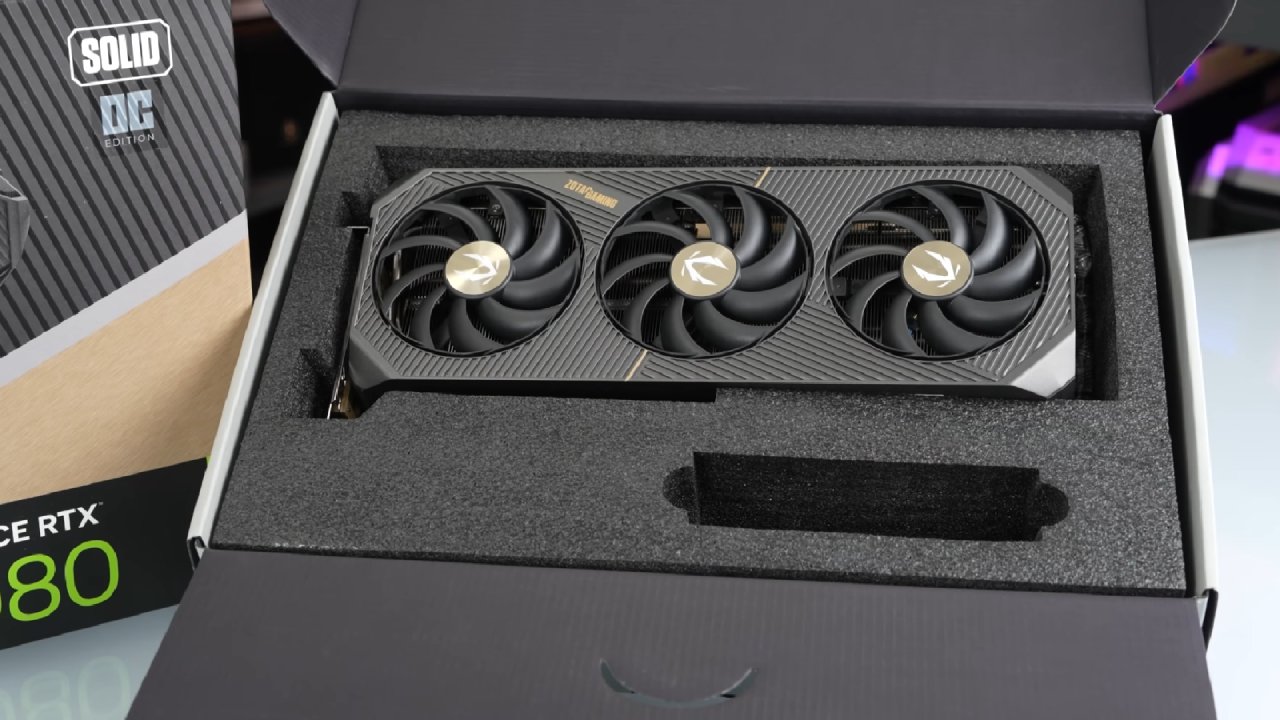
The 2.31 update for Cyberpunk 2077 is pushing hardware to its limits, making it a great stress test for the new RTX 5080 and Ryzen 7 7800X3D. This benchmark tests the GPU's performance at 4K across a range of settings, starting with modest settings and working up to the most demanding ray-traced and DLSS-enhanced settings.
The main things to look at are the consistency of the raw frame rate, the quality of the visuals, and how well DLSS and Frame Generation improve the experience.
Native 4K Performance on Low Settings
Starting at low settings and full native 4K resolution, the RTX 5080 immediately shows how much better raw raster performance is than the previous generation. The card keeps the game running smoothly with consistent frame rates, even without DLSS or other reconstruction technologies.
This provides a good foundation, as it shows the GPU can already handle the complex open-world environments in Cyberpunk without requiring upscaling.
Increasing to Medium and High Quality
5080's huge shader throughput and efficient architecture keep the performance smooth as the graphics are pushed to medium and eventually high settings. The quality of the textures, the number of people in the throng, and the complexity of the lighting all go up, but the framerate stays playable.
The gain in visual clarity is substantial, but the reduction in frame rate is minimal. This shows how effectively the new system can handle more graphics.
Ultra and Ray Tracing Enabled Settings
When you switch to Ultra settings, the GPU has to work harder, which puts additional stress on it and tests its memory bandwidth and shading capacity. RTX 5080 still works well, even though the graphics are more demanding.
However, when ray tracing is turned on, it becomes clear how much Cyberpunk wants. Full RT lighting, shadows, and reflections start to strain the card. Still, the experience remains fluid enough to play because the architecture's RT core throughput has improved.
DLSS Quality and Performance That Is Balanced
Enabling DLSS in Quality mode makes everything run much more smoothly without sacrificing clarity. DLSS 4's better reconstruction and motion stability make the 5080 look crisper and more stable than preceding versions.
Balanced mode takes this a step further by delivering higher frame rates while maintaining high picture quality. These modes show how important DLSS is for getting great 4K performance in the newest games.
Results for Frame Generation and Ray Reconstruction
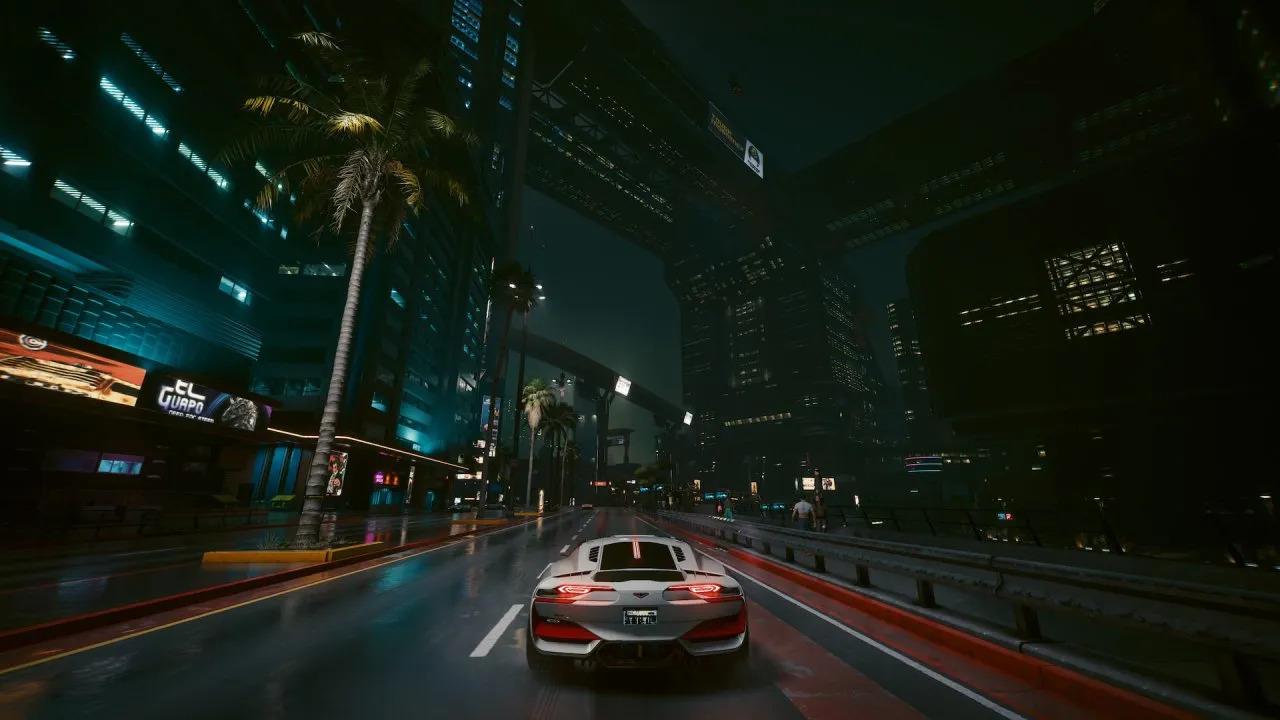
Turning on Frame Generation immediately raises the upper framerate limit, especially in crowded places. When used with Ray Reconstruction, Cyberpunk's lighting and global illumination seem more natural and have fewer noise artefacts.
Final Thoughts
Cyberpunk 2.31 is still one of the hardest games out there, but the RTX 5080 and 7800X3D work together to give you great 4K performance on all settings. Native 4K is quite playable, DLSS makes it run even better for hardcore gamers, and Frame Generation lets even the most demanding ray-traced settings run smoothly.
This test reveals that the 5080 not only plays the game well, but it also sets a new bar for 4K games to come.
Also, check our other NVIDIA articles below:
- GeForce RTX 5090 Unleashed: Is NVIDIA's New Flagship the Ultimate 4K Gaming GPU?
- NVIDIA GeForce RTX 5080 Review (2025): Still A 4K Gaming Powerhouse?
- RTX 5090 Performance Testing In GTA 5 – 1080p, 1440p, and 4K Max Settings Benchmark
- RTX 5090 Laptop Vs. M4 Max MacBook Pro: Ultimate Raw Performance Vs. Battery Endurance
- NVIDIA RTX 5070 Review: Mid-Range Muscle or Marketing Hype?
- RTX 5070 Ti Review: Performance, Thermals & Power Efficiency Tested
- Asus ROG RTX 5090 Astral OC Vs. Founders Edition: The 4K Gaming Benchmark
- ASUS ROG Astral RTX 5090 OC Edition Review: 32GB GDDR7 & 4K Gaming Benchmark
- ASUS GeForce RTX 5090 LC Liquid Cooled GPU Review: Unmatched Silence & Speed
- MSI GeForce RTX 5090 32GB SUPRIM SOC Review: Power Efficiency, Cooling, and Gaming Performance
- INNO3D RTX 5060 Ti 16 GB X2 Review: Gaming Benchmarks, Temps, and Power Efficiency
- HP Omen 45L Review: RTX 5090 Performance, Thermals, and Value Analysis
- ASUS TUF Gaming GeForce RTX 5060 Ti Review: DLSS 4, Power Efficiency, and Gaming
- ASUS Prime RTX 5060 Ti OC 16GB Review: DLSS 4, Ray Tracing, & Thermals Tested
- NVIDIA GeForce RTX 5060 Review: Specs, Gaming, and Cost per Frame
- MSI GeForce RTX 5090 GAMING TRIO OC Review: A Monster Power GPU
Editor, NoobFeed
Gaming Hardware Updates
No Data.