
Steam Deck OLED Honest Experience and Real User Breakdown
Game compatibility resources simplifying handheld gaming decisions and reducing setup time for new or older titles
Hardware by Nahe Yan on Dec 09, 2025
A lot of people say the Steam Deck OLED is almost ideal, but that can make some people think twice before buying it. Whether it fits into your daily gaming routine depends on its design, functionality, and ease of use.
At first, you can have problems like where to put the controller, not being able to play with other people, or having a smaller game library. But your opinion can change after you start utilizing it.
Things to Think about Before You Buy
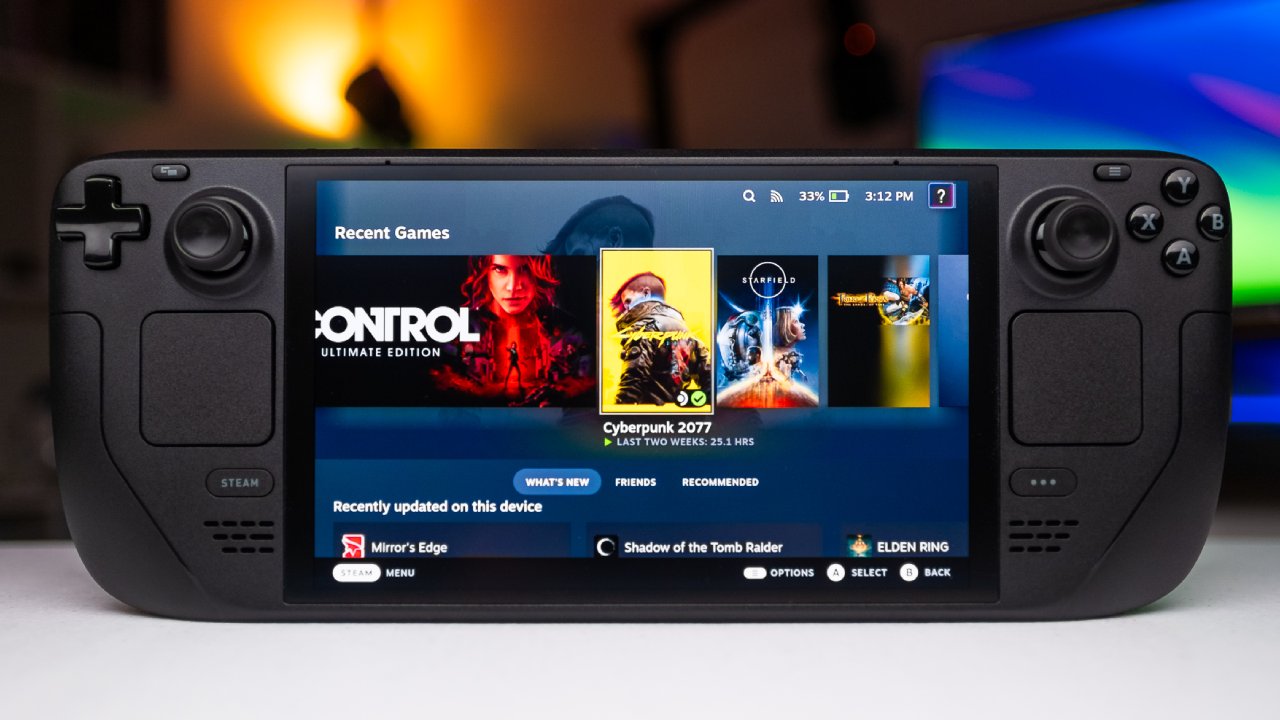
Because the controller layout seemed strange, we had many doubts about it. Legion OS was another option considered because it had a larger screen. At first, it appeared like a better choice because bigger screens usually feel better on handhelds. Another worry was the lack of multiplayer options.
We play games like Battlefield, Call of Duty, and Fortnite with our family, and we knew the deck wouldn't give us the same kinds of experiences that we were used to. Multiplayer games take up a lot of our time, so this concern remained important.
We also wondered if the device would be used enough. People were worried about investing additional money in another portable that might sit there after they bought a Portal and barely used it for more than a few hours.
Another reason for my concern was that we didn't have a big Steam library. We just had a few games, like Football Manager, and it didn't seem like a good idea to get a Steam Deck without many games.
First Thoughts After Starting Up
Most of our worries went away after we started utilizing the Steam Deck. It was clear right away that the suspend-and-resume capability was important. We liked being able to push a button, walk away, come back, and start right where we left off.
This was especially nice coming from consoles like the Xbox, which has a rapid resume feature. It fits wonderfully with busy schedules.
How Easy it is to Use and Get to
SteamOS was easier to use than we expected. We didn't come from a PC background, but SteamOS made the switch easy. It works like a console interface, making it easy for new users to get used to it. This is easy to use, making the handheld feel ready to use right away.
Performance and Compatibility with Games
The games we wanted to play performed better than we expected. When using handheld devices like the Switch or the Portal, you might have had input lag, blocky visuals, or sessions that didn't always go as planned. Games just worked on the Steam Deck. No obvious lag or setup problems when you download, launch, and play.
We can easily check compatibility and adjust settings in Deck Verified, ProtonDB, and the iOS app Deck Settings. There was no need to look through forums or tutorials because everything was in one spot.
How to Fit It into Your Life
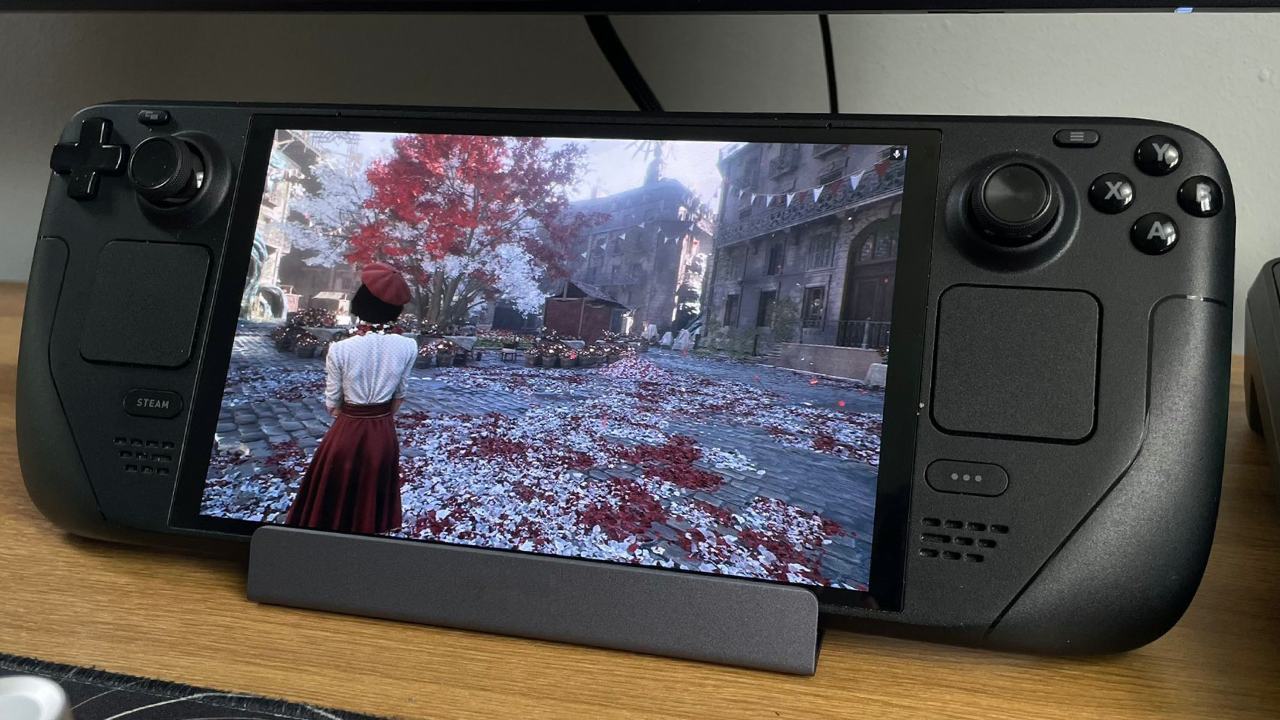
The Steam Deck worked with our daily plans. We could play a game like Mad Max for 10 to 20 minutes when we had some free time, make some progress, and then go back to our duties. It was nice to sit on the couch and play without turning on the TV or console.
The suspend function lets us stop immediately, leave, and restart immediately. The Portal couldn't deliver this level of immediacy because it depended on connections and sometimes had delays.
The Quality of the Screen and How it Looks
The OLED screen was a big reason why they chose it. We chose the Legion OS because it had a bigger screen, a higher resolution, and a refresh rate of 120Hz. Still, we were unsure because we had used OLED panels before.
We liked how the Steam Deck OLED had a consistent look thanks to its contrast, blacks, and overall clarity.
Using the Battery and Tuning Performance
The battery died quickly when playing AAA games like Hitman or Mad Max. We found out that we needed to learn about TDP changes and game modes to make the battery last longer.
Even though we hadn't done this yet, it seemed like the next logical step to improve the experience.
Accessories and More Ways to Use it
We already added a 512GB microSD card and were going to buy a dock. Accessories cost more, but they make the deck more useful.
We also thought about playing games with a keyboard and mouse again, the first time since earlier PC games like Call of Duty 2. These new cards would make the deck more flexible.
Effect on Other Gaming Systems
We were curious if the PS5 would get less attention. PS5 Pro costs a lot of money, but right now, it can only be used to play Battlefield 6.
Steam Deck changed where we spend our gaming time, prompting us to wonder how long we can use other consoles.
Growth of the Backlog and the Game Library
It was evident what we regretted the most: we should have acquired a Steam Deck sooner. Looking back, the Portal purchase seemed superfluous. The Steam Deck came with more features and a larger game library.
We played a small number of games for a long time, such as FIFA, Call of Duty, and Battlefield, so there wasn't much opportunity for variation.
The library grew swiftly with the deck. We bought games like Suits for Hire, Hitman, and many others we had forgotten about for years. The low prices of games led to a growing backlog.
It was easy to get more games than we could play, with collections like Bioshock for a few dollars or big bundles of Star Wars titles. This abundance made people excited, but it also made it hard to choose.
Final Thoughts
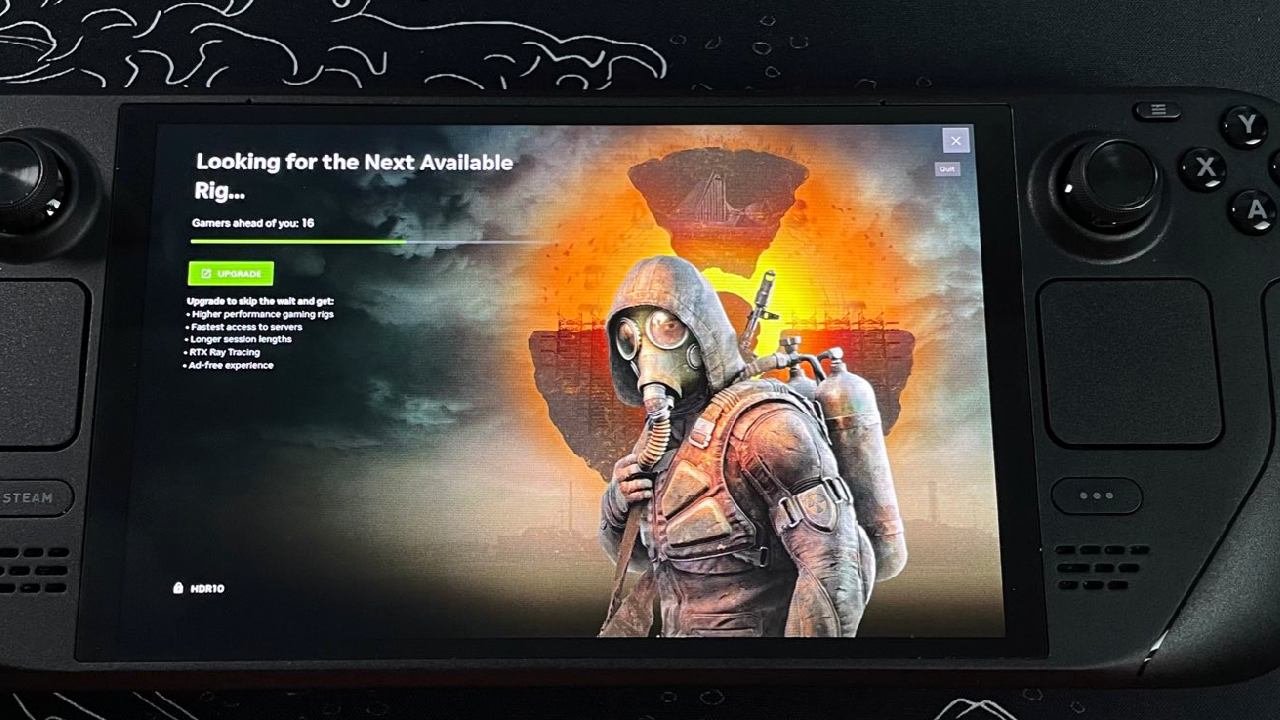
The only thing we regretted was the timing. We wish we had picked the Steam Deck sooner. It has easy-to-use controls, a large library of games, and gameplay that's easy to access, unlike other handhelds. There were so many games to choose from that we had a hard time deciding what to play next.
People who play video games may have different needs. Some people might prefer a Windows handheld for playing games with others or online. Some people might like how simple the deck makes things. Please share any regrets you have about your Steam Deck or problems you've had with your backlog, as well as how the device has affected the way you play games.
Also, check our other articles below :
- ASUS ROG Ally X Handheld Review: Double the Battery, Double the Comfort
- Nintendo Switch 2 Vs. Original Switch 1: A Full Comparison
- How To Connect A Camera And Join Voice Chat With Nintendo Switch 2
- Nintendo Switch 2 Review: Handheld Performance, Features & Value Breakdown
- ROG Xbox Ally X Vs. ROG Ally X: Display, Battery & Controls
- ASUS ROG Ally X vs. Steam Deck OLED: Display, Battery & Gaming Benchmarks
- MSI Claw 8 AI+ Review: Display, Controls & Gaming
- Nintendo Switch 2 vs. Steam Deck OLED: Gaming, Performance, Battery, Display and Value
- PlayStation Portal Review: Remote Play, Cloud Streaming & Travel Gaming
- PlayStation Portal vs. Lenovo Legion Go: Best Portable Gameplay
- Cyberpunk 2077 Patch 2.3 FPS Test on MSI Claw 8 AI+
Editor, NoobFeed
Gaming Hardware Updates
No Data.