
FATAL FRAME II: Crimson Butterfly REMAKE Beginner’s Guide | Gameplay Tips & Tricks
Here’s a beginner’s guide on some gameplay tips & tricks in FATAL FRAME II: Crimson Butterfly REMAKE.
Game Guide by Ragib Rawnak on Mar 13, 2026
Learning to play Fatal Frame 2: Crimson Butterfly is hard at first because the ghosts move fast. They are very aggressive. Combat can feel like too much when you start. Once you learn how the game works, it gets easier. These tips will help you survive and use the Camera Obscura well.
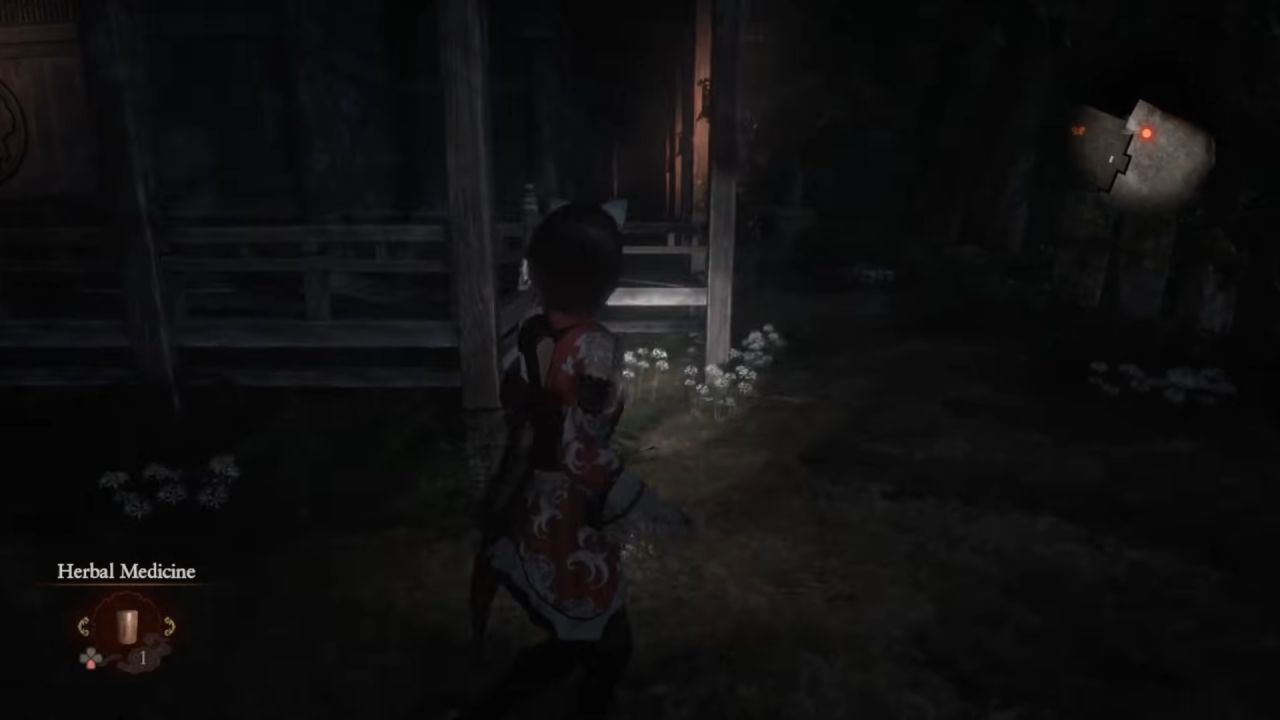
How to Stay Locked On
You should lock on to ghosts as soon as a fight begins. When a Wraith shows up, press the lock-on button. This keeps the camera pointed at the ghost. It helps you focus on your timing and your items.
You can change your Film or Filters in FATAL FRAME II: Crimson Butterfly REMAKE without losing the ghost. If they move too fast, turn on Auto-Lock On in the menu.
Landing Fatal Frames and Special Shots
The Fatal Frame is the most important skill to learn. You must take a photo right before a ghost hits you.
You will see a red flash at the top of the screen when it is time. If you hit this shot, the ghost stops. This is when you can see weak points. If you get more of these circles in your photo, you do more damage.
You also have Special Shots. You use these with the R1 or right bumper. These do not use Film. They use Willpower. You also use Willpower to run and move. If you run out and a ghost hits you, you will fall.
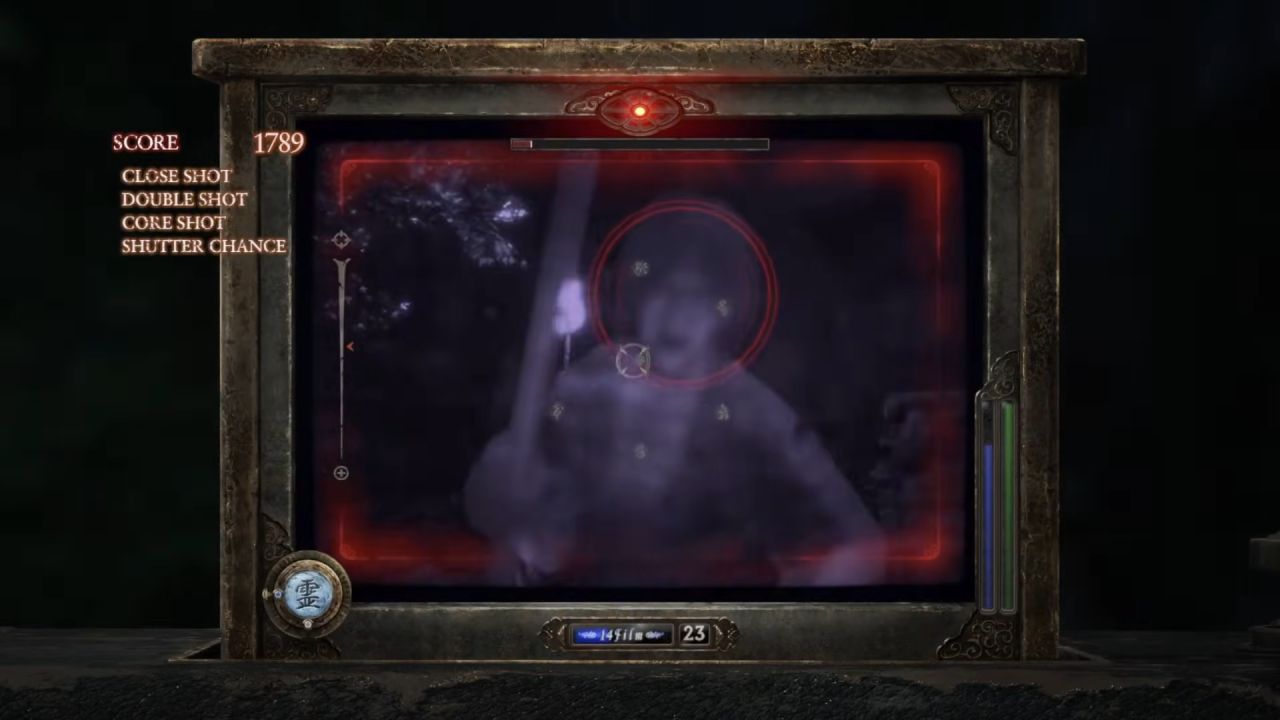
Different Filters change what these shots do. The Standard Filter pushes them back. The Parasol Filter blinds them for a bit.
Shutter Chance and Fatal Time
If you hit a ghost enough, it might gasp. The screen edges will flash red. This is a Shutter Chance. If you wait and hit a Fatal Frame now, you start Fatal Time.
This lets you take many photos very quickly. You do not use your own Film here. The camera uses infinite Type 7 Film so you can shoot as fast as you want in FATAL FRAME II: Crimson Butterfly REMAKE.
Picking Film and Filters
Film is simple. Higher numbers mean more power. Type 7 Film is weak but you have an endless supply. Type 90 is strong for the start of the game. Type 0 is the strongest, but it is slow to reload. You can swap film by holding the left trigger and using the D-pad.
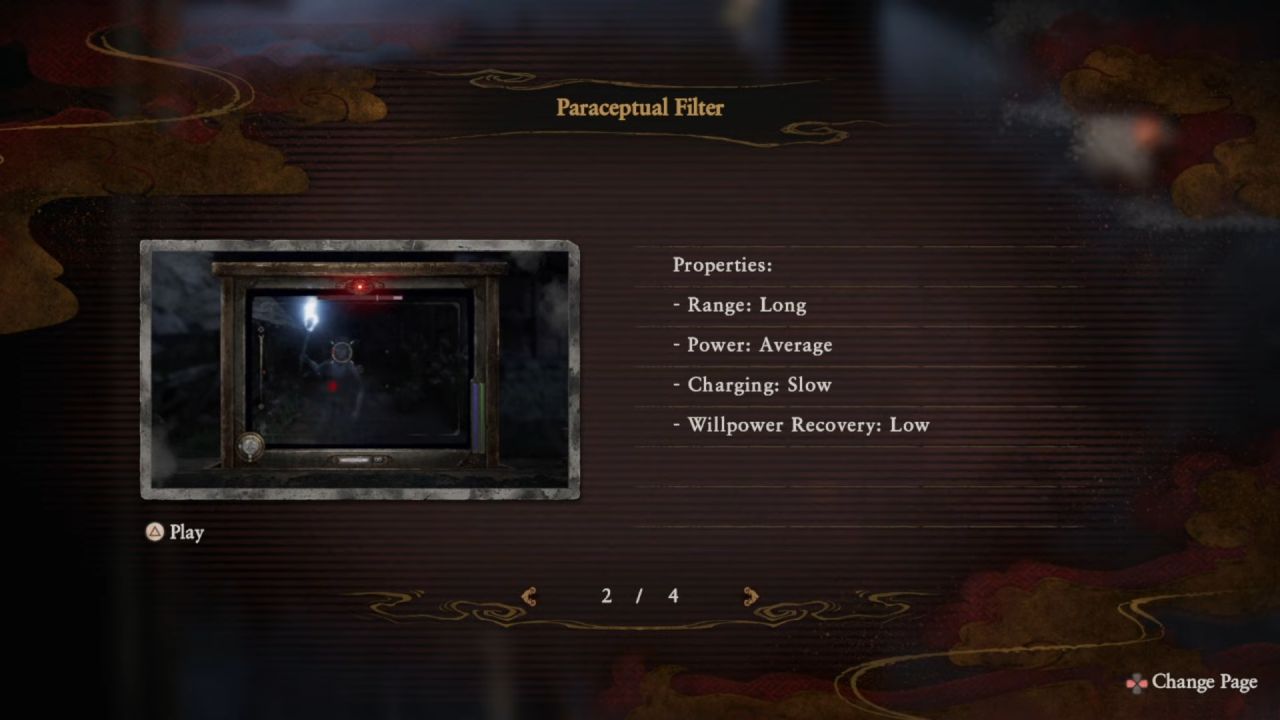
Filters help you explore and fight. Outside of combat, they find hidden things or help with puzzles. In a fight, they change your range and how fast you get Willpower back. You can swap them with Square or X while you are aiming.
Upgrades and Movement
Do not worry about using your Prayer Beads on the wrong thing. You will find Reversion Beads later. They are cheap to buy. These let you take back your beads and put them into different stats. This lets you try new ways to build your camera.
Survival is also about moving. Turn on Auto Crouch in the settings. Sometimes a ghost you cannot kill will chase you.
You have to hide. With Auto Crouch on, you can just run toward a small hole and your character will go in. Also, look at the light on the camera. It shows you where the ghosts are hiding.
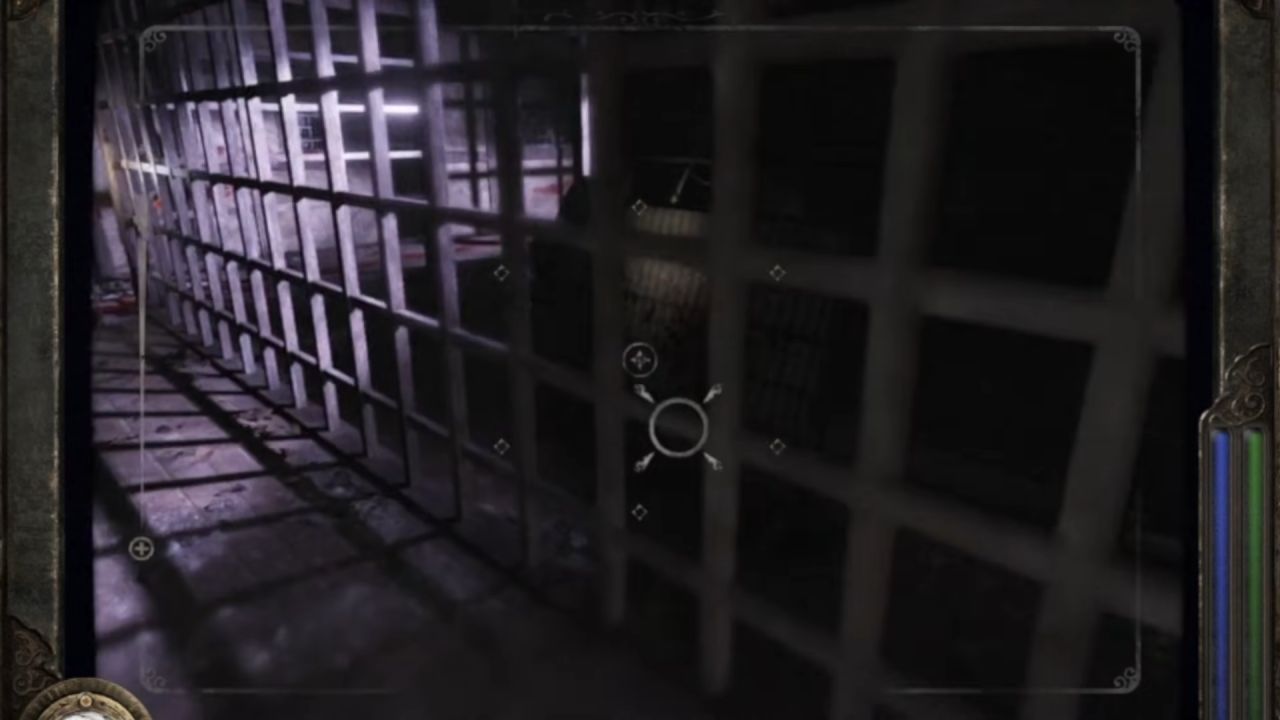
Dodging and Healing
Sometimes you need to move instead of shooting. If a ghost is about to hit you, press X or A to dodge. It is often better to dodge toward the ghost to get past it in FATAL FRAME II: Crimson Butterfly REMAKE.
Always keep at least three Herbal Medicines. When you see a save point, get more from the Point Exchange. If a ghost grabs you, you can still heal while they are attacking. This can save your life.
Also, check our FATAL FRAME II: Crimson Butterfly REMAKE Review and other guides below:
- FATAL FRAME II: Crimson Butterfly REMAKE Guide | How to Get Crimson Butterfly Ending
- FATAL FRAME II: Crimson Butterfly REMAKE Guide | How to Get Lonely Road Home Ending
- FATAL FRAME II: Crimson Butterfly REMAKE Guide | How to Solve Hina Doll Puzzle
- FATAL FRAME II: Crimson Butterfly REMAKE Guide | How to Get Remaining Sun Ending
- FATAL FRAME II: Crimson Butterfly REMAKE Guide | How to Solve the Book Altar Puzzle
- FATAL FRAME II: Crimson Butterfly REMAKE Guide | How to Solve Twin Mechanical Doll Puzzle
- FATAL FRAME II: Crimson Butterfly REMAKE Guide | How to Solve Pinwheel Puzzle
- FATAL FRAME II: Crimson Butterfly REMAKE Guide | How to Get Sprouting Wings Ending
- FATAL FRAME II: Crimson Butterfly REMAKE Guide | How to Get The Abyss Ending
- FATAL FRAME II: Crimson Butterfly REMAKE Guide | How to Get The Promise Ending
Senior Editor, NoobFeed
Latest Articles
No Data.