
FC 26 Guide | How to Get Started with Settings, Modes and Controls
Here's a guide on how to get started with Settings, Modes and Controls in FC 26.
Game Guide by Navid Kabbo on Jul 18, 2026
Booting EA SPORTS FC 26 for the first time can be exciting, but it can feel like there's a lot to take in. Whether you're completely new to football, returning after skipping a few years, or not, it's easy to get overwhelmed by all the new features and modes of the game. This guide will take you through how to get started in EA SPORTS FC 26.
Right Gameplay Preset
You should spend a little time learning and adjusting the controls. It might be tempting to jump straight into the game, but getting comfortable with passing, shooting, defending, and dribbling will make it easier.
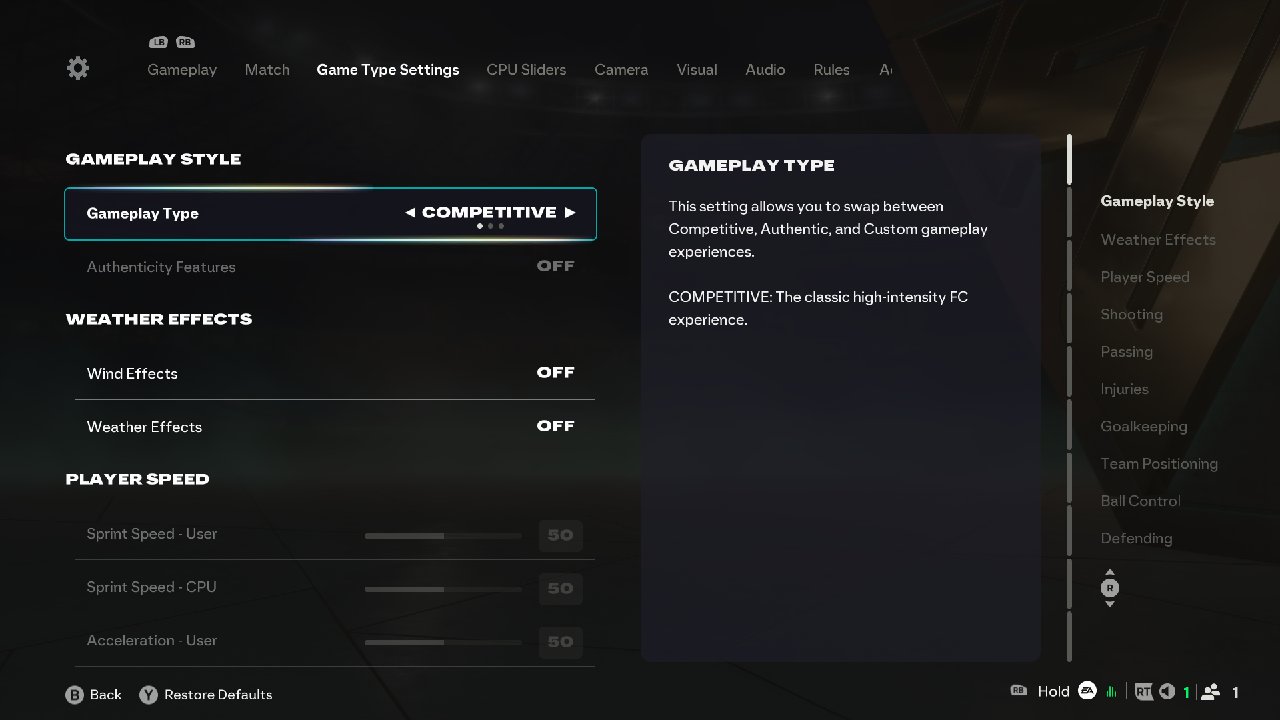
There are two gameplay styles in EA SPORTS FC 26:
- Competitive
- Authentic
These two styles use the same engine but behave differently in the game. Competitive is much faster; snappy passes feel much sharper, and transitions are faster. This style is built for online matches for controlled pressure.
On the other hand, the Authentic style aims to feel like realistic football; the pace is much slower, and players hold their shape and positions.
EA SPORTS FC 26 also includes training modes and skill games that let you practice. Even spending 15-20 minutes can make a noticeable difference. If you are new or returning after a long time, start with the authentic style; once you get comfortable, switch to competitive.
Essential Starter Settings
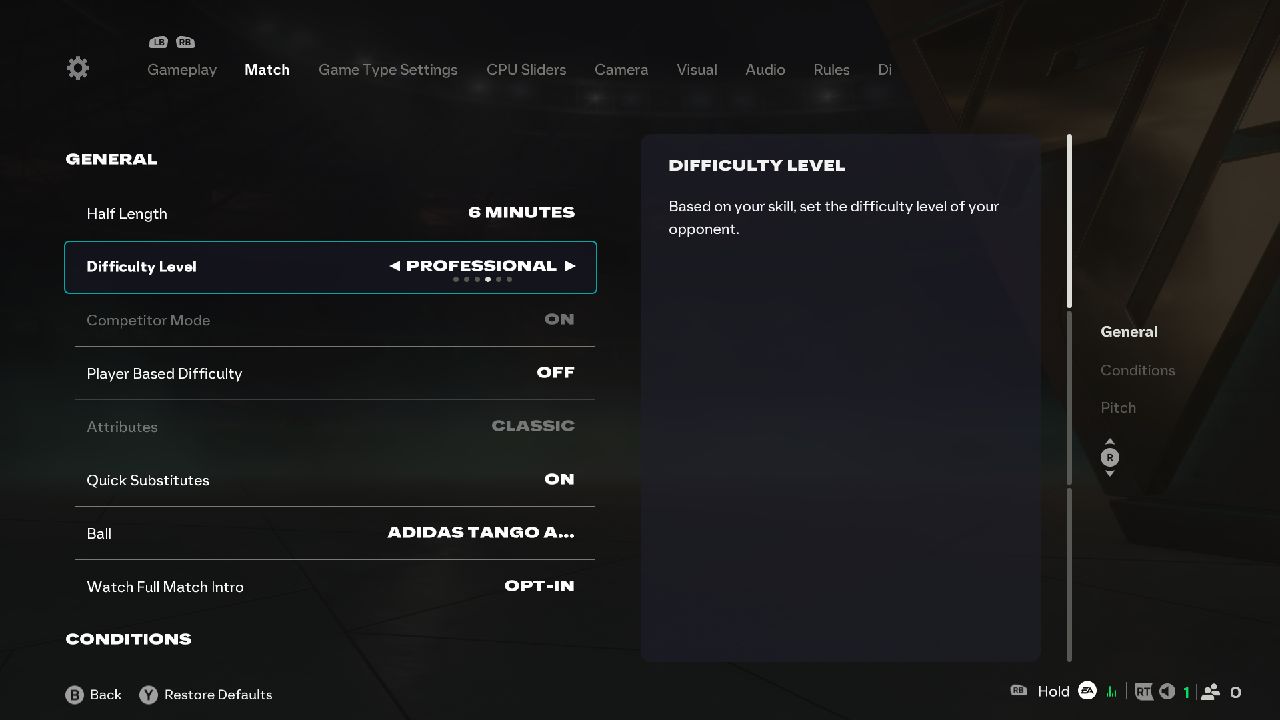
In EA SPORTS FC 26, default settings are playable but not beginner-optimized. Making a few changes can make the game more responsive. One mistake new players make is choosing a difficulty that's too challenging.
If you are starting after a time or are new, there's nothing wrong with starting with Amateur or Beginner while you learn how the game works; then you can move up to Semi-Pro or Professional.
Select the Camera settings that help you read the field. Use Tele-Broadcast or Co-op with a slightly lower height, and increase the zoom until the midfield spacing is clear.
Check the controller settings for consistency and get more response. Pass and shoot assist on semi, or assisted and timed finishing while learning, and analog sprint; also, turn off the input lag sources.
Play Offline Before Playing Online
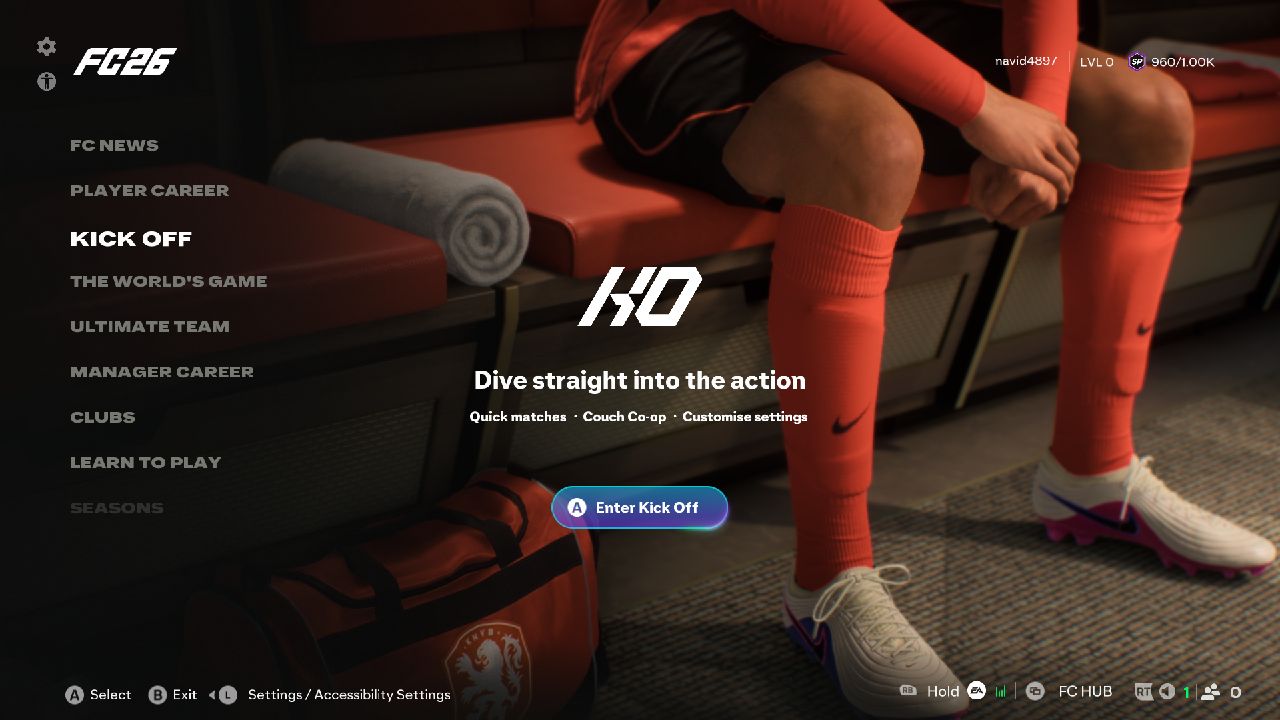
Online matches can be fun, but they are also competitive. Many players have years of experience, so a few games can be tough; offline practice builds cleaner habits. To improve your skills, spend more time in modes like kick-off and career mode to better understand the gameplay. You will build confidence much faster this way.
Beginner's Mistakes that Make FC 26 Harder
Some habits make FC 26 harder to play than it already is; players need to break them. Don't hold the sprint button all the time. Holding the sprint button constantly makes it harder to control the ball, especially when defenders are close.
Use a sprint only when you see space ahead. Stop over-dribbling into crowded spaces and break the defensive shape by dragging center-backs out. Also, players make mistakes switching builds too often, and play online with broken settings.
Learn Simple Formations, Player Build, and Archetypes
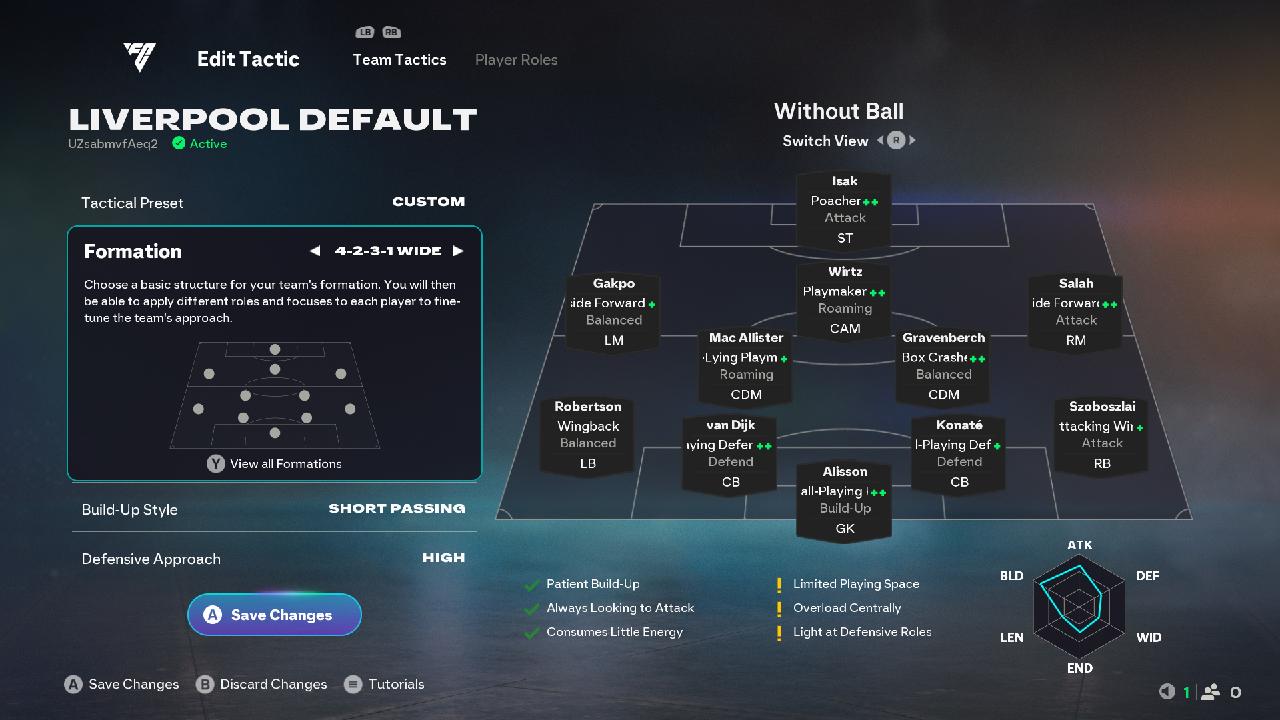
You don't need to spend hours tweaking tactics right away. Choose one balanced formation and stick to it as you learn. Formations like 4-3-3 and 4-2-3-1 are great starting points because they offer a good balance between attack and defense and start with a simple, basic player archetype featuring a balanced midfielder, a target striker, and no-nonsense defending.
Learn Basic Passing Before Skills
Short passes and possession are key once you get comfortable with the ball around the pitch. With the ball, you can start adding more advanced moves to your game.
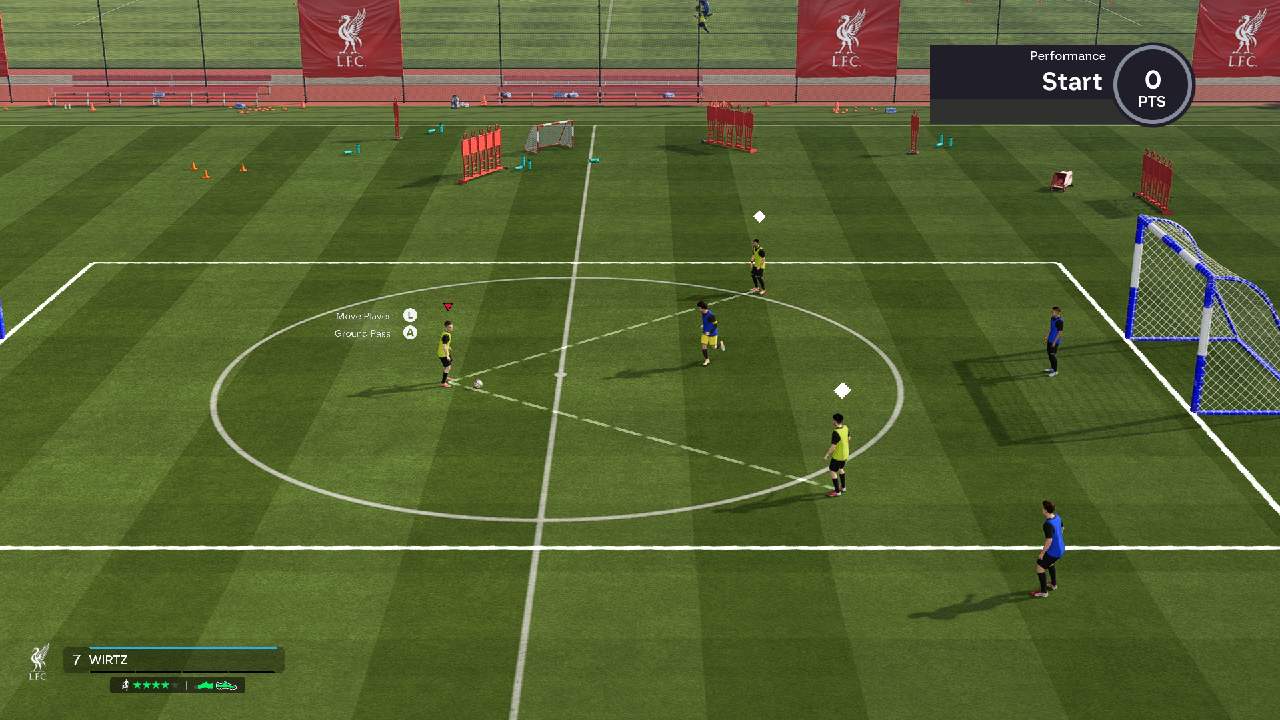
It's easy to get caught up in flashy skill moves on YouTube and social media, but the truth is, good passing will win far more matches than fancy tricks. You can practice short passes, long passes, through balls, and driven passes in skill games.
Defending is Important as Scoring
Scoring is important, but solid defense wins close matches. Do not rush into tackles every time your opponent has the ball; instead, stay in front of them, cut off the passing lanes, and wait for the right moment to challenge. Sometimes, good positioning is better than aggressive tackling.
Controller Settings
This year, EA added some new features to the game. You have four standard control presets, and these can be accessed in the Customize Control tab. You can choose as per your comfort.
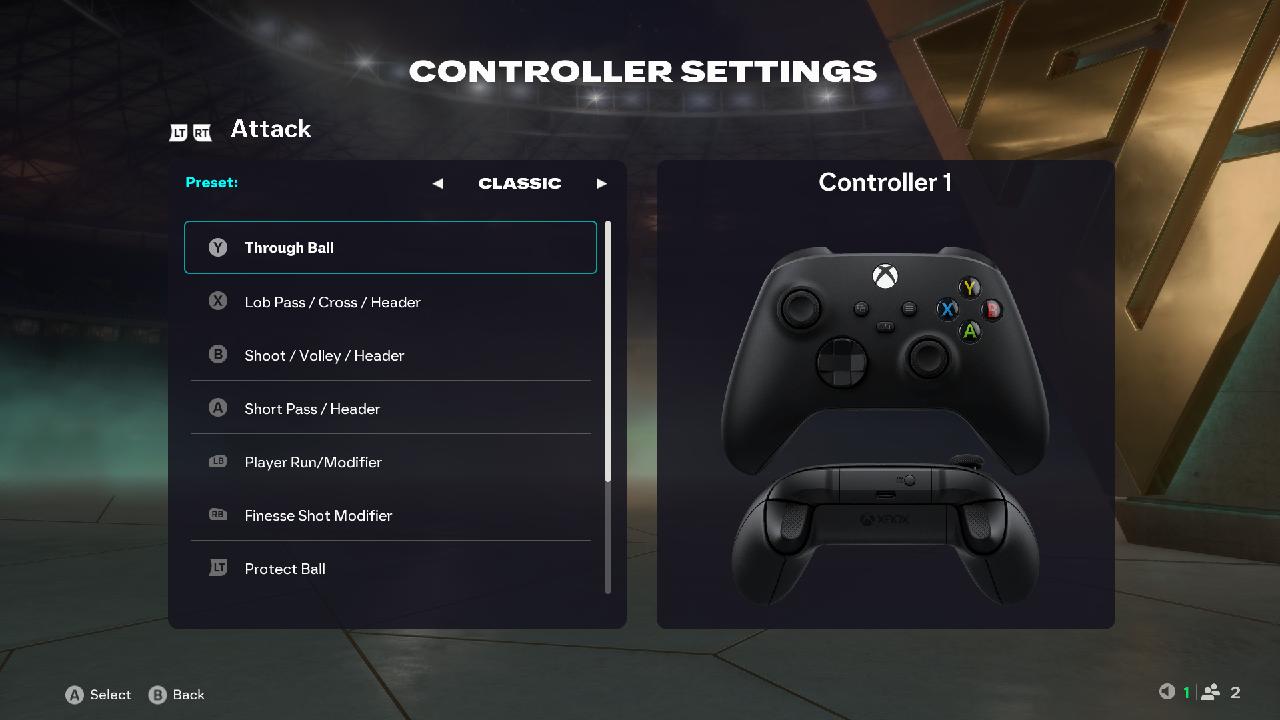
- Classic
- Alternate
- Two Buttons
- One Button
Final Thoughts
Getting started in EA SPORTS FC 26 doesn’t have to be complicated. Take your time to learn the basics, try out the different game modes, and don’t worry about becoming an expert overnight.
All great players started as beginners who struggled with the basics. Keep practicing, be patient, and most of all, have fun. Soon, you'll see your confidence grow, and your results improve every time you step onto the virtual pitch.
Also, check our FC 26 Review and other guides below:
Editor, NoobFeed
Latest Articles
No Data.