
Rivage Guide | How to Get the Multi-Pass Card
Here's a guide on how to get multi-pass card in Rivage.
Game Guide by Navid Kabbo on Oct 19, 2026
The Multi-Pass Access Card is an important progression item in Rivage that allows players to unlock additional restricted areas aboard the A.R.E.S. space station. However, obtaining it requires solving a vending machine puzzle in the Pod Bay.
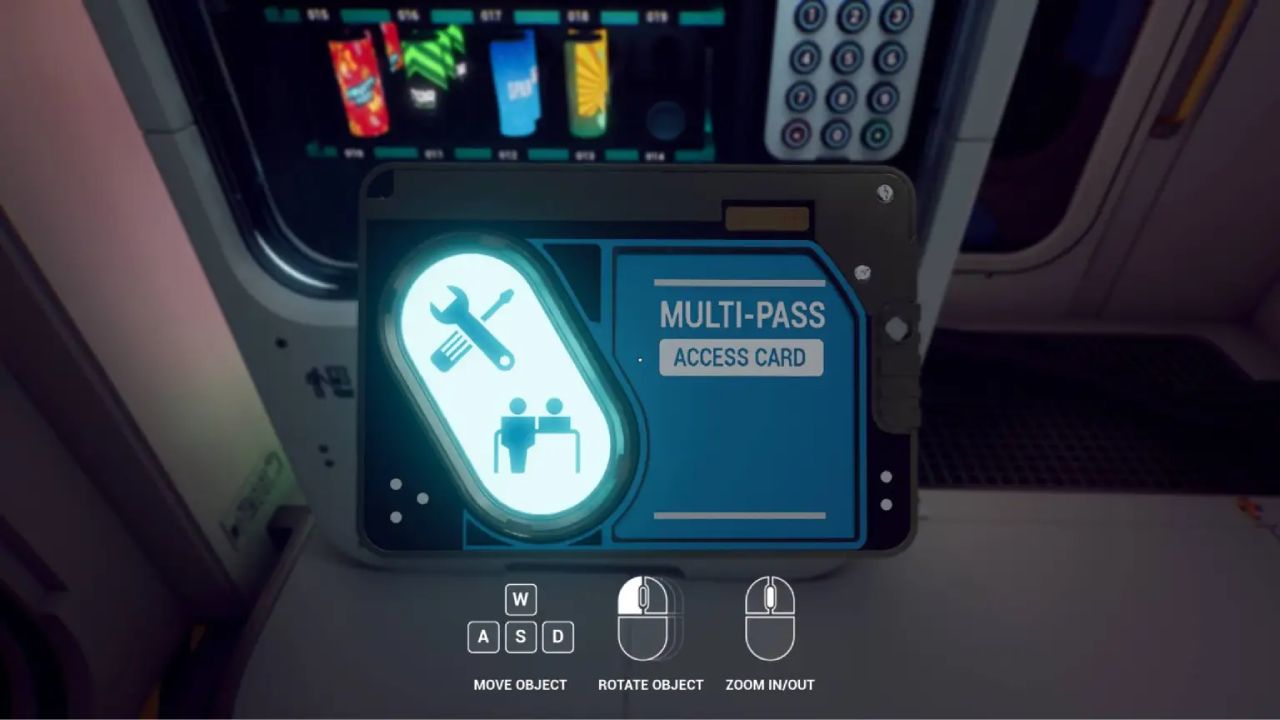
Unlike regular access cards, the Multi-Pass is locked inside a vending machine that cannot be used until you've restored its stock and credits.
This Rivage Multi-Pass Card Guide explains how to unlock the Stock Manager, find the required product codes, and obtain the Multi-Pass Access Card.
How to Get the Multi-Pass Card in Rivage
Before attempting the puzzle, you'll need Level 2 access, the K9 Contactless Access upgrade, and the HyperViolet flashlight upgrade.
Step 1: Unlock the HyperViolet Flashlight
Start by entering Amaan's bedroom using your upgraded K9 system.
Interact with his computer and select Forgot Password. The hint refers to his favorite soda.
Enter COSMIK! to unlock the computer.
Next, open the terminal and enter the following commands:
- ls
- Build hyperviolet.qb
- Copy flashlight.exe Miranda.v
These commands install the HyperViolet flashlight upgrade, allowing you to reveal hidden markings throughout the station.
Step 2: Unlock the Vending Machine Stock Manager
Head to the Pod Bay and locate the vending machine containing the Multi-Pass Card.
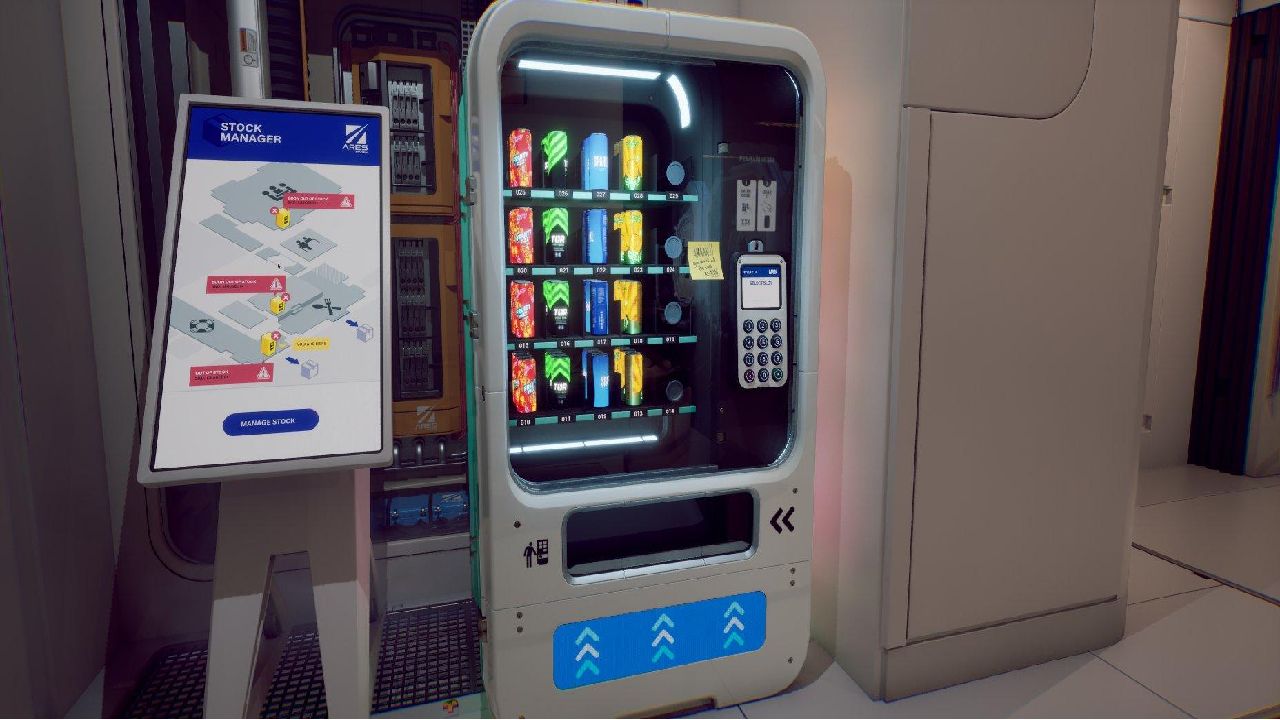
Beside it, you'll find a locked Stock Manager terminal.
Activate your HyperViolet flashlight and shine it on the terminal's keypad.
A hidden pattern will appear.
Follow the revealed pattern to unlock the Stock Manager.
However, before you can add credits, you'll need to restock three missing products.
Step 3: Find All Three Product Codes
The Stock Manager requires three CP product codes found on food packaging throughout the station.
You can locate them in the following areas:
- Cosmik! Soda: Find a soda can in the Connector near Amaan's workstation. Example code: CP379087.
- Mr. Lime Candy Bar: Purchase a candy bar from the Kitchen vending machine using slot 020. Example code: CP208674.
- Chips: Return to Amaan's bedroom and use HyperViolet on the whiteboard to reveal the hidden chips packaging. Example code: CP687575.
Important: Some codes may vary between playthroughs. Check the product packaging in your own game before entering it.
Step 4: Obtain the Multi-Pass Access Card
Return to the Pod Bay and interact with the Stock Manager.
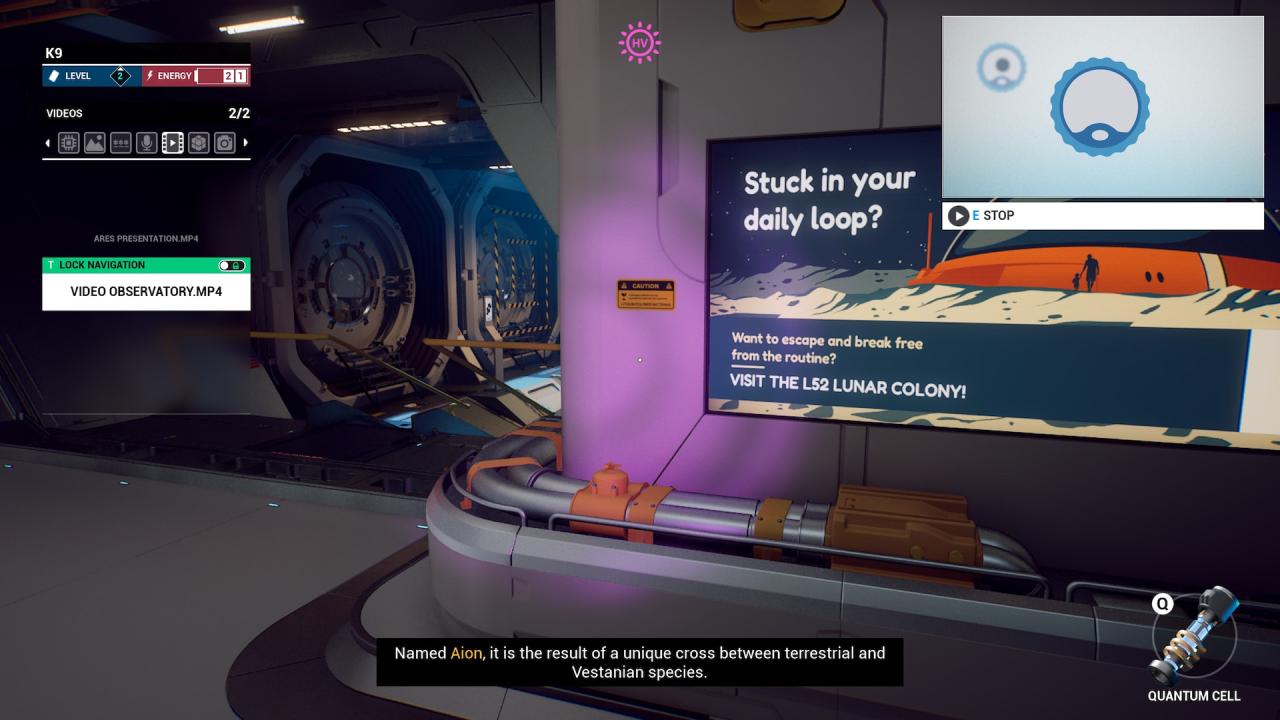
Enter all three CP codes in their corresponding fields and confirm the restocking order.
Once the stock has been restored:
- Select the credit controls in the Stock Manager.
- Add credits to the Pod Bay vending machine.
- Exit the Stock Manager and interact with the vending machine.
- Enter 024 to select the Multi-Pass Card.
- Collect the card from the dispensing slot.
Finally, rotate the card and scan the barcode on its reverse side using K9.
This permanently registers Multi-Pass authorization, allowing you to retain access through future time loops.
What Does the Multi-Pass Card Unlock?
The Multi-Pass Card allows you to access the Garage and continue progressing through the station's interconnected puzzles.
The Garage contains the Orbital Scout puzzle and other equipment needed for later objectives.
Final Thoughts
Obtaining the Multi-Pass Card in Rivage requires the HyperViolet upgrade, three product codes, and enough vending machine credits.
Once you've completed the Stock Manager puzzle, remember to scan the card using K9 before restarting the loop.
FAQ
Q. Where Is the Multi-Pass Card in Rivage?
A. The Multi-Pass Card is located inside the vending machine in the Pod Bay.
Q. What Is the Multi-Pass Vending Machine Code?
A. Enter 024 after restoring the machine's stock and adding credits.
Q. How Do You Unlock the Stock Manager?
A. Use the HyperViolet flashlight to reveal the hidden keypad pattern beside the Pod Bay vending machine.
Q. What Does the Multi-Pass Card Do?
A. It unlocks access to the Garage, allowing you to progress toward additional puzzles and important station upgrades.
Editor, NoobFeed
Latest Articles
No Data.