
Winter Burrow Guide | How to Avoid Spiders
Here's a guide on how to avoid Spiders in Winter Burrow.
Game Guide by Ragib Rawnak on Nov 25, 2025
If you prefer a calmer experience while moving through Winter Burrow, you can disable Spiders so they do not appear during your exploration. While you work on restoring your childhood burrow, you may not want a Spider showing up on your screen, and the game provides an option that removes them entirely.
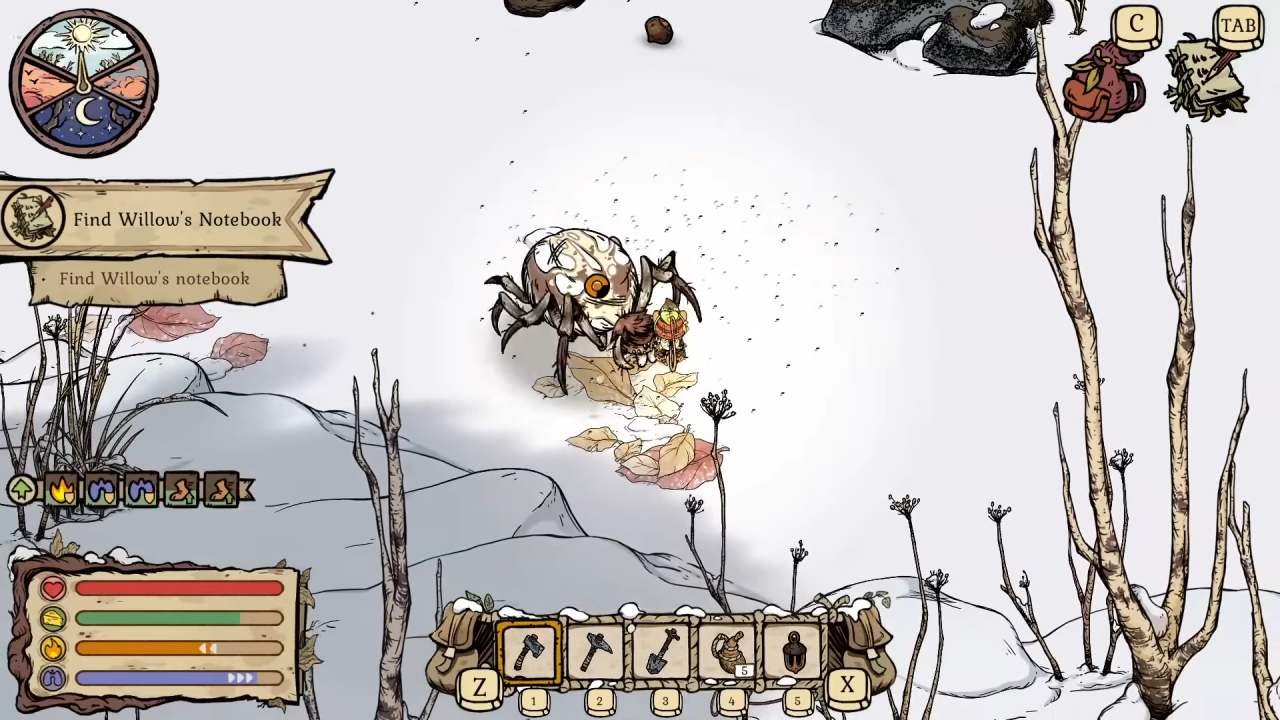
Turning Off Spiders
To disable Spiders, open the settings and switch the Spiders option to No. You can reach this option in two different places, depending on whether you are on the main menu or already inside the game in Winter Burrow.
When you open the game for the first time or before loading your save, you can select Settings from the main menu. Inside this menu, scroll until you find the Spiders option. Use the leaf icons on each side of the option to change it to No, so Spiders will not appear.
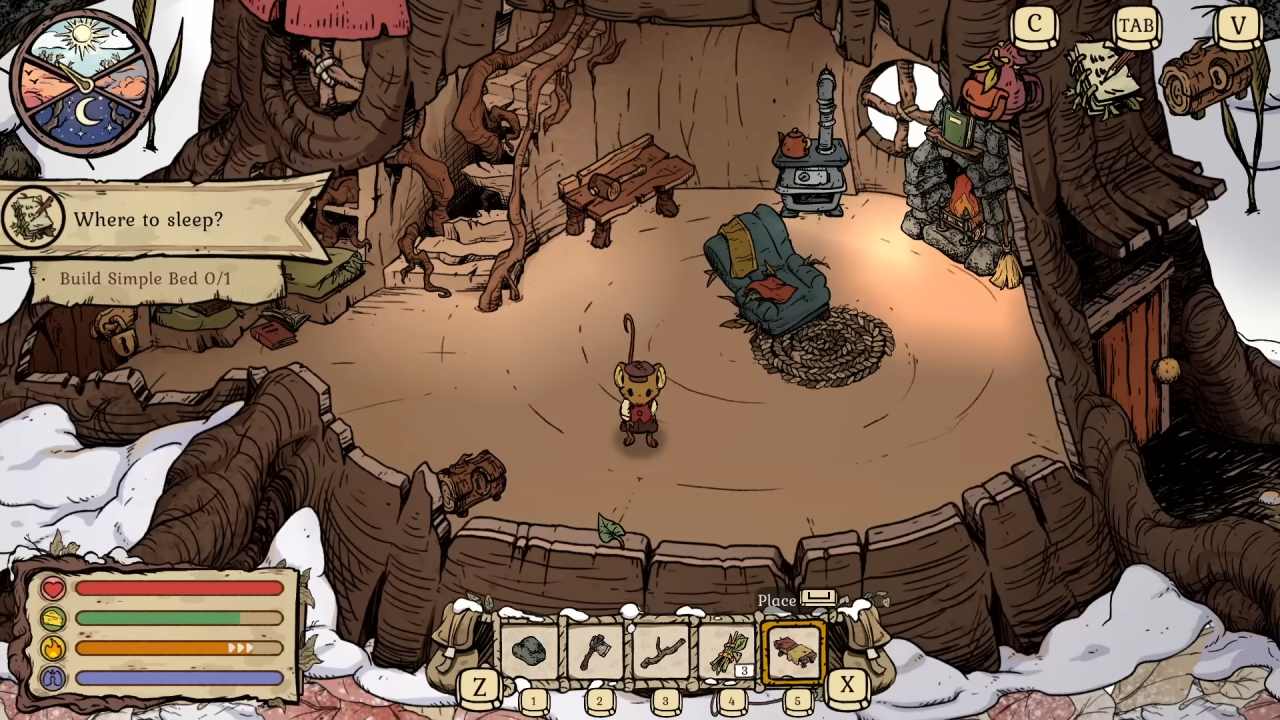
Using the Main Menu
If you want to change this while playing, open your inventory or menu, then go to the Settings tab at the top. The Spiders option is available there as well, and you can switch it to No at any time.
The Spiders' setting is not permanent. If you wish to bring them back later, you can return to the same option and change it again in Winter Burrow.
Also, check our Winter Burrow Review and other guides below:
- Winter Burrow Beginner’s Guide | Gameplay Tips & Tricks
- Winter Burrow Guide | All Roasting and Grilling Recipes
- Winter Burrow Guide | How to Get a Pickaxe
- Winter Burrow Guide | All Pie Recipes
- Winter Burrow Guide | How to Get Flint
- Winter Burrow Guide | How to Get Rowanberries
- Winter Burrow Guide | How to Get Pollywog
- Winter Burrow Guide | How to Get Granite
- Winter Burrow Guide | How to get Blueberry
- Winter Burrow Guide | How to Get Heavy Key
- Winter Burrow Guide | How to Get Flint Pickaxe
- Winter Burrow Guide | How to Get Flint Axe
- Winter Burrow Guide | How to Get Oak
- Winter Burrow Guide | How to get Silk Thread
- Winter Burrow Guide | How to Get Shrimp Mushroom
- Winter Burrow Guide | How to Get Yellow Brittlegill Mushroom
- Winter Burrow Guide | How to Get Fur Tuft
- Winter Burrow Guide | How to Get Fine Woollen Hood
- Winter Burrow Guide | How to Find Pinesap
- Winter Burrow Guide | How to Find Willow Tunnel
- Winter Burrow Guide | How to get Hazelnut
- Winter Burrow Guide | How to Get Pinewood
- Winter Burrow Guide | How to Get Birch Wood
- Winter Burrow Guide | How to Find Aunty
- Winter Burrow Guide | How to Find All Gnawtusk Stash
- Winter Burrow Guide | How to Get Blackberries
- Winter Burrow Guide | All Beverages and Tea Recipes
- Winter Burrow Guide | All Baking Recipes
- Winter Burrow Guide | All Roasting and Grilling Recipes
Senior Editor, NoobFeed
Latest Articles
No Data.