
Performance Analysis of Battlefield 6 on Intel Arc GPUs
Evaluation of the A770 16GB GPU and its performance advantages in higher-resolution gaming scenarios.
Hardware by Nahe Yan on Nov 03, 2025
This year, Battlefield 6 is one of the greatest games for both PC and console. It's remarkable that this Battlefield game performs well and has relatively few bugs.
However, the performance of non-mainstream GPUs tells an interesting story about how to optimize the game for your system and what this engine is truly capable of.
.jpg)
Setting Up and Testing
We played the game on two graphics cards: the A750 Limited Edition and the Sparkle Titan OC A770 16GB. This comparison illustrates how the performance changes when the RAM is either 8GB or 16GB.
We didn't expect these two GPUs to perform significantly differently in most games, as they only differed by roughly 10–15% on average.
You can't use third-party software with the game; thus, you can't use tools like MSI Afterburner to test it. Instead, we used the game's frame rate counter to check how effectively it worked.
A750 Performance Overview
No overly low-resolution textures were found, so it played smoothly. The A750 did a fantastic job with Battlefield 6 overall, though it struggled when it couldn't upscale the picture.
When we set ZSS to performance and the resolution to 1080p, we saw frame rates between 90 and 120 fps virtually all the time. The graphics were often blurry and pixelated, but the performance was good.
When we set ZSS to quality at 1080p and the high graphics preset, performance stayed over 60 fps most of the time, except when there were many particle effects on-screen.
We called the settings we used "good settings," which were a blend of medium, high, and overkill. The game operated at about 60 fps and had a much clearer image.
When the A750 ran at its native resolution, it didn't perform well, often staying below 60 fps. We achieved a frame rate of slightly over 60 fps while playing with ZSS set to high quality. Graininess and smearing weren't major problems at this image level. However, chain-link and wrought-iron fences still showed aliasing even with TAA enabled.
Raising the resolution didn't help with aliasing, perhaps because the image's upsampling didn't handle strong color contrast well. Interestingly, turning off film grain didn't make the picture less grainy.
Settings for Graphics and Engine Performance
You can customize the appearance of the graphics in the game in various ways. Players can modify the model's resolution and the quality of the shadows, reflections, and textures.
They can even adjust settings that aren't used frequently, such as the appearance of moving items and the level of detail in distant objects.
Additionally, you have the option to select between a fully real-time screen-space global illumination (SSGI) system and a precalculated lighting system. You can also change the internal resolution of some models.
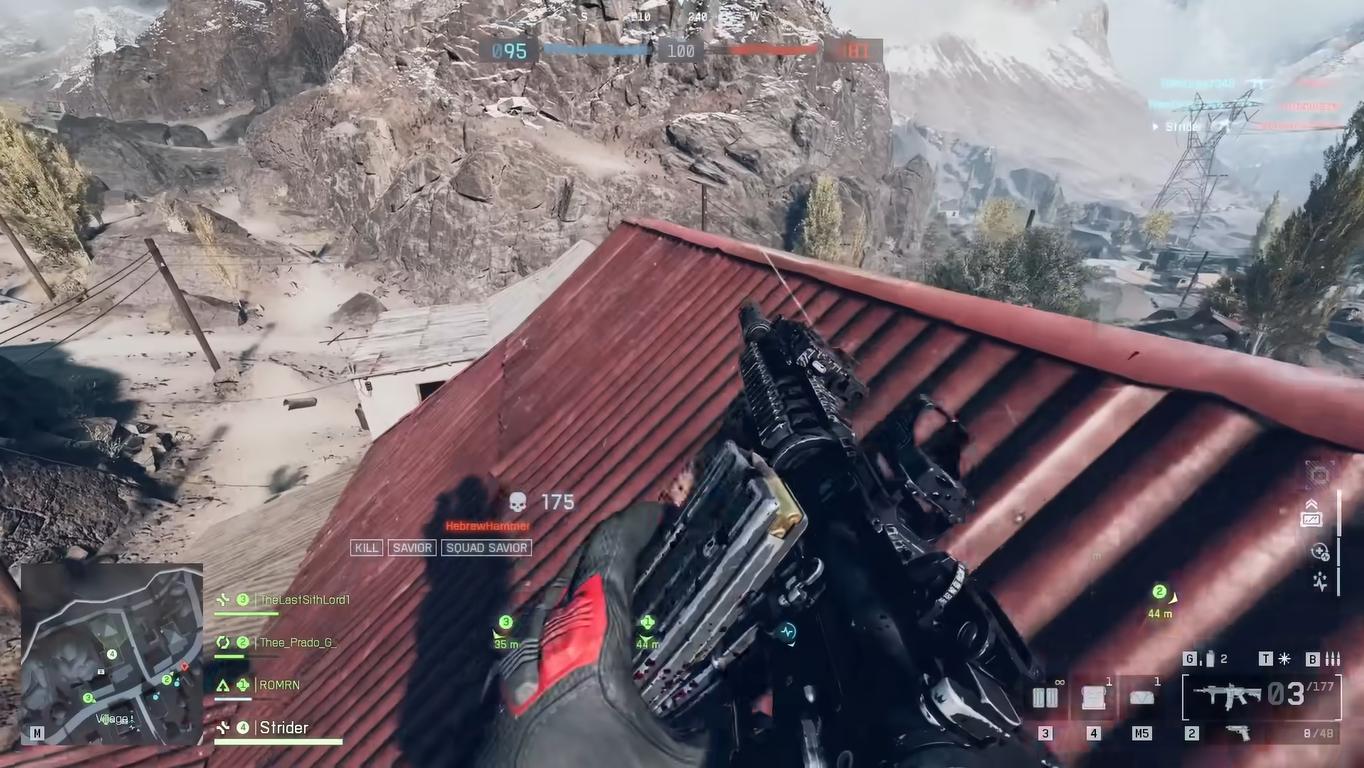
Many of these settings are from previous Battlefield games, but they've been improved and expanded for more flexibility. These small changes demonstrate the engine's adaptability in striking a balance between performance and visual fidelity.
Performance of the A770 16GB
We were most interested in whether the A770's 16GB of RAM would be helpful. When we adjusted ZSS to balanced and used the high graphics preset at 1440p, we maintained 60 fps or higher most of the time. The performance at 1080p was practically identical to that of the A750. The A770 was superior at 1440p.
The A770 performed about 10% better, although this wasn't due to having more VRAM. At high settings, textures fit easily into an 8GB buffer, which aligns with their performance on current-generation consoles. Unlike in games like Rust, the extra RAM didn't assist much in this one.
At 4K, however, both cards required ZSS to be set to at least Balanced or Performance, which meant they had to render internally at approximately 1080p to maintain playable frame rates.
We discovered that the dynamic resolution scaler produced smoother results than ZSS. The upscaling algorithm performed a fantastic job of maintaining 1080p picture consistency on the A750, as long as the resolution limits didn't drop too low.
The A770's gameplay was slightly smoother overall, but this was due to its stronger GPU, not its increased RAM. If you're willing to adjust the graphics settings or reduce the render resolution, any card should work well for you.
Suggested Settings and Things to Look For
Texture filtering and model quality had a minimal impact on rendering time, but higher-quality particle effects were noticeably improved.
The quality of the undergrowth, which controls the dynamic foliage and transparency, had a significant impact on performance; therefore, we recommend keeping it at a low or medium setting. Screen-space reflections were also challenging to handle and should be left on lower settings.
DICE uses a cube-mapping reflection probe, which prevents large shapes from appearing when they're not in view.
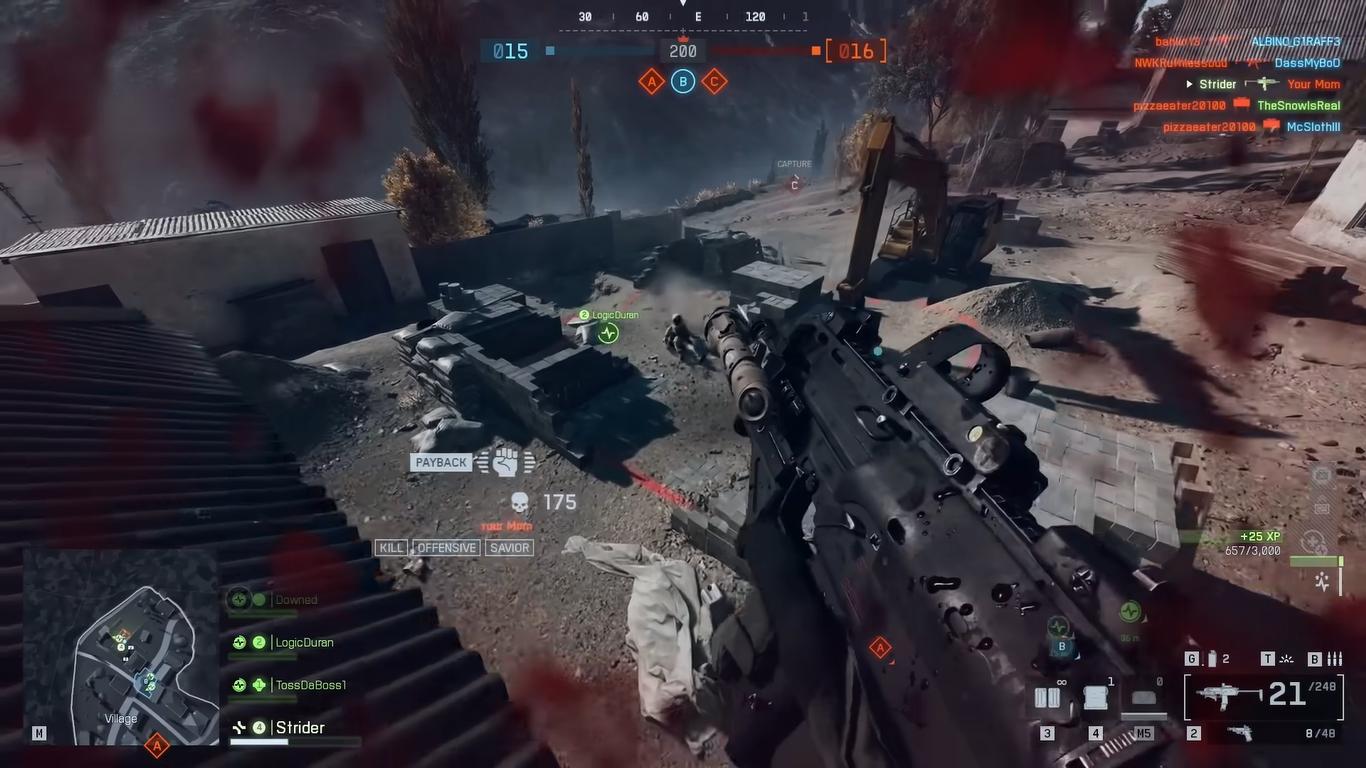
The A770 can easily handle too many textures, almost tripling its VRAM usage while delivering incredible detail in the surroundings. However, most of this extra detail is often wasted in regular gaming because players tend to overlook minor textures in the surroundings.
Final Thoughts
If you change the settings carefully, the Intel Arc Alchemist cards provide you with a surprisingly good experience in Battlefield 6. You won't have to give up much to get 60 fps. But to get high-refresh-rate gameplay above 1080p, you need to carefully tweak settings instead of just plugging them in and playing.
At 1440p and 4K, the A770's slight edge becomes clear, although a 10% boost above 60 fps isn't a big deal. Both cards do a good job of representing their class in the game.
We liked playing Battlefield 6 on both GPUs, and you will too. Just remember their limits and adjust your settings for the best possible experience.
Also, check our other Intel articles below:
- Intel Core Ultra 9 285K Review And Performance Breakdown (2025)
- Intel Core Ultra 9 285K vs AMD Ryzen 7 9800X3D: In-Depth Gaming Performance and Benchmark Comparison
- Intel Core i5-13400F Gaming Performance: Still Worth It in 2025?
- Intel Core i9‑14900K vs. AMD Ryzen 7 7800X3D: Power Profiles & Gaming Benchmarks
- Intel Core i9 14900K: Specs, Benchmarks, and Competitor Comparison
- Intel Core Ultra 5 245K Review: Gaming, Productivity & Power Efficiency Tested
- Intel Core Ultra 9 285 K's iGPU Gaming: In-Depth Benchmarks & Analysis
- Intel vs. AMD Gaming Laptop: Performance, Thermals & Battery Life Compared
- AMD Ryzen 7 9800X3D vs.7800X3D vs. Intel Core Ultra 7 265K: Gaming, Thermals & Price Analysis
Editor, NoobFeed
Gaming Hardware Updates
No Data.