
Switching From Nvidia to AMD: Real 1-Year Gaming & Performance Review
Budget driven component choices prioritized raster performance, platform longevity, and practical upgrades over premium features and branding
Hardware by Tasnim Yoshi on Jan 24, 2026
NVIDIA GPUs have been the best choice for personal builds, recommendations, and expectations in the PC gaming world for years. Even though computer makers said AMD was a good deal, many still used Nvidia in their own systems. That difference made me think of a crucial question: if AMD is really that good, why isn't everyone using it?
One year ago, the choice was made to find out by switching completely to AMD for everything from gaming to editing to getting things done. In a year, the result will be either the best update ever or a $ 1,000 blunder.
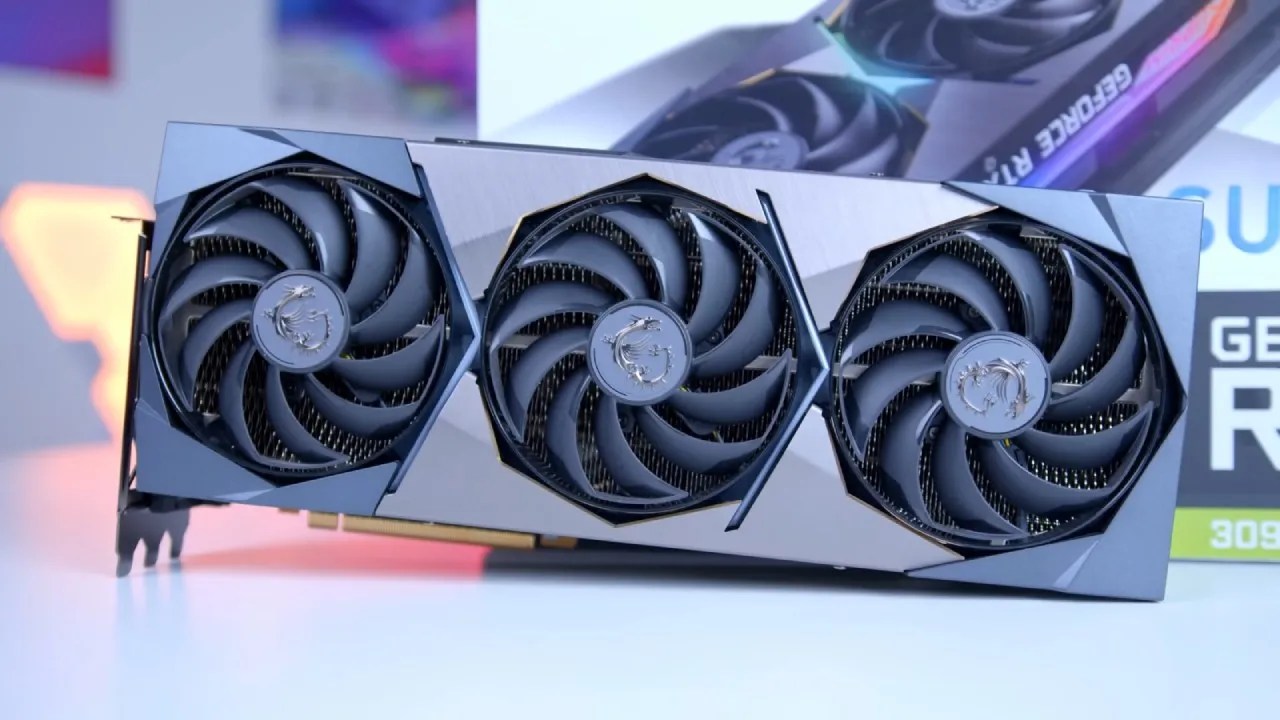
The Challenge of Going All-In
Changing wasn't hard since AMD seemed risky. It was hard because the starting point was an RTX 3060 laptop. You can't put a desktop GPU in a laptop. The previous PC was just too slow, and even if it weren't, the new card wouldn't fit. That left only one choice: make a whole new AMD system. No Nvidia. No Intel. Just red.
This was in the middle of 2024, a long time before newer cards came out. You might choose between AMD's 6000 and 7000 series. A $1000 GPU was out of the question for me because I was a broke software engineering student with loans. That much was needed to pay for the whole PC. The goal wasn't to get a side-grade; it had to be a real upgrade from the RTX 3060 laptop. Right away, lower-tier cards were taken out.
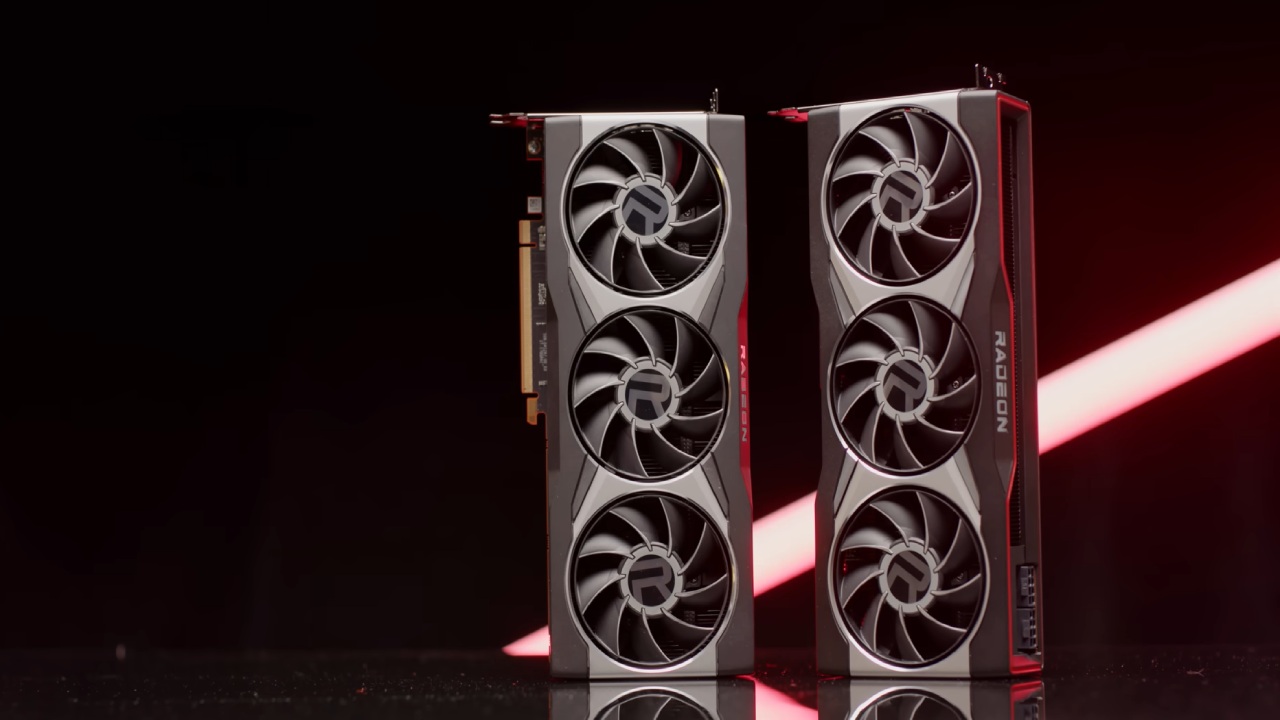
After weeks of losing bids, I finally got a used RX 6900XT for $395, which is far less than its usual price. In 2020, this card came out for $1000 and didn't seem like much. It cost 42% more and gives you only 9% more frames than RX 6800XT. Now that it is $400, it is on par with RTX 4070 Super and has 16GB of VRAM, making it one of the finest value options.
Building the System
Once I had the GPU, the rest of the construction came together slowly. Every choice was based on the budget. The Ryzen 57600X CPU was chosen because it is fast enough to prevent bottlenecks and is built on the AM5 architecture for future upgrades.
We chose everything else based on how well it worked for the price:
- 32GB 6000Mhz CL30 RAM
- The least expensive ATX motherboard
- An air cooler with only one fan
- A black case
- The least expensive 2TB NVMe SSD
- A simple three-pack of fans
The PC was ready after two hours of assembly and four hours of setup.
One Year With AMD: The Reality
This system was used to play games for more than 2000 hours, or almost 7 hours a day, over 310 days. That doesn't even include editing, creating content, or other tasks. We know what it's like to live with an AMD system every day.
Switching from GeForce Experience to AMD Adrenaline was very easy. You still receive all the essential features, but you can change them a lot more. One thing that stands out is automatic undervolting. AMD lets you utilize less power without losing performance, unlike Nvidia's basic auto-overclocking. It worked nicely with a lot of different AMD GPUs.
At first, the UI seems strange, but once you get used to it, it's easy to use—some might say it's better than Nvidia's newer app.
The Trade-Offs
If you switch to AMD, you'll lose some of Nvidia's best features:
- DLSS
- Making frames
- Better ray tracing
DLSS really does feel like magic. It increases fps (fps) while keeping the quality of the image, and occasionally even makes it better. AMD's FSR doesn't achieve the same level of sharpness, especially at low resolutions or when the screen is moving. FSR4 and newer options are getting better, while older games still only use DLSS. If you don't have an Nvidia GPU, you have to either lower the resolution or tolerate fewerfewer frames.
Ray tracing has never been a big deal. The RTX 3060 laptop couldn't handle it properly, and frame generation isn't possible on RTX 30 or RX6000 GPUs, so it doesn't matter. There are drawbacks, but the RX 6900XT's sheer raster performance at its current price makes them easy to ignore.
1440p Gaming Performance
The first test was Cyberpunk2077. DLSS was needed to keep the RTX 3060 laptop over 60 fps. Ultra settings worked properly on the RX 6900XT. FSR Quality made things smoother, but path tracing needed FSR Ultra Performance to get to 50 fps, which made it useless.
Fortnite accounted for almost all the time spent playing. People say that AMD GPUs have trouble here, especially in performance mode. The RX 6900XT actually hit 240 fps without any trouble. The only time there were drops was when the CPU hit its limit. AMD GPUs, even the less powerful ones, worked well. The Intel Arc card was the only one that stuttered.
Rise of the Tomb Raider ran at over 200 fps at 1440p with all settings turned up. With ray-traced shadows, Shadow of the Tomb Raider ran at over 100 fps (frames per second), whereas without them, it ran at 160 fps.
Control showed how 16GB of VRAM is better. At ultra settings, it used more than 13GB. Before ray tracing is even enabled, the RTX 4070 Super runs out of VRAM.
Ratchet & Clank: Rift Apart had an average frame rate of 112 fps and a low of 82 fps.
FragPunk: On low settings, FragPunk achieved 500 fps (frames per second), whereas on high settings, it exceeded 200 fps.
-15-2-screenshot.jpg)
Black Myth: Wukong had a hard time at 40 fps (frames per second) native, but it went up to 78 fps with FSR Quality.
Ghost of Tsushima: Ghost of Tsushima ran at an average of 90 fps.
Uncharted 4: Uncharted 4 has a frame rate of 137 fps and 99 fps at 1% of the time.
Rocket League: Rocket League went beyond 1000 fps.
Content Creation and Workloads
AMD has trouble with productivity. NVIDIA is much better than AMD for video editing, encoding, 3D rendering, and AI workloads. In Premiere Pro and After Effects, the performance wasn't much better than that of RTX 3060 laptop. That sounds absurd because of the class gap.
Still, everything worked. It was fine with OBS. Recording and streaming now and then didn't cause any problems. NVIDIA is certainly the best for professional workloads, but for everyday use, it doesn't matter.
We don't care.
We never thought RX 6900XT was holding us back. That's enough to make it the perfect car for everyday use.
Longevity and Final Thoughts
RX 6900XT is currently doing a great job at 1440p. Games will only get harder, but with 16GB of VRAM and better upscaling technologies, it should last for a few more years.
There is no need to upgrade. It still works perfectly where it should.
Nothing would change if we could go back and choose again. This GPU has the best price-to-performance ratio. There were certain trade-offs when they switched to AMD, but they also didn't have to deal with high prices and low returns.
That makes the jump worth it.
Also, check our GPU articles below:
- NVIDIA GeForce RTX 5080 Review (2025): Still A 4K Gaming Powerhouse?
- NVIDIA RTX 5070 Review: Mid-Range Muscle or Marketing Hype?
- RTX 5070 Ti Review: Performance, Thermals & Power Efficiency Tested
- ASUS GeForce RTX 5090 LC Liquid Cooled GPU Review: Unmatched Silence & Speed
- MSI GeForce RTX 5090 32GB SUPRIM SOC Review: Power Efficiency, Cooling, and Gaming Performance
- INNO3D RTX 5060 Ti 16 GB X2 Review: Gaming Benchmarks, Temps, and Power Efficiency
- HP Omen 45L Review: RTX 5090 Performance, Thermals, and Value Analysis
- ASUS TUF Gaming GeForce RTX 5060 Ti Review: DLSS 4, Power Efficiency, and Gaming
- ASUS Prime RTX 5060 Ti OC 16GB Review: DLSS 4, Ray Tracing, & Thermals Tested
- NVIDIA GeForce RTX 5060 Review: Specs, Gaming, and Cost per Frame
- MSI GeForce RTX 5090 GAMING TRIO OC Review: A Monster Power GPU
Subscriber, NoobFeed
Gaming Hardware Updates
No Data.