
Xbox Handheld Performance Boost with New Default Game Profiles
Default game profiles deliver optimized power usage and smoother gameplay performance across supported Xbox handheld titles.
Hardware by Tanvir Kabbo on Dec 03, 2025
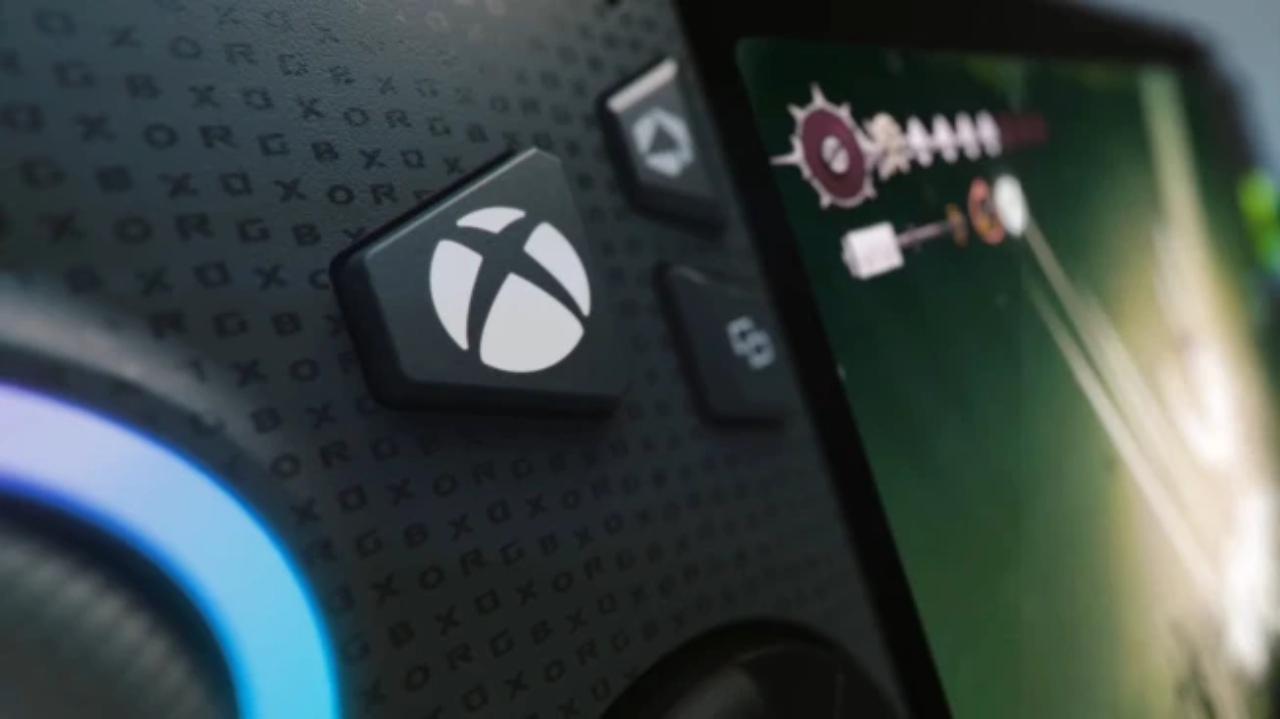
A huge new update has started rolling out for the Xbox Ally and Ally X handhelds, introducing a feature that is set to change the way games are experienced on these devices.
The update brings with it default game profiles, a feature designed to optimize performance and battery life for games purchased via the Xbox store on PC. The rollout also includes updates to Armoury Crate and Command Center, making it easier than ever to keep handhelds fully up to date.
How to Install the Update
To get the latest update, start by checking Windows updates on your desktop. Click the Start button, navigate to Windows Settings, and open Windows Updates. Click the blue check for updates button to ensure your system is fully up to date.
Next, update the Xbox app. Open the Microsoft Store, click the downloads button on the bottom left, and then tap the blue check for updates.
The most crucial update is in Armoury Crate. Open Armoury Crate, go into Settings, and then Update Center. Once updates are checked, you should see the new Armoury Crate version 2.16 available for your Xbox handheld. Tap Update to install it. The installation process is quick and usually takes just a few minutes.
After installation, double-check that the update was successful. Sometimes, Armoury Crate may still display the previous version number, but if Command Center no longer shows an available update notification, the installation has been successful.
Key Aspects of Default Game Profiles
1. Per Game Device Settings
Default game profiles let you set up your device for each game, but Microsoft says they only function with games bought through the Xbox store. Now, Game Pass games now show a notification that says "save game state synced," and it looks like the feature works with them. Even games bought outside of the Xbox store, like Steam games, support the basic game profiles, which gives gamers more options.
2. Device Compatibility
Right now, only the new Xbox Ally and Ally X handhelds can use these profiles. Older devices, like the RG Ally, don't officially support them. The ROG channel hasn't ruled out future compatibility, but for now, the focus is on Xbox handhelds.
3. Battery-Only Feature
Default game profiles only work when the handheld is not plugged in. The feature is turned off when the device is plugged in because battery optimization isn't needed while charging.
4. Performance and Battery Optimization
Default game profiles set the best thermal design power restrictions (TDP) and frame rate limits (FPS) so that games run smoothly and battery life is preserved. This lets you play for extended periods of time without having to charge your device.
.jpg)
5. Beyond In-Game Settings
The new profiles do more than just change things in the game. Profiles make things easy for gamers who don't like to do manual optimization. You can still make manual changes to the default profiles if you like to change settings.
6. Distributed via Xbox Service
You can get default game profiles through an Xbox service and use Armoury Crate and Command Center to do so. This centralized distribution is why non-Xbox handhelds aren't at the top of the list for the feature.
7. Supported Games
The first rollout supports about 40 known games and 30 more that haven't been announced yet. Screenshots of the official Xbox blog list can assist users remember which games work with each other.
8. Automatic Activation
When you focus on a game, profiles turn on automatically. When you switch to another app, they turn off. When you go back to the game, the profile is automatically reactivated, which makes sure that it always works at its best.
9. Simplifying Game Optimization
Optimizing games manually can be daunting and time-consuming. Default game profiles remove guesswork and allow gamers to enjoy their games without worrying about settings.
10. Ongoing Updates
The Xbox blog will provide monthly updates with more games added to the list. Staying subscribed to official updates ensures players never miss new compatible titles.
Testing the Default Game Profiles
Testing three games shows how the feature works.
Gears of War Reloaded: The game runs at 50–55 frames per second without the profile. Enabling the profile keeps performance steady at 59–60 FPS, making games smoother and automatically determining the best operating mode.
South of Midnight: Frame rates stay the same at 59–60 FPS, whether or not the profile is activated. However, the profile makes sure that TDP and battery life are at their best.
Black Ops 7: When the profile is off, the frame rate is about 55FPS and the TDP is 39–40W, which drains the battery quickly. When the profile is on, TDP is limited to 35W, which keeps the battery life long without hurting performance.
The default game profiles remove the guesswork in choosing operating modes and allow gamers to focus on enjoying their experience rather than tweaking settings.
The update also includes other optimizations, a more streamlined user experience, and Armoury Crate notifications in Command Center. Overall, default game profiles make handheld gaming smoother, more efficient, and more accessible for both casual and seasoned gamers alike.
Also, check our other articles below :
- ASUS ROG Ally X Handheld Review: Double the Battery, Double the Comfort
- Nintendo Switch 2 Vs. Original Switch 1: A Full Comparison
- How To Connect A Camera And Join Voice Chat With Nintendo Switch 2
- Nintendo Switch 2 Review: Handheld Performance, Features & Value Breakdown
- ROG Xbox Ally X Vs. ROG Ally X: Display, Battery & Controls
- ASUS ROG Ally X vs. Steam Deck OLED: Display, Battery & Gaming Benchmarks
- MSI Claw 8 AI+ Review: Display, Controls & Gaming
- Nintendo Switch 2 vs. Steam Deck OLED: Gaming, Performance, Battery, Display and Value
- PlayStation Portal Review: Remote Play, Cloud Streaming & Travel Gaming
- PlayStation Portal vs. Lenovo Legion Go: Best Portable Gameplay
- Cyberpunk 2077 Patch 2.3 FPS Test on MSI Claw 8 AI+
Senior Editor, NoobFeed
Gaming Hardware Updates
No Data.