
Jurassic World Evolution 2 Guide | How To Make Bridges
Step-by-step instructions to build realistic bridges in Jurassic World Evolution 2 using in-game tools and decorations.
Game Guide by Jubair Baky on Aug 03, 2025
Creating visually impressive bridges in Jurassic World Evolution 2 can add a new level of realism and customization to your park.
This guide will show you how to make a bridge that looks real without using any mods. It will pay special attention to details that make your work look better.
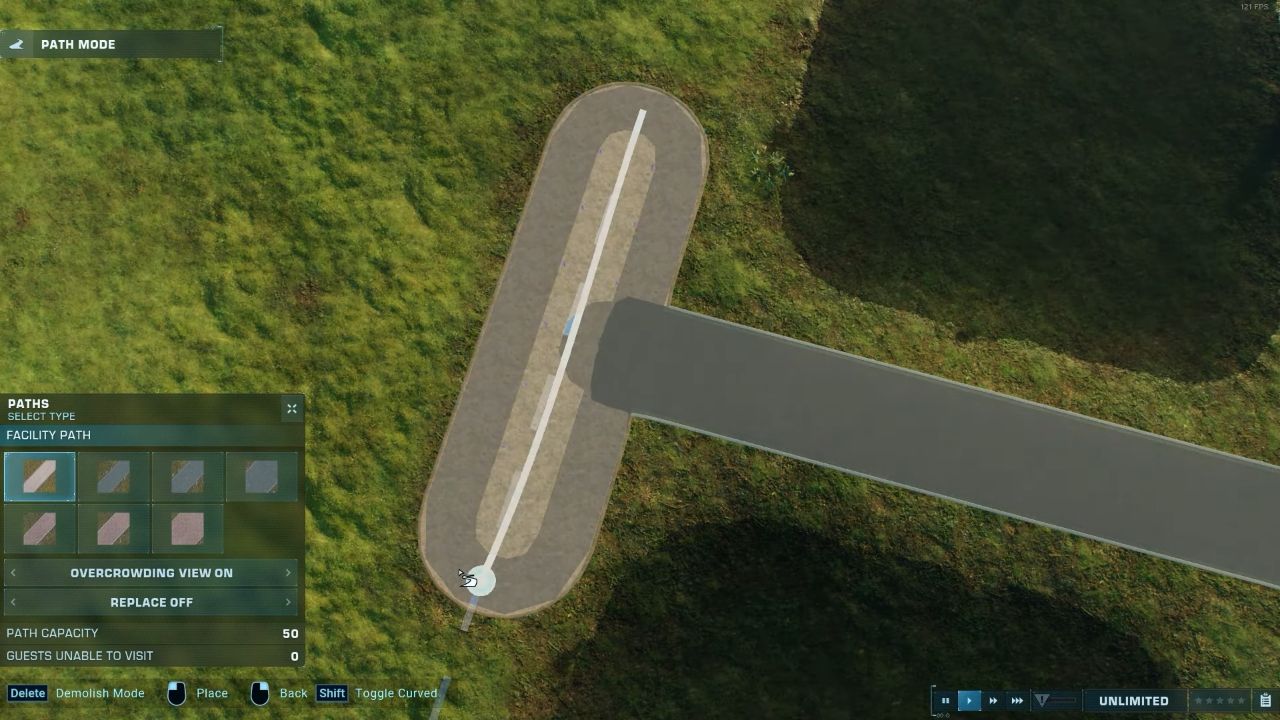
Laying the Foundation
Begin by laying down a path that will serve as your bridge.
Next, create a river underneath or alongside this path. The placement of the water does not require extreme precision; it is normal for the water to come closer to the path in some areas.
Simply place the water as close as possible to the path, as you can adjust it further during later steps. It is recommended to ensure that the water is flush with the terrain, as water sitting higher than the land can appear unnatural.
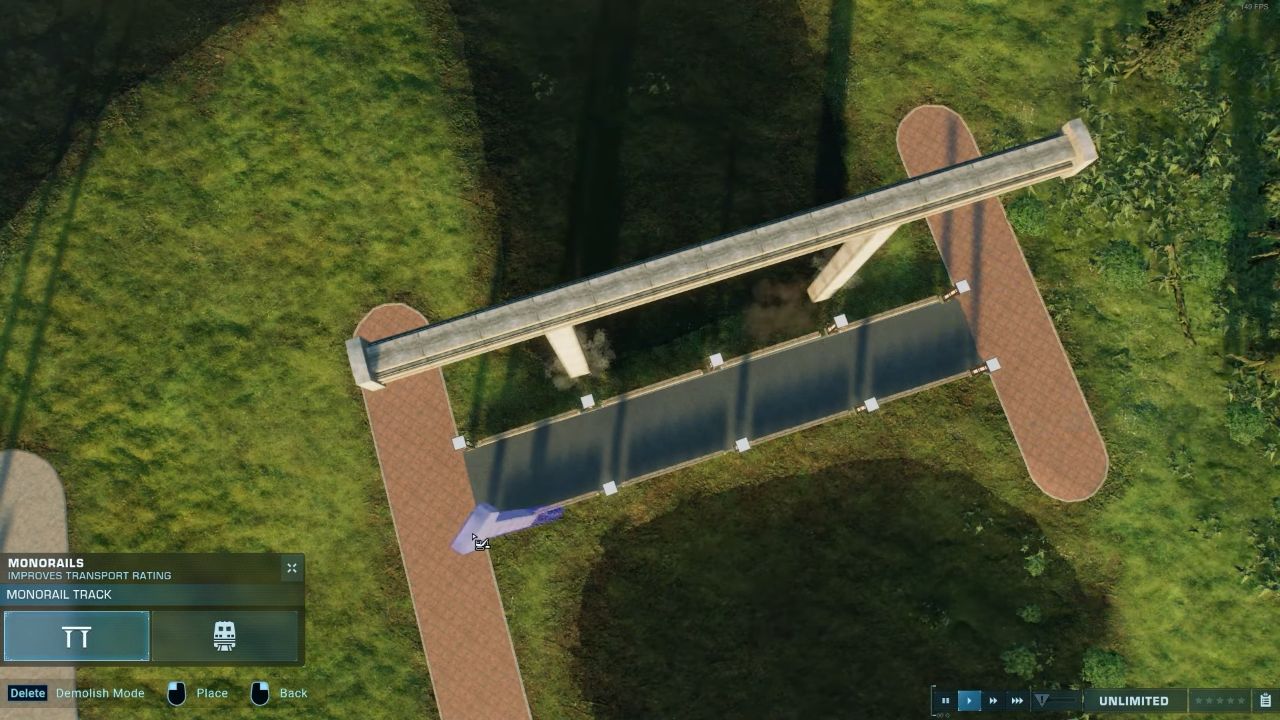
Customizing Bridge Appearance
To make the bridge stand out, use a different path color for the bridge section in contrast with the paths at either end.
For example, you can use a gray path for the bridge and regular paths on either side, but feel free to experiment with colors and widths that suit your park’s aesthetic.
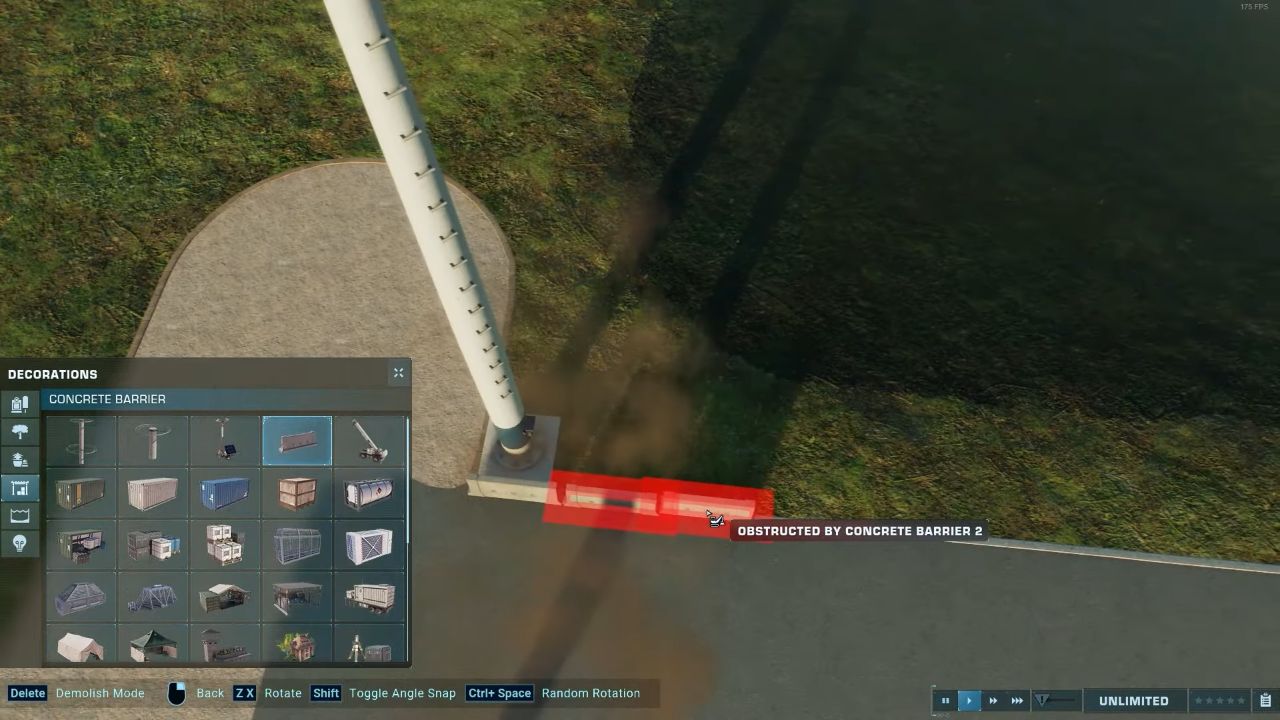
Adding Structural Elements
If you want to give your bridge some height, use the pylon stick, which makes it look more structurally convincing. If you want a suspension bridge effect, you can also use Monorail Tracks.
However, be aware that Monorail Tracks may make the bridge appear too top-heavy.
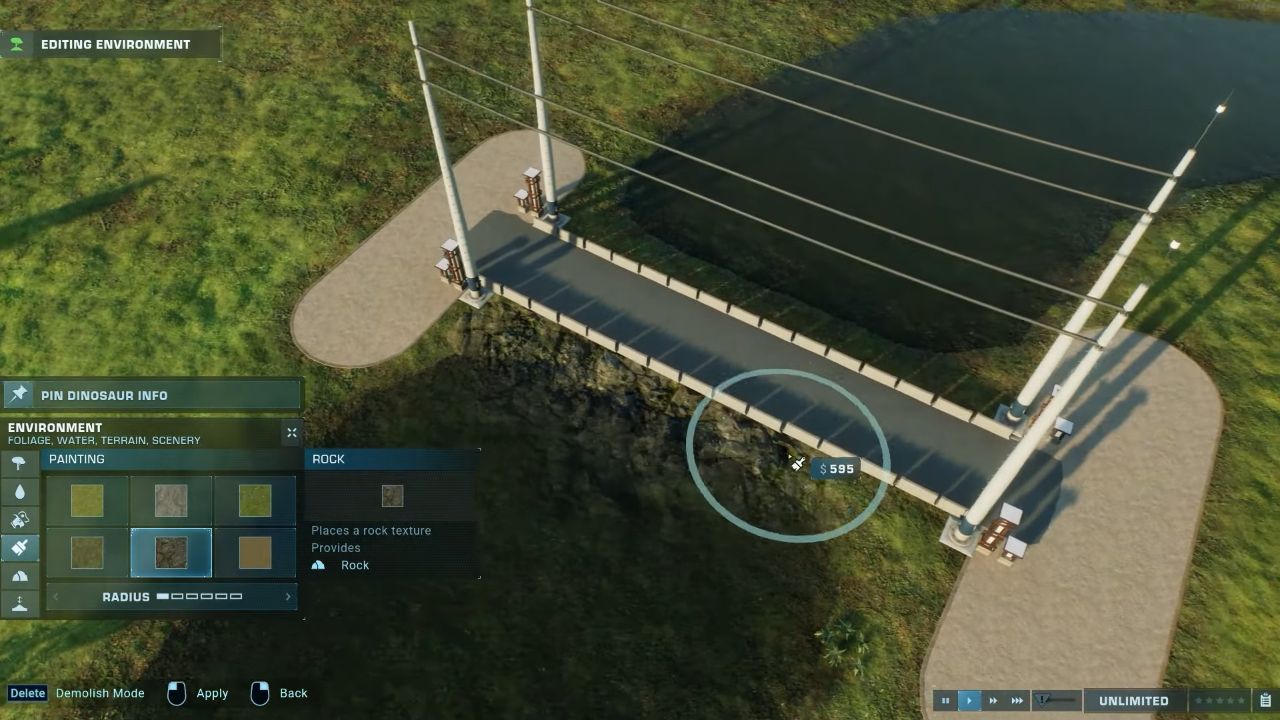
Adding Railings and Details
For a realistic appearance, adding railings to your bridge is essential. Concrete Barriers work well as railings, as does the new wall piece from the Malta Expansion.
For greater variety, break up the railing with other decorative elements.
If your park includes multiple bridges over a river, creating slight variations in each bridge will make the environment more visually interesting. You can adjust pieces and decorations to fit the specific area of your park.
Hiding the Bridge’s Support Land
To conceal the strip of land beneath your bridge, use the rock texture, especially effective on tropical maps and the Biosyn Sanctuary map.
The dark rocks in these biomes blend in well with the water, making the land strip less visible. Add the rock effect to the river to make the water around the bridge look rough.
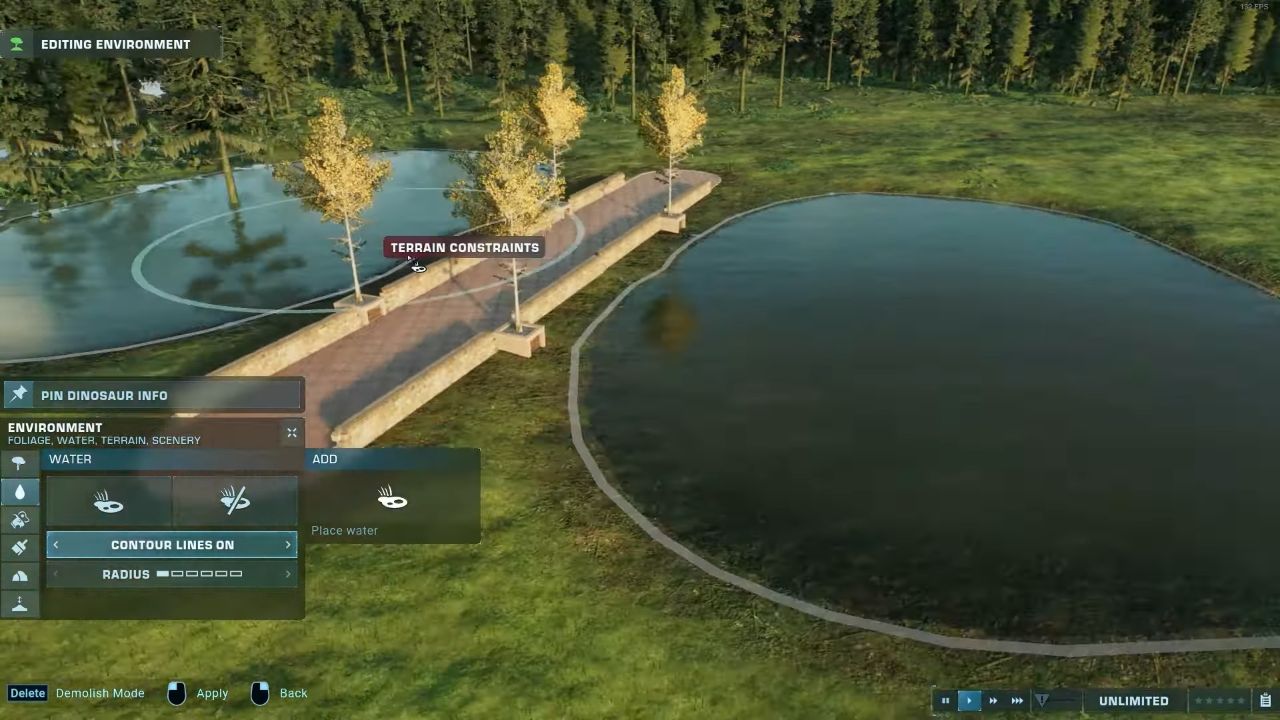
Enhancing Realism with Rocks and Foliage
Adding more visual effects by placing several rocks along the base of the bridge will make it look more realistic.
On tropical maps, incorporating smaller plants and foliage around the bridge further enhances the overall look. Adjust the type and amount of foliage based on the biome you are using.
Example and Final Suggestions
This bridge design was first created during a live stream build and was well-received by the community, leading to broader sharing of the method.
By following these steps and experimenting with different textures, decorations, and plant placements, you can make your bridges unique and tailored to your park environment.
Also, check our Jurassic World Evolution 2: Dominion Biosyn Review
Editor, NoobFeed
Latest Articles
No Data.