
Steam Deck Gets DLSS Support Through Helix SR Plugin
Helix SR brings DLSS and FSR 4 upscaling support to Steam Deck through a Decky plugin with additional setup requirements.
Handheld by Nahe Yan on Nov 02, 2026
Steam Deck users can now use DLSS upscaling through a community plugin called Helix SR Manager. The plugin allows compatible games to use DLSS on the Steam Deck, which runs on AMD hardware. This adds another upscaling option, aiming to improve image clarity while maintaining performance.
The plugin has also received updates, including support for FSR 4. However, setup takes a few steps, and performance can vary depending on the game and settings used. First, download the Helix SR Manager plugin. You can find the download link in the plugin's description. Once you have downloaded the file, install it through Decky.
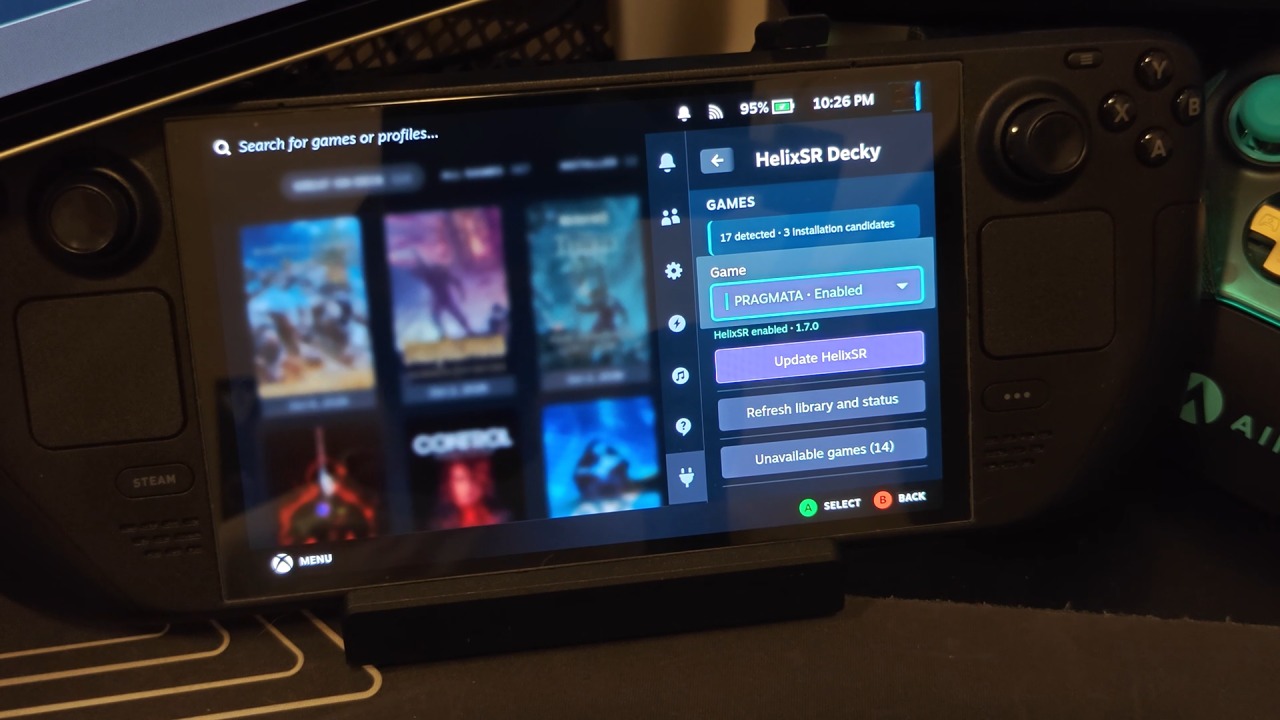
How to Install Helix SR Manager on Steam Deck
After installing the ZIP file, Helix SR Manager will appear in your plugin list. From there, select the version you want to use. We recommend starting with the latest available version, although compatibility may vary. Once you have selected the version, press Download. After downloading the required version, build Helix SR directly on the Steam Deck.
During this process, you can check the installation progress through the progress bar. In our case, the build took around 8 minutes to complete. Make sure you leave your Steam Deck on and don't put it into sleep mode while the process runs. The fans may also run at higher speeds during the build, so keep that in mind.
Once the build process is complete, the next step is to install Helix SR into a compatible game. Scroll down through the plugin and select the game you want to use. However, Helix SR does not work with every game installed on your Steam Deck. You need to select a game that supports the required upscaling implementation.
The plugin provides a list of compatible games, and from what we understand, the original DLSS implementation requires games that support FSR 3.1. Helix SR captures the output from FSR 3.1 and translates it into DLSS. This lets the Steam Deck use DLSS upscaling even with AMD hardware.
Enabling DLSS in The Witcher 3
Once you install Helix SR, you need to change the game's graphics settings. To make the plugin work, select FSR as the upscaler in the game. This allows Helix SR to capture the FSR output and translate it into DLSS. In The Witcher 3, open the graphics settings and navigate to the anti-aliasing and upscaling options. If you are currently using XeSS, change the upscaler to FSR. We started with the Quality profile to see how it performed.
After applying the settings, Helix SR began working as expected. You can also check the plugin itself to confirm whether it is active. In our testing, Helix SR 2.0 successfully upscaled the current game session. Although the installation worked, performance was not consistent at first. We noticed some lag and stuttering, so we checked whether frame generation was running in the background. It turned out that LSFGVK was being used.
We also compared DLSS with XeSS. In our testing, XeSS delivered around 5fps more than the DLSS setup. While that difference might not seem significant, it can matter on hardware with limited performance headroom. You get a different upscaling result, but you also lose some frames compared with the native XeSS implementation.
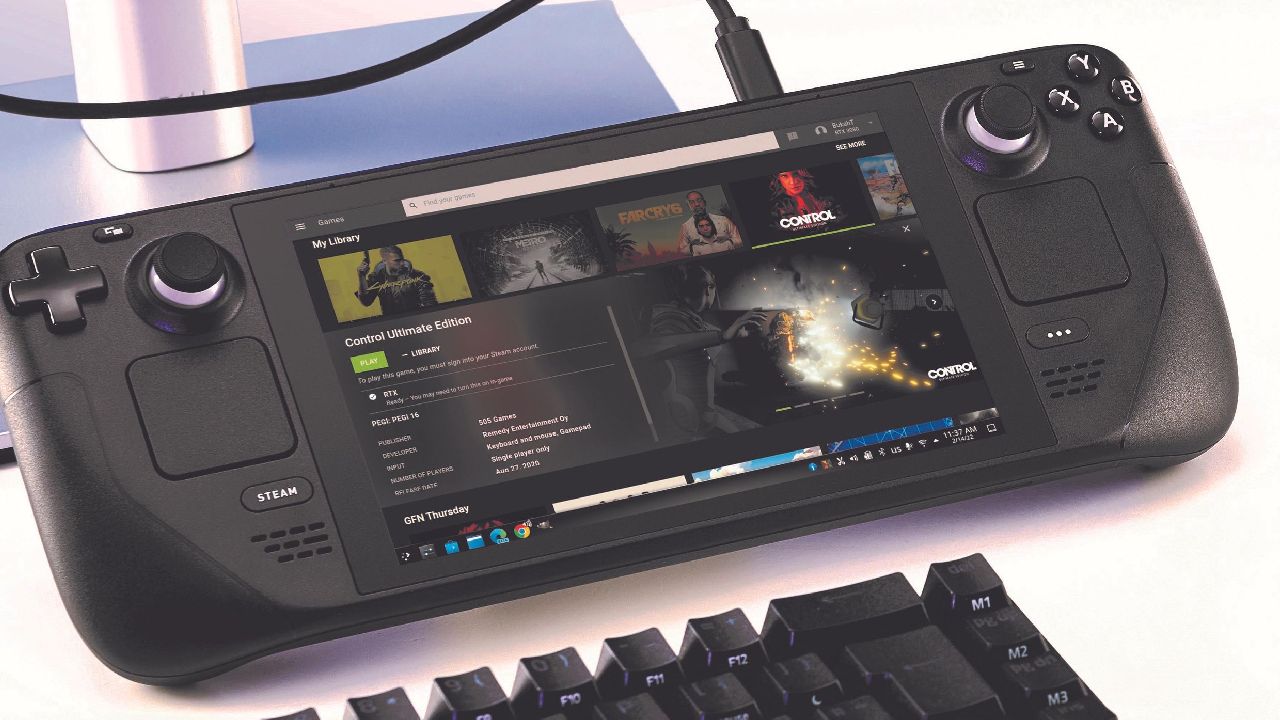
If you have enough performance headroom, DLSS is another option worth trying on the Steam Deck.
One more important detail to consider when using Helix SR: Don't include Lossless Scaling commands in the game's launch options when using DLSS through Helix SR. In our testing, keeping LSFGVK in the launch options caused significant shimmering and unusual performance behavior.
The problem could occur even when frame generation was not actively being used. Simply having LSFGVK enabled through the launch options was enough to affect the experience. We initially experienced these issues without understanding the cause. After removing LSFGVK from the launch options, the problems were resolved.
If you use Helix SR for DLSS upscaling, remove LSFGVK from your launch options. We have not tested Mako, so its compatibility remains uncertain. Since the original Helix SR 2.0 release, the plugin has received another update. Version 3.2 introduces a different approach by using FSR 4 as the upscaling technology.
Editor, NoobFeed
Latest Articles
No Data.