
Xbox Game Pass on SteamOS Could Change the Handheld Gaming Market
Game Pass Arrives on SteamOS Through a Third-Party App While AMD FSR 4.1 Support Continues Expanding Across Gaming Devices.
XBOX by Nahe Yan on Oct 30, 2026
Game Pass support on SteamOS lets players access their Xbox PC games through a third-party app, while AMD's FSR 4.1 announcement brings upscaling support to several consoles and handhelds. However, the Steam Deck isn't on the announced list, raising questions about future support and the direction of handheld gaming.
The Game Pass announcement for SteamOS received attention, but the bigger development is that the support extends beyond Game Pass. The third-party app Xodus also lets you access Xbox PC games you own. It resembles the Xbox PC app, though the interface looks different. All the games appear in one place, and users can download and play supported titles directly.
.jpg)
Owned Xbox Games Are Now Available on SteamOS
The timing also works well because more Xbox games are receiving Play Anywhere support. For example, players who purchased Cyberpunk 2077 on Xbox can now get the PC version. Players can download those games through Xodus and play them on SteamOS. However, Microsoft has also announced Game Pass changes that could reduce some of the features that made it appealing.
The timing is interesting because SteamOS users are gaining access just as the subscription service is changing its value proposition. For players who already own many Xbox One and Xbox Series X games, this support removes the need to buy another copy on Steam. If you already subscribe to Game Pass, you can also access supported games without buying them again.
Some games that are not available on Steam can now be downloaded through the Xbox app and played on a Steam Deck, Steam Machine, or other SteamOS PC. There are still limitations. Games such as Call of Duty may not work because of anti-cheat requirements that are incompatible with Linux. However, the number of accessible games makes the application useful for players who already have an Xbox PC library.
The setup process is quick. Within 10–15 minutes, you can install the application, download games, and start playing. Some steps may require a keyboard when switching to desktop mode, including downloading the required Zotac image map, but you can complete the rest of the process with the built-in gamepad.
Setting Up Xodus on SteamOS
Once you add the application to an existing Steam account, it appears in SteamOS alongside the rest of your Steam library. Selecting it opens an interface similar to the Xbox PC app, letting you access your games. After around 20 minutes of setup, Minecraft Dungeons 2 and Gears of War E-Day were downloaded and ran without reported problems.
For players whose PC game libraries are primarily on Xbox rather than Steam, this provides another way to access their existing purchases. For example, if you own Cyberpunk 2077 on Xbox and want to play it on your Steam Deck, you no longer necessarily need to purchase another copy. The same applies to other supported Play Anywhere games.
Achievements are another reason to use Xodus. When you own a third-party game on Xbox and want to transfer your progress between an Xbox console and a handheld, playing the Steam version can create a separate achievement list. Unless the game supports the relevant integration, Steam and Xbox achievements remain separate.
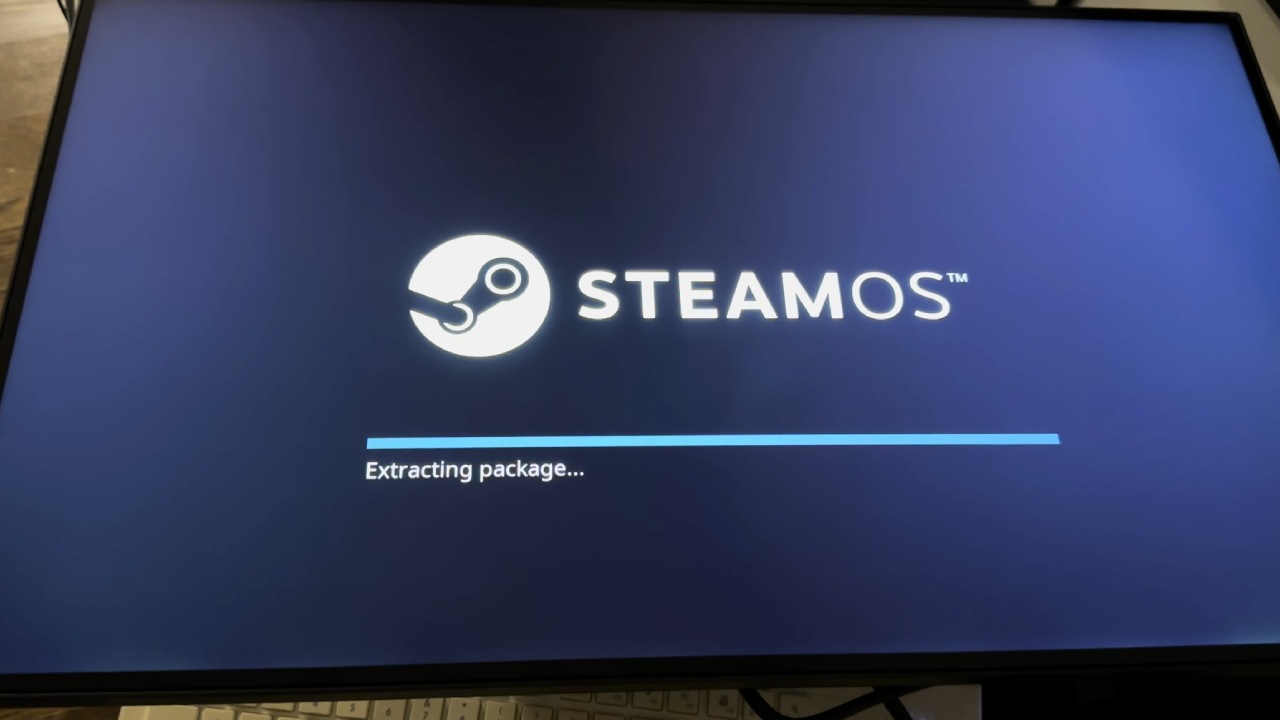
Microsoft's Xbox Labs initiative could provide an opportunity to develop official support.
Instead of relying on a fan-made app, Xbox could make its PC gaming ecosystem available directly through SteamOS. Xbox would naturally prefer players to buy devices like the ROG Xbox Ally X or the base Xbox Ally, use Xbox mode, and subscribe to Game Pass through its own ecosystem. However, Xbox PC games on SteamOS change that equation.
Steam Deck previously offered a lower-cost way to access PC gaming, but its price is now a bigger factor as handheld prices have risen. If the Steam Deck were still available in the $400–$500 range, the Xbox Ally lineup could face more competition. One of the Xbox Ally's main advantages is its ability to run the Xbox app natively and access Xbox PC games and Game Pass.
If you own an Xbox Ally X, installing SteamOS could be worth considering. SteamOS offers better battery life and, in some situations, better Steam game performance, while Xodus gives you access to supported Xbox PC games. That removes one reason some users previously kept Windows installed or used a dual-boot setup.
Editor, NoobFeed
Latest Articles
No Data.