
Xbox vs. Steam Deck vs. ROG Ally: Choosing the Right Gaming Setup
A multi-device gaming setup helps families enjoy console and handheld gaming without competing for television time or interrupting daily routines.
Handheld by Nahe Yan on Nov 01, 2026
Gaming in a family household comes with its own challenges. When the TV is occupied, finding time to play can become difficult. Multiple gaming devices can solve this problem by letting everyone play without sharing the same screen. Consoles and handhelds each serve a purpose, while cross-progression keeps gaming sessions connected across devices.
Having an Xbox and a handheld covers gaming sessions throughout the day. It allows us to jump into games with our family without taking over the big screen. The Xbox Series X handles gaming in the living room, while handhelds take over when the big screen is in use. With a game like Forza, your save syncs automatically, so you can finish a race on your console and then switch to your handheld to pick up from the same spot.
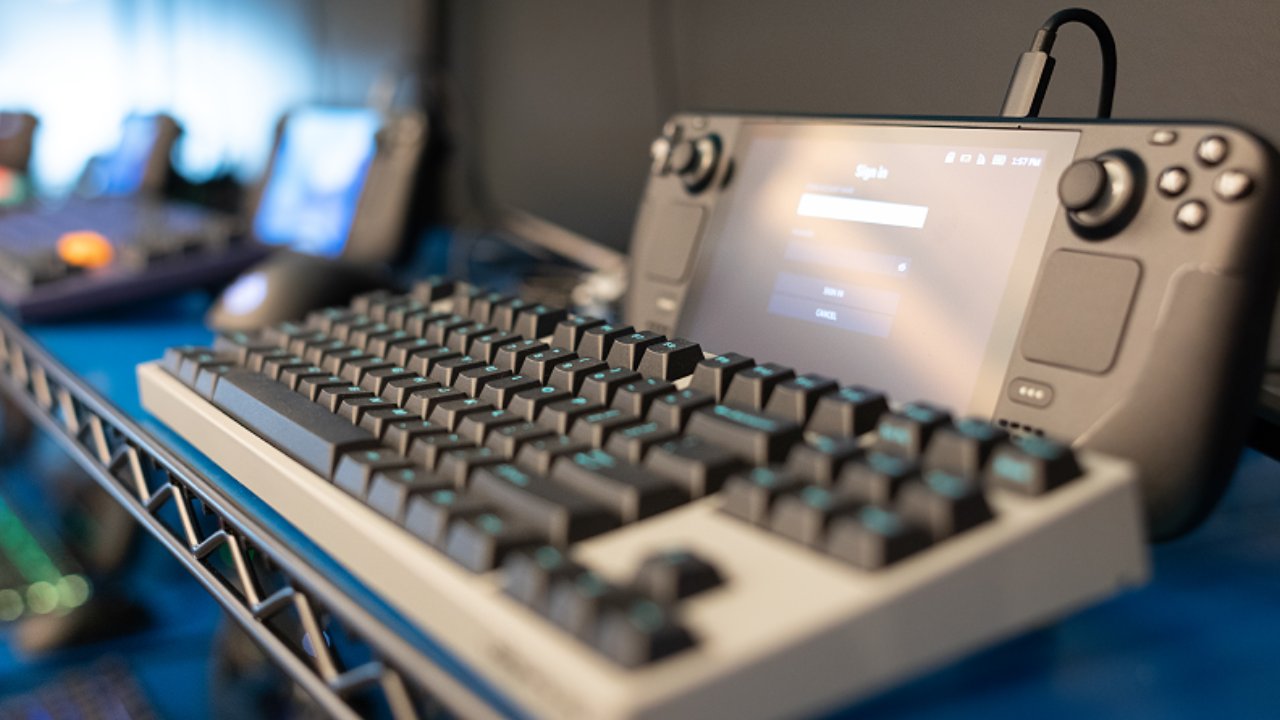
PC Gaming vs Consoles When Time Is Limited
Deciding where to play comes down to a choice of control and time. If you like tweaking settings to get more out of your games, PC gaming offers that. For many people, dialing in those settings is half the fun. However, when free time is limited, you need something that launches instantly.
The other night, I tried playing Guardians of the Galaxy during a spare 20 minutes on the Steam Machine, but it did not go as smoothly as I wanted. It needed to download something and remained stuck at 0% for quite some time. Eventually, I had to reboot the Steam Machine. That kind of friction is why sleep and resume is such a win for parents when time is limited.
We don't always have an hour or two to troubleshoot a game before a session. Sometimes, we want to pick up where we left off and play. Sometimes, a specific game forces your hand. Jumping into a game of Fortnite with the kids generally means hijacking the TV. That is fine occasionally, but not when everyone is trying to relax in the same room.
Now, we all know that the Steam Deck and Steam Machine cannot run Fortnite natively. That is where a device like the Xbox ROG Ally can come in nicely. Because it runs Windows, Fortnite works natively, and it can pull games from Steam, Xbox, and the Epic Games Store onto one portable device. It is available for around $430.
Why Handhelds Help When the TV Is Occupied
If you want more power, the ROG Ally X could be the way to go. You could also consider a used Ally X. Alternatively, if you have more money to spend, there is the new Xbox Ally X X20 with its OLED screen. Last week, I was in New York with my daughter, and curiosity started getting the best of me.
I decided to have a look at the open-box deals available at nearby Best Buy stores. I found an Xbox ROG Ally X for £850 in excellent condition. Was I tempted? Yes. This shows that open-box consoles can come at great prices. Hunting for open-box deals means you can save significantly on devices that offer more power than something like the Steam Deck.
Then you have the Switch 2, which takes a completely different approach. The Switch is seeing huge growth in third-party games, in my opinion, and titles like Cyberpunk and Call of Duty: Modern Warfare are running well on the device. Why? Developers are putting time into optimizing those games for the system.
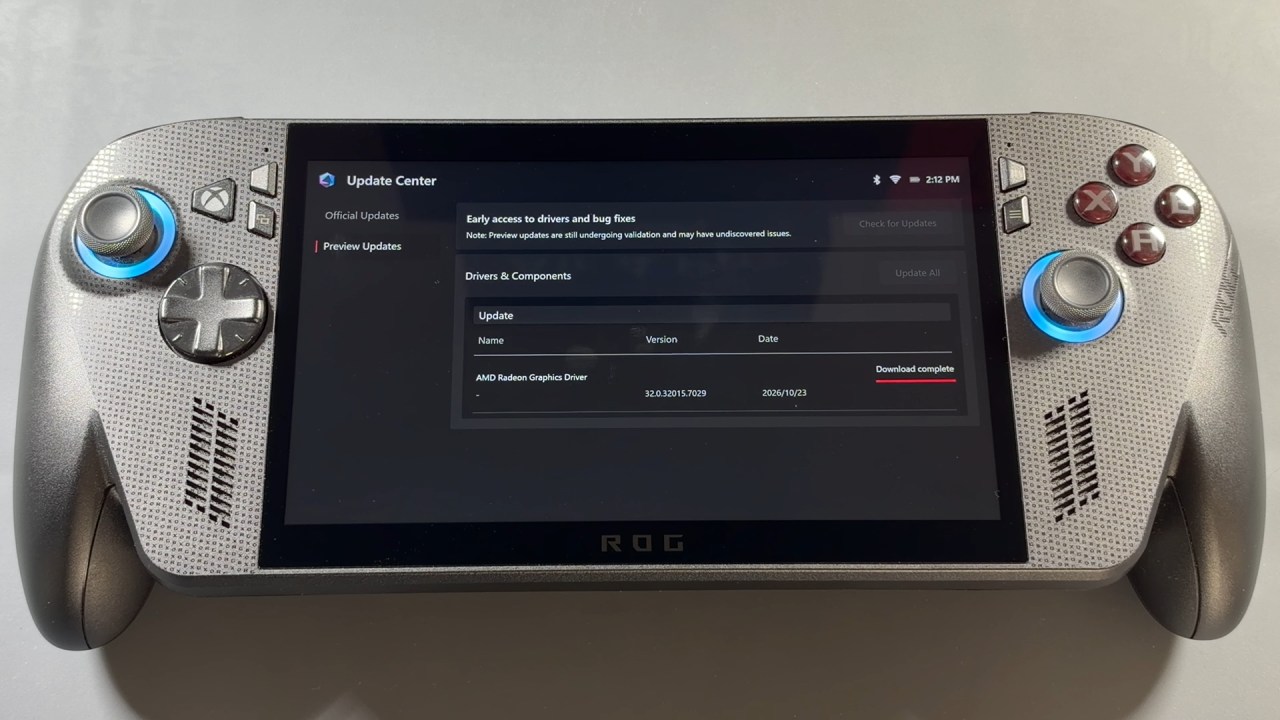
You don't need to spend time adjusting settings like you might on a Steam Deck or an Ally.
The game runs without requiring changes before you play. That is one reason the Switch 2 can work well for people who want a straightforward gaming experience. You can pick it up, launch a game, and start playing without dealing with settings or configuration. Thinking about owning all these machines?
That is a little excessive for most households. You do not need a mountain of technology to enjoy gaming. It comes down to picking the right tool for your specific setup. If you want pure convenience on the main TV, then an Xbox could be the way to go, especially if you pair it with an Xbox Ally. I enjoy having the Xbox, but if I want a quick session on a handheld while the TV is in use, the Steam Deck comes in clutch.
It lets me jump into older titles I have missed and enjoy a 20-minute gaming session without any fuss. However, if multiplayer gaming like Fortnite is a deal-breaker for you, then something like a Switch 2 or an Ally is probably the better choice in the handheld space. Ultimately, it's about building a gaming setup that fits into your family life instead of fighting against it.
Editor, NoobFeed
Latest Articles
No Data.