
DDR4 vs DDR5 in 2026 Gaming Builds
DDR4-based PC builds remain a practical solution for gaming performance despite rising DDR5 prices and limited availability
Hardware by Nahe Yan on Jan 08, 2026
There is still talk about DDR5 prices and assertions that PC gaming is no longer possible, but there are still other options. DDR4 is still available and will remain a good base for a gaming machine in 2026 and maybe even longer.
The question is whether a DDR4-based system can still perform well without using expensive next-generation memory.
Availability of DDR4 and the Real World
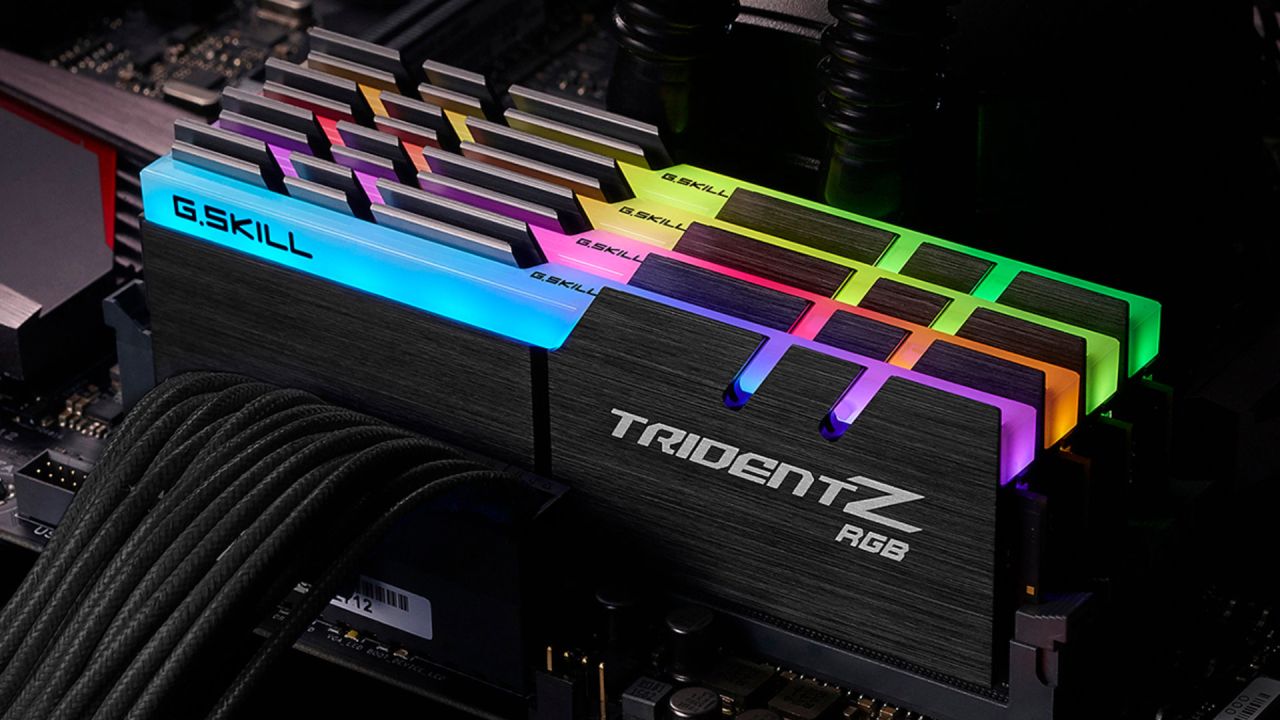
DDR4 is still on the market; stores have varying stock levels. There isn't as much inventory as there used to be, and much of what's left is old stock instead of fresh modules. DDR4 3200 CL16 kits are still coming out, and you can still get them in 16GB and 32GB sizes. 32GB is now a typical suggestion, but 16GB still works for most contemporary games because many of them are based on older hardware targets and don't require more memory.
DDR4 vs. DDR5 for gaming use
When playing games, it's hard to see the difference between DDR4 and DDR5. On paper, DDR5 offers better throughput, but in most consumer gaming situations, the difference isn't noticeable.
Limitations of the Platform
DDR4 is no longer an option because AMD's AM5 architecture needs DDR5. AM4 is still available, but high-end gaming CPUs like the 5800X3D are becoming harder to find and more expensive. These CPUs can cost more than they did when they were first sold, which makes them hard to justify in a system that is meant to be cheap.
Intel, on the other hand, is more flexible. Intel CPUs from the 12th, 13th, and 14th generations can use DDR4 on motherboards that support it. DDR4 and DDR5 don't make much of a difference for gaming on these systems, so Intel is a good pick if you're worried about memory prices.
Why the Intel Core i9-12900K is a Good Choice
Core i9-12900K is a reliable choice in Intel's family of hybrid CPUs. It offers better gaming performance and can handle many more tasks at once than AM4 options. In some gaming evaluations, the 5800X3D can be 4%–5% faster, but in productivity tasks like streaming and video editing, it can be 40%–50% slower. 12900K is more useful for people who play games and do other things simultaneously.
Later Intel generations were more affected by worries about CPU decline than the 12900K. New purchases are less likely to have reliability problems because they come with the latest BIOS versions and microcode.
Choosing a GPU and balancing performance
The price and resolution goals are quite important when choosing a GPU. Cards like the RTX 5070 or RX 9070 XT work well. RX 7900 XT is still a good choice, especially because it has 20GB of VRAM, which is useful for newer games that need more video memory. In some circumstances, newer GPUs perform better or worse depending on the game, so price-to-performance is more relevant than just the generation.
Options for Power Supply and Storage
A power supply with 850W to 1050W of power gives you adequate room for current GPUs and future upgrades. The quality of the power supply is important because it protects all parts of the system and allows you to reuse them in later constructions. Adding support for ATX3.1 and PCIe5.1 makes it compatible with future versions.
PCIe Gen4 NVMe drives are fast enough for gaming and everyday use. There are Gen5 drives, but they aren't needed for gaming workloads. A 1TB SSD is a good place to start, and you can always add more space later if costs change.
Setting up the case and cooling
When set up correctly, the 12900K only needs a good air cooler. Cheap tower coolers can work as well as bigger, more expensive ones. If there are too many exhaust fans on top of the case, the CPU cooler might not work as well. It's better to have an even number of input and exhaust fans. A case with more than one fan already built in saves money on building costs and is simple to set up.
Overall Build Viability and Longevity
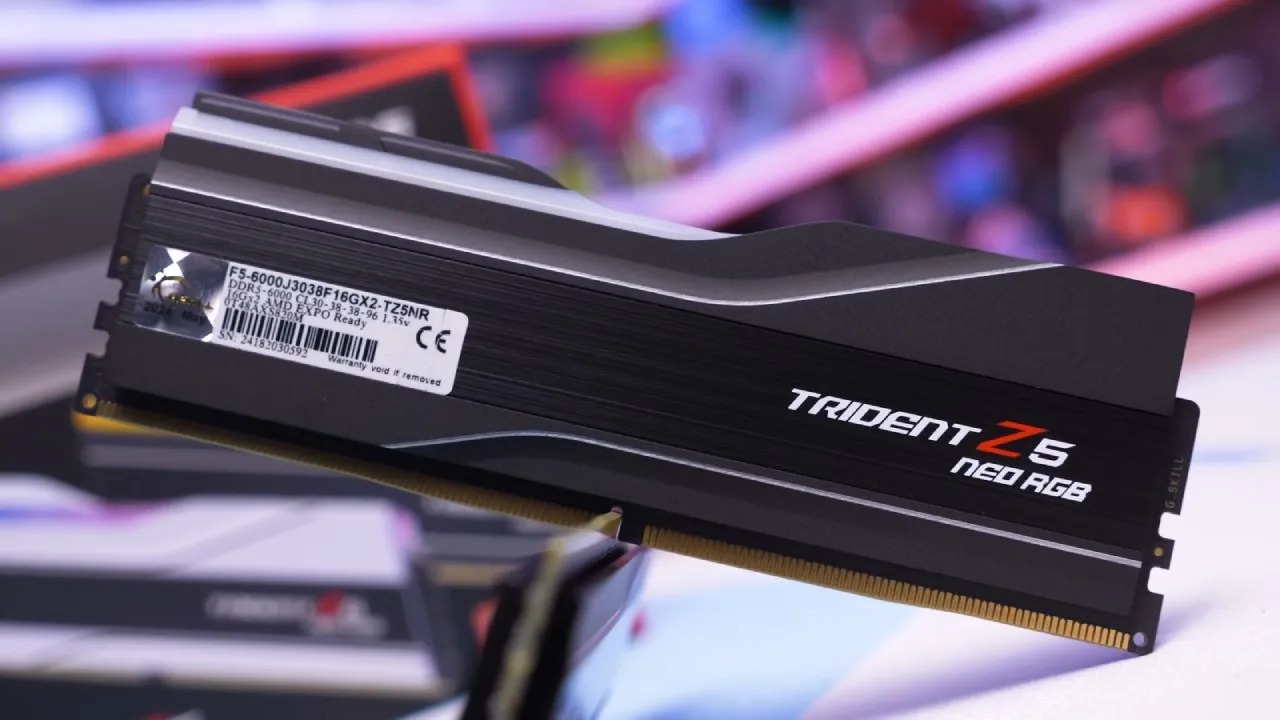
A machine with DDR4 memory and an Intel Core i9-12900K chip can still handle modern gaming and productivity workloads. It still works well and has upgrade options, even if it uses outdated standards. The biggest problem is that there isn't enough memory available because the DDR4 supply is getting low.
This method works for people who want to build now rather than wait for DDR5 pricing to return to normal. Most of the work a graphics card needs to do is for gaming, leaving the CPU with plenty of extra work to do. You can reuse or upgrade parts like the GPU, power supply, casing, and storage over time.
Final Thoughts
The cost of parts is going up, but you can still play PC games. DDR4 still works fine, and you don't need DDR5 to play new games. Time and what's most important are at stake. If you build now with DDR4, you can avoid the higher prices of DDR5 and still be able to upgrade or sell the computer in the future. Even though it's not the newest tool, it still works, can be changed to fit your needs, and doesn't cost too much.
Also, check our other hardware articles below:
- AMD Ryzen 9 9950X3D Review: Setting The Standard For 2025 Gaming CPU
- Amazon Luna 2025 Review: Is Prime Gaming's Cloud Service Your Go-To For Casual Fun?
- AMD RX 9070 XT Review: AMD's RDNA 4 Champion for 1440p Gaming
- GeForce Now Ultimate: Ditching Your Gaming PC For Cloud RTX 4080 Power?
- NVIDIA GeForce RTX 5080 Review (2025): Still A 4K Gaming Powerhouse?
- Intel Core Ultra 9 285K Review And Performance Breakdown (2025)
- AMD Ryzen 7 9800X3D Review: 3D V-Cache Goes God Mode with Stunning Gaming Performance
- Intel Core Ultra 9 285K vs AMD Ryzen 7 9800X3D: In-Depth Gaming Performance and Benchmark Comparison
- NVIDIA GeForce RTX 5080 Super Performance In Cyberpunk 2077: Path Tracing & DLSS 4.0 Tested
- AMD Radeon RX 9070 XT In Cyberpunk 2077: Ray Tracing & FSR 4.0 Tested
- Intel Arc B580 Review: The $250 GPU Revolutionizing 1440p Gaming
- Intel Arc B570 Vs. B580: Value, Specs, And Real-World Gaming Performance
- RTX 5090 Laptop Vs. M4 Max MacBook Pro: Ultimate Raw Performance Vs. Battery Endurance
- Intel Arc b580 Vs. RTX 4060: Game Performance And Value Analysis
- RTX5090 Hell Is Us Demo 4K Ultra Benchmark: DLSS Vs. Native Performance Guide
- NVIDIA RTX 5070 Review: Mid-Range Muscle or Marketing Hype?
- Nintendo Switch 2 Review: Handheld Performance, Features & Value Breakdown
- RTX 5070 Ti Review: Performance, Thermals & Power Efficiency Tested
- Samsung Odyssey OLED G81SF Review 2025: Ultimate 32-Inch QD-OLED Gaming Monitor
- AMD RX 9070 Performance Review: Thermals, Clocks, and Real-World FPS
- AMD Ryzen 5 7600 Review: Best Budget Gaming CPU of 2025?
- AMD Radeon RX 7800 XT Review: RDNA 3 Power For Midrange Gaming
- Asus ROG RTX 5090 Astral OC Vs. Founders Edition: The 4K Gaming Benchmark
- Intel Core i5-13400F Gaming Performance: Still Worth It in 2025?
- ASUS GeForce RTX 5090 LC Liquid Cooled GPU Review: Unmatched Silence & Speed
- ASUS ROG Ally X Handheld Review: Double the Battery, Double the Comfort
- Lenovo Legion Go S Review: The Ultimate Steam Deck 2 Alternative
- Sapphire NITRO+ AMD Radeon RX 9070 XT Review: The Ultimate 4K Gaming GPU
- Alienware 16 Area 51 Review: The Ultimate 2025 Gaming Laptop
- Alienware Area-51 Review: Unmatched 4K, Thermal, and Acoustic Performance
- AMD Ryzen 7 7800X3D: Delivers Gaming Performance Far Beyond Expectations
- AMD Ryzen 9 7900X Review: Powering the AM5 Era with DDR5 & PCIe 5.0
- Intel Core i9‑14900K vs. AMD Ryzen 7 7800X3D: Power Profiles & Gaming Benchmarks
- Intel Core i9 14900K: Specs, Benchmarks, and Competitor Comparison
- ASRock Radeon RX 7800 XT Challenger OC Review: Best Price-to-Performance GPU of 2025
Editor, NoobFeed
Gaming Hardware Updates
No Data.