
NVIDIA GeForce RTX 5090 Performance Review in Where Winds Meet at Maximum Settings
Comparative analysis of visual settings and texture limitations affecting overall clarity during high-resolution testing
Hardware by Nahe Yan on Dec 05, 2025
We are going to check how the GeForce RTX 5090 performs while playing Where Winds Meet at different settings and resolutions.
The key factors to consider are how well the game runs, how stable it is, how many graphics options it offers, how well it optimizes, and how DLSS modes and frame generation affect 4K and 8K performance.
Initial Setup and Hardware Overview at the Highest Settings
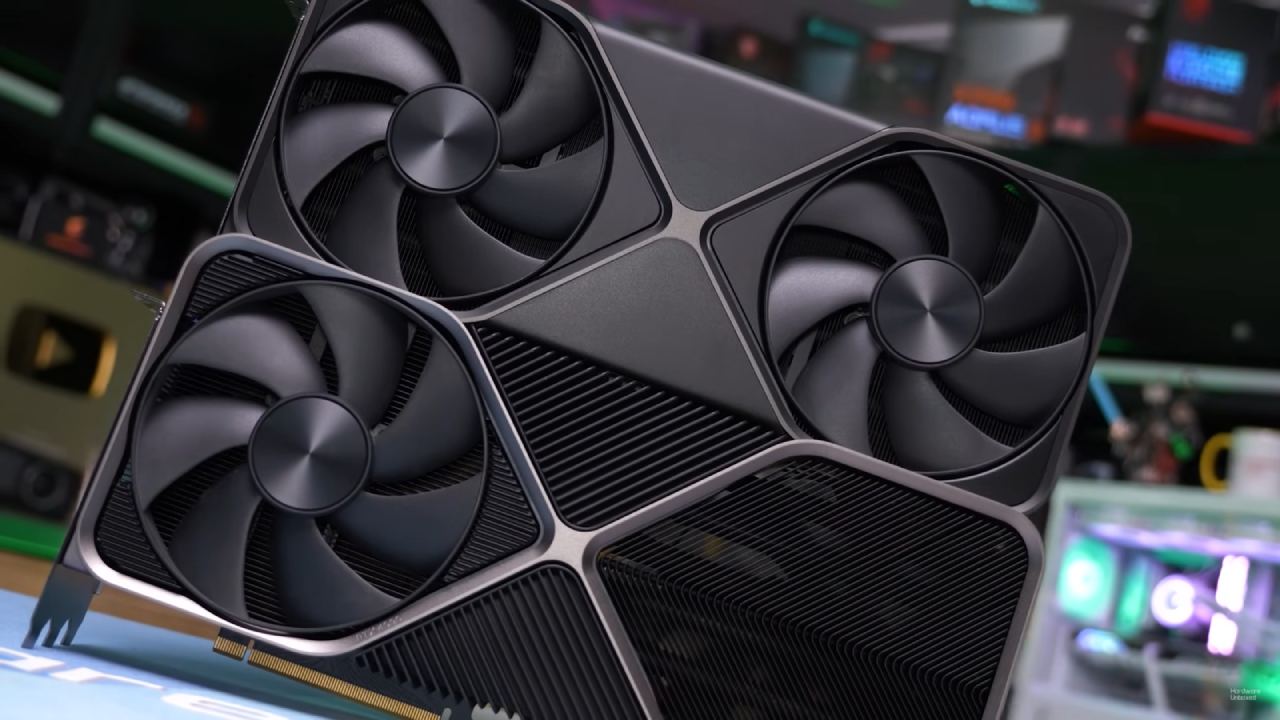
We use GeForce RTX 5090 Founders Edition with the most recent Nvidia drivers for this test. The machine has a Ryzen 7 9800X3D CPU and 32GB of RAM. TechPowerUp's GPU-Z shows the GPU's characteristics.
The game is set to its highest settings using DirectX12 because DLSS is not accessible in DirectX11. The reflex is turned on, and frame creation is initially disabled.DLSS is set to "Natural."
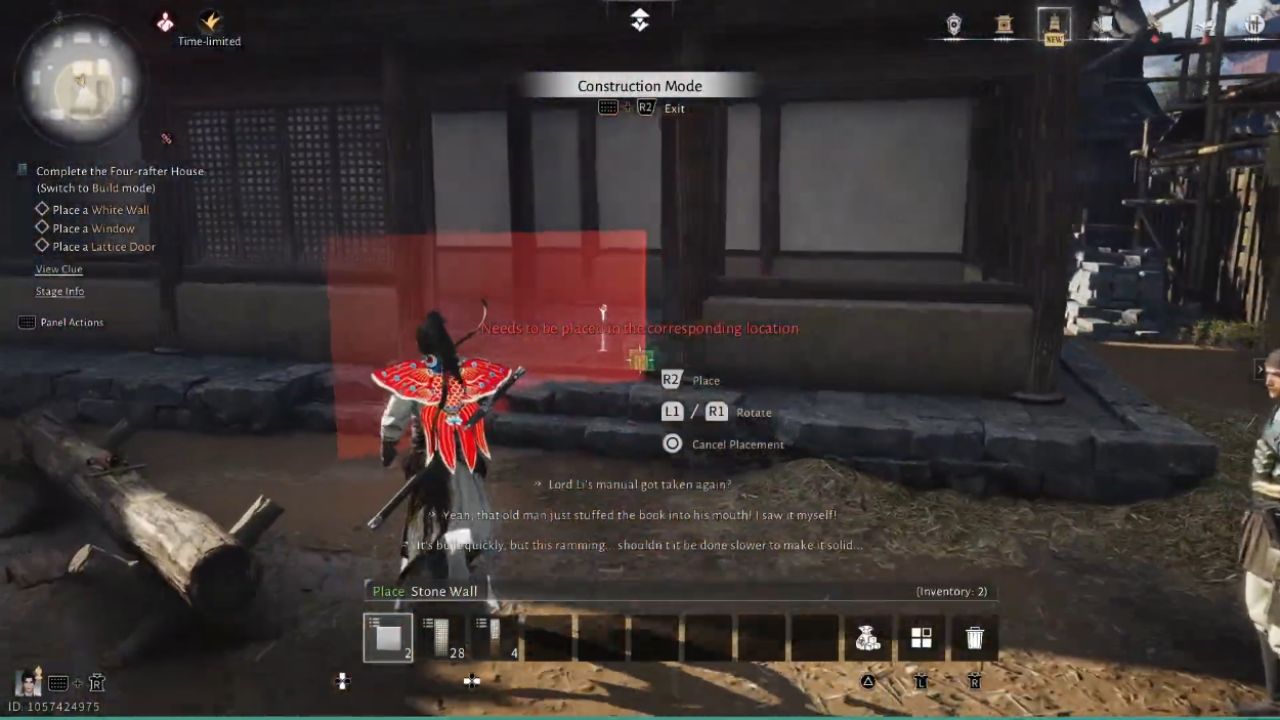
The first part of the game, called the prologue, lasts about 20 minutes. The title stays constant, with only a few spikes when new areas are loaded. It is developed on the Messiah engine rather than UE5, which means the frame rate stays the same.
However, open-world transitions make the spikes more noticeable than linear introductions. At 4K, texture memory usage peaks at about 7GB, indicating that the textures aren't very high-resolution, yet the overall visual structure still works.
Visual Settings and Gameplay Behaviour
We look at many ways the environment interacts with things, such as combat, movement, illumination, and loading speed. The game shows how GPU load varies across different areas, including grass density, foliage complexity, weather conditions, and character encounters. The frame time graph sometimes shows spikes related to streaming assets or startup effects.
The title lets you adjust the difficulty, making it easier for people who prefer simpler encounters. The menu offers extra options, such as one that helps with motion sickness, which is uncommon in many other games. There are many high-contrast images, and the lighting ranges from brilliant sunshine to midday to rainy weather.
With DLSS set to 4K Natural
We see about 130 fps. If you turn on 2x frame generation, this number increases to around 200 fps. This makes 4K OLED panels with high refresh rates smoother, but moving the camera over minute details like grass causes minor artifacting.
DLSS Quality gets about 170–180 fps, and DLSS Quality with frame generation gets about 260 fps. When loading new places, the game often drops to lower frame rates; however, stability gets better when you play in the same areas for a long time.
The visual style menu lets you adjust contrast and saturation without changing the FPS. You can choose between Warm, Bright, Intense, or Vivid. The default profile maintains a strong contrast.
Testing the Options for 8K Native Resolution and Upscaling
To switch to 7680x4320, you need to change the resolution of your desktop before you start the game. At native 8K, the frame rate fluctuates between 50 and 60 fps, which is very high for recent games at this resolution. There are visual issues, including shadow artifacts, because the engine isn't optimized for resolutions above 4K. Frame timing problems, not low FPS, make motion feel less smooth at 8 K.
DLSS Performance option renders in 4K and then upscales to 8K, giving you about 100 fps. Adding frame generation raises overall performance to about 150 fps and fixes pacing issues, making the output stable. The game keeps going with occasional pop-ins, which are easier to see in 8K and are related to rendering limits rather than hardware limits.
Behavior and Stability in the Late Game Area Notes
In open-world areas, weather, water appearance, flora density, and lighting all indicate continuous GPU use. During long sessions, there seems to be some instability, with more stutters happening as more areas load. The game includes a time-of-day modification feature that makes it easy to test the environment quickly.
There are scripted events and AI behavior patterns in the world, such as NPC groups conducting training drills. Depending on the user's choices, audio behavior can change. For example, songs or voices can be turned off.
Final thoughts
During testing, 4K resolution consistently performed well, with only a few loading stutters, and it maintained high frame rates across all DLSS modes. For consumers with high refresh rates, frame generation matters a lot. At 8K, native performance works but is limited by the engine.
DLSS with frame generation, on the other hand, gives you balanced pacing and great performance. During extreme-resolution testing, pop-ins and other faults occur from time to time. Still, they don't significantly affect regular 4K gameplay.
Also, check our other NVIDIA articles below:
- GeForce RTX 5090 Unleashed: Is NVIDIA's New Flagship the Ultimate 4K Gaming GPU?
- NVIDIA GeForce RTX 5080 Review (2025): Still A 4K Gaming Powerhouse?
- RTX 5090 Performance Testing In GTA 5 – 1080p, 1440p, and 4K Max Settings Benchmark
- RTX 5090 Laptop Vs. M4 Max MacBook Pro: Ultimate Raw Performance Vs. Battery Endurance
- NVIDIA RTX 5070 Review: Mid-Range Muscle or Marketing Hype?
- RTX 5070 Ti Review: Performance, Thermals & Power Efficiency Tested
- Asus ROG RTX 5090 Astral OC Vs. Founders Edition: The 4K Gaming Benchmark
- ASUS ROG Astral RTX 5090 OC Edition Review: 32GB GDDR7 & 4K Gaming Benchmark
- ASUS GeForce RTX 5090 LC Liquid Cooled GPU Review: Unmatched Silence & Speed
- MSI GeForce RTX 5090 32GB SUPRIM SOC Review: Power Efficiency, Cooling, and Gaming Performance
- INNO3D RTX 5060 Ti 16 GB X2 Review: Gaming Benchmarks, Temps, and Power Efficiency
- HP Omen 45L Review: RTX 5090 Performance, Thermals, and Value Analysis
- ASUS TUF Gaming GeForce RTX 5060 Ti Review: DLSS 4, Power Efficiency, and Gaming
- ASUS Prime RTX 5060 Ti OC 16GB Review: DLSS 4, Ray Tracing, & Thermals Tested
- NVIDIA GeForce RTX 5060 Review: Specs, Gaming, and Cost per Frame
- MSI GeForce RTX 5090 GAMING TRIO OC Review: A Monster Power GPU
Editor, NoobFeed
Gaming Hardware Updates
No Data.