
PS3 Emulation Now Boots Physical Discs Without ISOs
RPCS3 adds experimental support for running PS3 games from the original disc.
News by Adeela Tas on Sep 21, 2026
If you have been following PS3 emulation over the past year, you already know how fast things have been moving. It feels like every month brings some major upgrade, and RPCS3 has been at the center of most of it. The latest breakthrough is the ability to load a game directly from the physical Blu-ray disc, no downloaded ISO required.
Own the disc, hook up a Blu-ray drive to your PC, and you can pop it in and start loading right away. The announcement spread fast once it went public, picking up tens of thousands of reactions almost immediately. What makes it bigger is that the feature is not locked to one platform.
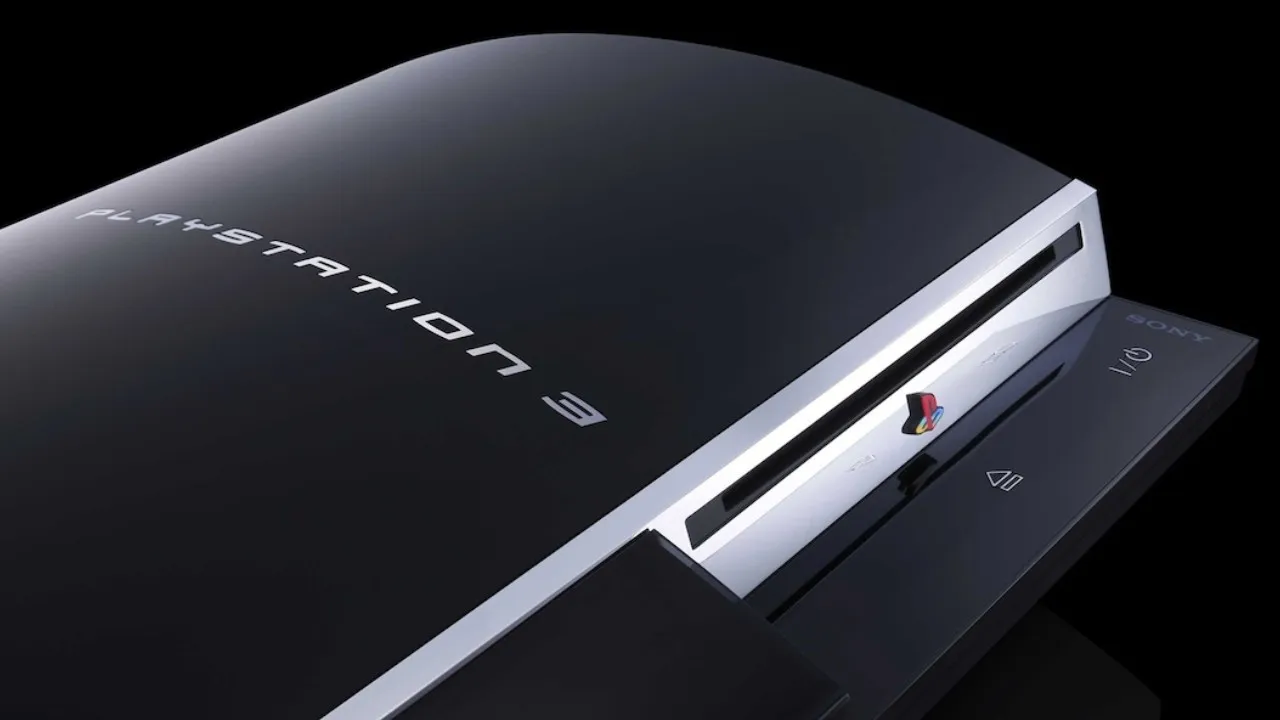
RPCS3 supports this across Windows, Linux, macOS, and FreeBSD, so pretty much anyone running the emulator can try it.
The appeal is obvious: plug in your disc, own your copy of the game, and play titles from decades ago without servers or extra files taking up hard drive space. That said, this is still an early feature. RPCS3 developers have said it is experimental, and their own compatibility list backs that up.
Plenty of games run great, but many are still stuck at "in-game" status, dealing with bugs, or crashing outright. The PS3 was always a strange piece of hardware on the inside, so getting PS3 emulation this far is a big deal, let alone reaching 4K resolutions and framerates beyond what the console ever produced.
Before you can try any of this, you need a working Blu-ray drive. An LG model, the BH14NS40, is confirmed to work and also writes Blu-rays, not just reads them. RPCS3 keeps a running list of tested drives on its site, and people keep adding to it as more get tried. If your drive isn't on there, don't assume it will not work.
Just put your PS3 disc in and see if your PC reads it. It has to be a Blu-ray drive at minimum, but plenty of untested models will probably work fine too, and you can cross-reference the list against what is available secondhand.
The list of confirmed drives is still short, and now that more people know about this feature, demand for those drives is likely to climb.
Beyond playing discs live, these drives are useful for dumping your own game collection, which is actually the more common reason people pick one up. Having physical PS3 games sitting around and wanting to move them to a PC for PS3 emulation is a common story, and that was the original reason people owned a drive like this before this new feature existed.
If you still have a PS3 that can run custom firmware or HEN, you do not need to buy a separate PC drive at all. You can rip discs directly on the console and transfer the files to a computer. So if a PS3 is sitting in a closet, or one is still hooked up that you wouldn't mind modding, that route works too and skips the need for extra hardware entirely.
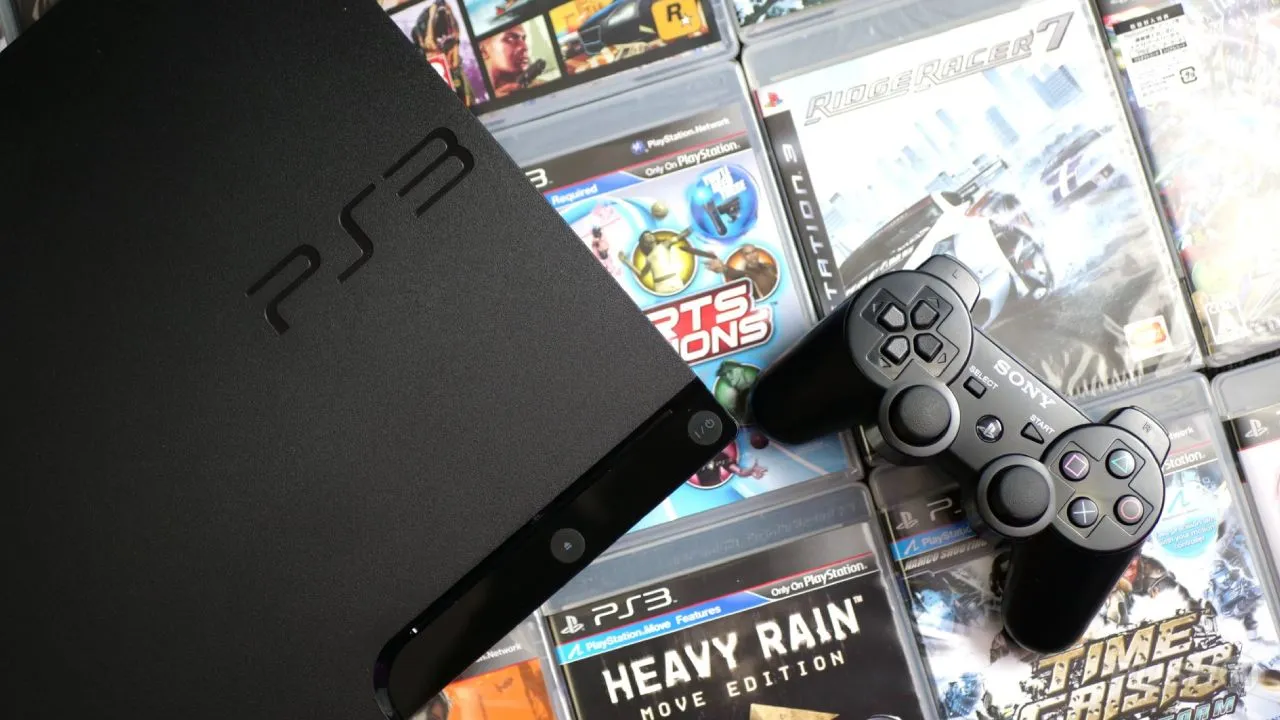
Installing RPCS3 itself takes barely any time. The PS3 firmware is available through a link in the Quickstart Guide, and within a couple of minutes the emulator is ready to go. Running a game straight from a Blu-ray disc is impressive and gets close to how the original console worked, but the disc drive is the biggest bottleneck.
The emulator has to identify the disc, handle SPU data, and compile shaders, all while pulling everything from spinning plastic instead of a fast drive, so expect long initial loads and possible stuttering. For that reason, ripping the whole disc onto an SSD, whether NVMe or SATA, is the better move if you already have a drive that can read these discs.
Dumping a game does eat up storage space, generally around 20GB per title, but it is quick, and it comes with a practical upside.
RPCS3 automatically lists dumped games in your library. Discs only show up when physically inserted, so dumped copies are more convenient day-to-day. The developers have made clear that direct disc support is still an early-stage feature.
None of this would be possible without the ongoing work from the team behind RPCS3, who keep pushing PS3 emulation forward at a pace that is hard to keep up with. You don't actually need to read straight off a disc, since dumping the game first delivers a noticeably better experience.
Still, having that option at all is remarkable. For anyone building a PC setup that plays original physical media the way the console once did, the option is right there. That is really the whole point behind emulation projects like this: making something work simply because it is technically possible.
Editor, NoobFeed
Related News
No Data.