
SteamOS 3.8 Update Brings Steam Machine Support and Major Desktop Improvements
Valve expands Steam Machine readiness with system updates, improved drivers, and refined desktop functionality in latest SteamOS release.
News by Nahe Yan on Mar 22, 2026
A new version of SteamOS has come out. It makes improvements that affect all Steam hardware, even the Steam Machine. The update adds more system improvements, enhances hardware support, and improves both portable and desktop experiences.
Some of the features in this version have already been tested in preview channels. They are now being made available to more people.
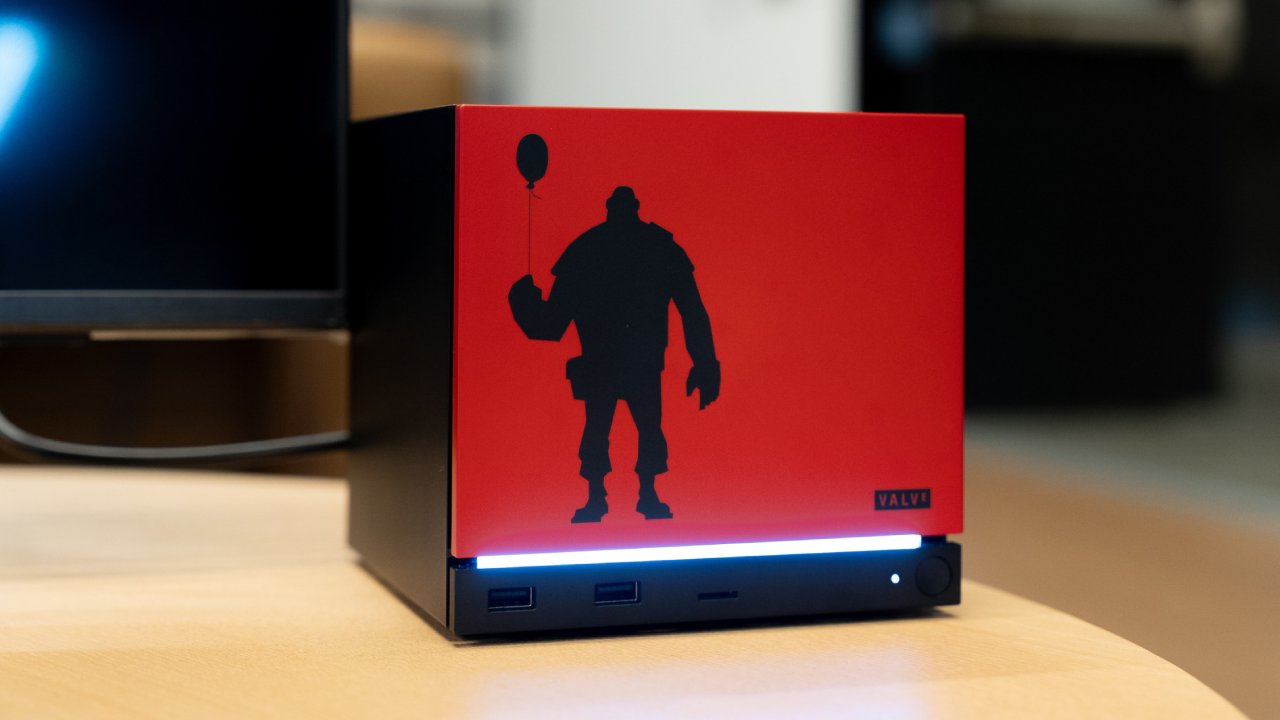
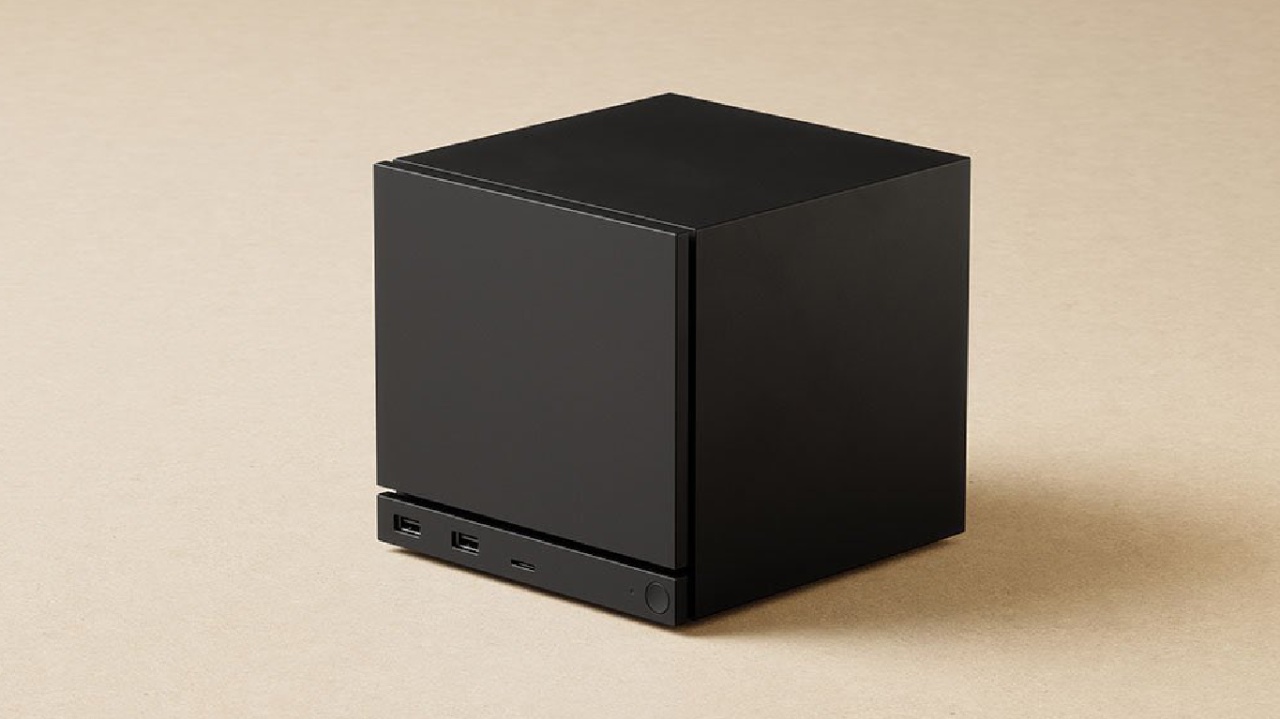
There is now initial support for Steam devices, such as the Steam Machine.
Development is aiming for a release window in June 2026. The update doesn't go into great depth about what this first support involves. Still, many of the new capabilities make the desktop easier to use. These improvements aim to make SteamOS more like a console-like desktop environment.
The fundamental architecture of Arch Linux has been improved, making the system more stable and faster overall. There have also been modifications to the graphics driver that have greatly improved ray tracing performance. These adjustments are more important for systems with more power, such as the Steam Machine, than for mobile devices.
The operating system now has built-in support for FSR4. A launch command turns on FSR4 instead of having to replace files for each game. Even though image quality is better than in earlier versions, performance mode is often needed, which can cause visual abnormalities because rendering is at a reduced resolution. FSR4.1 is likely to make the quality and performance of images even better.
Streaming in game mode with OBS or Discord has gotten better. In the past, these apps could operate with workarounds, although they often caused lag. Changes at the system level have reduced latency, making streaming more stable and responsive. These changes fit with the trend toward desktop-level features on SteamOS devices.
Steam Deck LCD devices now use more efficient memory power management when not in use, extending battery life in sleep mode. The standby performance should be close to that of the Steam Deck OLED, which can stay in standby for up to a week.
The hibernation feature has been improved on the Steam Machine side. When the system is not in use for a while, it first enters sleep mode, then a deeper hibernation state. This will use even less power.
Updates to SteamOS correct problems and add new features to devices like the Legion Go series and other similar gear. Problems with controllers have been fixed, LED controls have been added to some models, and automatic memory management has been made better. You no longer need to manually change shared memory allocation.
Users can now specify battery charge restrictions, such as 85%, to keep the battery healthy. Future upgrades should provide more functionality, such as the ability to download while the screen is off.
There is better support for high-end racing wheels. Devices that take complete control of USB ports now work more reliably, making them easier to use with SteamOS systems.
Steam Deck LCD devices can once again wake up with a Bluetooth controller. This capability was removed due to concerns that devices would overheat when accidentally turned on in enclosed spaces. It has been improved and put back to its original state.
Support for surround sound has improved, bringing audio quality closer to that of dedicated console systems. There are fewer audio delays after idle states. There is still a slight delay, but the recovery period is much shorter, making the system more responsive overall.
There have been many updates to desktop mode. Because the right rendering system is now used by default, performance in desktop mode is now the same as in game mode. Games used to run worse in desktop mode, but this issue has been fixed.
There is now support for rotating displays and scaling across multiple monitors. Now, systems with varied screen resolutions can keep the same icon sizes and interface scaling. These modifications make it easier to use with multiple monitors.
VRR and HDR performance have also improved; more testing may be needed to see if this is true across all software setups.
The old button shortcut overlay has been replaced by a new menu. Now, when you hold down the Steam button, a menu opens that lets you access power preferences and control shortcuts. The shortcut guide is quicker to access and stays on the screen without interruptions, making it easier to use with controllers.
People are still working to make SteamOS ready for more desktop use.
The system is being updated to work as both a console and a full desktop environment. Installing on compatible AMD-based systems is still an option. This gives you a streamlined experience that is similar to a console.
There are still not many hardware options available, especially for newer mobile devices. Availability is still affected by supply and demand, but better software support shows that the ecosystem is still growing.
The SteamOS 3.8 update adds features that improve performance, support more devices, and make it easier to use. Improvements to desktop mode, streaming, battery management, and hardware support show that portable and desktop systems are moving toward a more unified experience. Updates that keep coming out hint that further improvements will be made before the Steam Machine is out.
Editor, NoobFeed
Related News
No Data.