
New SteamOS Beta Update Improves Steam Deck, Controllers, and Older Games
New system-level upgrades in SteamOS focus on reducing user friction, improving controller response, and boosting older game efficiency.
News by Masaru Hoshino on Jan 23, 2026
A new beta version of SteamOS is being released in preparation for the future Steam Machine. This version has useful changes that also help the Steam Deck. The Division 2 still runs quite well on the Steam Deck, giving gamers who are returning to the game or playing it for the first time a great experience.
We start with bug fixes, and the first one is as major as the previous Steam recording fix. MicroSD cards have been a long-standing issue for anyone swapping between devices. If we use multiple handhelds like the Steam Deck OLED and the Legion Go S and rotate between multiple 1TB cards, we probably noticed that new cards often appear grayed out.
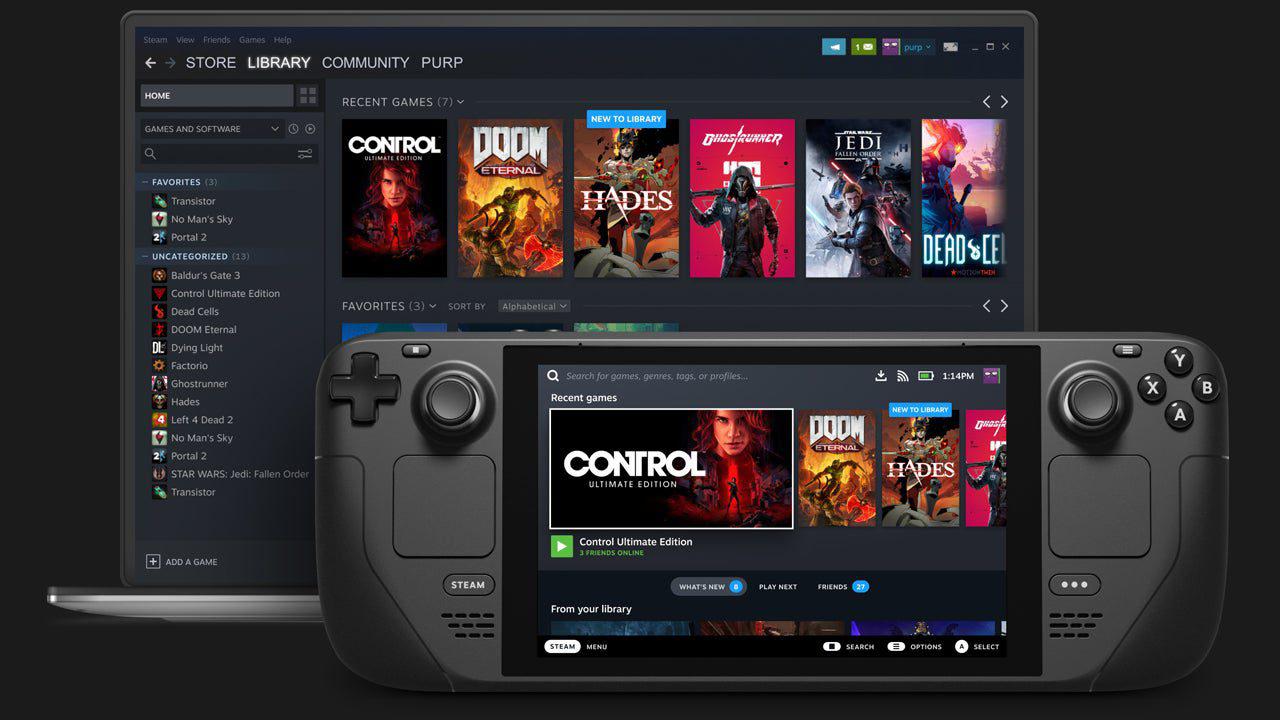
Restarting the Steam Deck or Legion OS was the only way to force formatting for Linux or SteamOS.
This issue has been around for months, especially noticeable with larger cards like a 2TB microSD.
Now it’s officially fixed in the beta. New cards can be formatted immediately without restarting, reducing friction for anyone using a Steam Deck or preparing to use the Steam Machine or Steam Frame. First impressions are important, and a new device should be able to operate an SD card without any problems.
Another bug repair makes it better how controller glyphs change on SteamOS. When we use an 8BitDo Ultimate 2 wireless controller, glyphs usually show Xbox icons by default until a game starts. That wait is over. The right glyphs now show up as soon as the controller connects.
This is true for all controllers, even the DualSense Edge, which now shows PS5 buttons right away. For those of us who care about correct button prompts, this is a wonderful change.
The community awards function on Steam has been completely overhauled. Previously, community awards contributed Steam Points, which encouraged a meta where users intentionally posted rage-bait on forums to earn jester awards and farm points.
People would bypass leveling naturally by exploiting this system, ultimately unlocking more friend slots and other account perks.
Now Steam Points have been removed from the system entirely. Only 12 badges remain, and the jester badge is gone. While we might feel the jester still has a place—especially as a playful way to mark unhelpful behavior—Steam’s primary goal was reducing clutter and discouraging negativity.
As someone who uses Steam discussion forums to find detailed Steam Deck settings for specific games, a cleaner space is a good step forward. If backlash grows strong enough, maybe the jester could return, but the change is understandable for now.
Another major addition is support for the NTSync driver. Put simply, it reduces the number of steps Linux takes to translate Windows games running through Proton. It especially benefits older titles. Newer games already use FSync, which works great for modern releases, but older games need NTSync to improve performance.
In testing, games like Call of Duty 4: Modern Warfare jumped from about 100fps to 120fps. On a Steam Deck OLED, this might not be visually dramatic, but any dips that previously hit 89fps are now smoothed out. Once this update is included in the main SteamOS build, Proton will automatically find older games and turn on NTSync without us having to modify any settings.
This is important because a lot of gamers are going back to previous games instead of paying $70 for new ones that are full of bugs, missing material, and unfinished features. Valve supporting older games with performance upgrades is a smart and welcome move.
Games from the 360 era—like The Evil Within, Tomb Raider 2013, or Rise of the Tomb Raider—should see measurable FPS improvements on the Steam Deck and eventually the Steam Machine.
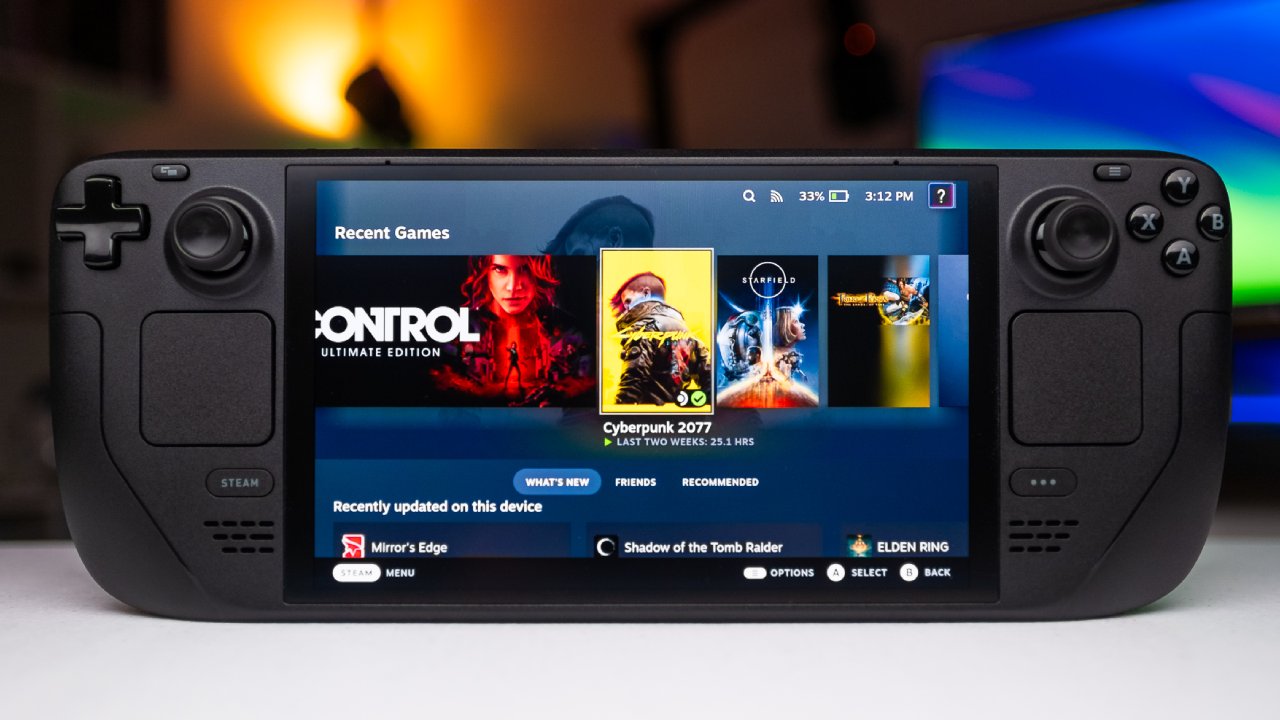
Ubisoft continues adding new content to The Division 2, and it still runs great on the Steam Deck.
You can get it for about $3 right now, so it's easy to recommend that you give it a try.
It's easy to change the settings. Change the graphics preset to Medium, and then under the graphics menu, change the resolution scale to 75%. If we don't mind the frame rate dropping to 35–38fps during big explosions, locking the game at 40fps works.
A 30fps lock is best for performance that is always stable. The game originally targeted 30fps at launch, so animations and pacing feel natural at that framerate.
Using the Low preset allows 50–60fps gameplay with 100% resolution scale, but the visuals take a major hit. Low looks rough even on a Steam Deck screen, so Medium at 75% resolution scale offers the best balance.
The Division 2 remains one of the best looter shooters available. It features a 1:1 scale recreation of Washington DC, with standout locations like the White House as a base of operations and missions inside the Capitol building. The environmental storytelling and post-apocalyptic details add to the immersion.
Two major expansions—Warlords of New York and The Battle for Brooklyn—add lush, storm-damaged environments and more content. New players can progress from level 1 to 30, move into Warlords of New York to reach level 40, then begin the endgame grind for exotics and optimized builds.
Weapons like Diamondback or Chameleon offer unique perks based on where we hit enemies, adding depth to the RPG-style systems.
Even though the game is always online, using a handheld feels great. As a cover-based shooter, it works well on Steam Deck ergonomically. Enemy AI pushes us out of cover, builds feel impactful, and the gunplay stands out.
With Division 2 Survivors bringing back extraction-style gameplay reminiscent of the first game’s Survival mode, there’s even more to look forward to.
At under $10, there are hundreds of hours of content, and performance on Steam Deck makes it easy to recommend.
The new SteamOS beta shows Valve continuing to improve quality for both the Steam Deck and the upcoming Steam Machine. Bug fixes, controller improvements, a cleaner community awards system, and better performance for older games all represent meaningful upgrades. Meanwhile, The Division 2 continues to shine on handheld hardware, offering an accessible and enjoyable looter-shooter experience with deep progression and strong performance.
Editor, NoobFeed
Related News
No Data.