
Routine Guide | Chapter 3 Re-Create Walkthrough & ASN Shutdown
Shut down ASN in Routine’s Chapter 3 with this simple step-by-step walkthrough.
Game Guide by Faviyan Mustafiz on Dec 20, 2025
In Chapter 3 Re-Create, you finally enter the heart of the ASN facility and bring the system offline for good. This part of Routine focuses on interacting with terminals, reading randomised node instructions, and solving a short puzzle around the ASN Core in the center of the room. You also unlock a strange transition moment with a glowing fish that leads into the next chapter.
Entering The ASN Facility
After returning from the Mall and unlocking the ASN area with Koyama’s keycard and your Ultra View Module, you arrive at the main ASN entrance. Scan your ID when prompted, then enable the Ultraviolet Module to read the oily smudges left on the keypad screen.
These smudges mark the digits of the current randomized access code. Match the pattern carefully and enter the four-digit code to gain access. Once the keypad accepts the code and the door unlocks, step inside and be ready.
A talkative NPC, Icy, will greet you with unsettling dialogue as you approach the inner door. You can listen for extra story context or simply disable the speaker by shooting the security panel with your cat module to speed things up.
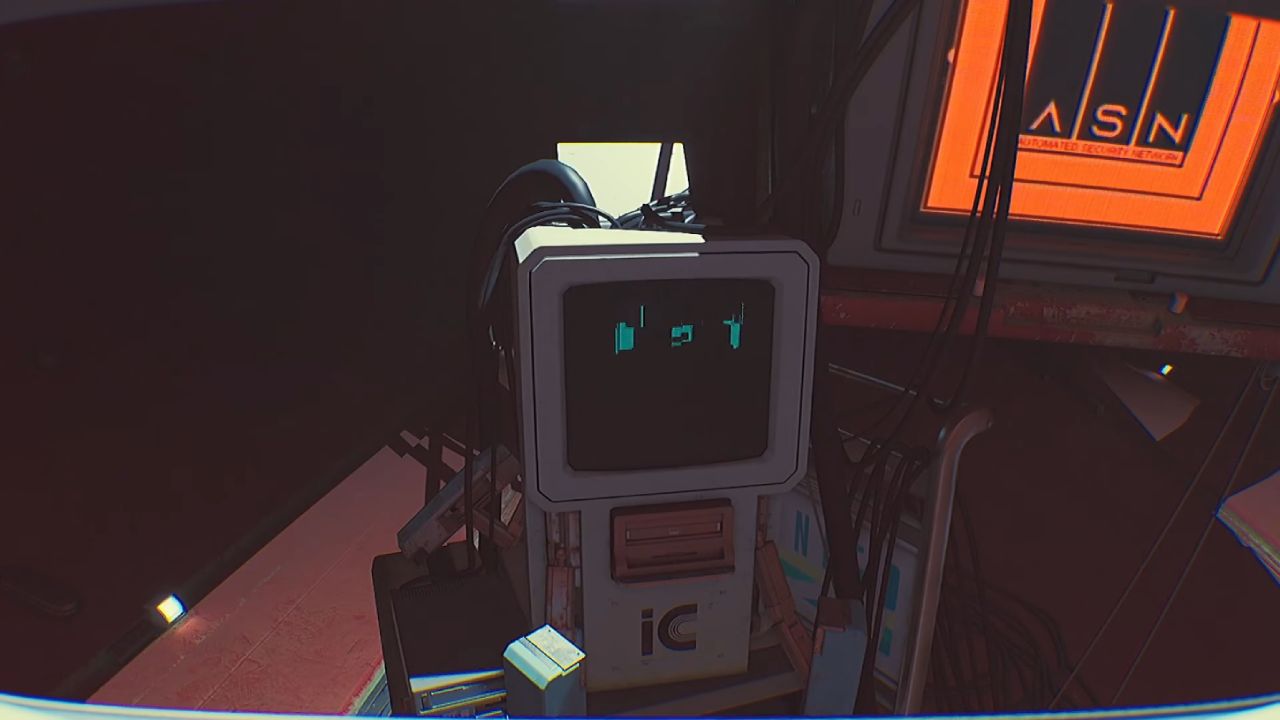
Reaching The ASN Core Control Terminal
When you step into the ASN chamber, you see a looming machine in the middle of the room, surrounded by terminals and rising mechanical structures. Your goal here is simple: shut ASN down. First, walk to the main terminal that is lit and faces the ASN Core.
You can interact with this main panel and close any pop-up windows that are making the display look messy. The interface often refuses to proceed until every notification is cleared. Once the screen is clean, choose the shutdown option and confirm the prompt to initiate the ASN shutdown procedure.
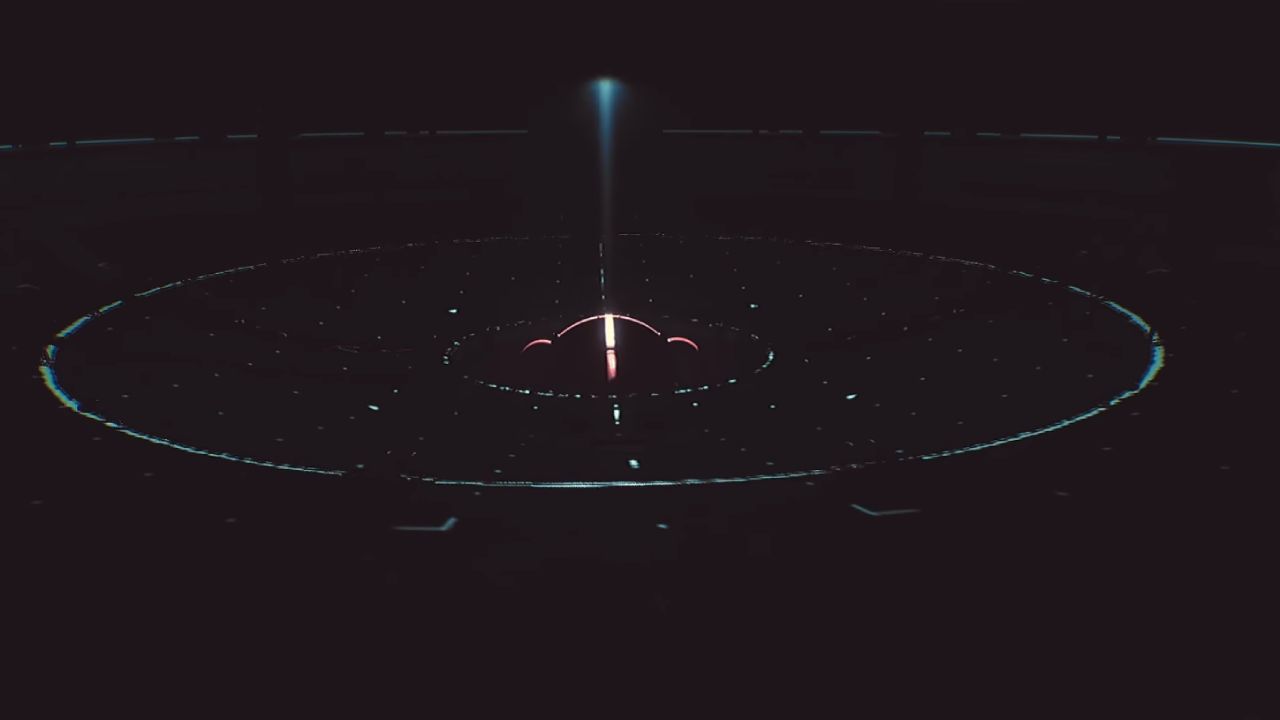
Configuring ASN Nodes A2, A6, And A8
After you trigger the initial shutdown, one of the side terminals lights up. This console gives you a randomized instruction set that tells you which ASN nodes must be powered down.
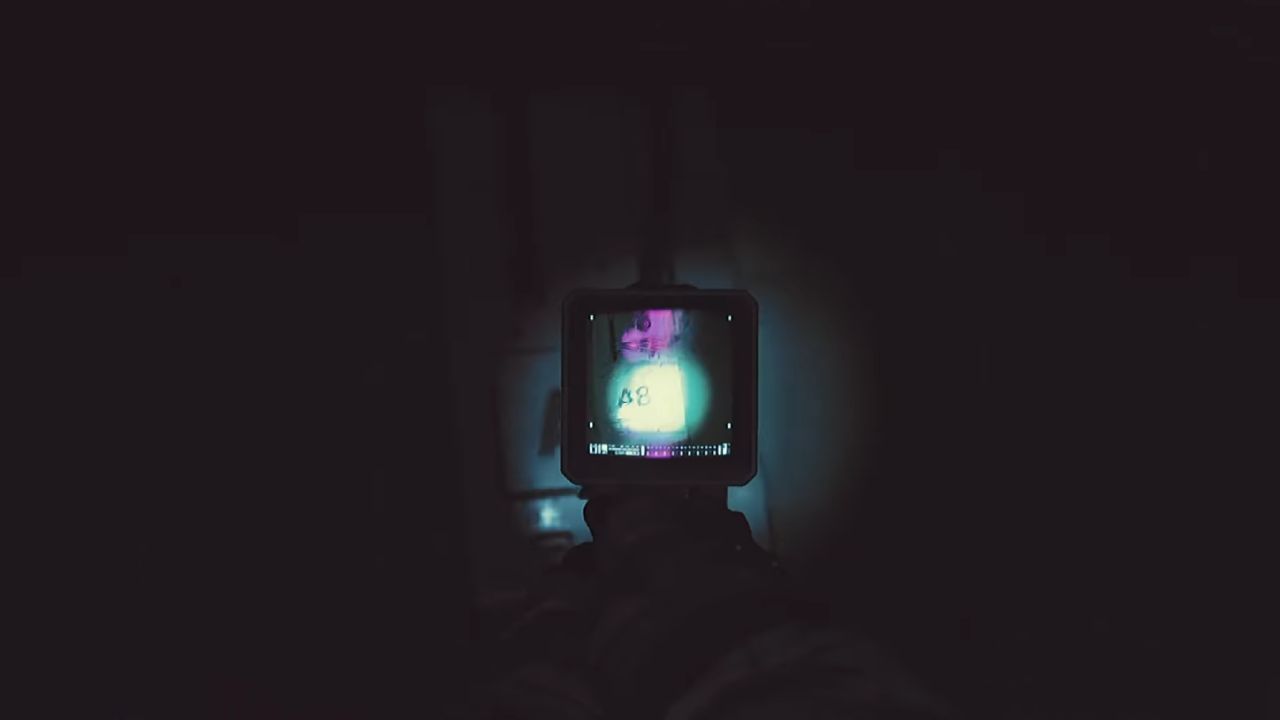
In the example from the run, the terminal required nodes A2, A6, and A8 to be in the “down” position, but the exact nodes can vary between playthroughs.
Read the display carefully so you know which labels you need. Then leave the terminal and move around the platform ring surrounding the ASN Core.
There is an A-series sign on each pillar, for example, A2, A3, A4, A5, A6, A7, and A8.In the dark, the signs are hard to see. You can use your Ultraviolet Module like a flashlight to help make them more readable.
When you find a needed node, move it by interacting with it. Make sure that only the nodes you want to set to "down" are set to "down." No other nodes should be changed from their normal state.If you need to, go around the ring again to make sure you haven't missed a label.
Opening The ASN Core And Completing The Shutdown
Once every required node is correctly configured, return to the central area. Another terminal, usually towards the back of the room, comes online after the node puzzle is solved. Interact with this console to continue the shutdown sequence and confirm the next step.
The system now instructs you to open the ASN Core using two handles. Wait for the core housing to rise into position. You will see two large handles on opposite sides of the central structure.
Approach one handle, interact to pull it, then cross over the platform to grab the second handle. Timing is not strict here, but you may need to wait for the handles to re-light before the interaction becomes available.
After both handles are engaged, the core opens and a strange organic form begins to emerge from the machinery. Equip your offensive module on the cat and keep your aim ready.
When the target fully rises out of the fluid and becomes exposed, shoot it once to finish the shutdown. The game does not require precise timing, but firing as soon as the form stabilises keeps the moment quick and dramatic.
Finding The Fish And Leaving Re-Create
With ASN disabled, the chamber falls quiet. It is easy to assume you should keep interacting with the glowing core or shoot it again, but that will not progress the story. You should find a nearby subtle object instead.
Scan the perimeter of the room until you find a little, strange, fish-shaped figure that isn't supposed to be there. This odd being is the real way to get out of Chapter 3.
Walk up to the fish and get close to them until you see a "interaction" or "cinematic" command. You do not need to use your cat module on it; simply getting near it is enough.
Once you trigger the interaction with the fish, a cutscene begins that shifts you out of the ASN chamber and into the next phase of the game, leading into Chapter 4 and the larger archive area.
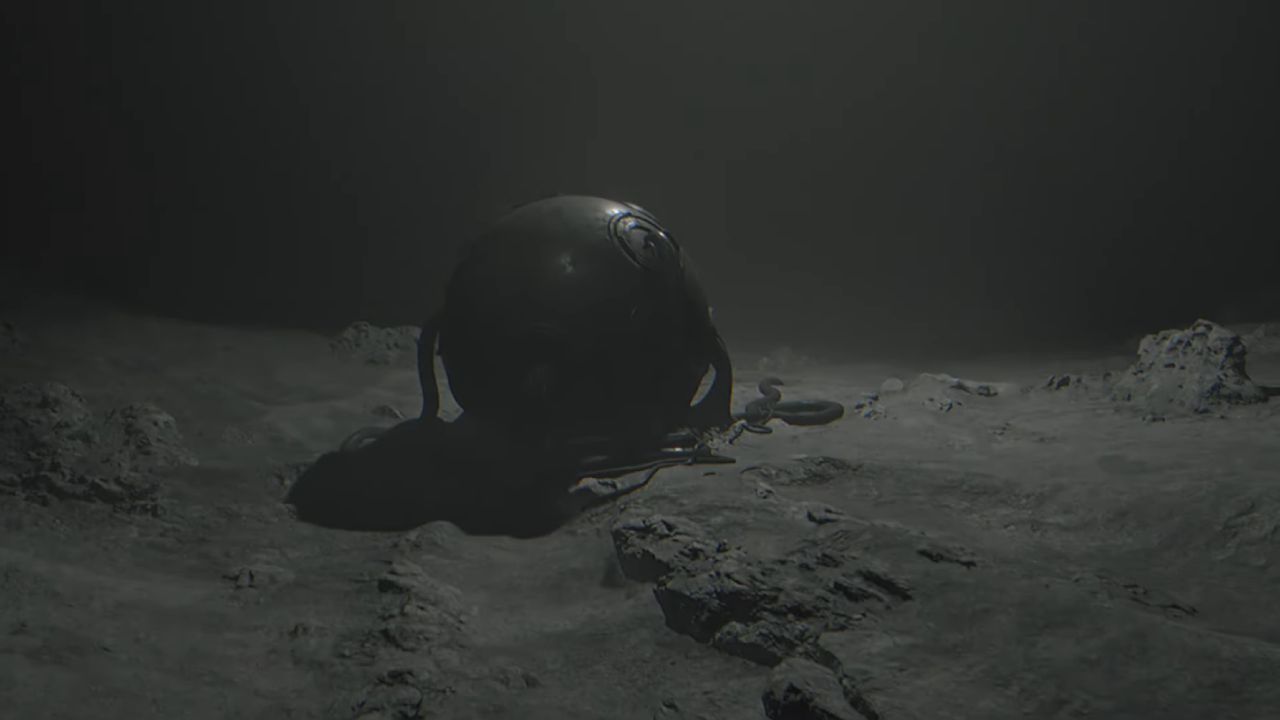
By following these steps—entering the ASN facility, initiating shutdown, configuring the right nodes, opening the core, and locating the hidden fish—you can clear Chapter 3 Re-Create efficiently while still understanding how this eerie system is dismantled.
Also, check our other guides below:
Contributor, NoobFeed
Latest Articles
No Data.