
ASUS ProArt P14 vs. P16: Gaming, AI, and Battery Life
ASUS ProArt P14 and P16 deliver powerful local AI performance, premium OLED displays, and impressive portability across demanding professional workloads.
Hardware by Tanvir Kabbo on Oct 26, 2026
The ASUS ProArt P14 and P16 are built for professionals who demand advanced local AI capabilities, NVIDIA CUDA compatibility, and abundant unified memory in a portable Windows notebook. They share the same RTX Spark N1X CPU and up to 128GB of unified memory, but differences in display size, cooling, storage, and battery performance affect overall value.
The P14's smaller chassis doesn't affect performance; in fact, it's remarkably close to the larger model, making it an intriguing choice.
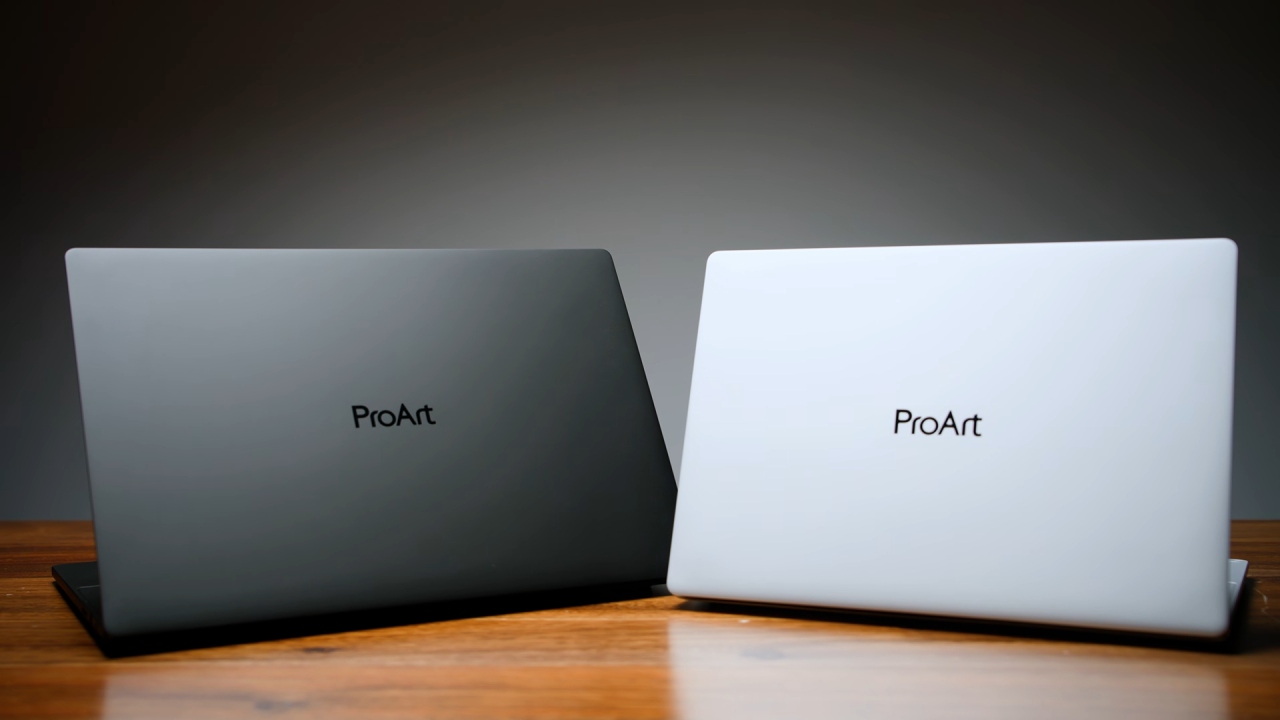
Design and Display Quality
The ASUS ProArt P14 weighs 3.26lb, while the P16 weighs 3.9lb. The smaller model is approximately 1.7 inches narrower and 1 inch shallower, making it easier to carry and more convenient for travel. Both include three USB4 ports, USB-A, HDMI 2.1, Wi-Fi 7, a headphone jack, six Dolby Atmos speakers, a 1080p webcam, and a 140W USB-C charger.
The P16 features a 16-inch 4K tandem OLED display, while the P14 uses a 14-inch 3K tandem OLED panel. Both support 120Hz refresh rates and touch input. Testing shows that both displays reach 720 nits, with Delta E measurements of 0.9 on the P16 and 1.05 on the P14. Both cover approximately 100% of the P3 color gamut.
The cheaper models use standard 3K panels instead of tandem OLED, so confirm the exact display specs before buying.
Gaming and performance benchmarks
Both laptops have similar CPU performance. The P16 scores 7105 in multi-core testing, compared to the P14's 6809, about 4% slower for the smaller variant. Their single-core scores are identical at 548, though the Zenbook A16 with Snapdragon X2 Elite performs better at single-core tasks and in web browsing.
Graphics performance reveals a slightly larger gap. In Steel Nomad, the P16 scores 3,085 compared with 2,840 on the P14, an approximately 8% difference.
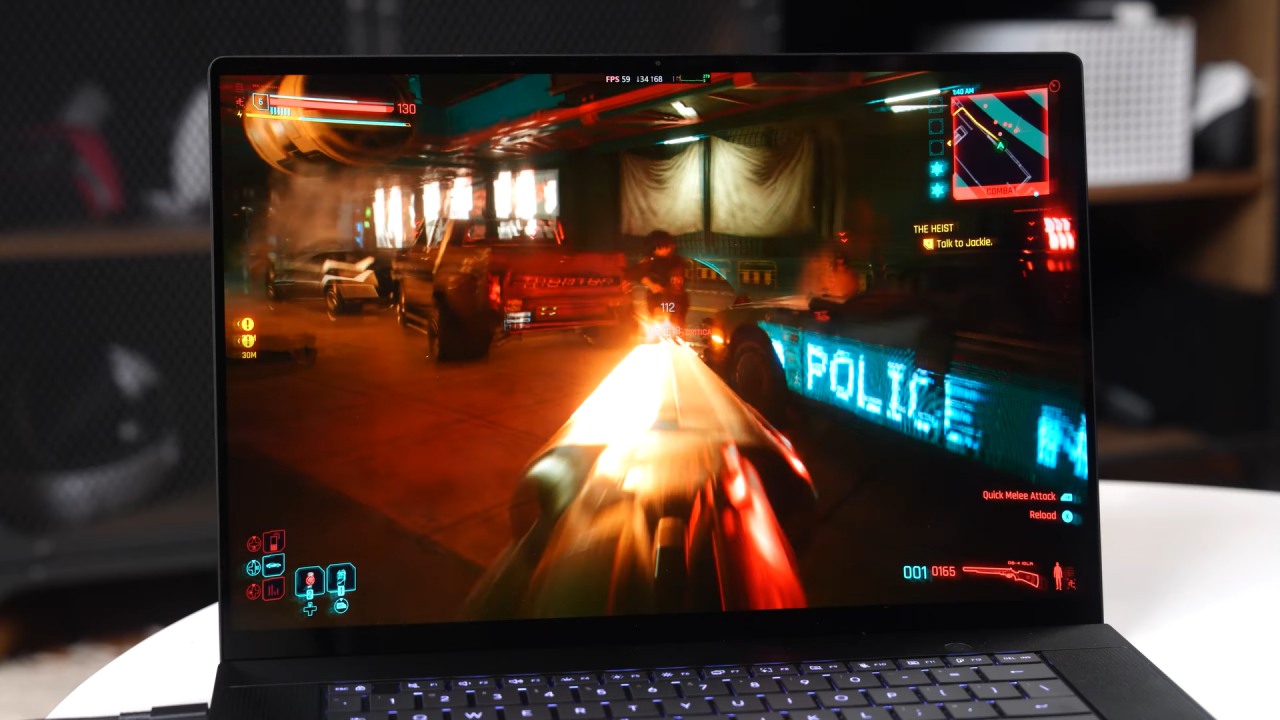
Cyberpunk 2077 delivers 57 fps on the P16 and 53 fps on the P14 at 2560×1600 on High settings without upscaling. Enabling DLSS raises performance to 72 fps and 73 fps, respectively. At 1920×1200, both deliver playable performance, although the ASUS ROG Zephyrus G14 remains considerably faster.
The G14 is also the better choice for gaming and video editing, outperforming both ProArt models in Premiere Pro and DaVinci Resolve. Game compatibility remains important because some titles, including Valorant, don't run on Windows on ARM.
Creator Applications and Local AI
Creator applications show minimal differences between the ProArt models. In Premiere Pro, the P14 trails the P16 by approximately 4%, while DaVinci Resolve scores reach 61,000 and 62,000, respectively. Photoshop performance is effectively tied, and Blender results remain within approximately 2%.
Local AI workloads highlight the advantages of their large unified memory capacity. Both laptops achieve approximately 47 tokens per second on a 9-billion-parameter model. With a 120-billion-parameter model, the P14 reaches 63 tokens per second, while the P16 delivers 64.
For long-document processing, the P14 begins answering questions about a 50-page document after 47 seconds, compared with 44 seconds on the P16. Image generation takes 29 seconds on the P14 and 24 seconds on the P16. Both transcribe a 47-minute recording in approximately 94 seconds.
Battery Life and Upgrade Options
The P16 includes a second SSD slot and a faster SD card reader, while the P14 supports only one SSD. Both support replaceable Wi-Fi 7 cards, but the larger model makes storage expansion easier. Both are reliable during long AI workloads when plugged in. The P16 stays at full speed with no power, but the P14 drops about 9% after five minutes of heavy processing.
However, the smaller laptop wins on everyday battery life. In video playback testing, the P14 lasts 13 hours and 6 minutes, compared with 12 hours and 57 minutes on the P16.
Which ProArt Laptop Is Worth Buying
The ASUS ProArt P14 with 48GB of memory offers the best balance for most users. It's lighter and delivers display quality and performance comparable to the P16, within a few percentage points, across most workloads. If you need a 4K display, more SSD storage, a faster SD card reader, or continuous AI performance on battery, the P16 is the best option.
For gaming and video editing, the G14 is still the more powerful and less expensive option. However, both ProArt laptops excel at CUDA workloads and large local models for portable AI development, and the P14 offers particularly good value.
Senior Editor, NoobFeed
Gaming Hardware Updates
No Data.