
Ultimate Gaming PC CPU and GPU Buying Guide 2026
Proper component matching prevents bottlenecks and maximizes performance across 1080p, 1440p, and 4K gaming workloads.
Hardware by Shinji Okazaki on Feb 19, 2026
These two parts are key to achieving higher refresh rates in games right now if you're looking for the best CPU and GPU combos. They determine how smoothly games run, how quickly frames are drawn, and how responsive the system feels. The CPU and GPU work together to make a PC perform at its best. Many systems are out of balance because they spend too much on one part and not enough on the other. That mismatch costs money and slows down the system.
The market isn't great right now. But knowing how the CPU and GPU work together makes it easy to make the appropriate choice. The graphics processing unit and the central processing unit are almost always the slowest parts of a gaming machine, and they directly affect the frame rate. If you want better-quality settings, higher resolutions, or faster frame rates, you'll need to spend more on these parts.
Current Price Condition
It is always a matter of finding the right balance. If you spend too much on one part, you might not have enough money left for the other, which will make the system weaker. Most of the time, the graphics card should come first because most games are limited by the GPU. In some cases, the graphics card is running at 99% to 100%, and increasing it increases frame rates. But games are increasingly dependent on the CPU, and in certain circumstances, it becomes the bottleneck.
It's hard to eliminate all bottlenecks, but choosing parts with similar features will give you the best frame rate and value. When you play games that use graphics a lot, the speed gap between CPUs gets smaller. When the resolution or graphics settings are raised, the graphics card takes on more work and becomes the major slowdown. At 1080p, a CPU can only handle 150 fps. At 4K, it won't be able to handle any more than that. The FPS drops because it puts more work on the GPU.
That's why CPU testing is done at 1080p. The goal is not just to find the average speed, but also to find the CPU's full potential before it becomes the bottleneck. This ceiling also shows why it's important to pick the correct monitor. If you have a 240hz or 360hz monitor and a CPU that can only handle 200fps or 150fps, you won't be able to get the full benefit of that refresh rate.
It is quite important to choose a CPU that works well with the graphics card. To find out what you really need, check GPU benchmarks for the hardest game you play. The number of cores is also important. 4 cores work well for older games, 6 cores work well for newer games, and adding more than 8 cores usually doesn't improve performance. CPUs with more than 8 cores are useful mostly for jobs that require a lot of work or for speeding up shader compilation.
AMD sells X3D models with stacked cache that improve game performance. At every budget level, these CPUs give the best gaming performance. But in many cases, spending more money on a better GPU gives you a bigger frame rate boost than spending more money on a better CPU.
Gaming Combos on a Budget
Entry-level gaming systems work well with older games and offer good value. There are many choices when it comes to GPUs. Intel Arc B580 and Arc B570 are both good entry-level graphics cards. They include 12GB and 10GB of VRAM, respectively. NVIDIA RTX 5050 and RTX 5060 offer higher frame rates and software features like DLSS 4.5 and frame generation for multiplayer and esports games. The 8GB of VRAM is a problem because it might cause frame dips or missing textures in some single-player games, even at 1080p. AMD 9060 XT 8GB works about the same way, except it has a higher average FPS at the same price as the RTX 5060. However, it is still limited by 8GB of VRAM.
There isn't one clear winner in this group. Arc cards offer more VRAM for less money, but they might not perform as well when raw power matters. The NVIDIA and AMD alternatives are faster, but they only have 8GB of VRAM.
It's easier to understand budget CPUs. Ryzen 5 processors in the 7000 and 9000 series are the best. 7500F costs about $140, and the 9600X costs about $180. Any of these CPUs, when used with the GPUs listed above, will give you a great gaming experience. 9000 series is the best-performing one and is frequently only a little more expensive, so if you can afford it, it's a good choice. But if going back to a 7500F or 7600 lets you get a stronger GPU, it might be worth it.
You can also get the Intel Ultra 5245K for about $150, and it performs as well as Ryzen 5 CPUs in gaming. The downside is that upgrades are limited because the socket doesn't have as much long-term support as AMD's platform.
Mid-Range Gaming Sets
In the middle range, the choices become more evident. These builds are designed to work with higher-quality settings at 1440p. RX 9060 XT 16GB is a great deal because it performs almost as well as the RTX 5060 Ti but costs a lot less. RTX 5060 Ti 16GB is still a good option because it offers strong performance and NVIDIA features, though the price has recently increased.
In some games, the RTX 5070 has up to 30% more FPS than the 5060 Ti 16GB. However, it has 12GB of VRAM, which makes it less flexible at higher resolutions and with ray tracing. Some AAA games are more fun to play at higher settings on GPUs with 16GB of VRAM, even though they don't perform as well overall.
You may still use older Ryzen5 alternatives on the CPU side, but it might be worth switching to 8-core CPUs like the 9700X or 7700X. There isn't much of a difference in how well they work. Ultra 7265K and Ryzen 97900 are both good gaming CPUs that also do well in multi-core tasks.
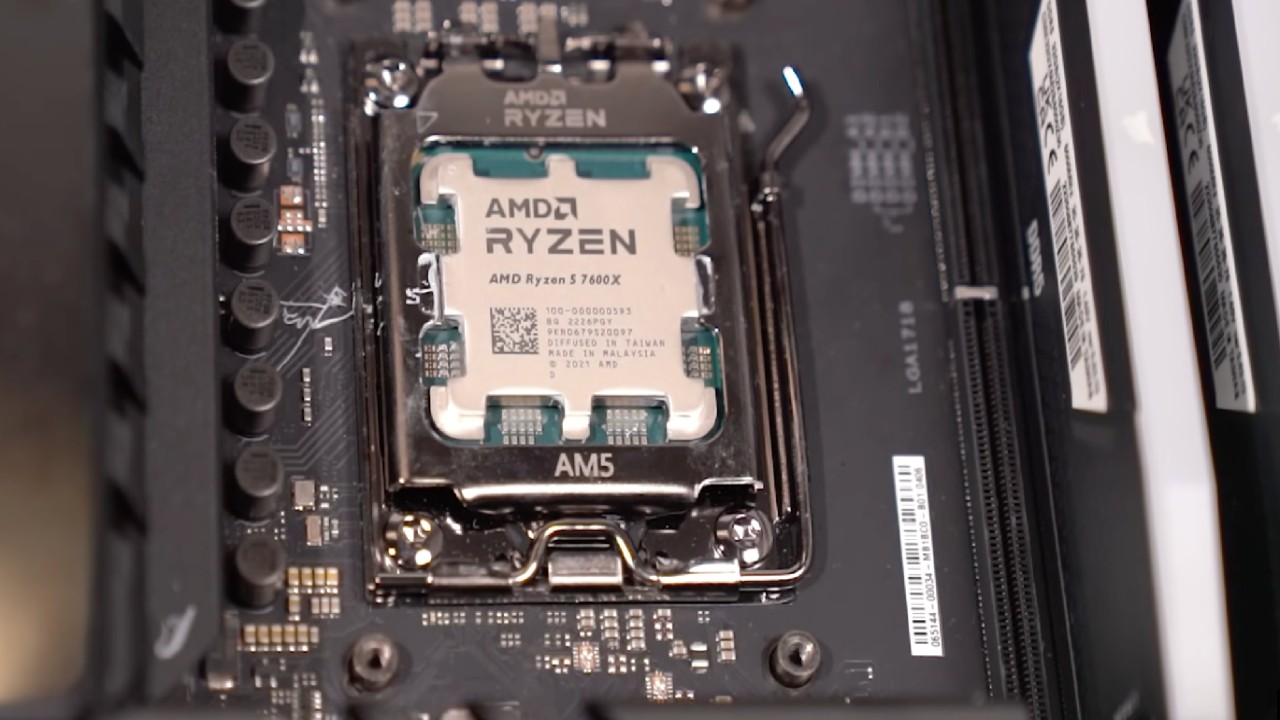
Ryzen5 7500X3D or 7600X3D are also options. The extra 3D V-Cache makes gaming much better, even on 6-core processors. You have to choose between raw gaming FPS and a wider balance and long-term flexibility for the same price as an 8-core 7700X.
High-End Gaming Sets
High-end computers can upscale to 4K or use ray tracing to obtain 1440p. RX 9070 and RX 9070 XT are the main choices at this price range. 9070 XT works like the 5070 Ti, except it costs less and is easier to find. RX 9070 is a good option, depending on the price differences. They both have 16GB of VRAM and support FSR4.
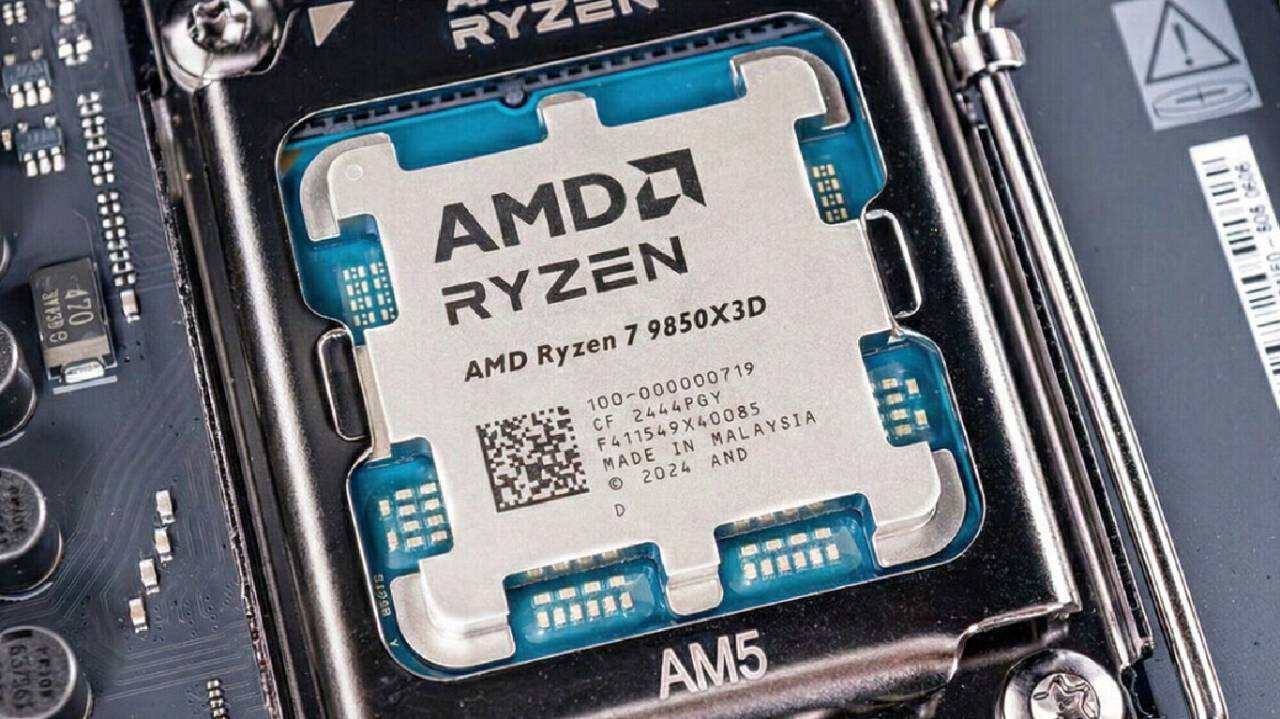
When used with a Ryzen 9700X or 7800X3D CPU, these GPUs work well. 9800X3D is even better for gaming. 9850X3D is about 3% better than the 9800X3D, and the 9950X3D is more focused on balanced gaming and multi-core performance.
Final Thoughts
If you don't care about value, you can choose among the 5070Ti, RTX 5080, and RTX 5090. These GPUs offer higher frame rates and better ray tracing, and the 5090 has more than 16GB of VRAM. But the price makes it hard to buy them just for gaming.
For CPUs, the 9800X3D and 9850X3D are still good alternatives for gaming. 9950X3D is the best choice for both gaming and intensive multi-core workloads. You could also consider a Core Ultra 9 for some tasks, but you should base your choice on benchmark results for the applications you plan to use.
The basic idea behind all budgets is still to balance the CPU and GPU. Matching the capabilities of each item ensures the frame rate potential is fully realized without spending too much on one part at the expense of the other.
Also, check our other hardware articles:
- AMD Ryzen 9 9950X3D Review: Setting The Standard For 2025 Gaming CPU
- Amazon Luna 2025 Review: Is Prime Gaming's Cloud Service Your Go-To For Casual Fun?
- AMD RX 9070 XT Review: AMD's RDNA 4 Champion for 1440p Gaming
- GeForce Now Ultimate: Ditching Your Gaming PC For Cloud RTX 4080 Power?
- NVIDIA GeForce RTX 5080 Review (2025): Still A 4K Gaming Powerhouse?
- Intel Core Ultra 9 285K Review And Performance Breakdown (2025)
- AMD Ryzen 7 9800X3D Review: 3D V-Cache Goes God Mode with Stunning Gaming Performance
- Intel Core Ultra 9 285K vs AMD Ryzen 7 9800X3D: In-Depth Gaming Performance and Benchmark Comparison
- NVIDIA GeForce RTX 5080 Super Performance In Cyberpunk 2077: Path Tracing & DLSS 4.0 Tested
- AMD Radeon RX 9070 XT In Cyberpunk 2077: Ray Tracing & FSR 4.0 Tested
- Intel Arc B580 Review: The $250 GPU Revolutionizing 1440p Gaming
- Intel Arc B570 Vs. B580: Value, Specs, And Real-World Gaming Performance
- RTX 5090 Laptop Vs. M4 Max MacBook Pro: Ultimate Raw Performance Vs. Battery Endurance
- Intel Arc b580 Vs. RTX 4060: Game Performance And Value Analysis
- RTX5090 Hell Is Us Demo 4K Ultra Benchmark: DLSS Vs. Native Performance Guide
- NVIDIA RTX 5070 Review: Mid-Range Muscle or Marketing Hype?
- Nintendo Switch 2 Review: Handheld Performance, Features & Value Breakdown
- RTX 5070 Ti Review: Performance, Thermals & Power Efficiency Tested
- Samsung Odyssey OLED G81SF Review 2025: Ultimate 32-Inch QD-OLED Gaming Monitor
- AMD RX 9070 Performance Review: Thermals, Clocks, and Real-World FPS
- AMD Ryzen 5 7600 Review: Best Budget Gaming CPU of 2025?
- AMD Radeon RX 7800 XT Review: RDNA 3 Power For Midrange Gaming
- Asus ROG RTX 5090 Astral OC Vs. Founders Edition: The 4K Gaming Benchmark
Editor, NoobFeed
Gaming Hardware Updates
No Data.