
JSAUX Steam Machine Faceplate Raises Product Reliability Concerns
JSAUX Steam Machine pixel matrix Faceplate faces criticism over USB power issues, display glitches, and design limitations.
Hardware by Nahe Yan on Oct 17, 2026
JSAUX Steam Machine Pixel Matrix Faceplate adds a customizable front display that lets users monitor system performance, check the weather, display a clock, track game time, and show pixel art or animated GIFs. However, problems with USB power consumption, display glitches, and software behavior have raised concerns about the product's design and reliability.
JSAUX Steam Machine faceplate comes with a pixel matrix display, while another version uses an e-ink screen. Both share similar use cases, letting the Steam Machine's blank front panel do more than keep dust out. The idea is to turn the front of the gaming PC into a customizable display showing system performance statistics, weather information, a clock, a game timer, pixel art, or an animated GIF.
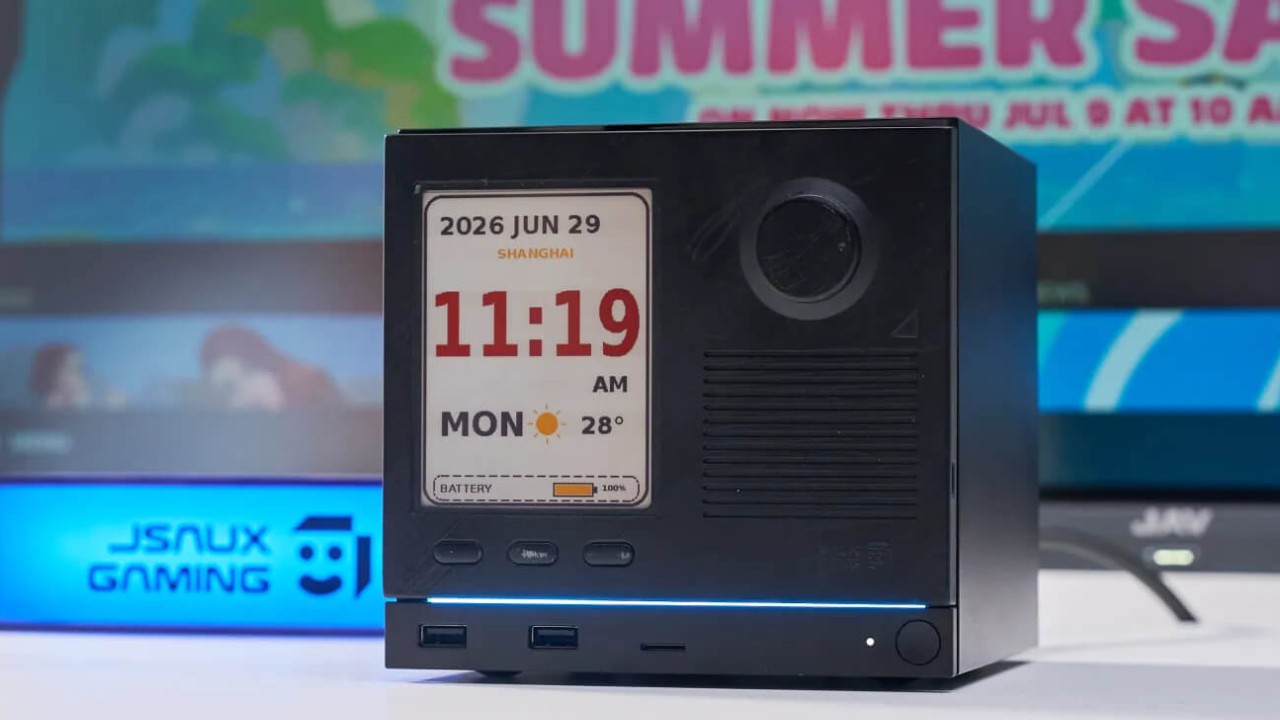
Faceplate Adds a Customizable Display
At just under $100, the product needs to deliver a reliable experience rather than rely on the hype surrounding Valve's new hardware. The main question is whether the faceplate adds real value to the Steam Machine or whether its design and implementation create more problems than they solve. JSAUX designed a replacement faceplate that adds a pixel matrix display to the front of the system.
It attaches magnetically, like the stock panel, and uses a Ulat cUSB-C-to-USB-A cable to receive live system information. The cable adds a visible connection, but the display becomes part of the machine, offering a customizable look and access to information users may want to monitor. For performance testing, the display can show system utilization without requiring an in-game overlay.
CPU, GPU, and memory usage can remain visible on the front of the system while gameplay footage stays free of monitoring overlays. Similar functionality is available through screens integrated into all-in-one liquid coolers. One early issue is how the display handles frame rate information. Instead of showing the actual frame rate, JSAUX displays the screen's refresh rate.
For example, the display shows 120 when the connected screen is configured to run at 120hz. That number remains static during gameplay and provides no information about the actual frame rate. The refresh rate is already known because it is configured in advance, so its constant presence on the display is of limited practical use.
Pixel Matrix Display Freezes and Disrupts USB Devices
Within 10 minutes of installing the software and testing the display, the device encountered a problem while handling animated GIFs. The display glitched and failed to show the complete animation, instead displaying random visual artifacts at the loop point. Disconnecting and reconnecting the device did not resolve the issue. Restarting the system also failed to restore normal operation.
The problem extended beyond the display itself. Whenever the pixel matrix was connected, the USB mouse receiver and other USB devices stopped working. The display appeared to disrupt USB functionality across the same machine, preventing connected peripherals from working normally. The software also stopped responding to the display.
Forcing the device into another mode did not resolve the problem. However, connecting the display directly to a USB power adapter allowed the animation to play and loop correctly. The glitching occurred when the display was connected to the Steam Machine, suggesting the problem was related to its operation over the computer's USB connection.
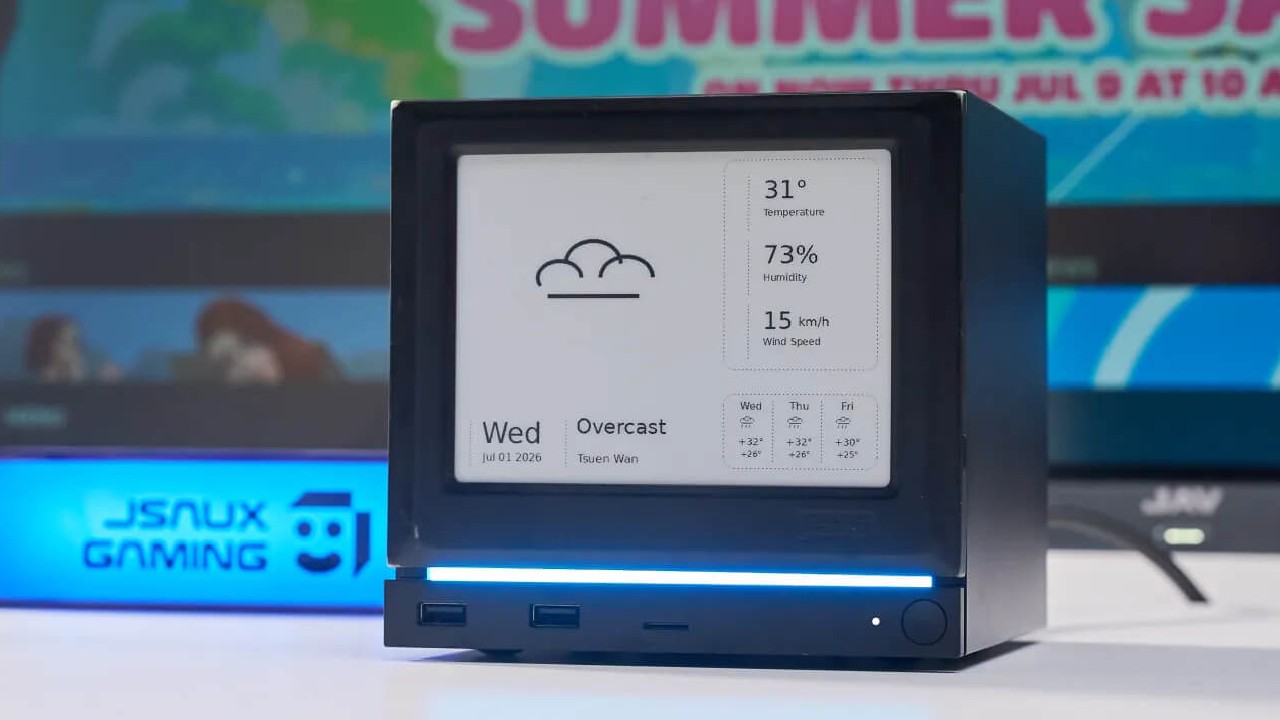
The suggested workaround raises concerns about the product's intended use.
The faceplate is designed to attach to the Steam Machine and uses a custom flat USB cable to connect the display to the system. JSAUX's own product imagery shows the display connected to the rear of the Steam Machine. However, the support team explains that displaying high-power images could cause the device to malfunction when connected through that rear port.
The problem is that the display is advertised as a full-color device capable of showing images and animated GIFs. If certain image content exceeds the available USB power, the display may not operate as expected in the advertised configuration. Connecting the display to a front USB-A port reportedly restores normal operation, but the cable is not designed for that arrangement.
You must twist it to reach the front connection, which can strain the cable over time. The cable's position can also block the neighboring USB port when connected to the leftmost port, depending on how it has to be routed. This creates another inconvenience for users who need access to the front USB connections.
Editor, NoobFeed
Gaming Hardware Updates
No Data.