
Lenovo Legion Go 2 Gets Major Updates: Legion Space, Drivers, SteamOS, and More
Lenovo continues pushing frequent Legion Go 2 updates, focusing on software refinements, security patches, driver maintenance, and operating system flexibility.
News by Tanisha Aria on Jan 09, 2026
Lenovo sent out a surprising number of fixes for the Legion Go 2 between Christmas and New Year's. These updates include important security fixes, new driver lists, and new information about SteamOS support. There are also big changes to the software inside Legion Space.
Besides all that, there's a useful hardware change that anyone who uses a grip case should know about. When you look at all of these changes together, you can see where Lenovo is going with the Legion Go 2 environment.
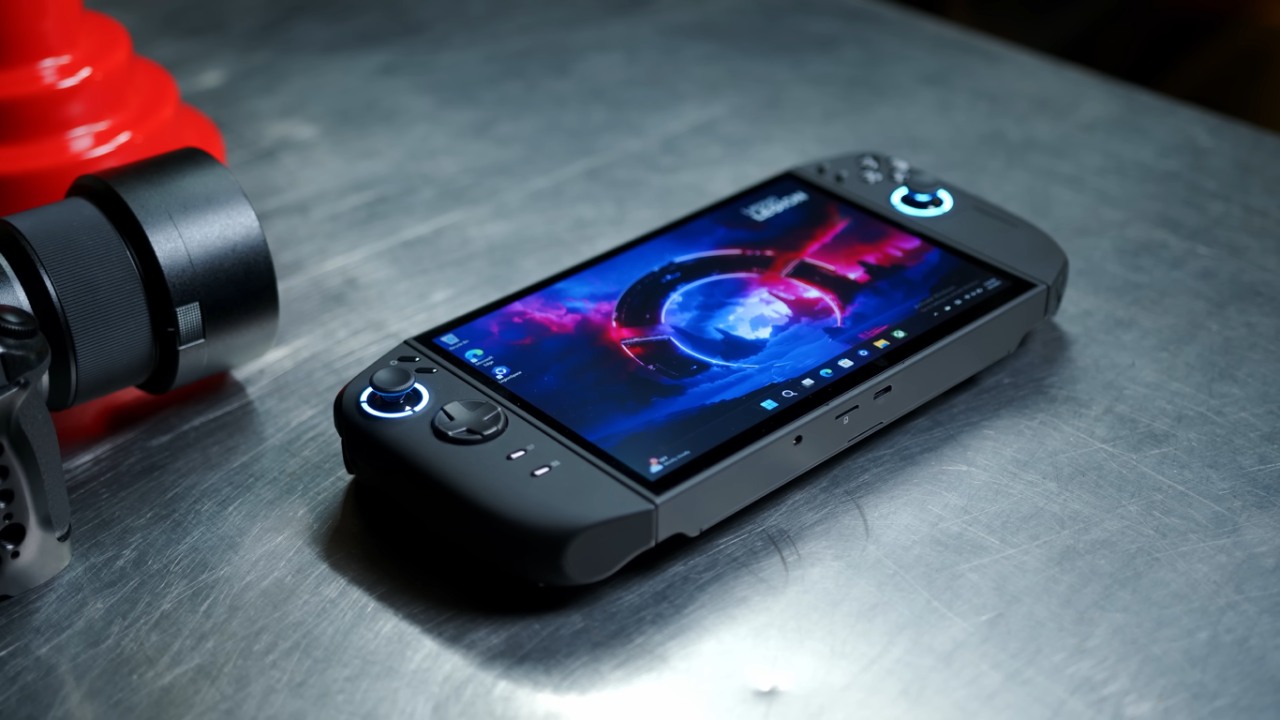
For many users, the first change they saw was that Legion Space had to be updated. A large update, about 500 MB, appeared as soon as Legion Space opened. This update has a clear goal: getting Legion Space ready for proper integration with the Xbox Full Screen Experience.
Before the new Legion Space update, the Xbox Full Screen Experience had to be installed by hand. Now, official shortcuts and better system-level support are included. We used to have to use custom button rebinding to get to things like the task switcher by pressing Windows+Tab or Windows+G. Now, the experience is more efficient.
If you press and hold the R menu button, a new screen will show up. This is a real improvement in usefulness, and it makes navigation better right away. The normal side menu can still be opened as before, but there is now a Windows FSE toggle in Quick Settings. This lets you turn on or off Windows Full Screen Experience without having to go through more complicated options.
Legion Space has also added a new menu called "Game Bar."
A new Function Shortcut area appears when you go to Controllers, then Button Mapping. The R button can be moved from the R menu to the Xbox Game Bar here.
If you set it up this way, hitting the R button will bring up Game Bar with a Legion Space panel. It's too bad that this application is so limited. This panel only has simple settings, with power modes like Quiet, Balanced, and Performance. If you try to change the settings, you'll be taken back to the main Legion Space app.
You can turn on and off features like controller vibration, lighting effects, tablet support, and key mapping, but most of these are rarely changed. The only really useful choice here is to enable touchscreens. Importantly, this way of using Game Bar totally replaces the R menu, so you have to pick between them.
As a workaround, you should assign the Game Bar to the short-press feature while leaving the R menu alone. You can keep using the R menu and get to the Game Bar when you need to by setting Windows+G to another button. This setup is the most balanced, and you don't lose the more complicated controls on the R menu.
Of course, there are still annoying limits. In this way, only the R button can be changed; the other buttons stay locked. You can't map a single Xbox button to a single input; you have to use a button combo. You can't fully remove some default settings either. These limits make the customizable system feel like it's missing some features and isn't quite finished yet.
At least the new press-and-hold rotation lets you use other buttons in new ways. We've set up one button to automatically open the AMD Adrenaline app. This makes it easy to get to the GPU settings, even when you're in Xbox Full Screen Experience.
AMD Adrenaline starts right away with a single press. Then, hold down the R button to bring up the carousel again. This makes it easy to switch between tools. This level of adaptability is very helpful, and it shows that Lenovo is going in the right direction, even if the execution still needs work.
The Legion Space interface doesn't seem to go all the way through. The Game Bar panel isn't deep enough, and you can't combine the two into a single, powerful layer. If Lenovo wants this to reach its full potential, it needs to add more tools and let you make more changes.
Lenovo has also put up a very important update on its support page, along with Legion Space.
A listing called Lenovo MFG Stat Log Clean shows up as an important fix under Software and Utilities.
This tool removes any extra files from the original Windows image that could be used against you. It's easy to set up: just download it, run it once, and then delete the program. This fix should really be done.
The driver situation, on the other hand, is much less clear. If you sort drivers by when they were released in the last 30 days, you'll see a long list of changes from December 31. These include audio, BIOS, Bluetooth, card reader, and even VGA drivers. Even so, Legion Space itself says there are no changes available.
Reports from the community say that Lenovo may have accidentally reset release dates during back-end maintenance on the support page.
Many people found that the version numbers matched drivers they already had installed, but some had trouble installing it. Because of this, it is safer to wait to install most of these drivers until Lenovo clarifies or pushes them through Legion Space.
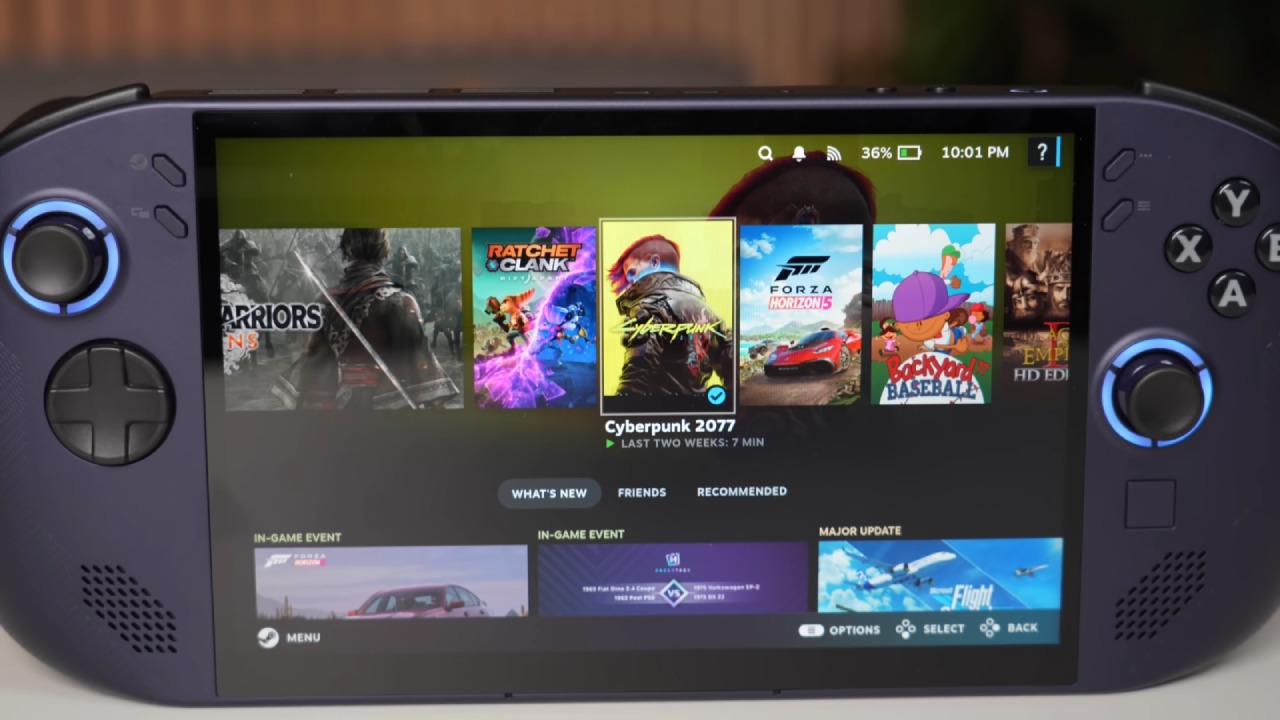
One of the most exciting changes is that SteamOS support for the Legion Go 2 has been confirmed again. Product listings in several countries now make it clear that the product works with both Xbox and SteamOS.
In real life, Xbox support means Windows 11 with the Xbox Full Screen Experience, and SteamOS support means an official operating system from Valve.
It looks like Lenovo will only ship one Legion Go 2 model, not different Windows and SteamOS versions. The hardware looks the same, and the user can choose which running system to use. It's not clear how pricing will work, since Windows licensing costs are usually baked into device pricing.
Lenovo will likely offer a SteamOS image on its help page so users can flash it themselves. It should also be possible to set up dual-boot systems with some manual work. This is especially good for people who like SteamOS for single-player games because it works well and is easy to use.
.jpg)
Support for HDR is still the biggest problem for now.
Many people will wait to switch until SteamOS fully supports HDR on this hardware, which makes sense. Full driver and feature parity will be important for the Legion Go 2 to run SteamOS.
Finally, there is a simple hardware change that works well, which is worth discussing. Many people are interested in the well-known grip case compatible with the Legion Go 2. It does a good job of protecting the device. Still, it can be annoyingly tight, especially when taking it off often for desk mode.
By carefully cutting away parts of the grip case with a knife, such as the top edges and the thumbstick spaces, the fit improves significantly. This keeps the thumbstick caps from rubbing against the case and makes taking off the case easier on the triggers. After being changed, the device can be quickly inserted and removed without breaking.
There may be some lifting at the sides of the case, but that's easy to fix with a little double-sided tape. This change makes everyday use much easier for people who often switch between handheld and tabletop modes.
Lenovo is working hard to make the Legion Go 2 experience better with these updates, even if some features still feel unfinished. Legion Space is changing, security concerns are being addressed, and finally, real SteamOS support is becoming apparent.
The Legion Go 2 could become one of the most flexible handheld PCs this year if it got better driver support and more customization options.
Contributor, NoobFeed
Related News
No Data.