
The Mound: Omen of Cthulhu Guide | How the Block Mechanic Works
Here's a guide on how to use the Block mechanic in The Mound: Omen of Cthulhu.
Game Guide by Jubair Baky on Jul 30, 2026
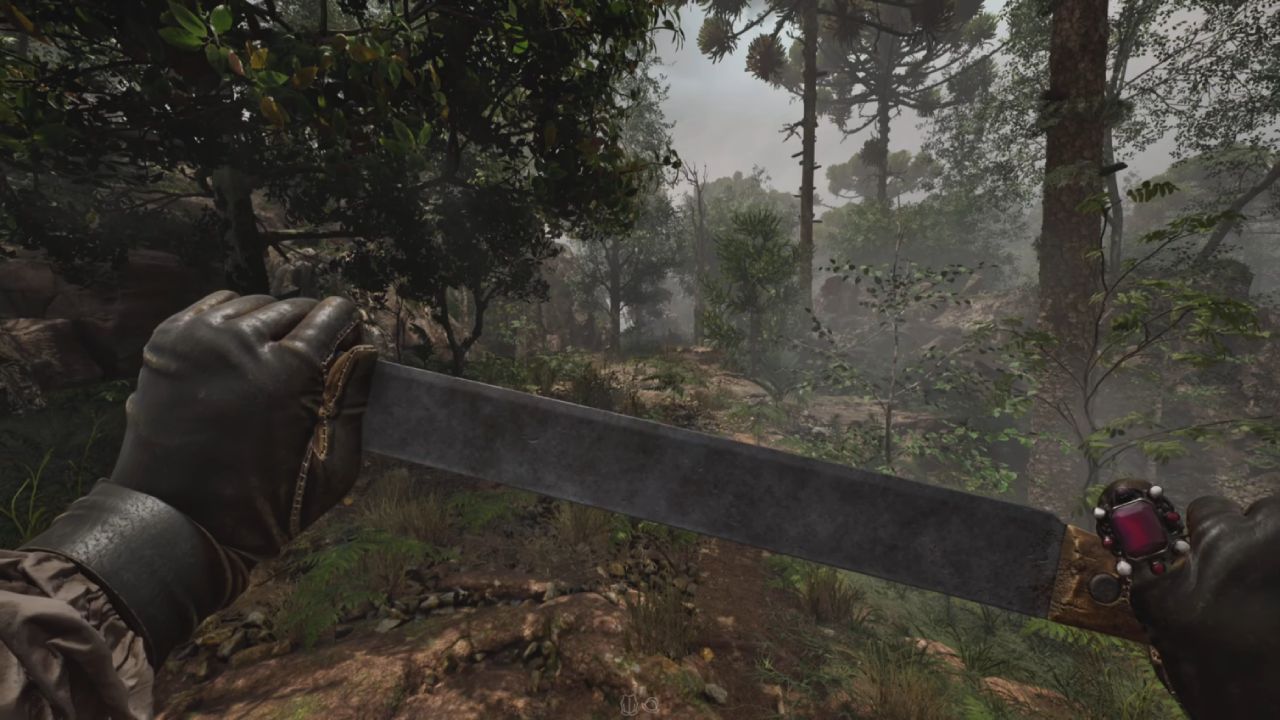
Patch 1.02 added the Block mechanic to The Mound: Omen of Cthulhu, giving you a defensive option beyond relying on Armor. The same update changed some controls and introduced a visible Stamina bar, so learning the new layout is important before entering another expedition.
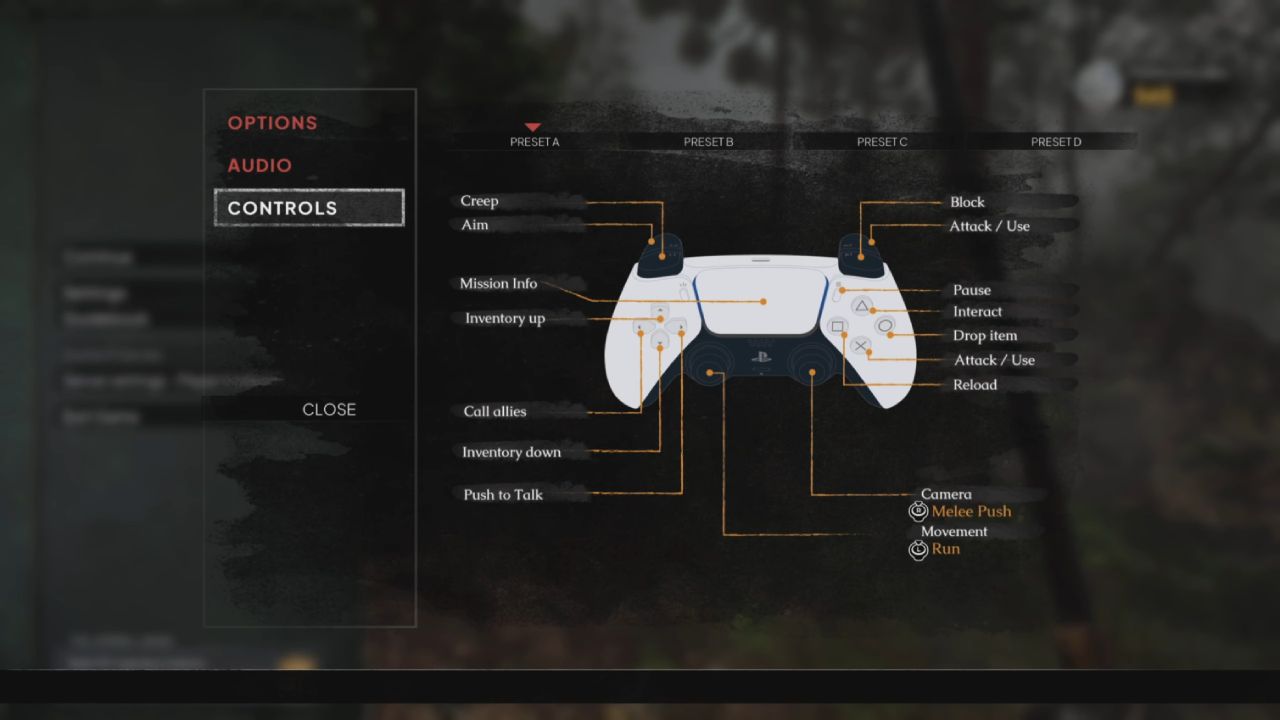
Block is assigned to Q on the keyboard and RB or R1 on a controller by default. On PlayStation 5, press R1 to block with an equipped melee weapon. Check the Controls menu if you use custom bindings or another platform, as your displayed prompt is the most reliable reference.
Use the Remapped Radial Wheel
The controller change also affects the Radial Wheel used to call teammates and the ox-wagon. On PlayStation 5, press and hold Left on the D-Pad to open it. This replaces the previous input because R1 is now reserved for Block.
Manage Stamina While Blocking
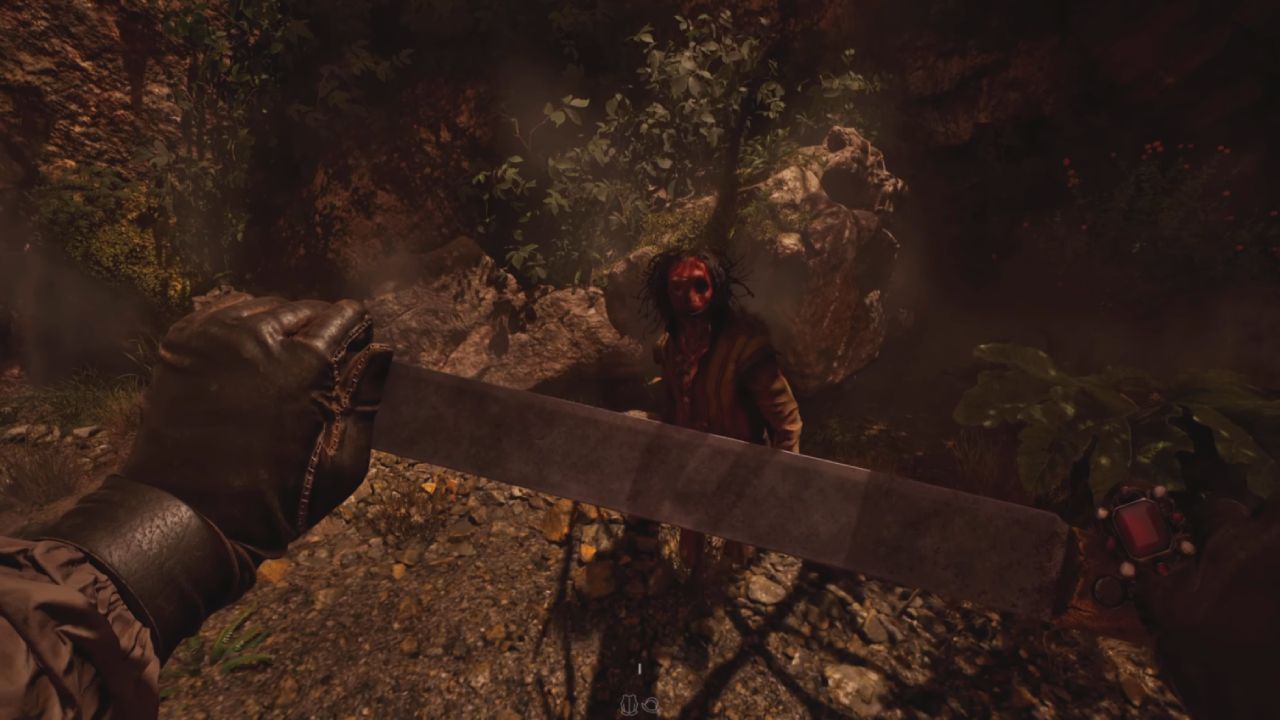
Holding Block consumes Stamina. Watch the Stamina bar rather than remaining defensive through every attack. If the bar empties while you are blocking, the impact can knock the melee weapon out of your hands, leaving you vulnerable and forcing you to recover it during combat.
Block Only When an Attack Is Coming
Use Block for short defensive windows, then release it so Stamina can recover. This is safer than holding the input continuously. Weapon-specific blocking differences are not clearly explained, so avoid assuming that every melee weapon will handle repeated impacts equally well.
Use Q, RB, or R1 to block incoming attacks, but release Block before your Stamina empties and your melee weapon is knocked from your hands.
FAQ
Q. What is the default Block button?
A. The default input is Q on Keyboard and RB or R1 on a controller, although custom bindings may differ.
Q. What happens when Stamina runs out while blocking?
A. Your equipped melee weapon can be knocked from your hands, interrupting your defence and leaving it on the ground.
Q. How do you open the Radial Wheel on PlayStation 5?
A. Press and hold Left on the D-Pad to call teammates or the ox-wagon after the control remapping.
Also, check our The Mound: Omen of Cthulhu Review and other guides below:
- The Mound: Omen of Cthulhu Beginner’s Guide | Tips You Need to Know
- The Mound: Omen of Cthulhu Guide | How to Complete the Portal Mission
- The Mound: Omen of Cthulhu Guide | How to Use the Medallion to Find Loot
- The Mound: Omen of Cthulhu Guide | How to Complete the Remedy Run
- The Mound: Omen of Cthulhu Guide | How to Find Logbooks Quickly
- The Mound: Omen of Cthulhu Guide | How to Find the Cliffs of Ibarra Tulu Cylinder
- The Mound: Omen of Cthulhu Guide | How to Revive Teammates with Ammonia Salts
- The Mound: Omen of Cthulhu Guide | How to Cure Centipede Parasites
- The Mound: Omen of Cthulhu Guide | How Extra Knives and Rank Rewards Work
- The Mound: Omen of Cthulhu Guide | How to Complete a Portal Contract
- The Mound: Omen of Cthulhu Guide | How Weapon Upgrades Work with the Anvil
- The Mound: Omen of Cthulhu Guide | How Patron Saints System Work
- The Mound: Omen of Cthulhu Guide | How to Unlock the Mound
- The Mound: Omen of Cthulhu Guide | How Isolation Works
- The Mound: Omen of Cthulhu Guide | How to Avoid Blood Moons
- The Mound: Omen of Cthulhu Guide | Sanity System Explained
- The Mound: Omen of Cthulhu Guide | How to Stop Enemy Revives Using the Root Mechanic
Editor, NoobFeed
Latest Articles
No Data.