
Xbox Ally X Durability Test and Full Tear-Down Analysis
A full examination of the Xbox Ally X performance, construction quality, component accessibility, and overall handheld functionality
Hardware by Shinji Okazaki on Dec 11, 2025
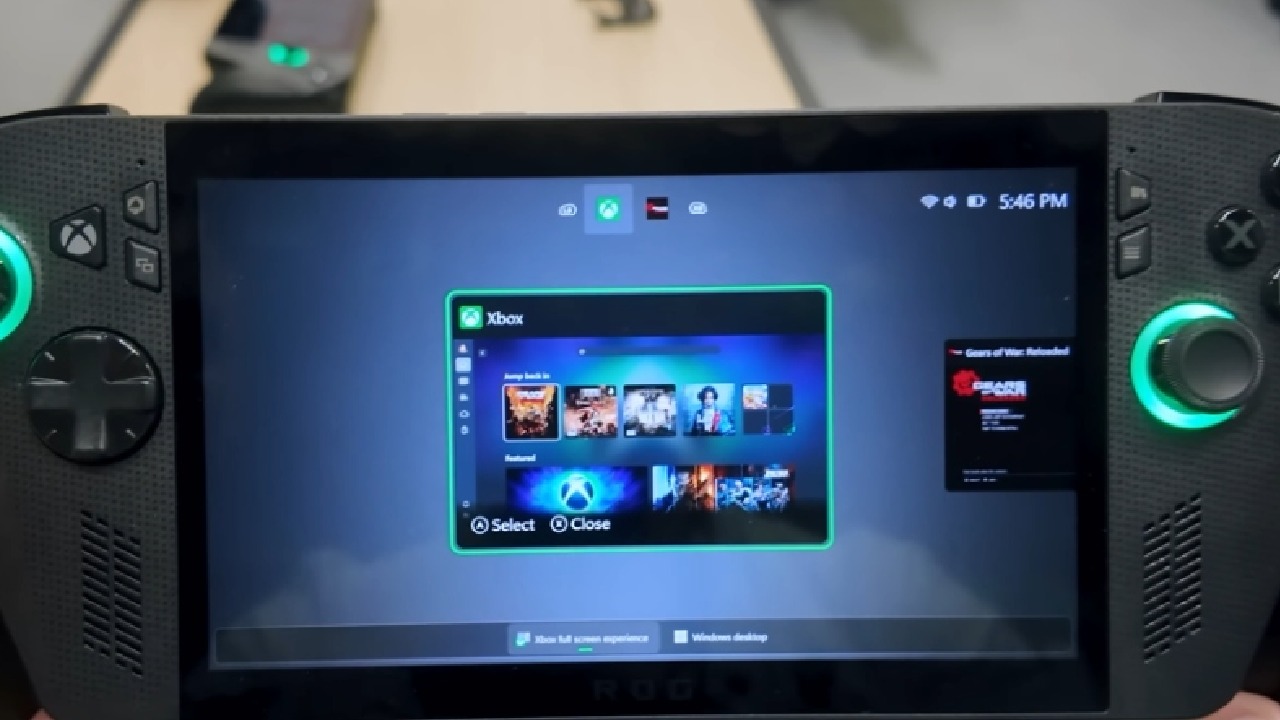
Xbox Ally X is a $1,000 handheld gaming device, a portable Windows-based system made in partnership with ROG. The device comes with a 65W charger and a set of paper-based inserts. It looks like a little laptop with fewer controls.
The display is rated at 500 nits, though the actual output may vary depending on the content. The exterior features extensive ROG branding, and the grips are textured with repeated lettering. The screen is made of Gorilla Glass Victus, which is scratch-resistant up to level six and develops deeper grooves at level seven.
.jpg)
Without a plastic cover, the screen is clearer, but it is also more likely to break. Dbrand sells two glass screen covers that are olophobically coated.
Observations about Buttons, Build, and Materials
We can see transparent buttons all around the portable, but matte buttons, like those on the Switch2, may wear down differently. The rubber sleeve on the joysticks could come off over time. The rest of the buttons, the directional pad, and the outside materials are all made of plastic.
This includes the regions around the USB-C ports, volume controls, vents, microSD card, headphone socket, and fingerprint power button. The choice of materials is worth considering at $1,000, even though controllers have been around for a long time.
Switch2 is made of plastic, too, but it costs half as much. You can choose whether a higher-end build or a cheaper cost would have been better.
Type of Display and Performance of Structure
The 7-inch 1080p display uses IPS LCD technology, as shown by how the pixels behave under pressure. The system can seem overpriced when compared to other options, including the Steam Deck OLED, which costs $550.
The device is built such that it won't bend from either side. Its robust frame and stiff plastic construction mean it won't be permanently damaged if twisted. Manual stress testing preserves the console's integrity.
Parts and Layout Inside
8 Phillips screws that are easy to reach to start the unit's opening process. Zif connectors connect the back buttons to the motherboard under the rear panel. Molded hexagonal shapes are used in internal grips. The 80Wh battery runs the full length of the unit and comes off easily.
M.2 SSD is also modular and may be secured with just one screw. Two turbo-style fans keep the Ryzen AI2 Extreme processor cool. Instead of Hall-effect sensors, the joystick modules use potentiometers.
This means that mechanical wear might cause long-term drift. The Switch2 has very similar potentiometers. Triggers come as whole pieces with springs inside.
The speaker has a protected case with a big enclosure. There are two haptic vibrators on each side. A vapor chamber and fin system circulates air to remove heat from the processor.
After removing two screws, the display ribbon, and the power button connector, the motherboard comes off. There don't seem to be any Easter eggs inside. The headphone jack and microSD slot are soldered to the board, and the LCD is permanently attached to the casing, so if it breaks, the whole screen needs to be replaced.
Final Thoughts
Putting the motherboard back together, reinstalling the cooling assembly with the thermal paste already in place, securing the joysticks, speaker, vibrators, fans, SSD, and batteries, and then reconnecting all the ZIF ribbons are all part of the process.
After putting the system back together, it works again. You might like the modularity because it's easy to fix, or you might think about other options based on your gaming preferences.
Dbrand's KillSwitch case and other protective accessories add extra protection, joystick covers, and a travel cover that won't break. When you buy a screen protector with the holiday deal, you may save $45.
Also, check our other Handheld articles :
- ASUS ROG Ally X Handheld Review: Double the Battery, Double the Comfort
- Nintendo Switch 2 Vs. Original Switch 1: A Full Comparison
- How To Connect A Camera And Join Voice Chat With Nintendo Switch 2
- Nintendo Switch 2 Review: Handheld Performance, Features & Value Breakdown
- ROG Xbox Ally X Vs. ROG Ally X: Display, Battery & Controls
- ASUS ROG Ally X vs. Steam Deck OLED: Display, Battery & Gaming Benchmarks
- MSI Claw 8 AI+ Review: Display, Controls & Gaming
- Nintendo Switch 2 vs. Steam Deck OLED: Gaming, Performance, Battery, Display and Value
- PlayStation Portal Review: Remote Play, Cloud Streaming & Travel Gaming
- PlayStation Portal vs. Lenovo Legion Go: Best Portable Gameplay
Editor, NoobFeed
Gaming Hardware Updates
No Data.