
Jurassic World Evolution 2 Guide | How to Increase Appeal Rating Fast
A simple, practical guide to boost Appeal Rating by improving Dinosaur Visibility and keeping guests seeing your animals.
Game Guide by Jubair Baky on Feb 10, 2026
In Jurassic World Evolution 2, your park’s Appeal Rating is sometimes shown as Asset Rating, depending on the map. The label can change, but the idea stays the same. Your rating rises when guests see dinosaurs. It drops when dinosaurs are out of view.
If a dinosaur cannot be seen for too long, it can start dragging your appeal down. In many cases, it is not worth keeping dinosaurs hidden because unseen animals do not help your park’s score.
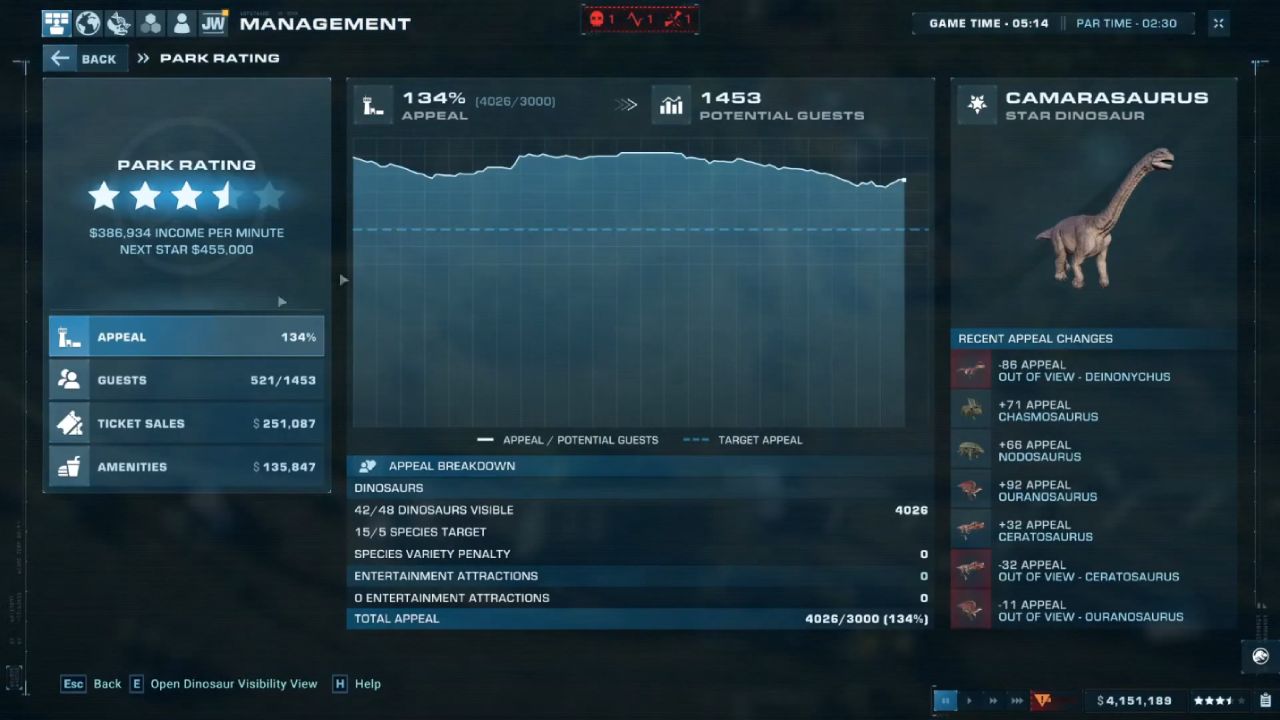
Why Visibility Matters More Than You Think
When a guest's view changes, the appeal changes quickly. The more people who see a dinosaur, the more appealing you become. People may not be as interested in you when dinosaurs move into blind spots. This may happen even with strong species that have a lot of charm. If people can't see the big dinosaur, it doesn't do anything. If you see sudden drops, the issue is usually easy to fix: the dinosaurs are going to places where there aren't any good watching spots.
Use Management View to Find Hidden Areas
The fastest way to fix an appeal loss is to check visibility coverage. Open the Management View, then select Dinosaur Visibility. This overlay helps you see which parts of the park guests are not paying proper attention to. Areas that are not covered are where dinosaurs can disappear from guests' sight, even if the enclosure is active and full.
When you expand paths, add scenery, or reshape an enclosure, it is easy to create a “dead zone” where dinosaurs walk, but guests do not have a clear angle. If you recently built a new section and your rating started dipping, that new build is a strong suspect. The visibility overlay makes it obvious where you need to add viewing coverage.
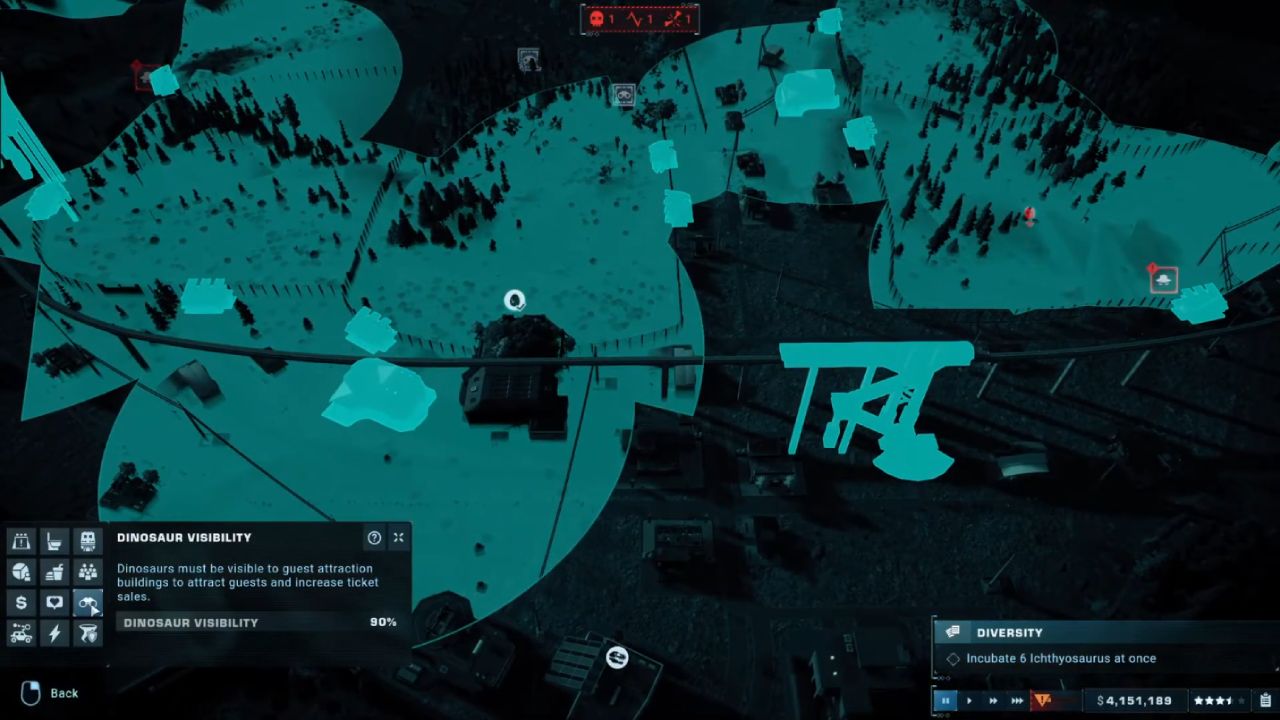
Fix Blind Spots With Better Viewing Coverage
The answer is easy once you see the areas that are not covered. To let guests see more of the enclosure, add a new Viewing Gallery or another viewing structure. Change the plan if water or the ground obstructs sightlines. Filling in water, changing the shape of boundaries, or repositioning a building can give you different ways to see it. The idea is to get dinosaurs to spend more time in areas where guests can view them.
If one corner keeps staying dark on the visibility overlay, treat it as a priority. A single poorly viewed section can cause repeated appeal drops because dinosaurs naturally wander. Your park will feel more consistent when guest sightlines cover the full habitat.
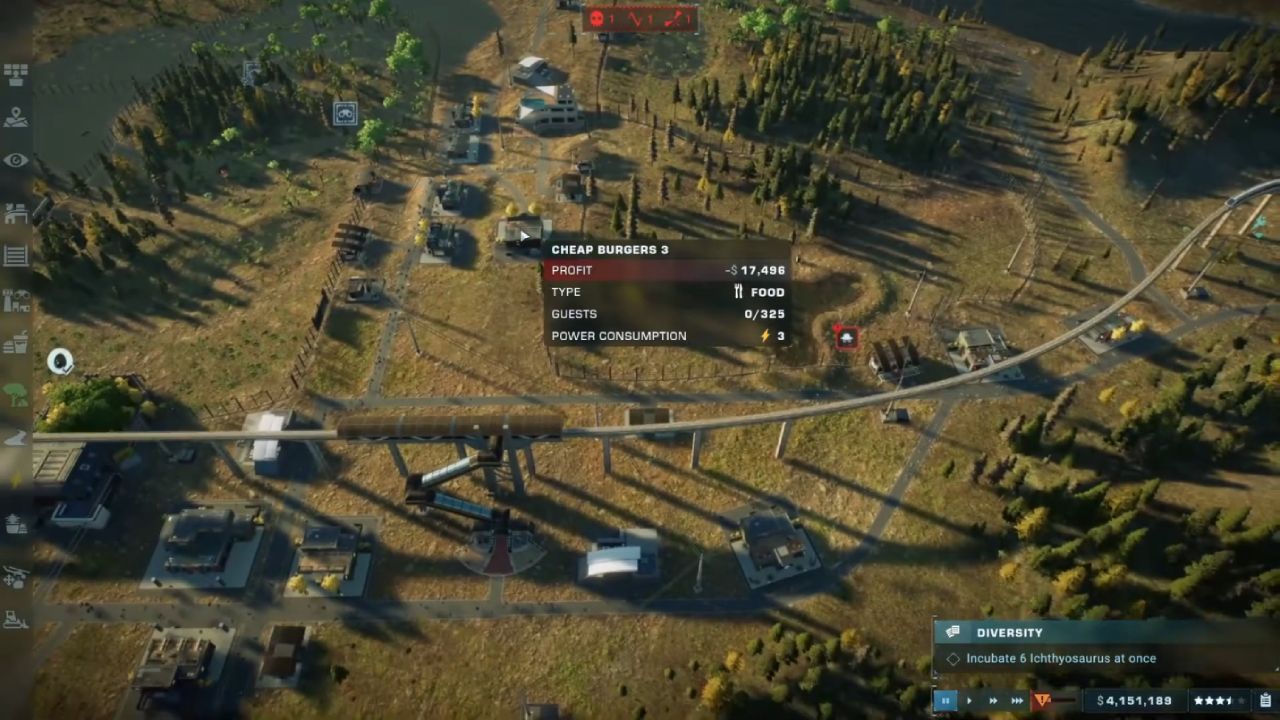
Check “Target Appeal” Details for What’s Visible
Return to the appeal details after you have enhanced visibility. To further understand which dinosaurs are visible and how it impacts your progress, refer to the Target Appeal section. You still have a coverage problem if the data suggest that just some of your dinosaurs are getting seen. Keep changing your viewing positions until the values climb more reliably and visibility gets better.
This is really useful for challenge runs. Appeal can stop even on easier settings if the sightlines aren't good. When visibility is fixed, filling the appeal meter is significantly easier because you don't lose points to hard-to-see dinosaurs.
Quick Mental Rule to Maintain High Appeal
The appeal remains strong if people can often see dinosaurs. Dinosaurs lose their attractiveness if they spend too much time out of sight. Use Dinosaur Visibility whenever you create new trails, add to habitats, or notice a significant decline in ratings. Adding another dinosaur that guests don't see very often might not be worth as much as a simple increase in viewing in the correct area.
Also, check our Jurassic World Evolution 2: Dominion Biosyn Review
Editor, NoobFeed
Latest Articles
No Data.