
Solarpunk Guide | How to Change Airship Color
Here's a guide on how to change airship color in Solarpunk.
Game Guide by Rubaiyat Shihab on Jun 23, 2026
Once you've unlocked the colors you want for your airship, you can change it up with Solarpunk, and it doesn't take long. This guide covers how to do it.
What You Need First
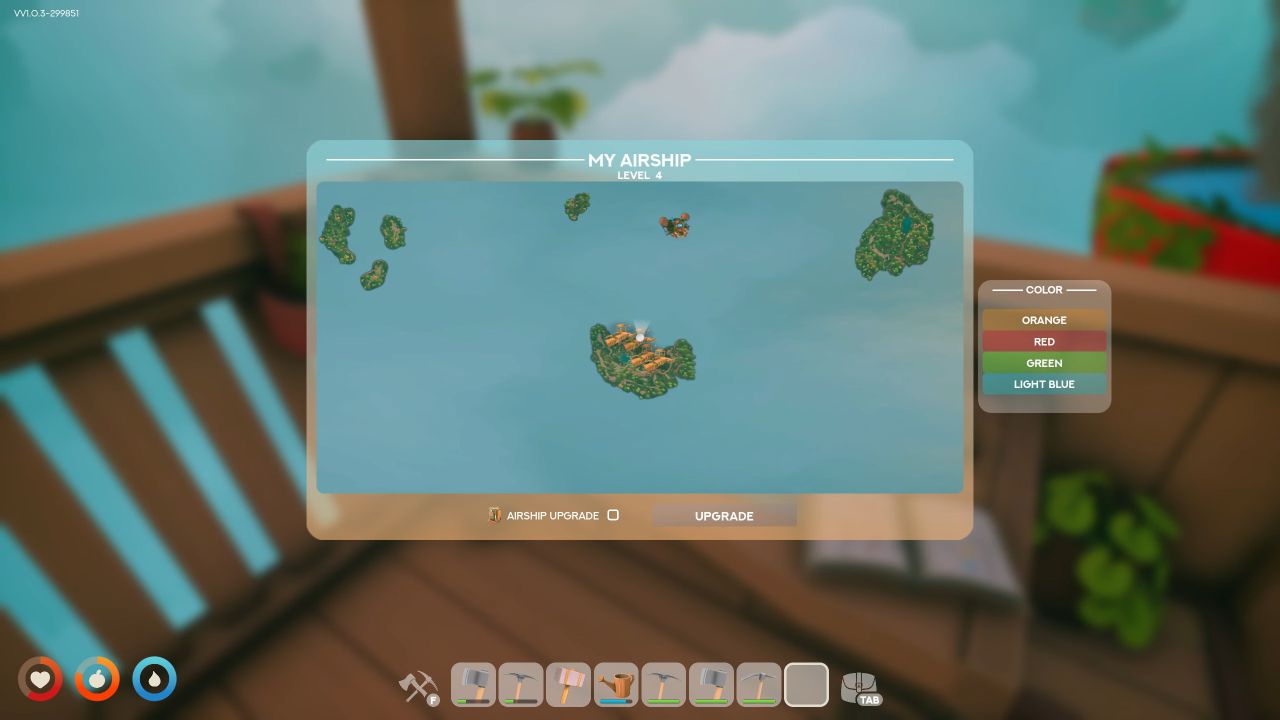
You must unlock colors in the Vending Machine before you can change them. If those unlocks aren't in place, there's nothing to switch to, so that's the first step to take care of.
Changing the Color
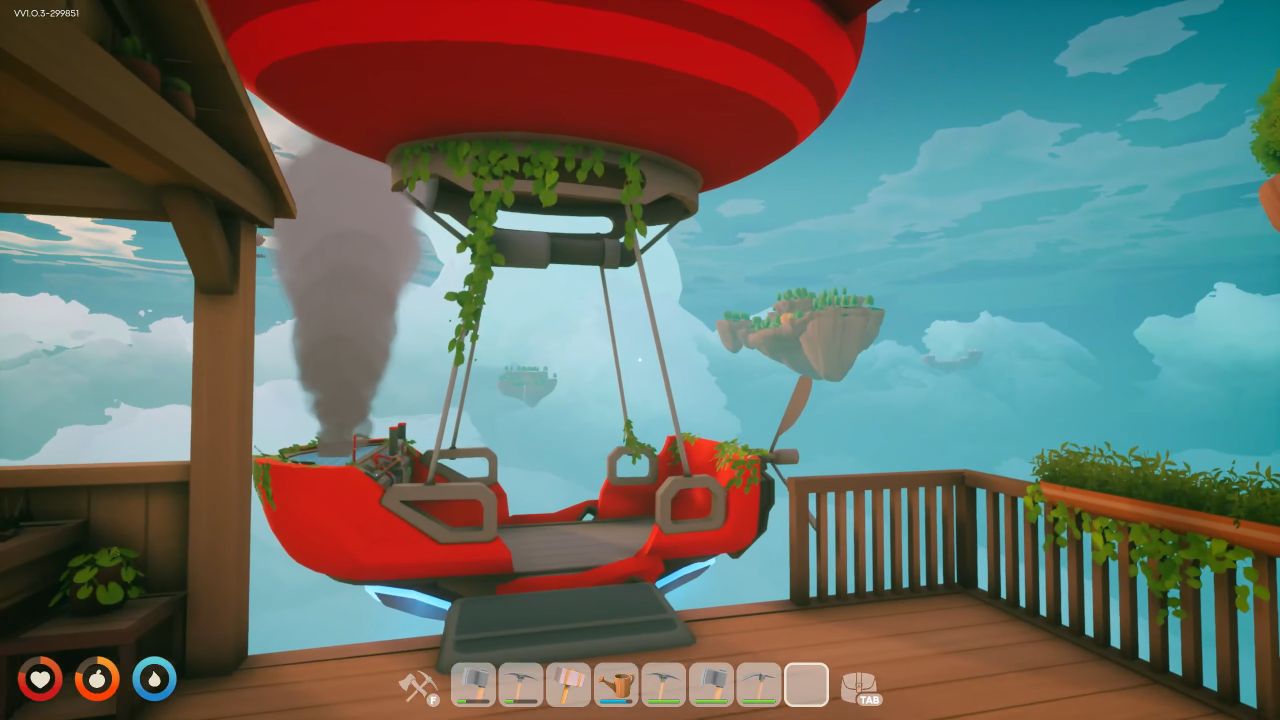
After you've acquired a few Vending Machine unlocks, go to your Airship Station. From there, you can change the color of your airship directly. The change occurs immediately and the final result is quite different from the original airship.
Also, check our other guides below:
- Solarpunk Guide | How to Move Items Between Island
- Solarpunk Guide | How to Take Care of Sheep
- Solarpunk Guide | How to Take Care of Pigs
- Solarpunk Guide | Cobalt Ore Location
- Solarpunk Guide | How to Use Recycler
- Solarpunk Guide | How to Use Drones
- Solarpunk Guide | Diamond Mine Location
- Solarpunk Guide | How to Build Crops Plots
- Solarpunk Guide | First Backpack Location
- Solarpunk Guide | Second Backpack Location
- Solarpunk Guide | Third Backpack Location
- Solarpunk Guide | How to Transport Animals
- Solarpunk Guide | How to Recall Ship
- Solarpunk Guide | How to Use Vending Machine
- Solarpunk Guide | How to Get Fresh Water
- Solarpunk Guide | How to Take Care of Chickens
- Solarpunk Guide | How to Use Research Table
- Solarpunk Guide | How to Control Airship
- Solarpunk Guide | Iron Node Location
Editor, NoobFeed
Latest Articles
No Data.