
Xbox Mode Gets Major Upgrades with New Features and Better Performance
New features streamline handheld gaming by enabling custom app integration, display adjustments, and notification control within Xbox Mode.
News by Shinji Okazaki on Apr 03, 2026
Xbox Mode, formerly known as "full screen experience," has undergone many improvements that make it easier to use and enhance the quality of life. These upgrades have been coming out since February and March, and more features are on the way soon. The modifications don't just affect one device; they affect all handhelds and PCs that are running Xbox Mode.
There have been several updates over the last several months. The February improvements included battery percentages in the Game Bar, sounds for navigating with a gamepad, enhanced library filters, and better general control navigation.
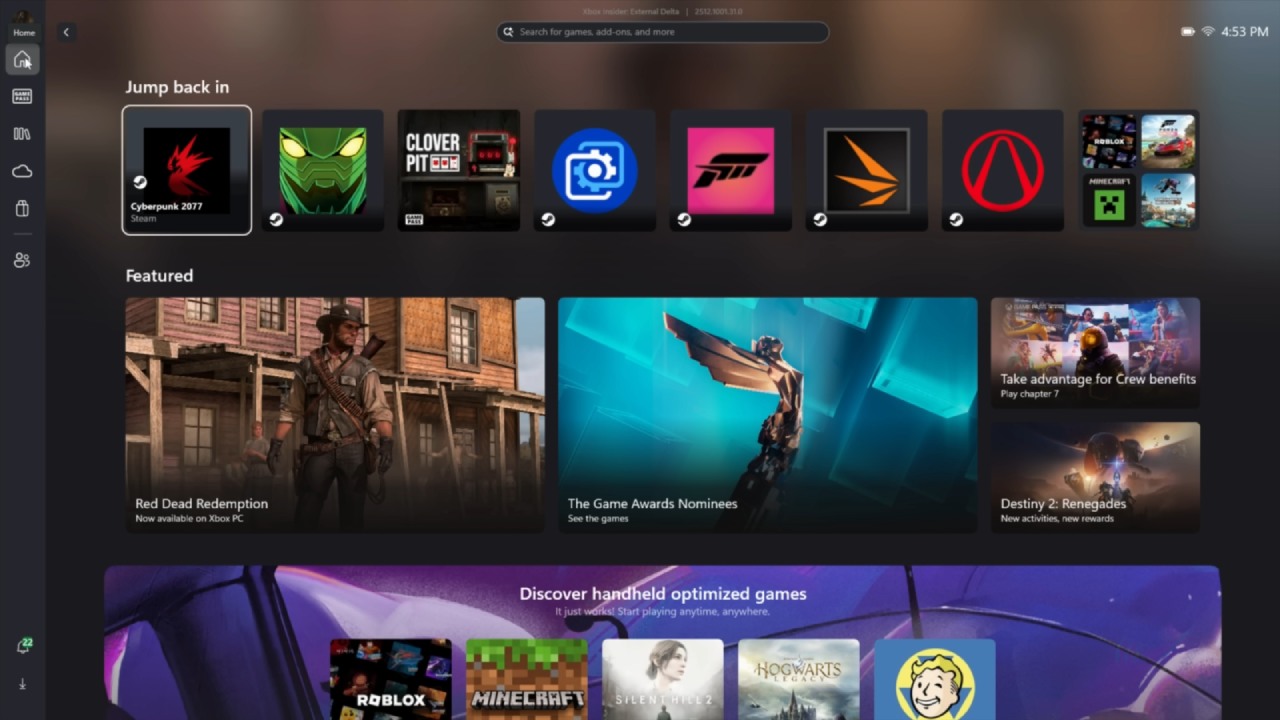
The March updates added further features, including the ability to manually add games.
The latest upgrades also provide a projection tab, a new display tab and widget, the ability to choose where notifications appear, and controls for display widget notifications. In April, an auto super-resolution option should be available.
We can now view the battery percentage right in the Game Bar, a requested feature that makes it easier to monitor. The navigation sounds have also been changed to better match the regular Xbox experience.
Library administration is better now, with more ways to sort items. You may sort games by how well they work on handhelds and how well they match your needs.
We may now add any app or game directly to the library. When you click the plus sign in the library area, a list of available apps and programs will appear. You can either choose items from this list or search for any .exe file you want to add.
You can also change entries once you add them. You can change the artwork, the file path, the entry name, or the command-line arguments. This makes it easier to access content in Xbox Mode and eliminates the need for third-party launchers.
The Game Bar now features a new tab for displays. We can change projection options, such as extend, duplicate, or single display modes, when using a docked arrangement. You may also choose the resolution and frame rate, letting you make quick changes without using other software.
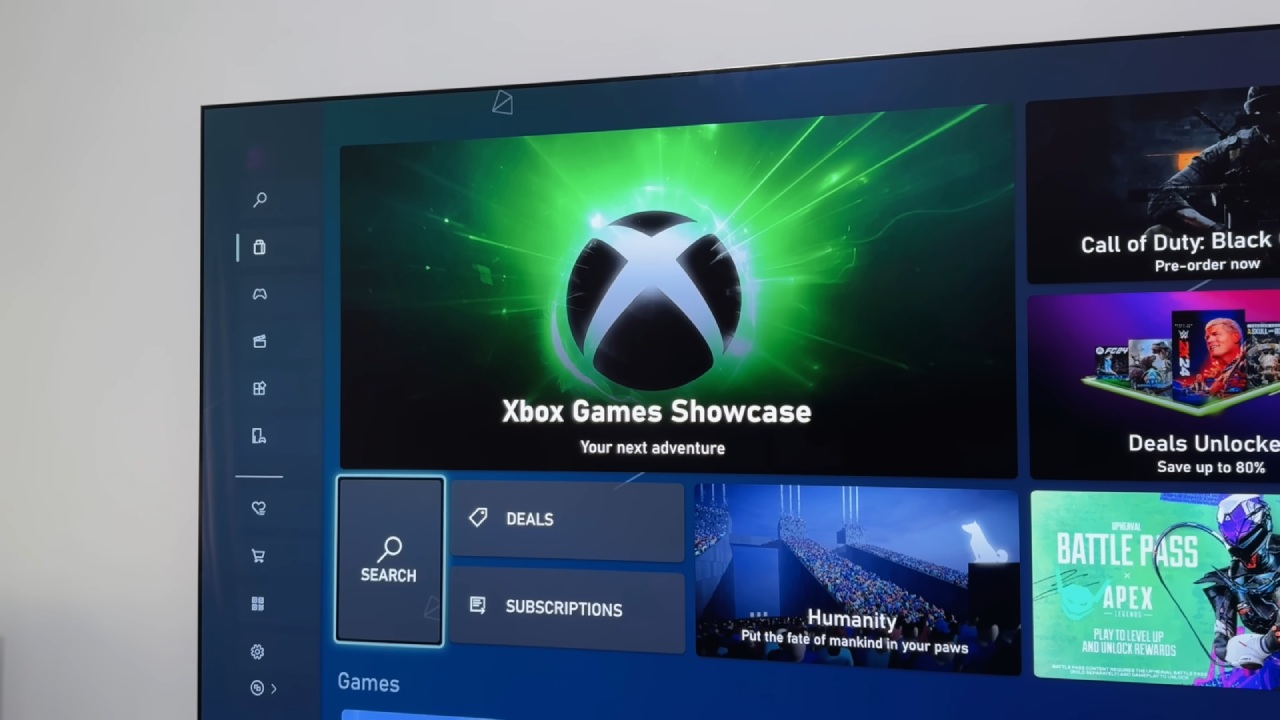
These options make it easier to switch between display settings, especially when getting ready for higher resolutions like 4K or 1440p.
There are now more placement options in the notification settings. You can choose from nine different spots on the screen where notifications appear. This gives you more flexibility in how notifications look when you use them.
The system is more responsive than it was at launch in October 2025.
Ongoing upgrades hint that things will keep getting better. When docked, super resolution should improve the visuals.
As development continues, further improvements are expected. You can already tell that Xbox Mode is becoming a better interface for mobile gaming on Windows devices. It makes it easier to navigate and customize while still working with many different apps.
Editor, NoobFeed
Related News
No Data.